I Built a Free Image to PDF Converter With No Signup — Here’s What I Learned
Hey everyone,
I wanted to share a small tool I’ve been working on and get some honest feedback from this community.
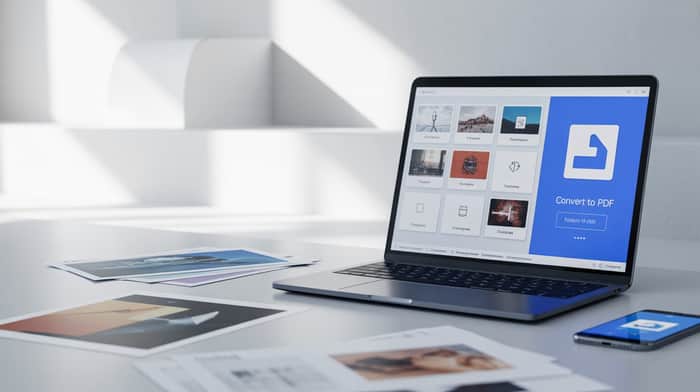
It’s a free image to PDF converter that doesn’t require signup, doesn’t add watermarks, and doesn’t hide features behind a paywall.
👉
Why I Built This
This started from a personal frustration.
Every time I needed to convert images into a PDF, I kept running into the same problems:
Tools that look free but block downloads
Forced account creation for basic features
Slow performance with multiple images
Poor output quality
It felt like a simple problem that was being overcomplicated.
So I decided to build a clean, fast alternative focused on one thing: just working without friction.
What Makes It Different
I kept the product intentionally simple:
No signup or login
No watermark on output
Supports multiple images (JPG, PNG, etc.)
Drag-and-drop ordering
Fast processing
The goal was to make something you can use instantly without thinking.
What I Learned While Building
A few things stood out during development and testing:
- “Free” Should Actually Mean Free
A lot of tools rely on bait-and-switch tactics. I chose not to do that, even though it’s tempting from a monetization standpoint.
- Speed Matters More Than Features
Users don’t care about 20 options. They care about getting results quickly. Optimizing processing speed made a bigger impact than adding extra features.
- Simplicity Wins
The fewer steps, the better. Upload → arrange → convert → download. That flow worked best.
- Trust Is a Feature
Not asking for signup immediately reduced friction. It also builds trust faster than any UI tweak.
Early Observations
From initial usage:
Most users convert 3–10 images at a time
Mobile usage is higher than expected
People value speed and simplicity over customization
Also interesting: users tend to leave immediately if they see a signup wall.
Challenges
Handling large image files without slowing down
Keeping output quality consistent
Making the tool work smoothly across devices
Still improving these areas.
What’s Next
I’m planning to expand this into a full PDF toolkit (compression, password protection, redaction, etc.), but I want to keep the same philosophy:
simple, fast, no unnecessary barriers
Looking for Feedback
I’d really appreciate your thoughts on:
UX and flow
Performance
Monetization ideas (without ruining the experience)
What features you’d actually use
Trying to build something useful without falling into the usual SaaS traps.
Thanks in advance 🙌

helpfull