Why Device Protection Matters More Than Ever in 2026
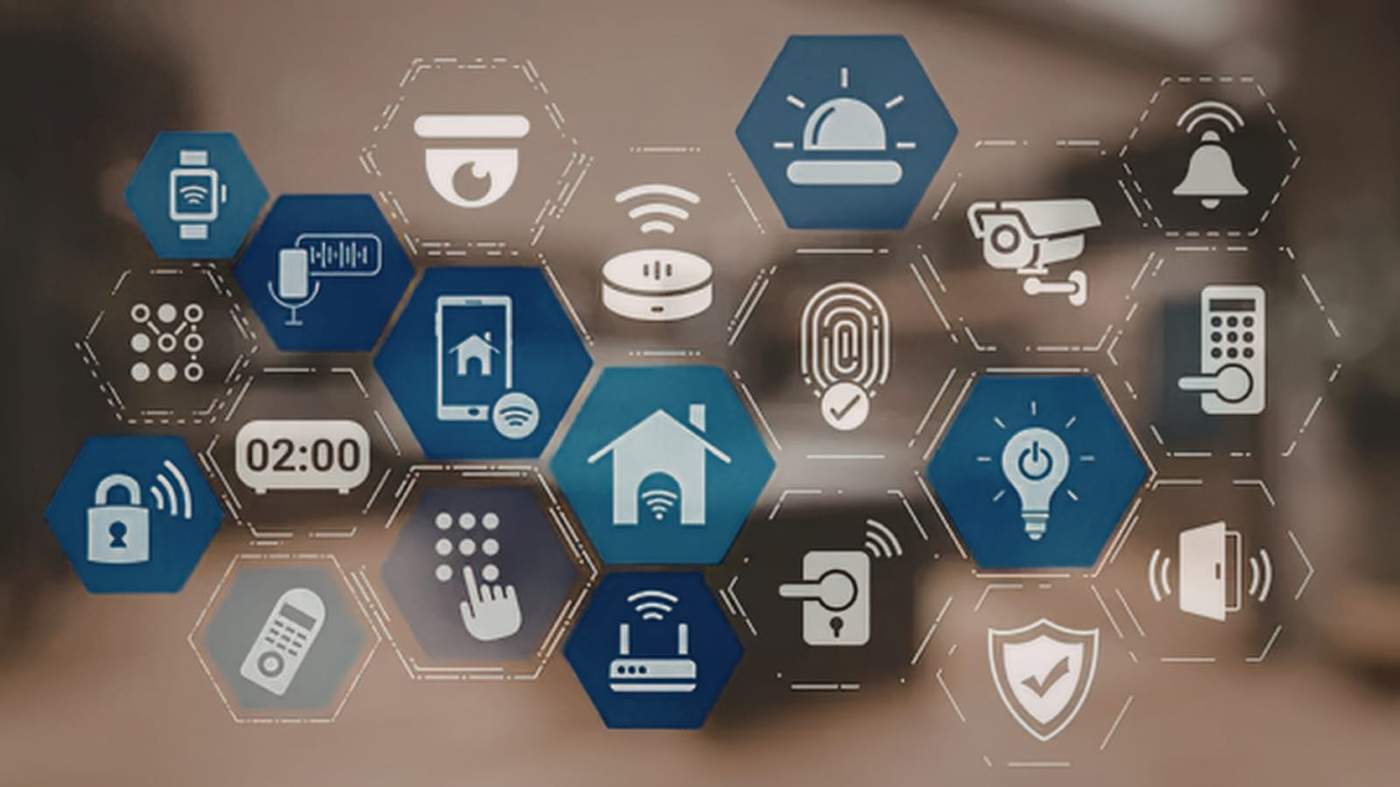
Digital threats aren't slowing down. If anything, they've gotten meaner, smarter, and far more personal. What once felt like a problem reserved for IT teams in glass-walled offices now lands squarely on the desk of every founder, freelancer, and everyday user. The window for "I'll deal with it later" thinking? That window is shut. Understanding device security in 2026 isn't a nice-to-have; it's the baseline for staying operational.
The Digital Battlefield Has Changed Dramatically
Forget the clunky phishing emails with bad grammar. Today's cybercriminals deploy AI-generated deepfakes, machine-learning-powered malware, and hyper-personalized attacks that can fool even technically savvy professionals. The numbers confirm what many already sense but haven't confronted directly.
Businesses recorded 2,349 data breaches in 2025. Ransomware-related breach notices alone hit 1,298, nearly a 59-fold increase over seven years. That's not a projection. That's happening right now.
Attackers Are Moving Faster Than Defenders
Machine learning now lets cybercriminals identify system vulnerabilities faster than most security teams can patch them. AI-powered phishing campaigns have grown eerily convincing mimicking trusted colleagues, vendor emails, and institutional communications with frightening accuracy.
Ransomware isn't just a corporate problem anymore. Small clinics, independent retailers, and individual users are hitting the headlines regularly. Frequency and sophistication are both climbing.
Your Everyday Devices Are the Target
Smart thermostats. Fitness trackers. Wireless printers. These were designed for convenience security was often an afterthought. That gap is exactly what attackers exploit.
Every connected device in your home or office is a potential entry point into your broader network. As IoT ecosystems expand, so does your attack surface. Protecting yourself starts with acknowledging that reality and taking proactive steps to secure every device.
A practical first move for many users is downloading free antivirus software from a trusted security provider. Features like real-time threat detection, automatic updates, and lightweight protection can help strengthen your defenses without adding unnecessary complexity or cost.
Why the Stakes Are Higher in 2026
Unprotected devices don't just inconvenience you. They expose you, your data, your finances, and your reputation to consequences that compound fast.
Personal Privacy Is Eroding Without Intervention
Modern malware doesn't announce itself. It runs silently in the background, harvesting credentials, banking details, and private communications while you carry on normally. Identity theft cases have spiked alongside increasingly sophisticated credential-harvesting tools.
Worth noting: your compromised device rarely stays your problem alone. It often becomes the launch pad for attacks on broader networks, affecting people you work with or care about. Taking protection seriously is genuinely responsible behavior, not just self-interest.
Hybrid Work Has Multiplied Business Risk
Remote and hybrid work arrangements have created a sprawling, often uncontrolled endpoint environment for businesses. Employees logging in from personal laptops or coffee shop Wi-Fi introduce serious vulnerabilities, and many organizations still haven't fully reckoned with that reality.
A single poorly protected device can trigger a data breach that brings regulatory fines, legal liability, and reputational damage that takes years to repair. Mid-sized businesses tend to absorb these hits hardest.
The IoT Problem Touches Public Infrastructure
Weak device protection doesn't stop at individual screens. Smart city systems, hospital networks, and energy infrastructure all depend on connected devices. When those devices are left vulnerable, the downstream consequences affect millions of people.
Device security in 2026 is a matter of public safety, not just personal convenience.
Advanced Security Principles That Actually Work
Strong habits combined with the right tools go a long way. You don't need to be a cybersecurity engineer to significantly reduce your risk.
Zero-Trust Is the New Normal
Zero-trust architecture operates on a single, uncompromising principle: nothing inside your network gets automatic trust. Every user, device, and connection gets verified continuously.
For individuals, that means healthy skepticism toward every login prompt and software update notification. For businesses, it means multi-factor authentication and granular access controls across every system. No exceptions.
Encryption and Authentication Are Non-Negotiable
Passwords alone are no longer adequate protection. Quantum-safe encryption and biometric authentication are no longer futuristic concepts; they're available and increasingly necessary.
Enable biometric login where it's offered. Use a password manager. Prioritize services that provide end-to-end encryption. These aren't burdensome steps; they're foundational habits that meaningfully reduce your exposure.
AI-Powered Defense Delivers Real Returns
Microsoft Defender delivered a 242% return on investment over three years, generating $17.8 million in business benefits. That's not a marketing figure; that's documented, third-party verified value.
AI-driven behavioral analytics catch unusual activity before damage spreads. These tools learn your normal usage patterns and flag deviations in real time, often catching threats that humans would overlook entirely.
Practical Steps to Protect Your Devices Right Now
Protection Layer
Best For
Cost
Antivirus Software
Malware, ransomware, phishing
Free–Low
VPN
Remote work, travel security
Low–Medium
Password Manager
Credential protection
Free–Low
Two-Factor Authentication
Account security
Free
Device Encryption
Data theft prevention
Free (built-in)
Choosing Tools That Hold Up Under Pressure
In 2026, non-negotiable features include behavioral monitoring, automatic updates, and cross-device integration. Avoid security tools that drag system performance; protection shouldn't come at the cost of productivity.
Always check independent test scores and third-party certifications before committing to any security product. Marketing copy is easy to write. Verified real-world performance data is harder to fake.
Mobile and IoT Devices Deserve Equal Attention
Change default credentials on every connected device immediately after setup. Segment smart home devices onto a separate network from your primary computers. Enable automatic firmware updates don't leave that to chance.
Mobile devices are just as vulnerable as laptops. Enable full-disk encryption, use strong screen locks, and audit app permissions quarterly. Camera, microphone, location know exactly what has access.
Your 2026 Device Protection Checklist
- Install reputable antivirus software and keep it updated
- Enable multi-factor authentication on all accounts
- Use a VPN on public or unsecured networks
- Regularly update operating systems, firmware, and applications
- Change default passwords on every IoT device
- Back up critical data to secure, encrypted storage
- Review mobile app permissions every quarter
Common Questions, Answered Directly
What are the biggest security issues in 2026?
Identity and access attacks dominate the threat landscape. Zero-trust security, privileged access controls, and phishing-resistant authentication tools are your strongest defenses even when credentials get compromised.
Why does cybersecurity matter so much right now?
Because the threats are real, frequent, and expensive. Ransomware, phishing, data breaches, malware these aren't hypothetical risks. Protecting your systems and sensitive data is now a fundamental operational requirement, not an optional upgrade.
How often should security software update?
Ideally, automatically every time the provider releases a patch. Run manual checks weekly regardless. Outdated protection is nearly as dangerous as no protection at all.
The Bottom Line
Device protection in 2026 isn't paranoia. It's professionalism. Threats are smarter, faster, and more damaging than at any previous point. Whether you're safeguarding personal files or business-critical data, the cost of being unprepared vastly exceeds the effort required to get protected. Start with the basics, build smart habits, and take the next step today because waiting for a breach to motivate you is a risk no serious professional can afford to take.

