
MirrorFly Video Call API & SDK
Add crystal-clear video calling to iOS, Android & web apps.
Video calling looks simple until you start building it.
You add a camera preview, then realize you need signaling. Once that's working, you have to handle ICE candidates, network changes, reconnections, permissions, screen sharing, responsive layouts, browser compatibility, and group calls.
I spent quite a bit of time documenting the entire development process and turned it into a practical guide for Angular developers.
It covers things like:
Setting up a new Angular project
Integrating video calling into the UI
Understanding how WebRTC actually works
Handling signaling and peer connections
Supporting one-to-one and group video calls
Improving call quality and stability
Common mistakes that slow development down
Full source code to help you get started faster
The goal wasn't to write another generic WebRTC article. I wanted something that walks through the actual implementation process from start to finish.
If you're building a communication product, I'd love to know how you're approaching signaling, media servers, or scaling group calls.
Guide: https://www.mirrorfly.com/blog/angular-video-chat-app/

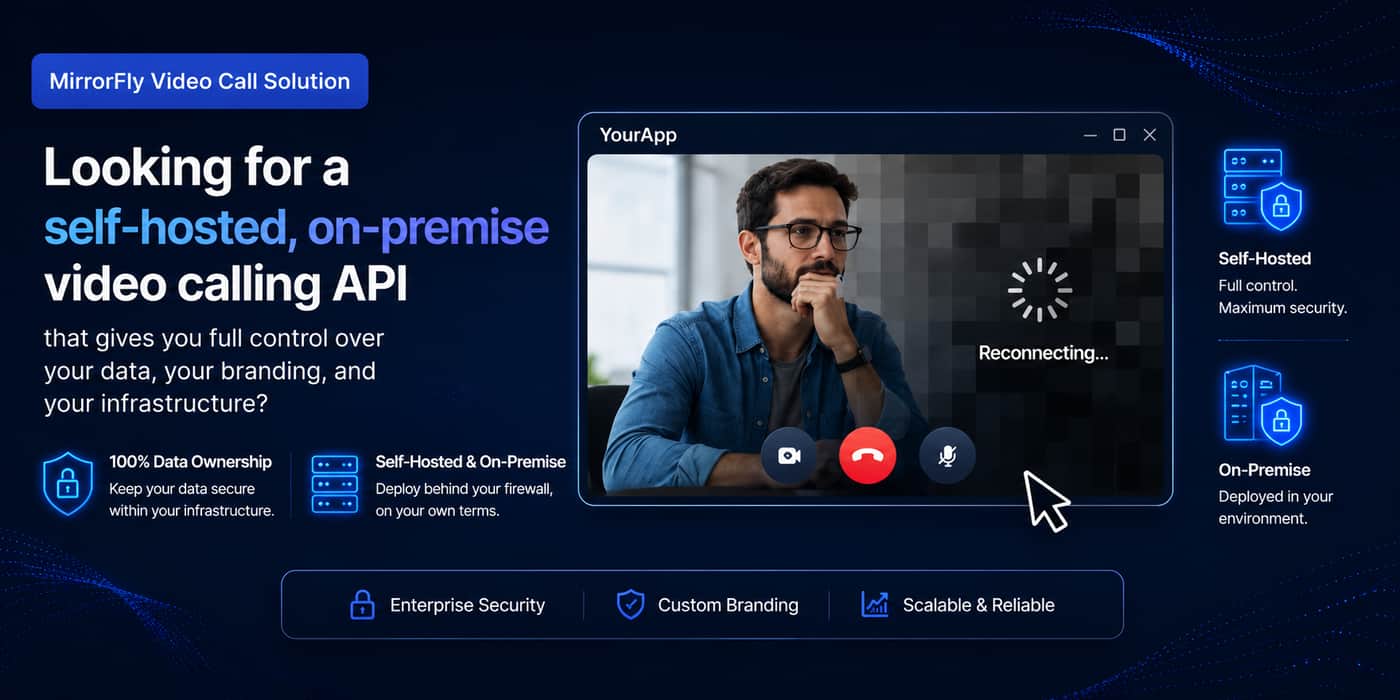
Video calling API and SDK lets businesses add real-time video calling capabilities to any app or website instantly. So you don’t need to build it from scratch.
All you have to do is just integrate the video calling API and go live with secure, high-quality video calls.
Built for Every Industry
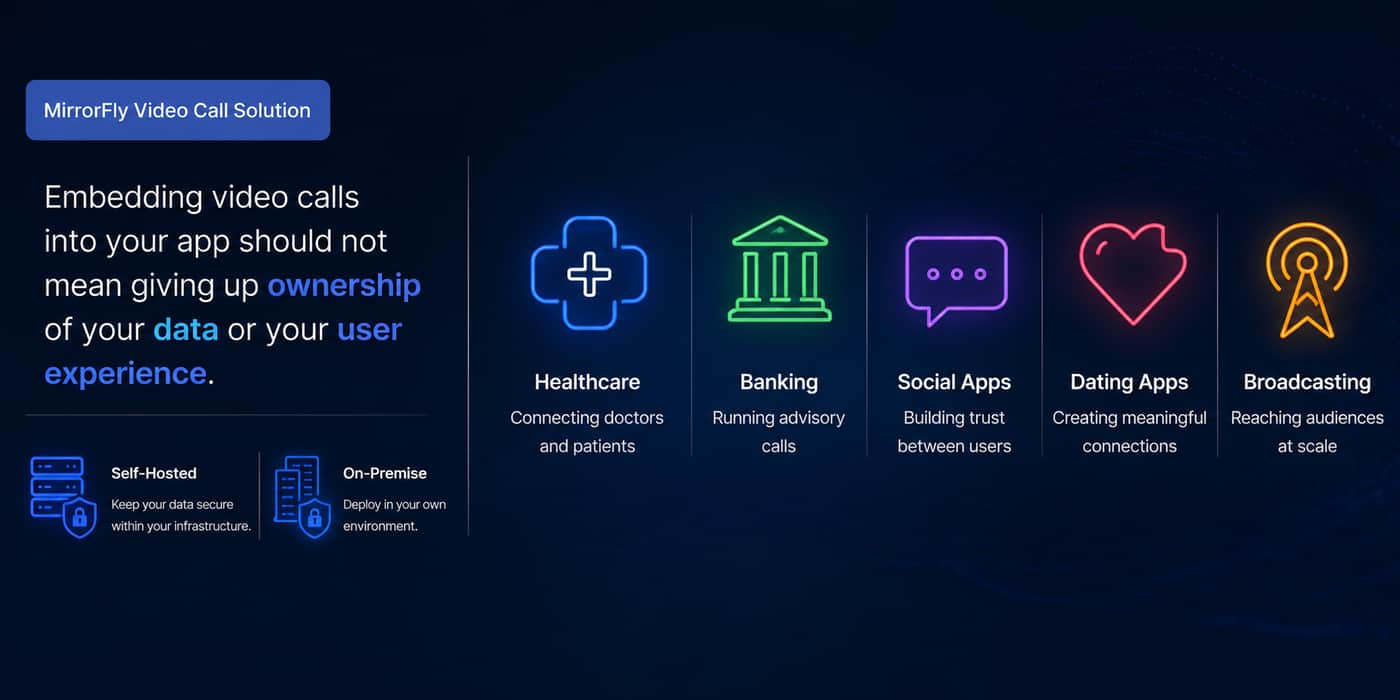
A video calling API is built to flex beyond just making simple video calls. Every industry has it own needs to videos just like:
Healthcare - Enables secure, HIPAA-compliant telemedicine consultations where doctors and patients can connect remotely without compromising sensitive patient data.
Banking & Finance - Delivers video KYC verification and virtual wealth advisory sessions to customers while reducing in-branch visits and maintaining compliance.
Social Apps - Gives users richer, face-to-face ways to connect, boost engagement and increase the time spent in the app.
Dating Apps - Adds safety with verified video matching so users can build trust before meeting in person.
Broadcasting & Virtual Events - Supports live streaming, webinars and large-audience broadcasts with reliable and lag-free video delivery.
What To Expect In Video Calling Solutions?
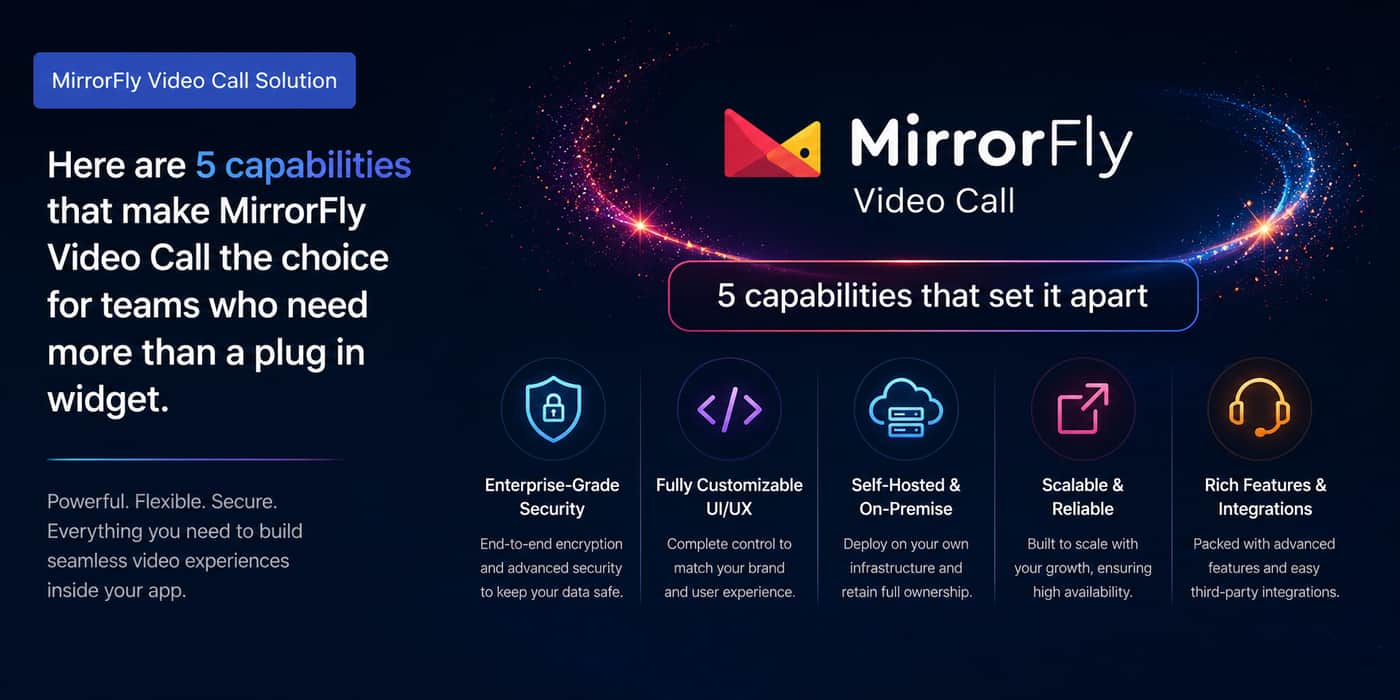
Enterprise-grade security - Every call is protected with AES-256 end-to-end encryption protocols, ensuring data privacy and regulatory compliance.
Fully customizable UI/UX - Full access to design and modify the buttons, layout, workflows and calling interface, so it can match your brand.
Self-hosted & on-premise - Deploy on your own servers or infrastructure for complete ownership of data and compliance posture.
Scalable & reliable - Built to handle millions of concurrent users and calls without dips in quality or uptime.
Rich features & integrations - 1000+ video calling features and easy integration with existing tech stacks or third-party tools.
Cross-Platform Calling
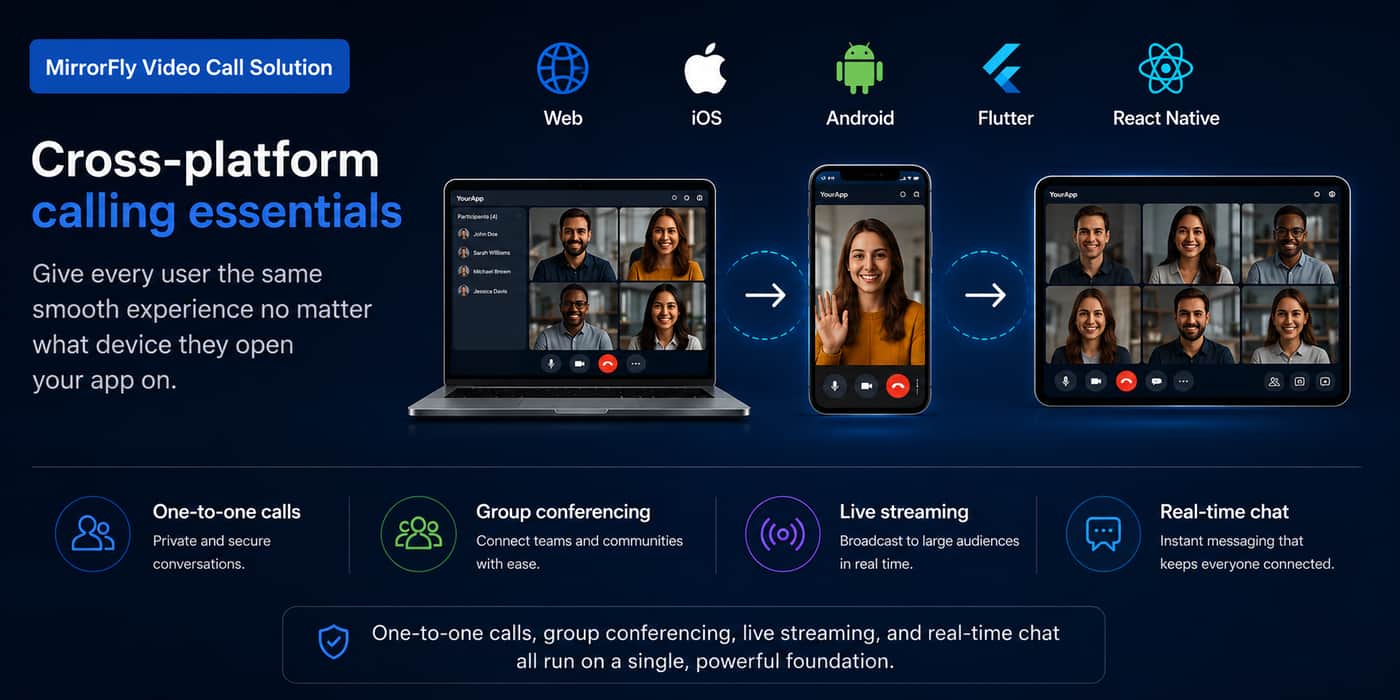
Get consistent and low-latency video calling across Web, iOS, Android, Flutter and React Native.
This cross-platform flexibility is critical for businesses building products where users expect to connect anytime, anywhere and on any device they have without missing a beat.
Self-Hosted Deployment
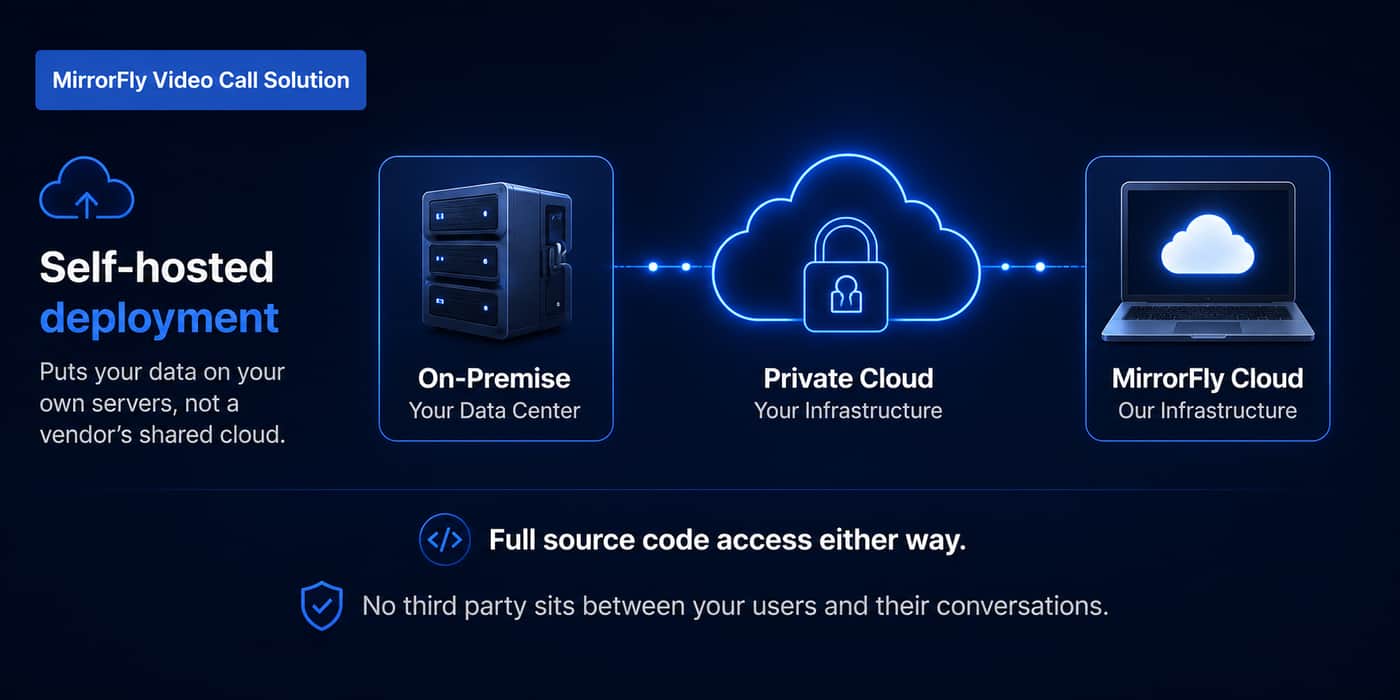
Self-hosted model gives businesses full control over how data is processed and who has access to it.
It's a critical differentiator for healthcare, banking and government use cases where compliance requirements like HIPAA, GDPR or data residency laws is a must.
Flexible Calling Modes
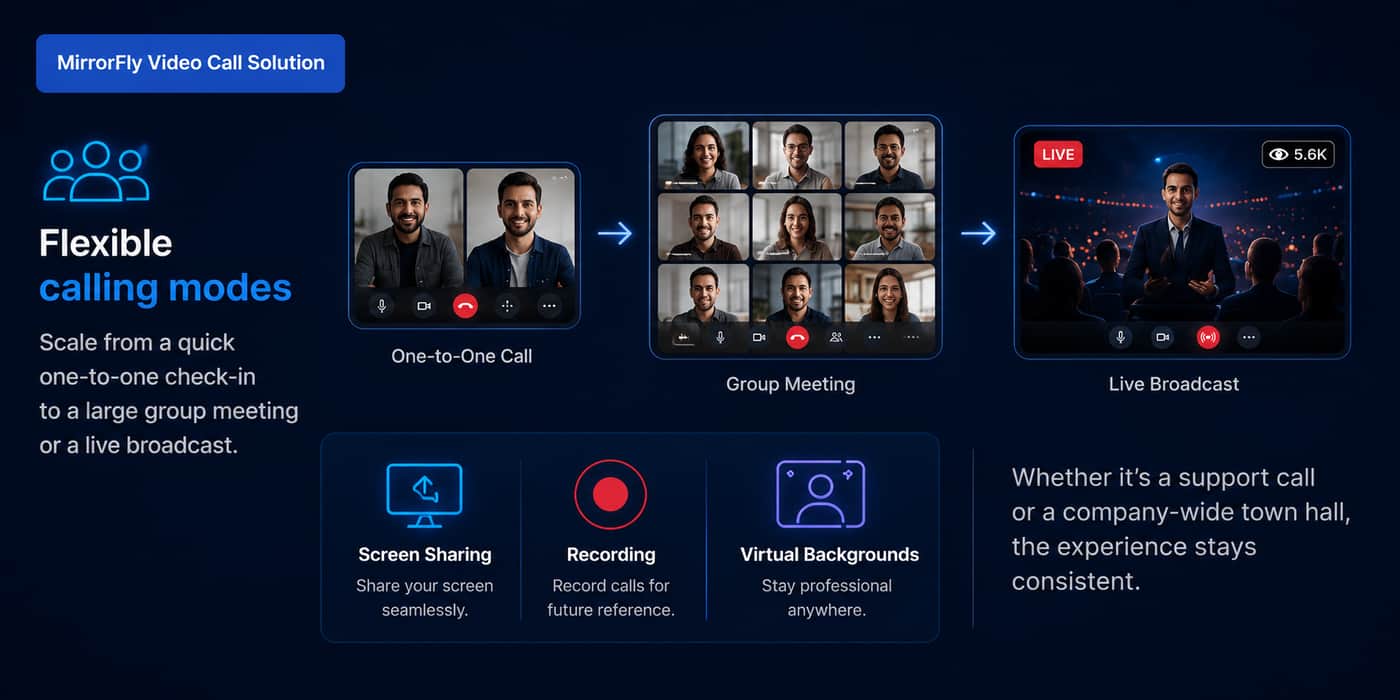
It supports real time communication giving users natural, responsive conversations rather than one-directional streams. Here’s what it covers:
One-to-one calls for a private and secure conversation.
Group conferencing to connect teams and host meetings.
Live stream events to millions of audiences in real-time.
Real-time chat to keep everyone connected.
Screen sharing to showcase products and presentations.
Record your meetings and events for future reference and publication.
Virtual background to create a more professional look.
End-to-End Security
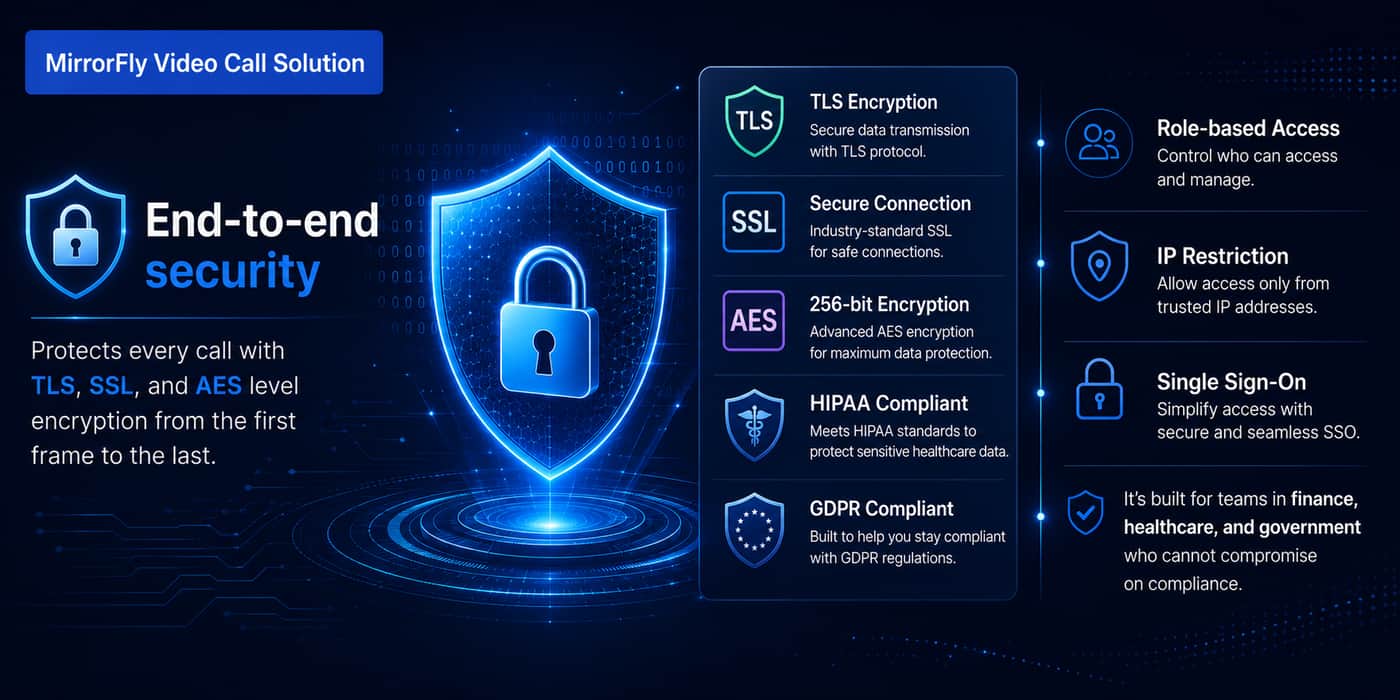
Security is built into every layer of the architecture as calls are protected using:
TLS (Transport Layer Security) - securing data as it moves between client and server
SSL (Secure Sockets Layer) - encrypting the connection itself
AES (Advanced Encryption Standard) - safeguarding data at rest
Role-based access, IP restriction & single sign-on to ensure unauthorized access.
Together, these protocols ensure that conversations, video streams and associated data remain private and tamper-proof.
White-Label Customization
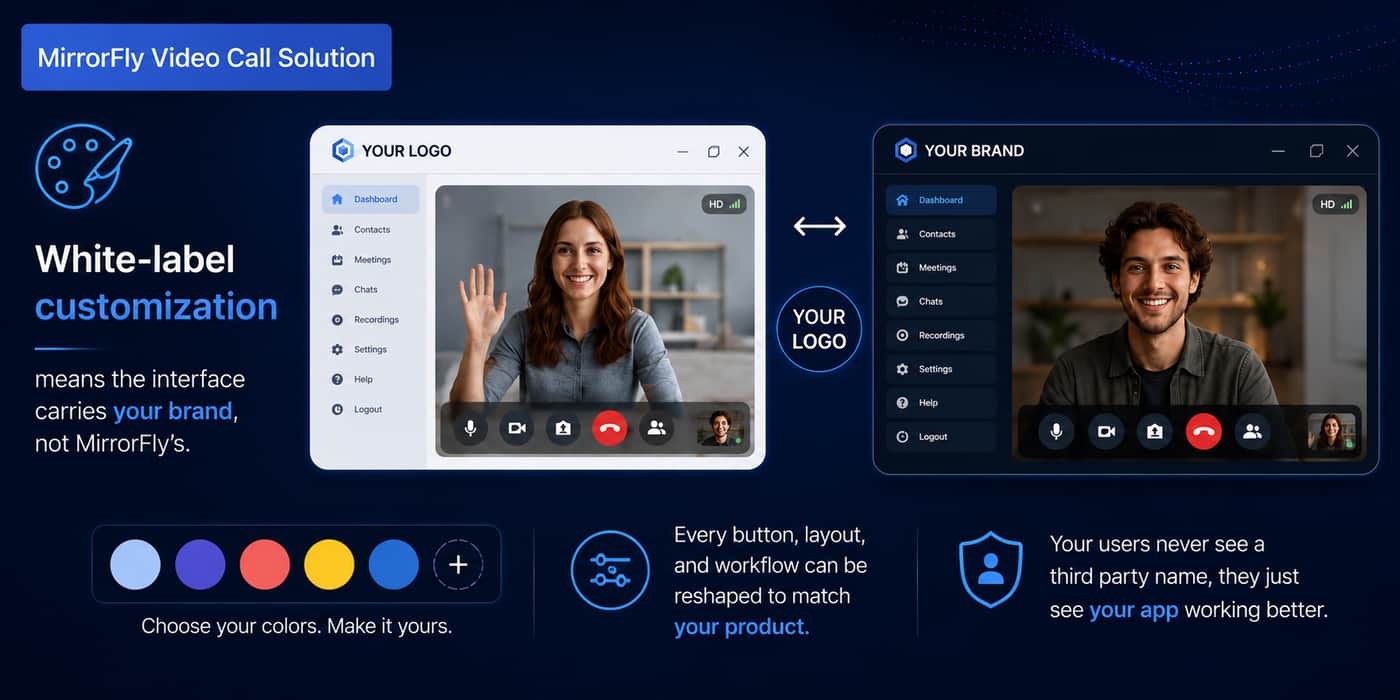
White-labelling lets you brand every element of the calling experience. So, businesses can customize colors, layouts, buttons, icons and overall UI/UX to match your product.
Here, there will be no third-party logos, no generic UI, just your product with your brand on it.
MirrorFly Brings It All Together
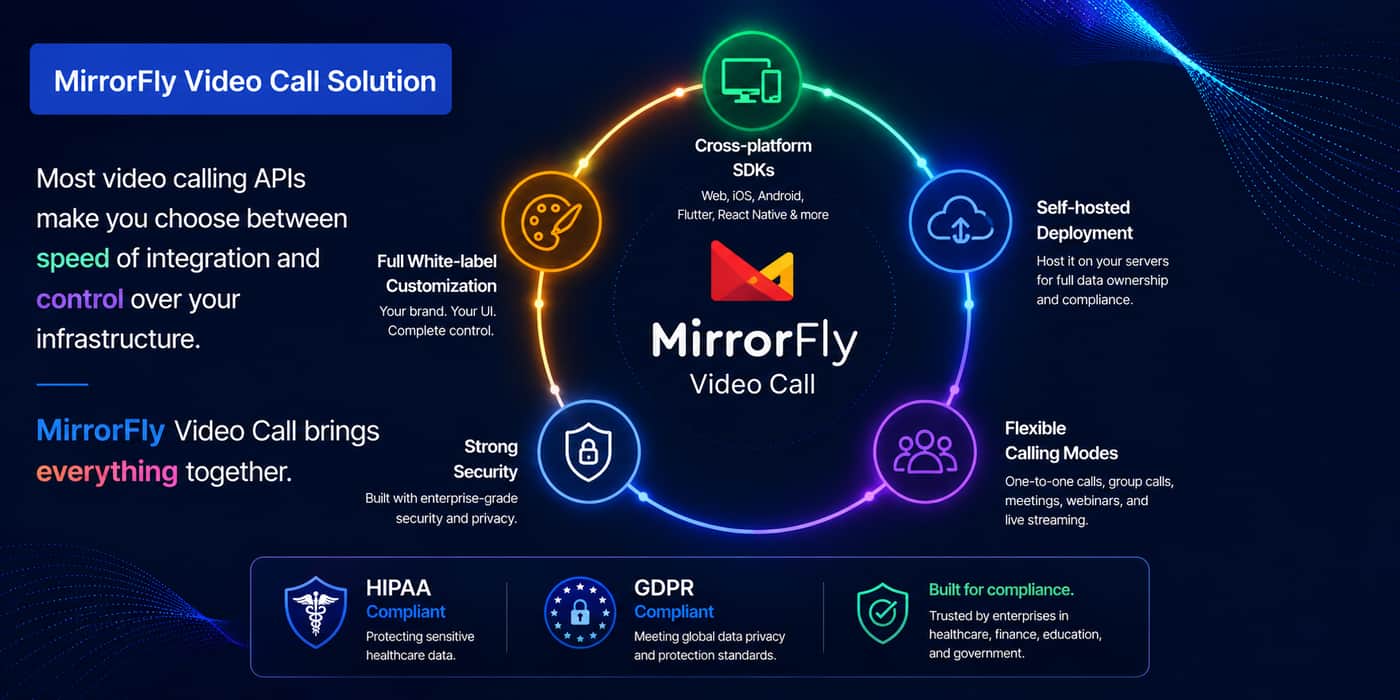
Security, scalability, customization and cross-platform reach in one place.
MirrorFly's video calling API isn't just a feature add-on, it's a complete communication layer built to grow with your business.
It handles the full spectrum of video communication needs even in two-way audio and video environments, letting internal teams focus on their core product instead of communication infrastructure.
Video calling shouldn't be complicated.
MirrorFly gives developers a fast integration path and businesses the control, security and flexibility they need in one API.
Comment