
SnapWidget
Instagram, Facebook, Twitter, YouTube widgets for your site

Added a new widget layout option that displays content from Instagram, Facebook, and Twitter in a feed format. 🎉
It also supports non-media posts from Facebook and Twitter, something a lot of users have been requesting of the past couple of months.
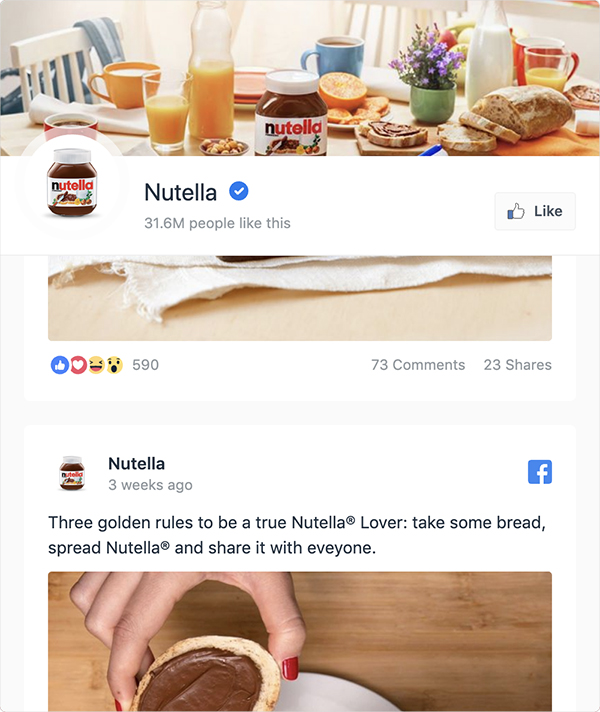
Also updated the widget editor to move the settings and options to the sidebar and make it easier to see what a larger widget would look like.


Easily embed a YouTube widget on your website to display your videos to your visitors. A YouTube video gallery is an easy way to grow your audience.

The Instagram Pro Grid widget can now display carousel posts from Instagram with multiple photos or videos per post. This can be enabled under the Advanced Settings tab for the widget.

A new widget type that allows you to display a beautiful welcome banner on your website with a message and link to your visitors. Perfect for promoting new content on your site.

What an awesome 7 years it's been! Growing SnapWidget to more than 180k installs!

A small update to add some customization to hashtag campaigns. Companies can now specify assets for the campaign landing page like logos, backgrounds and colors. The welcome text is also customizable.
A company can now also create a campaign without a hashtag, and set a hashtag per widget. This allows for social influencers to join 1 brand campaign, and have their photos linked to different widgets.

Social proof! Something that a lot of websites have been implementing recently.
A new widget type has been added to SnapWidget that allows users to embed a small popup in their page, that displays their most recent photo and the number of likes. This popup displays after a few seconds in the bottom left of the page and allows the visitor to see that the website is active on Instagram.
I should have probably added this feature much sooner. Lots of users create and embed this widget. The growth is much bigger than any other type of widget on SnapWidget.

Since privacy is obviously a big concern when displaying photos from others, I had to find a way of letting brands and companies create widgets that could display photos from their followers.
For this, I added hashtag campaigns. Companies and brands can now create campaigns that their visitors can join, and give SnapWidget permission to display their photos tagged with a specific brand related tag on their websites.
This gave SnapWidget a huge boost in new users and also increased the follower count of our users.

Moved the business to South Africa.
After having been with Stripe for the past 5 years, I had to, unfortunately, find an alternative that supported payouts to South Africa. Luckily, Paddle made this very easy.
-
1
Hey Herman! How is your experience with Paddle since you started using them?
-
2
Hi there! I'm super happy with Paddle (and you can ask anyone, I'm a very difficult customer 😜). They have really good support, and payments are always on time.
The only issue I have that they've not been able to fix/update is that upgrading during trial period is not supported by them. This is a bit of a pain since I then need to manually upgrade customer subscriptions when they request this during their trial period.
Apart from that, the service has really been good.
-
1
Thanks for your answer. There are so many negative comments on Paddle and to be honest I'm a little scared to try them. I'll keep on researching a bit more.
-
1
That's strange. Where are you seeing negative comments about them?
-
1
A lot of places. TrustPilot, Quora, even ProductHunt. Most negative comments say that their account is blocked and they cannot get their payments. Sure, there is a possibility that those accounts were doing malicious or down right illegal stuff but there are a lot of them.
One of them even said (on TrustPilot IIRC) that the Paddle's legal entity is registered in an island around UK and that it's very unlikely to even get a response to a legal case. Though in Paddle's website the address is London, so I'm not sure about that.
-
1
Interesting. I guess it could be people running service businesses instead of product businesses. As far as I know they don't support selling services via Paddle.
I've had some video calls with them, so they seem legit in my opinion. But always good to be careful.
-
-
-
-
-
-
-1
This comment was deleted 4 years ago
-
1
Lol. Maybe get the landing page sorted before you start spamming that link all over.
-


Something a lot of users have requested, and which is pretty tricky to do when you have photos contained in an iframe, has been the ability to show photos in a Lightbox. This keeps the visitors on their page.
Comment