
code-tree.dev
Showcase your stack, projects, and links in one profile.
“Your work deserves to be seen. Code-Tree.dev helps you show it beautifully.”
In today’s world, your digital presence is more than a LinkedIn headline — it’s your portfolio, your growth story, and your professional fingerprint.
That’s where Code-Tree.dev comes in: a platform built for developers who want to showcase their skills, projects, and personality — all in one clean, shareable profile.
🚀 Why Code-Tree.dev?
Code-Tree isn’t another portfolio generator or job board.
It’s a living profile that grows with you — capturing your journey as a developer.
Whether you’re a seasoned engineer, a student building your first project, or a freelancer looking to stand out, Code-Tree helps you show your work, not just your résumé.

🧭 The Dashboard: Your Developer Homebase
Once you log in (with GitHub or Google, easy and secure ✨), you’re welcomed by a clean, intuitive dashboard.
From here, you can:
Update your tech stack — show what tools and languages define you.
Add your personal links — GitHub, LinkedIn, portfolio, or even your blog.
Discover and recommend other developers — because community matters.
Explore other profiles and search by tech or name.

💡 A Profile That Works for You
Each Code-Tree profile feels personal — not templated.
You can quickly update your stack, highlight what matters most, and connect with other devs.
What makes it powerful is how discoverable it is. Your public Code-Tree profile becomes a mini-hub for your professional identity, and you control every piece of it.
🔗 Share It, Everywhere
Once your profile looks just right, simply copy your Code-Tree link and start sharing!
Here are a few ideas:
Add it to your GitHub README
Drop it in your X (Twitter) bio
Include it in your LinkedIn About section
Or even share it on your personal website
Your Code-Tree link is the perfect one-liner that says:
“I’m a developer. Here’s what I build.”
🌱 Final Thoughts
Code-Tree.dev is more than a profile builder — it’s a way to celebrate your growth as a developer.
It’s lightweight, friendly, and designed for authenticity.
If you haven’t already, head over to code-tree.dev, sign in with your GitHub or Google account, and start growing your tree 🌳

We just launched a new feature on Code-Tree.dev:
👉 Search by users and tech stack
You can now explore our community by filtering developers based on:
Tech stack (React, Node.js, Python, Rust, etc.)
Keywords in their bio
Whether you’re looking for collaborators, want to discover interesting profiles, or just see how other developers are building their stacks – this is for you.
We're building Code-Tree.dev to be a place where devs share their stack, showcase their work, and connect through tech.
Check it out and let us know what you think:
🔗 https://code-tree.dev/search
PS: If you're not on code-tree.dev yet, you can sign up and create your public profile in minutes for free.
Let’s grow together. 🌱
Hey everyone 👋
A few weeks ago, I launched code-tree.dev — a platform for developers to showcase their work, tech stack, and projects in a clean, structured way.
Think of it as a “developer profile card” where you can link your GitHub, portfolio, and side projects — and tag the technologies you use.
🌟 What’s New
Over the past few weeks, I’ve been working hard on a few big improvements:
⚡ Major Speed Boost
The app is now significantly faster — both in loading profiles and navigating between pages. I reworked parts of the backend and optimized the frontend rendering for a smoother experience.
🔐 GitHub Login
You can now sign in directly with your GitHub account! No extra forms, no friction — just one click and you’re in.
👥 Almost 80 Users!
I’m super happy to see nearly 80 developers have already joined and created their profiles 🎉
Thank you so much to everyone who tried it, shared feedback, or helped spread the word — it really means a lot.
💡 What’s Next
I’m now focusing on improving discoverability (so you can explore other devs’ profiles easily) and adding more customization options for your personal dev card.
If you haven’t checked it out yet, give it a try and let me know what you think!
👉 https://code-tree.dev
Thanks for all the support 💙
We’ve just launched a small but powerful new feature:
👉 Suggested profiles are now shown at the bottom of each user page.
Now it's easier to:
✅ Discover other devs with similar stacks
✅ Explore indie projects and makers
✅ Get inspired by how others share their work
This makes Code Tree not just a profile — but a place to connect, explore, and grow with the dev community. 🌱
🔗 Try it out: https://code-tree.dev
✨ Not on Code Tree yet?
Showcase your stack, projects, and tools — all in one beautiful profile.
One of the most requested features is now live: you can now sign up and log in with your GitHub account on code-tree.dev! 🎉
This makes it faster and easier than ever to start building your developer profile — just a few clicks and you're in.
Why use GitHub login?
✅ Instant account creation
✅ Seamless connection to your developer identity
✅ Less friction, more building
If you're new here, code-tree.dev is a platform where devs can:
🌱 Showcase their projects, tech stack, and experience
🔗 Share links to GitHub, portfolios, blogs, etc.
👀 Get discovered by others in the dev community
💡 I'd love your feedback on this new feature:
Have you tried logging in with GitHub?
What features would you love to see next?
Check it out and let me know what you think 👉 https://code-tree.dev
🙏 Thanks again for all the support!
Now you have a button that copies your code-tree.dev to your clipboard!
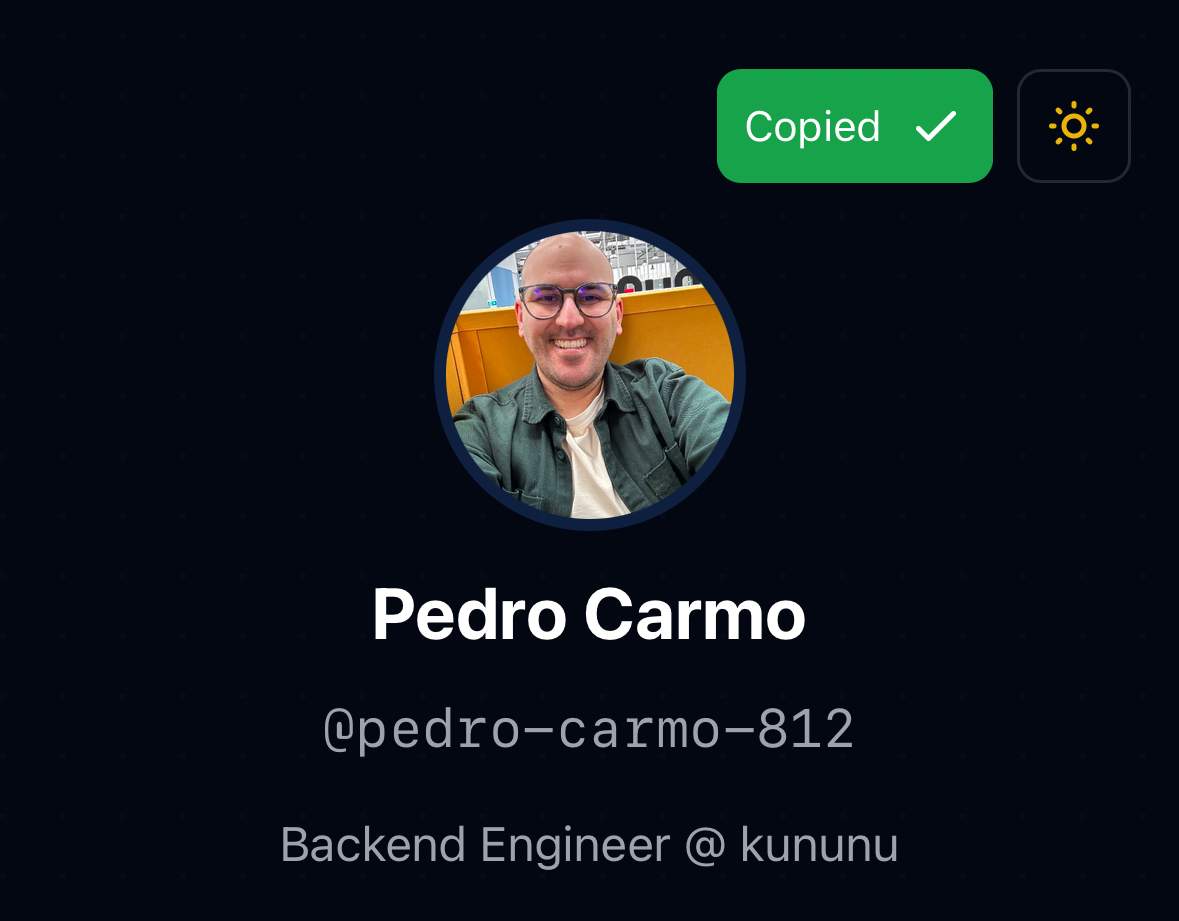
Now you can create you profile in code-tree! Start it at https://code-tree.dev/
-
1
Hello, I think it’s a really cool site and the process of creating a profile is smooth! Is it possible to add a LeetCode icon for links?
-
1
I added my profile there. Is it possible to browse profiles.
-
1
For now, I don't have that feature in production. I'm planning to release next week!
-
-
1
Really like how this service gives developers a simple way to showcase themselves — feels almost like something you could drop into a resume or portfolio. Excited to see how it upgrade!
I also noticed the Tech Stack section is pretty detailed. Seeing AlpineJS there was a nice surprise! It’d be cool to have UnoCSS in the mix too — I often use it for lightweight front-end work alongside Tailwind.
-
1
This comment was deleted a year ago


Comment