13 tools I used to Marketing my Startup
Telling others you are overworked without telling them you are overworked?
I’m a solo marketer running the show at my start-up right now. Boom. Done.
The tasks never end… but at least I have a toolkit to keep me alive and running.
Here are they
1. Perplexity
Research Anything from post ideas to content.
When researching anything from tax laws to “why isn’t my website loading,” this is your best friend.
It is a lifesaver when it comes to quick research. It provides a clear overview of any topic and lets you double-check facts without much hassle.
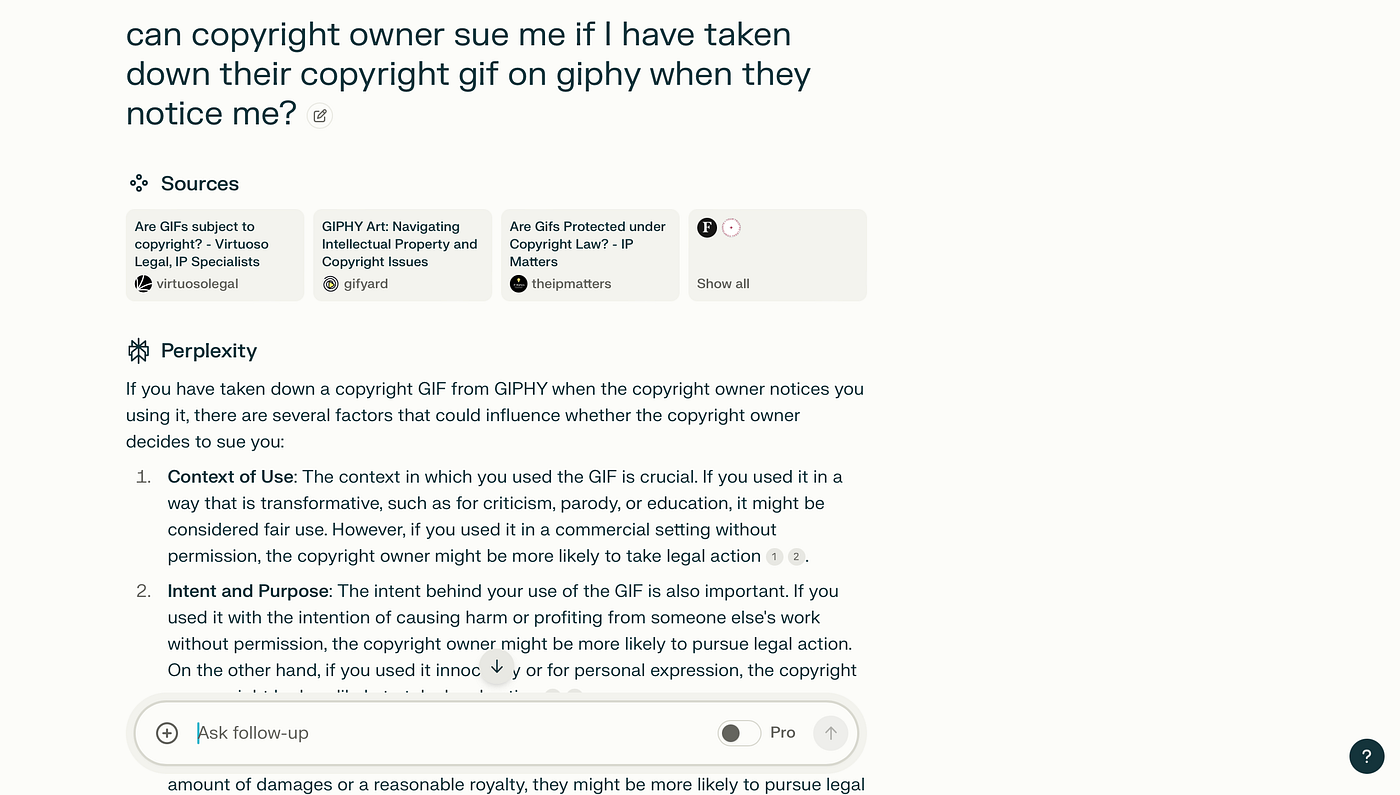
For example, I recently searched about copyright with gifs, and it gave me a solid foundation in just a few seconds
- Pros: Great for fast, diverse information on
- Cons: While it gives a good overview, you’ll still need to dig deeper for complex research.
- Pricing: Free for basic use.
Similar tools to this? read here
2. Saner.AI
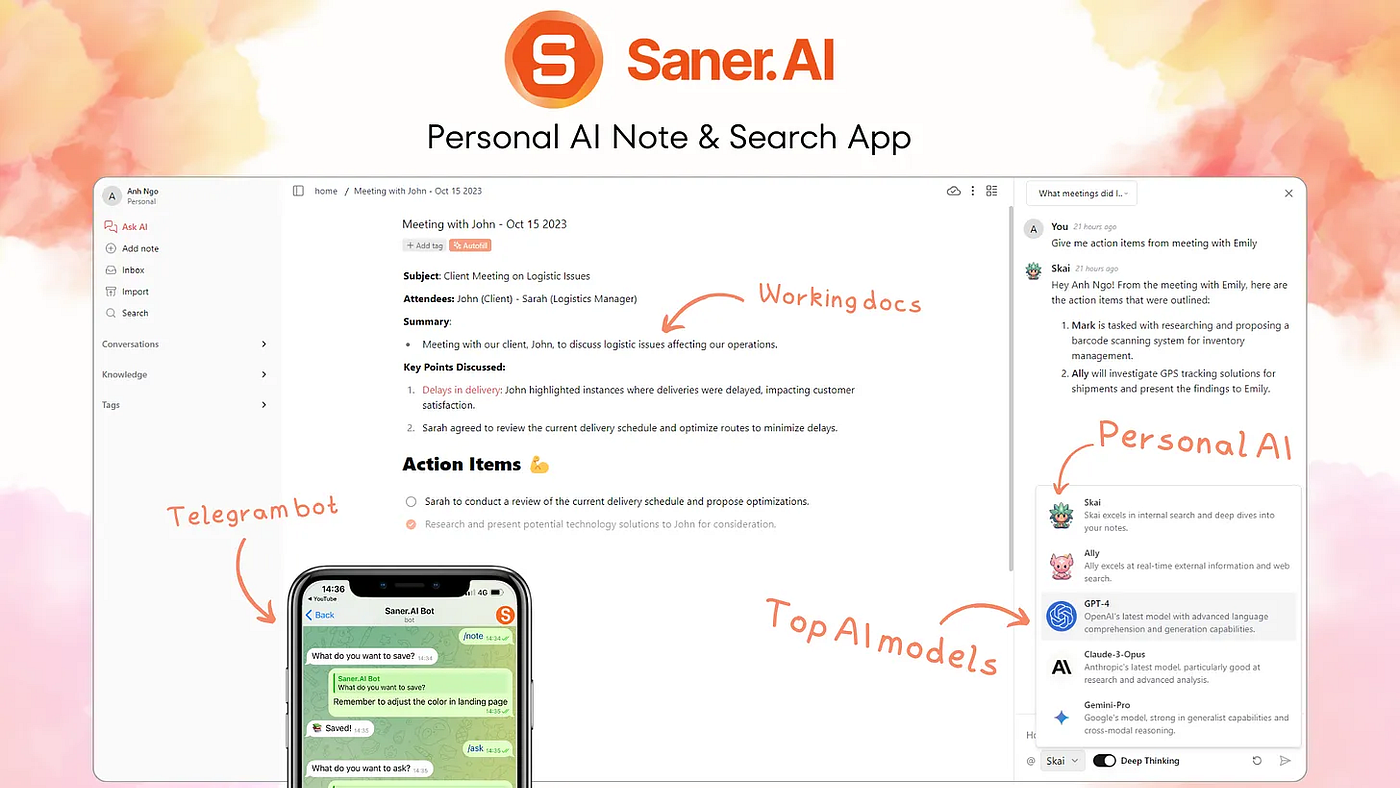
Central Place to save all ideas, and info you are bombarded with 💣
Who creates content and consumes content more than us? No one! Not to mention all the changes happen hourly when you work in a startup 🙂 It’s insane to keep track of everything.
With Saner.AI, I can sync data from various sources and find it instantly when I need it. The best part? I don’t have to organize anything (because, hmm, I don’t have time for that).
- Pros: Keeps everything searchable without needing to organize it.
- Cons: Early stage product so can have some bugs
- Pricing: Free with paid plans for more features.
I eat my own dog food here, but it works for me lol
3. Grammarly & Quillbot
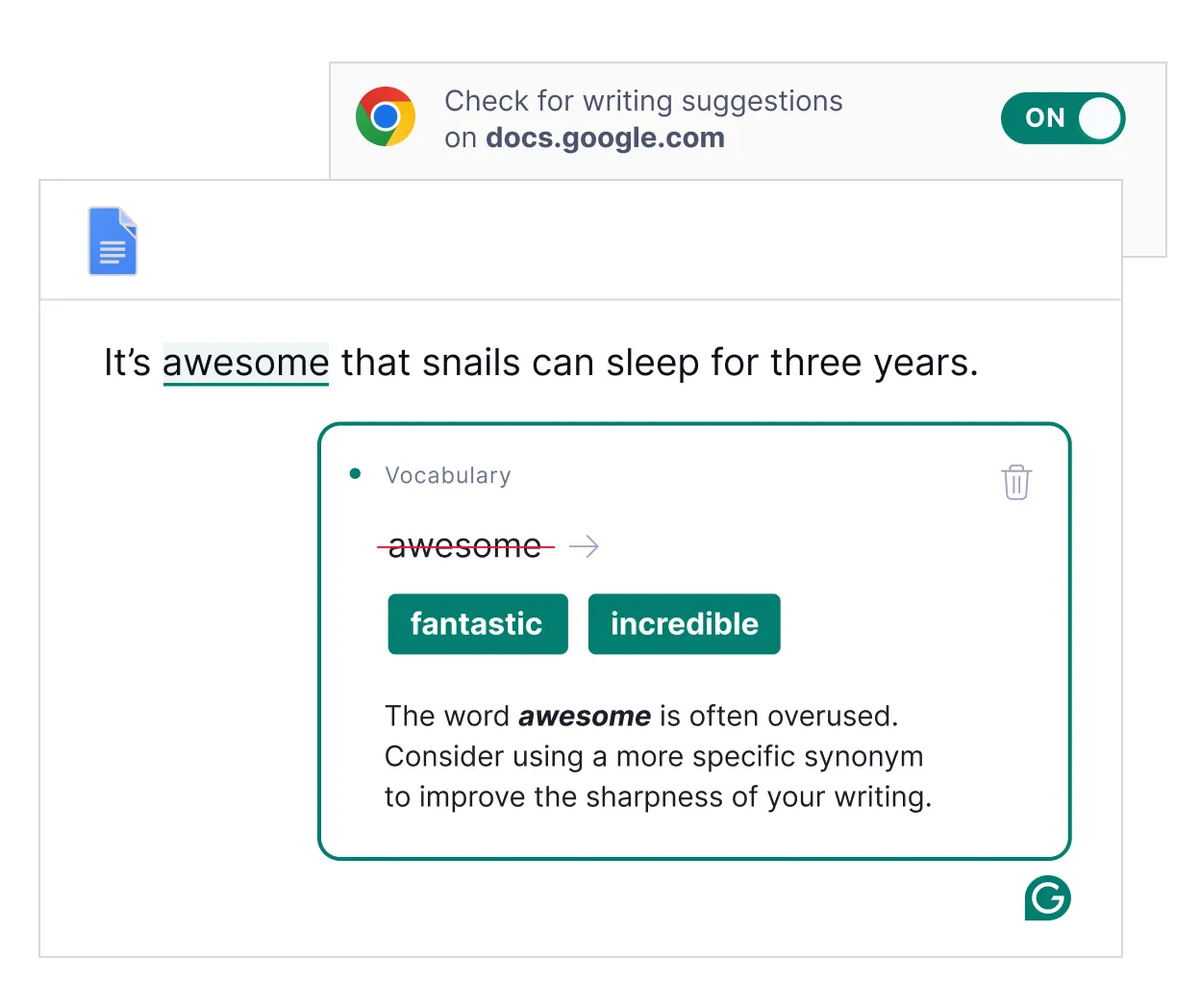
Fix Grammar for my emails, customer support, LinkedIn messages and of course, blog posts
English isn’t my first language, so these tools ensure my communication is spot-on and professional. Plus, they’re free, so why not, right?
- Pros: Free, easy to use, and ensures polished communication.
- Cons: Need to pay for advanced features
- Pricing: Both offer free plans with premium upgrades.
4. ChatGPT
Polish my post! Duh 😤
If you’re not using ChatGPT, you’re missing out. I don’t fully replace my writing with it, but I use it to improve and “beautify” my content.
For instance, I started this post and had it enhanced based on my top-performing posts.
- Pros: Enhances and refines content effortlessly.
- Cons: Still needs your human touch (no, it can’t replace your personality)
- Pricing: Free with paid plans for more features.
5. Canva
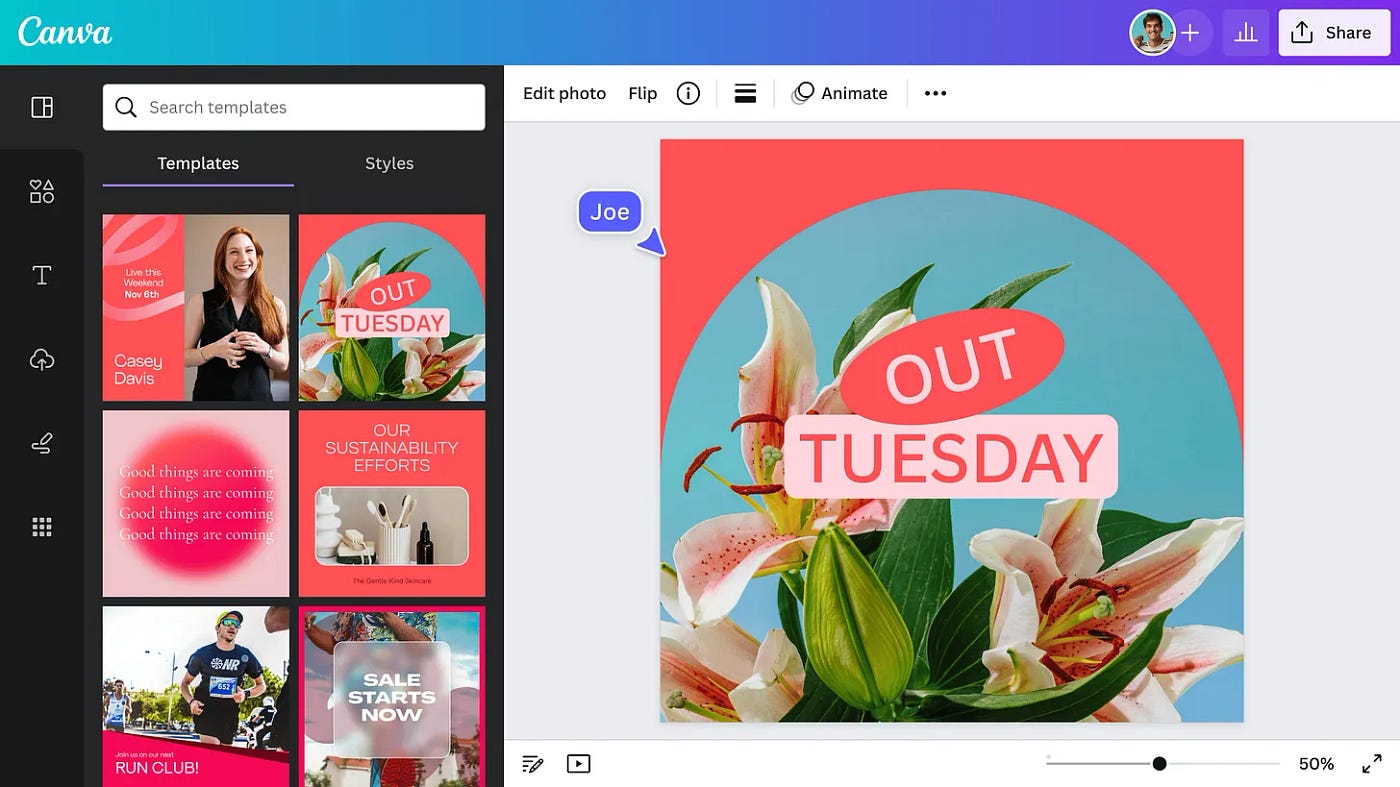
Marketing Design — Chef kiss 🤌
I’m not great at Photoshop, so Canva is my no-brainer choice. Why spend time learning complex software when you can create solid designs for free? 😂
- Pros: Easy, intuitive, and free.
- Cons: Limited compared to professional design software, but perfect for early needs.
- Pricing: Free with premium templates and elements available.
6. Tella

Product Demo Recordings
I used to struggle a lot, I mean A LOT with the quick demo videos. But now, the zoom-in and zoom-out effects can be done easily on Tella without having to learn a PhD in Capcut or Premiere.
- Pros: Great for creating engaging screen recordings.
- Cons: No, I think?
- Pricing: Free trial for basic features, with premium options.
7. Swipemagic
Scrape influencers
My hidden hidden gem.
- Pros: Do its work decently
- Cons: A new product so the UI is not that perfect
- Pricing: 99$/month
8. Tally
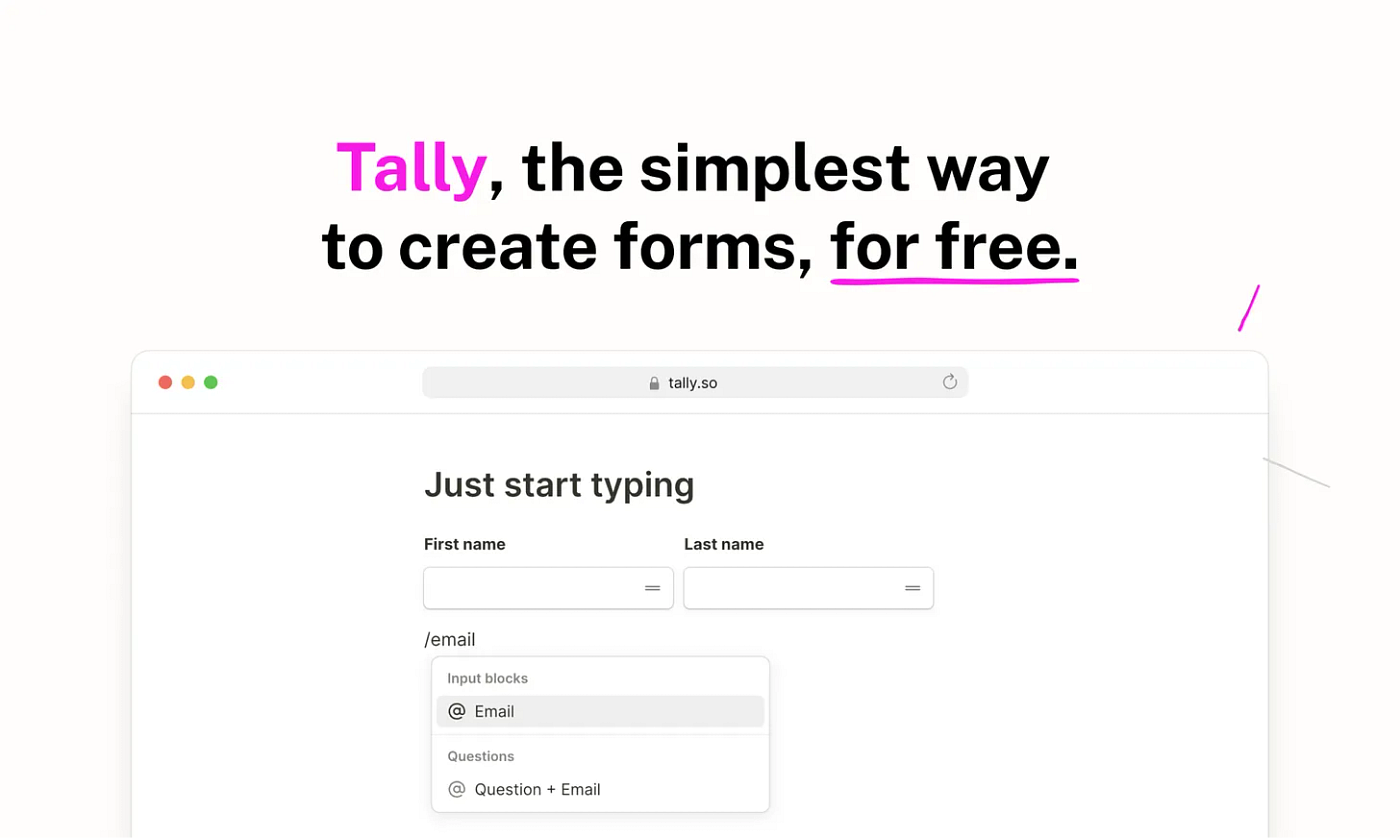
Survey tool, or even, quiz tool
I use Tally because it’s free and sends notifications to Slack when there’s a new submission. The downside is there’s a limit of about 100 notifications.
Here’s an example productivity quiz I made with Tally
- Pros: Free and integrates well with Slack.
- Cons: Notification limit, which can be restrictive.
- Pricing: Free with paid upgrades.
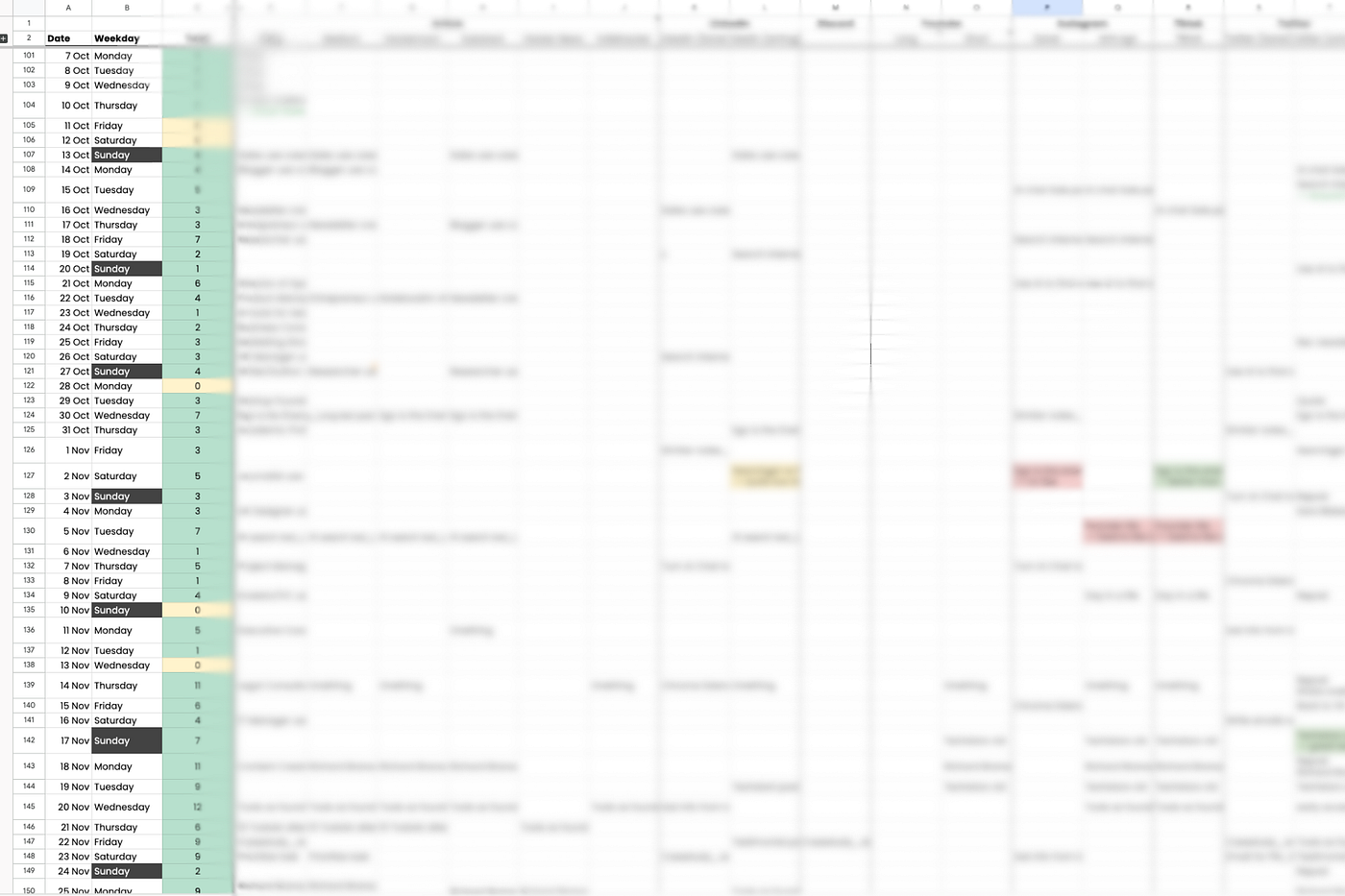
9. Google Sheets
Complex Timelines, Databases, CRM 🙂
No CRM has monetized me yet lol. Google Sheets still does the job for my CRM and database needs. Maybe it’s because my previous career involved tons of Excel work, so I find it manageable.
Here is my example
- Pros: Familiar, flexible, and free.
- Cons: Not as user-friendly for CRM as dedicated tools.
- Pricing: Free.
10. Lemlist
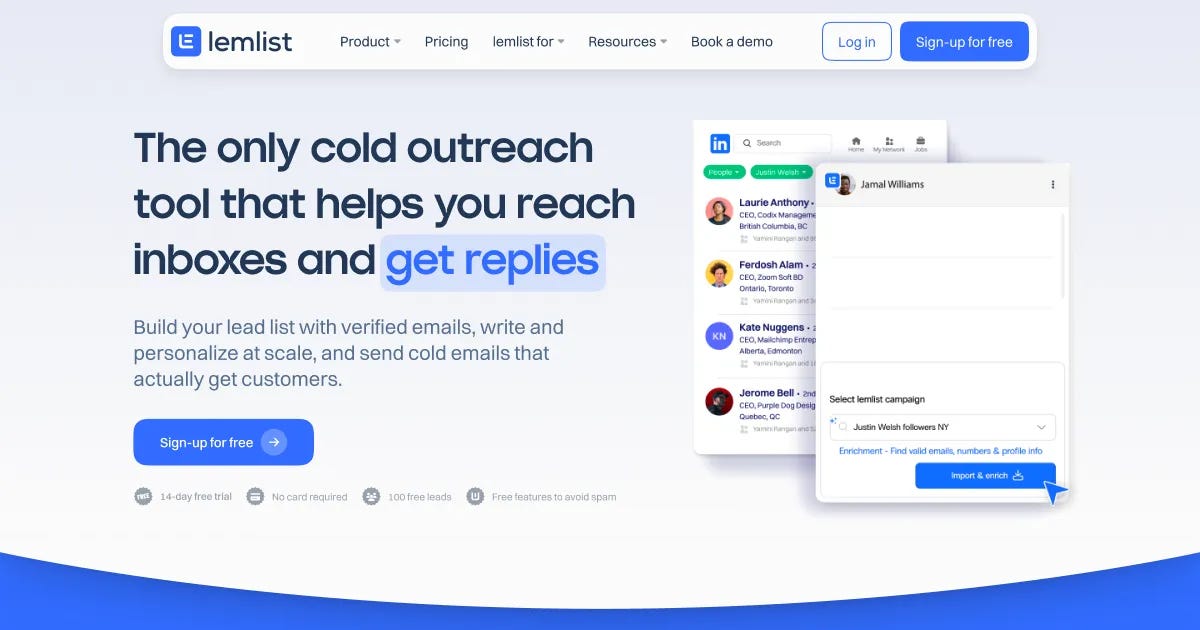
Cold outreach, automatically follow-up with influencers
I like Lemlist because it’s quick, easy, and has a clean interface. The only con? The price is a bit steep for a tool that integrates both LinkedIn and email outreach.
- Pros: Fast, user-friendly UI.
- Cons: Pricey if you’re just starting out.
- Pricing: Free trial for basic features, with premium options.
11. Brevo
Email to users
They are decent. I say one of the biggest pros for me is the fast customer support
- Pros: Great customer support.
- Cons: Features are solid but nothing groundbreaking.
- Pricing: Free with 300 emails/day
12. WordPress theme
To make landing page
We chose WordPress because it’s easy to use and doesn’t require a ton of engineering effort — important when every bit of coding time counts in the early days.
Here’s my page
But if you want a polished, beautiful page, having an engineer doing that can be a better option
- Pros: Simple, quick setup.
- Cons: Limited extra customization.
- Pricing: Free themes are available, with premium themes for advanced options.
13. Microsoft todo, soon Saner.AI tasks
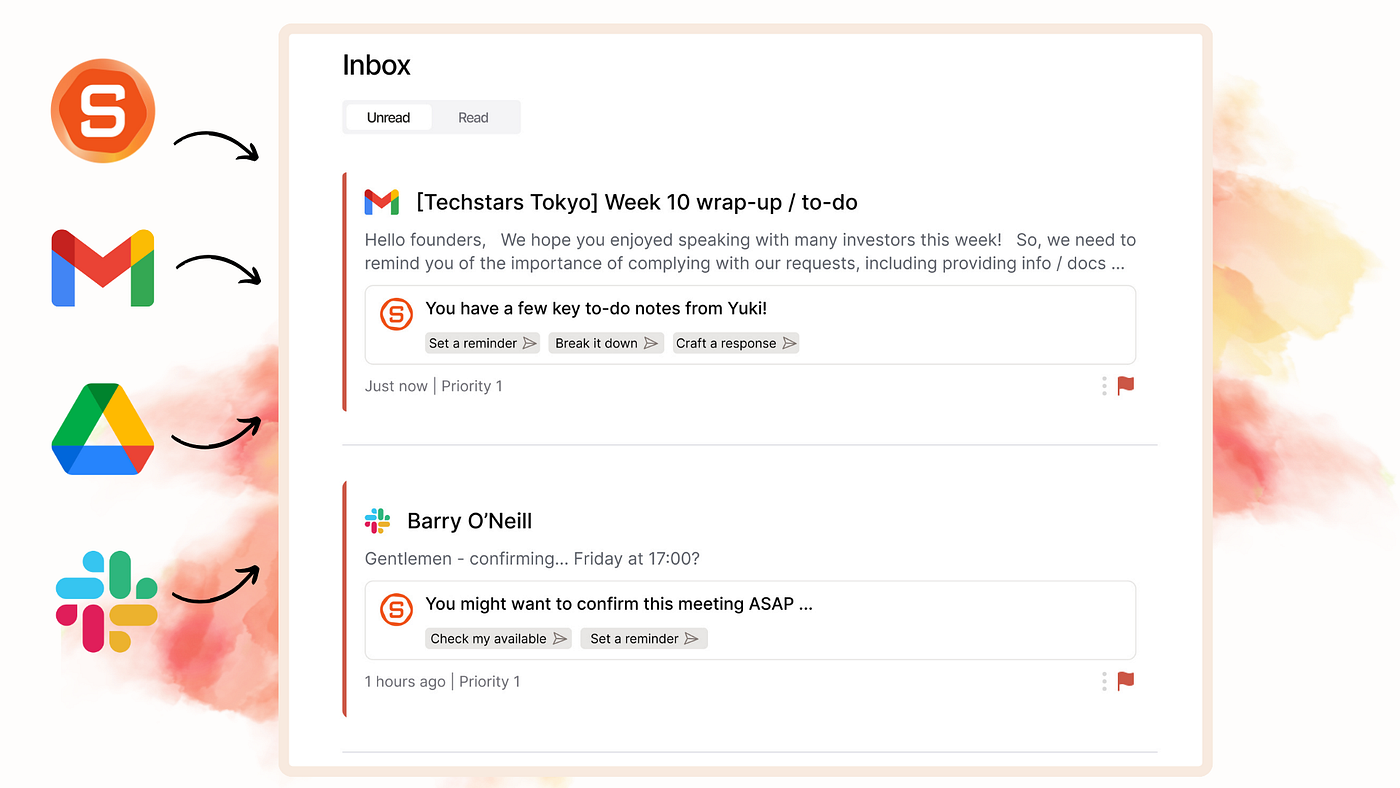
Prioritize, follow up on tasks, and make sure nothing slips
My current way of handling it is not optimal, I write everything down, then mentally prioritize (which is exhausting). But my to-do are toooo many
So I’m excited about Saner.AI’s upcoming task assistant, we aim to save me and other founders from drowning in to-do lists.
What now?
That’s my list of 13 tools that help me stay afloat as a solo founding marketer 🏊
I’m always curious to learn about new ones. What startup tools have changed the marketing game for you?
