A quick guide on how to filter & sort e-commerce data
Some context
When I started working with no-code tools, I naturally began with selling a service that is my area of expertise. That service is UX. I know a bit of front-end code; however, I decided to build a website using Webflow. The builder was good, but problems started to occur when I started using automation tools like Zapier.
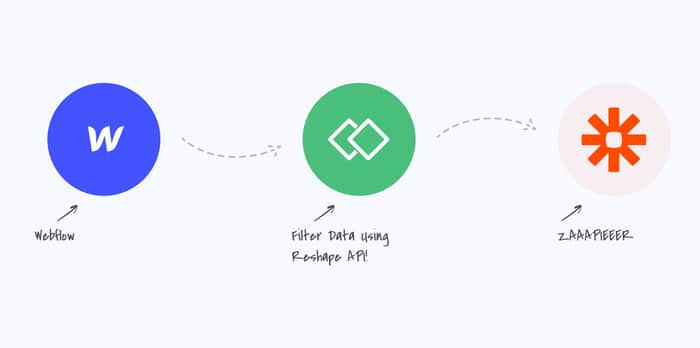
For example, a customer buys my service. I want to take the information from Webflow and pass it along to Mailerlite through Zapier. Then, I want to send a confirmation email saying, "You successfully purchased product X."
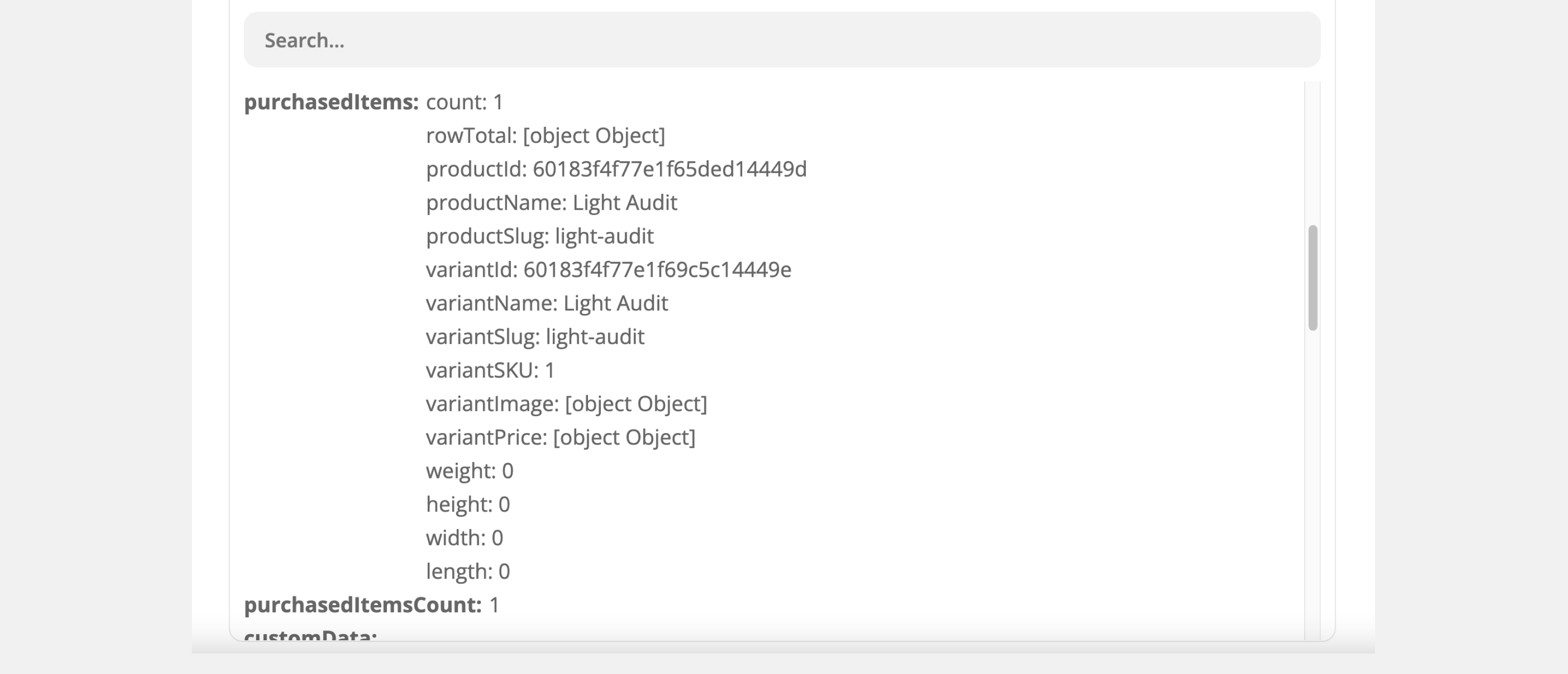
Now the problem that I noticed most people face. How do you grab the field that's inside a field? How do you capture a nested item? In my case, I wanted to take the variantName.
The search to find a tool to solve this problem was a failure. Closest thing was Parabola, but the learning curve was way too steep. So I decided to create a tool that helps people with data reshaping problems. The tutorial below is a guide on how you can grab a specific nested item in less than 5 min.
Solution
You can register for a free account using this link. After that, please create a new transformation and give it a name. It will be easier to find it later on.
After the automation in Reshape API has been created, you can create your standard automation in Zapier.
For a trigger, I chose Weblow. I will receive a trigger on every new order with the order information attached.
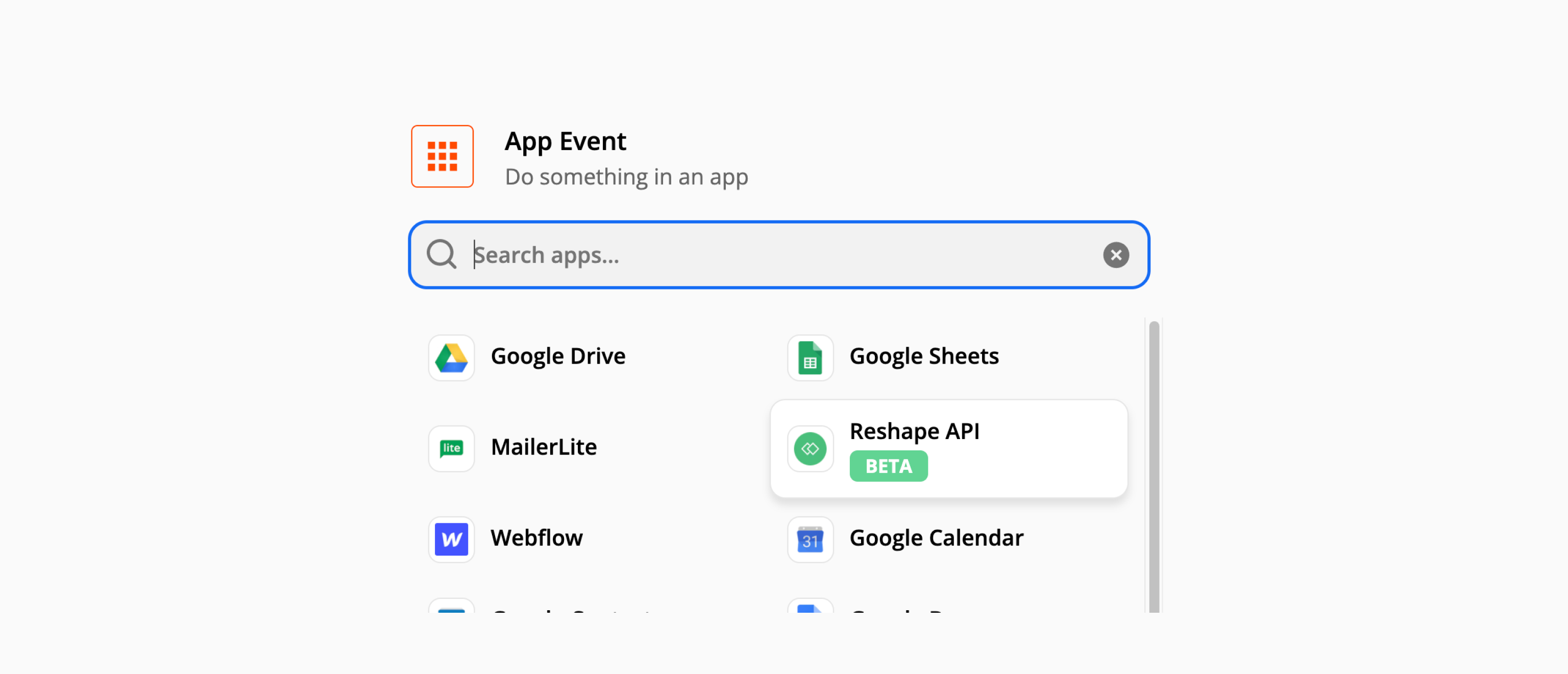
For the second automation item, I chose Reshape API. Added my account and the previously created automation.
I added the data I wanted to work within the Set Up Action part and gave the new field a name. This will be useful later on in Reshape API.
Click on Test and Review, and let's get back to the Reshape API.
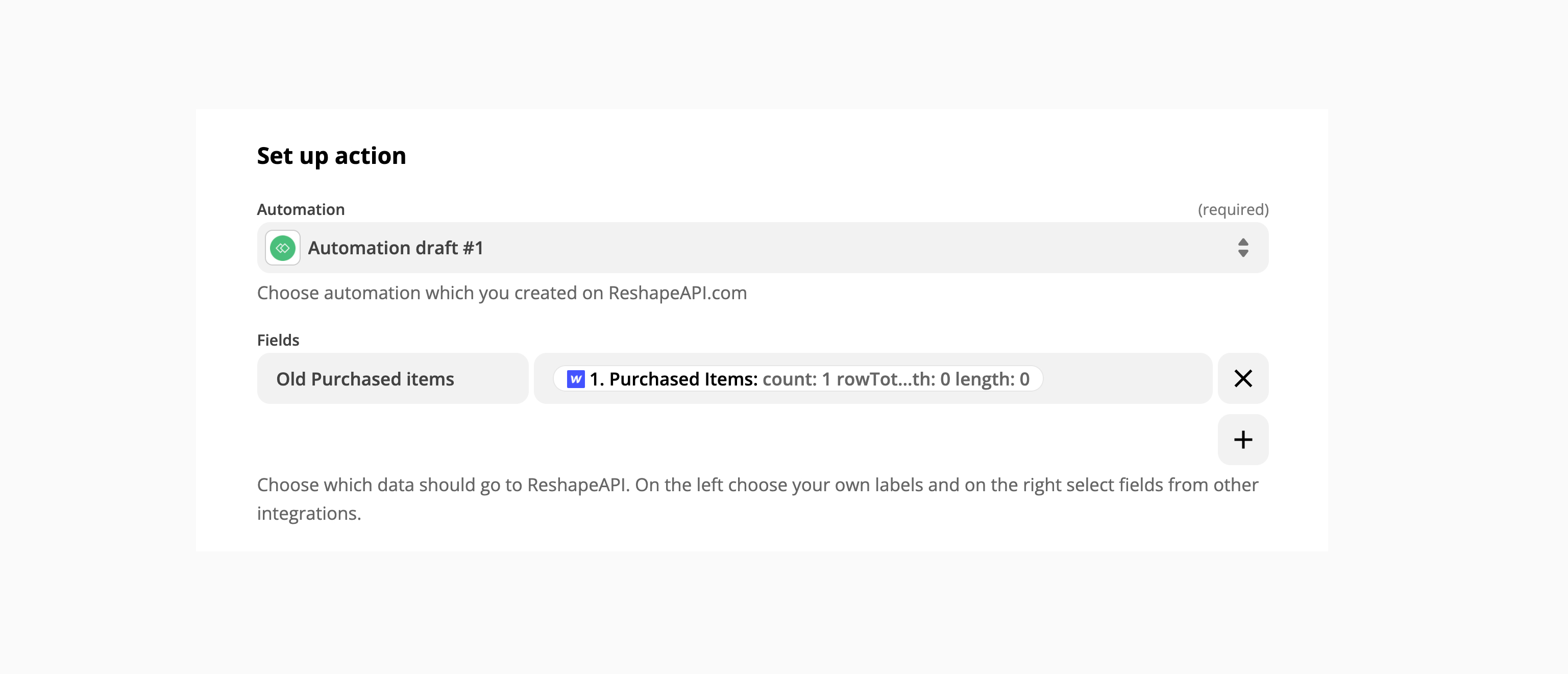
Now comes the fun part. Inside the Reshape API, we need to do a handshake with Zapier to ensure everything arrived safely and correctly. To do that, click on Click to verify the Test Action.
If everything happens correctly you will see that your data has arrived! Click on verify and let's start reshaping it.
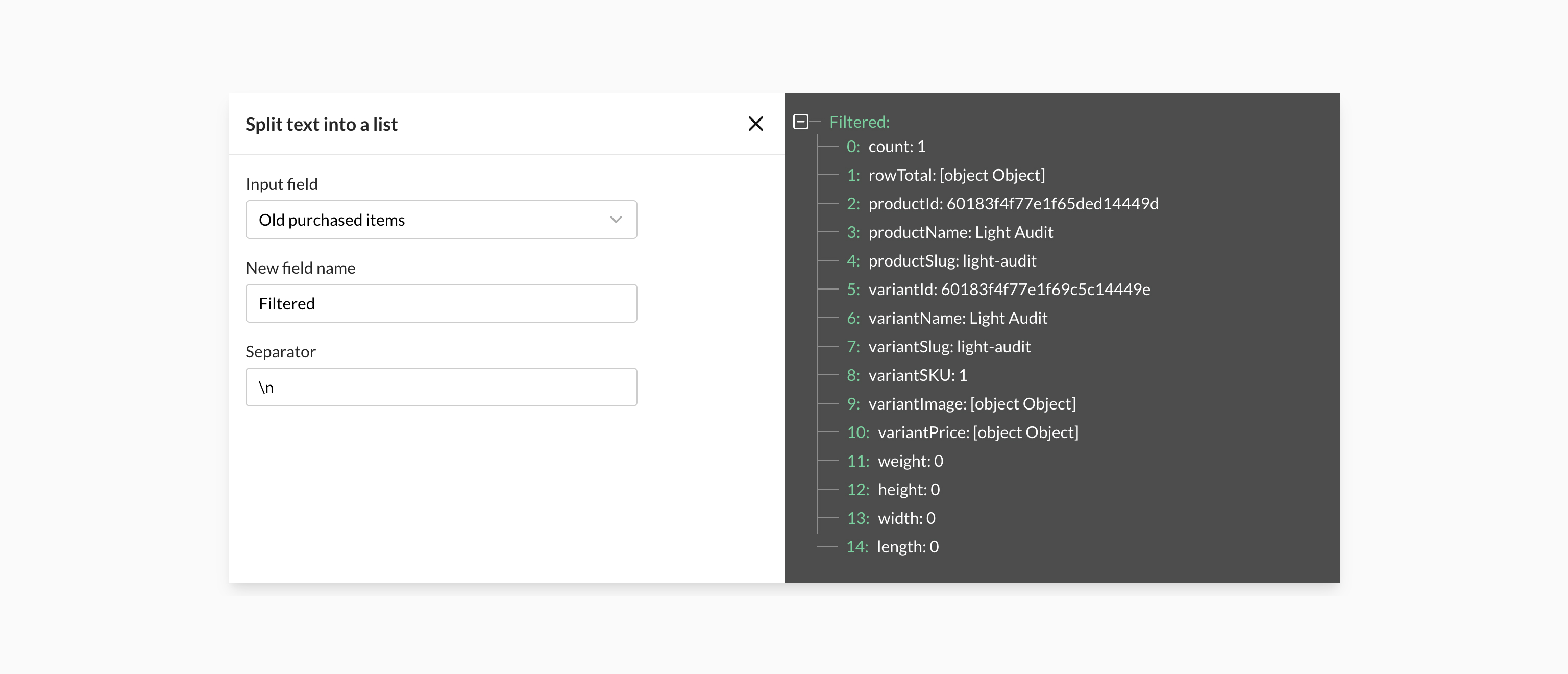
Select Split text into a list transform and give the new field a name. Now you can see the grouped response is now divided and you can cherry pick and work with any of the sub items you want.
Select the Extract text field and give it a name. To extract a text we only need to take the Light audit portion so we offset the field by 13 characters and say that we need to extract about 20.
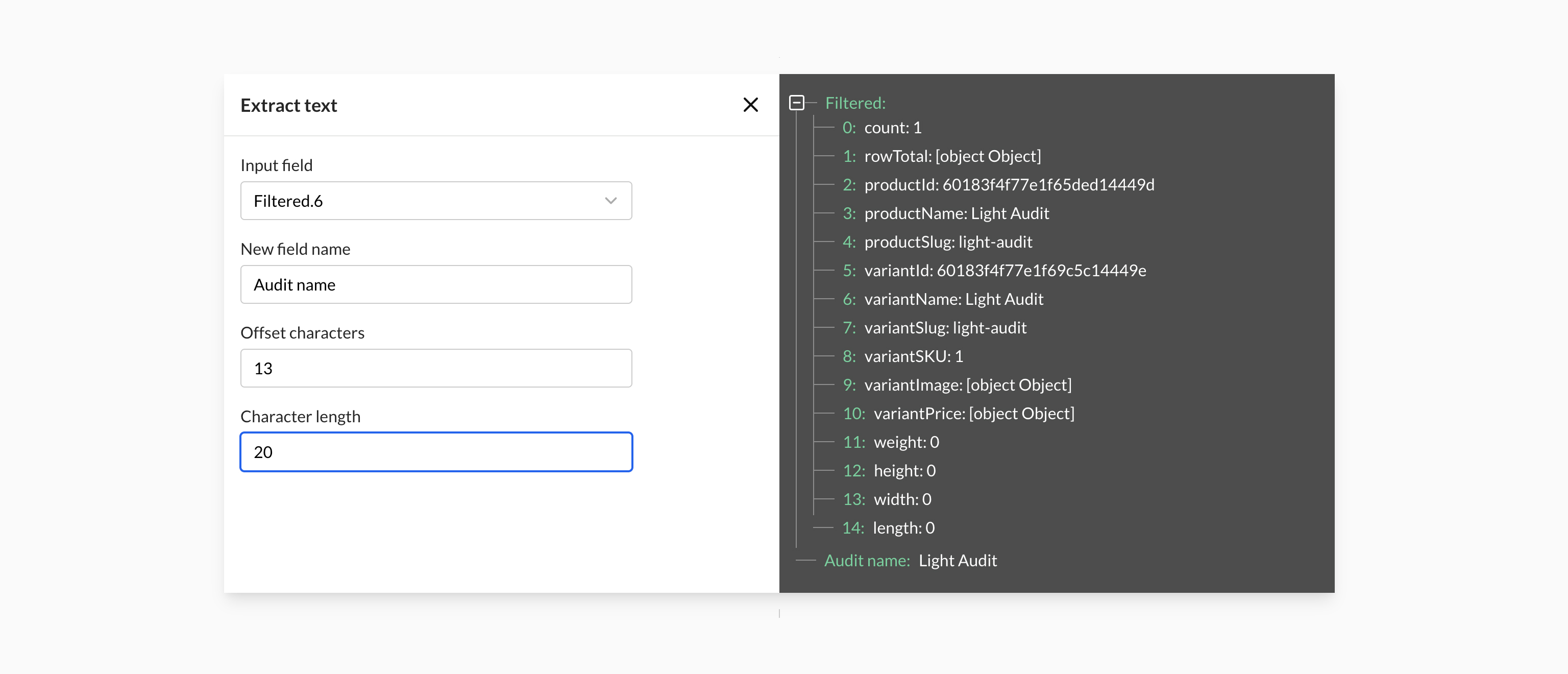
And there we go. With just 2 simple steps I've taken a grouped field that is not easy to work with and extracted a specific order name.
Let’s get back to Zapier
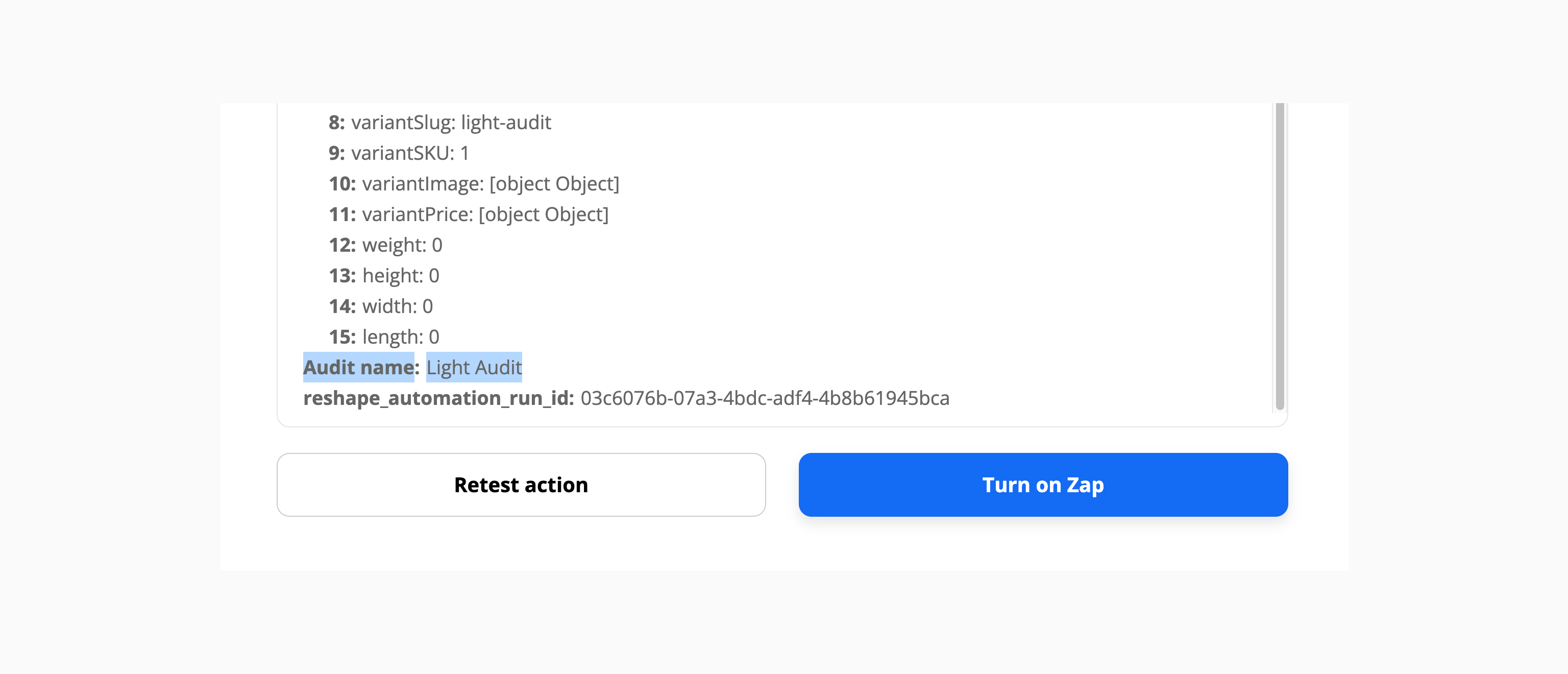
Now return to Zapier and click on Retest Action. Scroll down to the bottom and there you will see your modified field that now you can pass along to other no-code tools.
Hopefully this will help you solve your API problem because it definitely helps me out on my day to day work.

Good writeup, the nested-field problem is real with Zapier. Worth noting Make handles this natively though: nested JSON from a webhook or app module shows up as mappable sub-items directly in the field picker, no extra reshaping tool needed for cases like grabbing variantName. n8n does it too via simple expressions ({{ $json.purchasedItems[0].variantName }}). Not knocking Reshape API for more complex transforms, just for anyone hitting this exact problem and not wanting to add another tool to the stack.
Interesting. Going to try this out.
Great! If you have any questions you can contact us using the live chat.
Really helpfull!!!
Thanks!
The issue with the data from webflow in zapier exists for quite some time. Glad that we can solve it!