ADHD and Entrepreneurship - Visual Organisation Strategies for ADHD Entrepreneurs
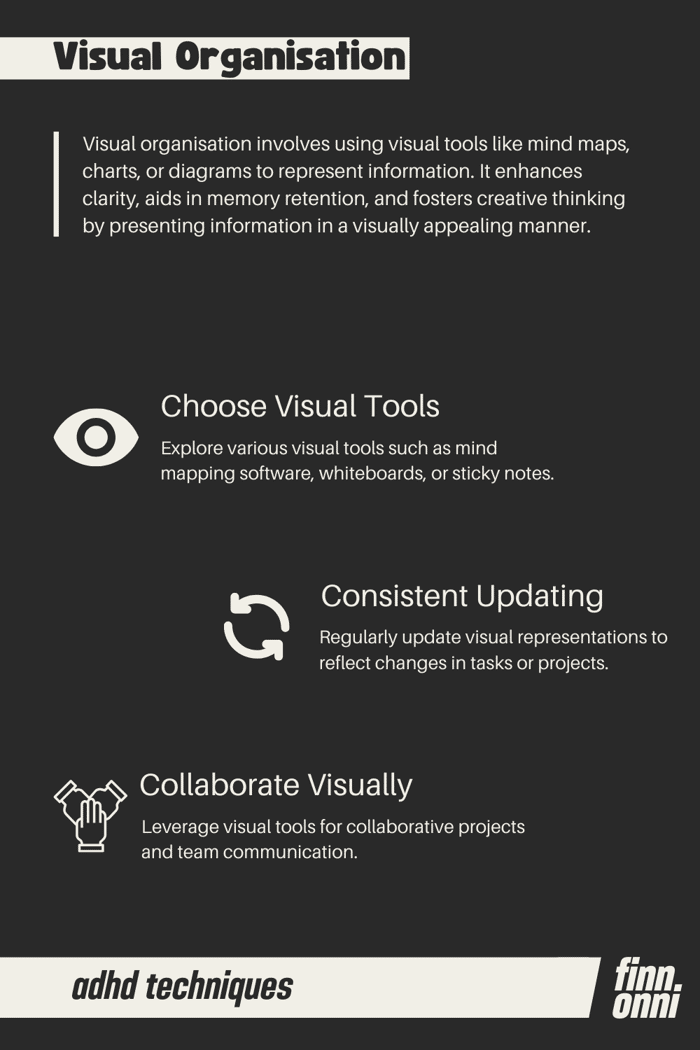
What is it?
- Visual Tools: Utilizing visual aids such as mind maps, charts, or diagrams to represent ideas and information.
- Spatial Representation: Information is arranged spatially to create a visual hierarchy, making it easier to comprehend.
- Creative Mapping: Visual organization encourages creative expression and allows for non-linear thinking.
Why should it be used?
- Enhanced Memory: Visuals aid in memory retention, making it easier to recall and connect information.
- Clarity in Complexity: Complex ideas or projects can be simplified and made more accessible through visual representation.
- Stimulates Creativity: Engaging with visual elements stimulates the creative side of the brain, fostering innovative thinking.
Example
Let's take the scenario of launching a creative agency's website. Visual organization can play a pivotal role:
- Mind Map for Website Features:
- Central Node: "Website Launch"
- Branches: "Design Elements," "Functionality," "Content Strategy"
- Sub-branches: Specific features under each category
- Flowchart for User Journey:
- Start with the homepage
- Arrows indicating the navigation flow
- Decision points leading to different sections
- Color-Coded Task Calendar:
- Assign different colors to tasks for design, content creation, and coding
- Calendar with visually distinct blocks for each task category
Want to learn more? Explore our FREE Wiki ⬇️
https://finnonni.gumroad.com/l/ADHDandEntrepreneurship-Techniques

Visual org for ADHD entrepreneurs is one of those topics that's dramatically underserved. The standard advice assumes a neurotypical brain that can hold context linearly, but ADHD solopreneurs need their system to surface context for them.
Notion's visual databases work well for this because they let you see relationships rather than just lists. When your CRM, projects, and weekly priorities are visible in linked gallery or board views, context switching is less cognitively expensive.
Building a Solopreneur Notion OS with this in mind - 6 linked databases designed so your whole business is visible at a glance, not buried in nested pages. Would love to know which visual org patterns have worked best for you - gallery views, kanban boards, or something else?