EchoAPI for Cursor Getting Started Guide: How to Design an API
API design is the foundation that allows developers to efficiently integrate different software systems. A well-designed API enhances the reusability and extensibility of functions, while also improving maintenance ease. Strong design facilitates smooth communication among team members, contributing to the overall success of development projects.
What is EchoAPI for Cursor?
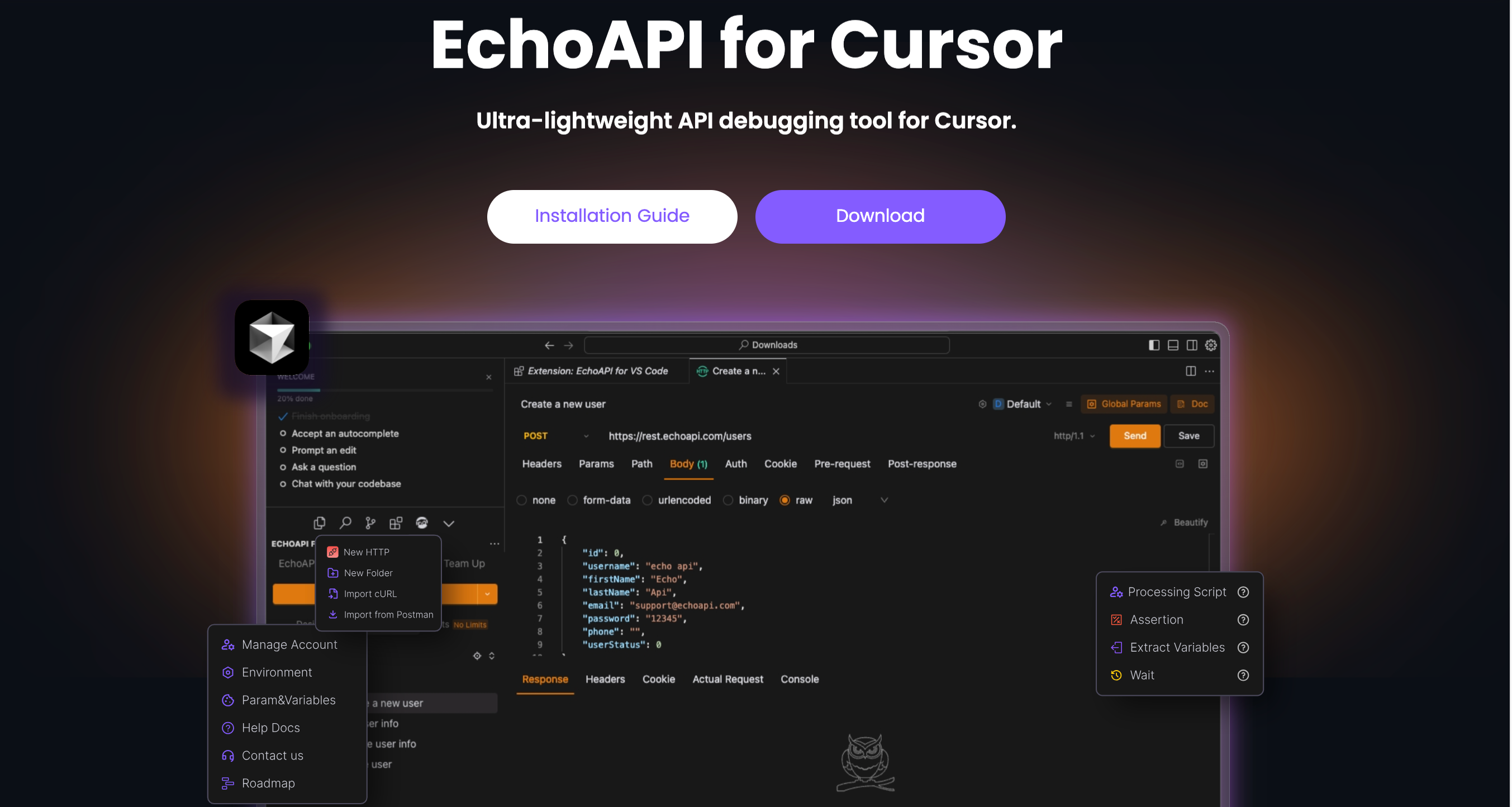
EchoAPI for Cursor is a lightweight REST API client extension specifically designed for Cursor. This tool emphasizes simplicity, clean design, and local storage, and it is available for free. It is ideal for developers looking to quickly design and debug APIs.
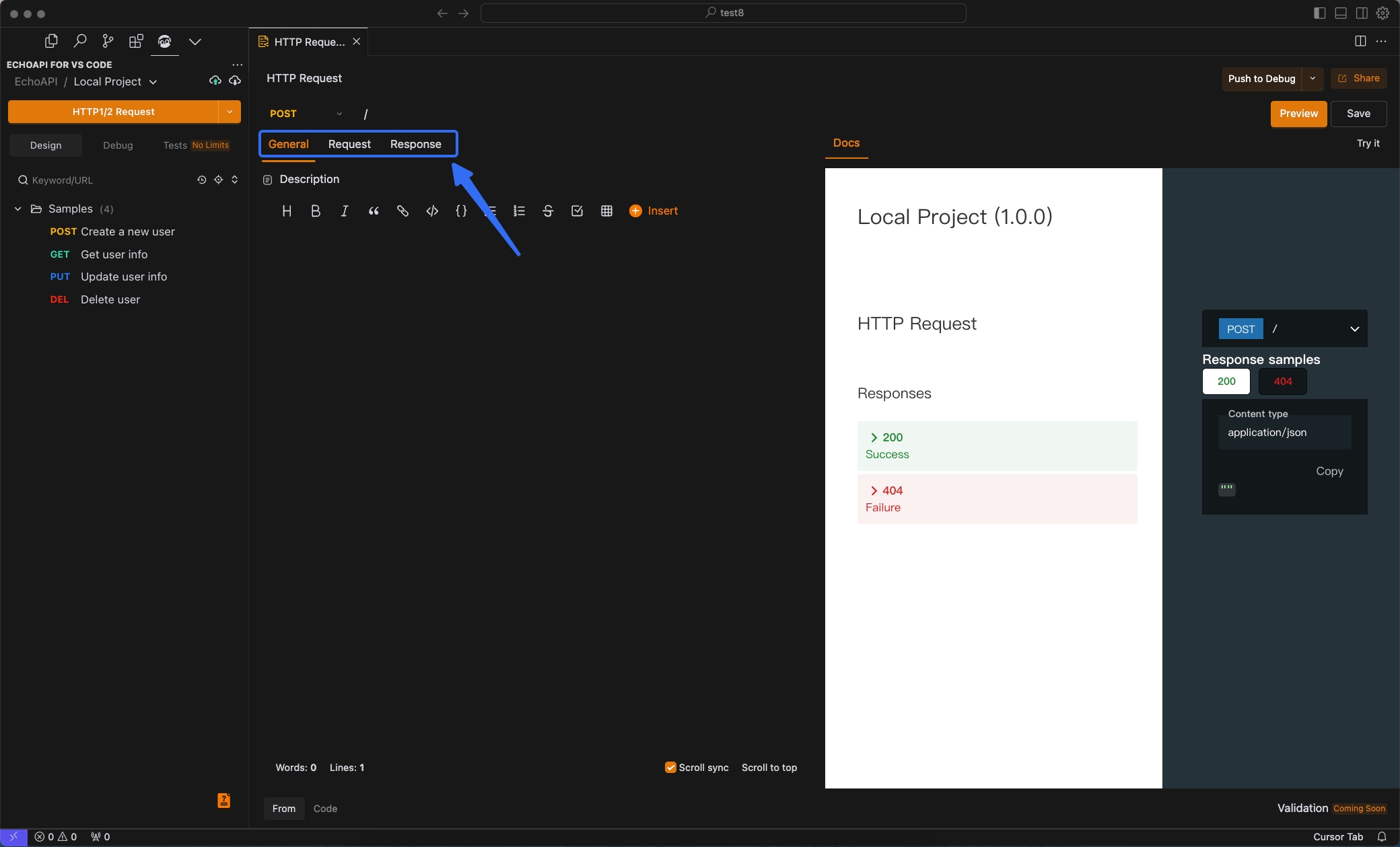
Design Components of EchoAPI for Cursor
The design of EchoAPI for Cursor focuses on three main components in API design: General, Request, and Response.
-
General: This section describes the basic information about the API. Clearly articulating the API's purpose and functionality is crucial for helping other developers understand it.
-
Request: In this section, you configure the data that the client will send to the server. This includes details such as the HTTP method, URL, headers, and body.
-
Response: This part involves designing the expected responses from the server to the client. It specifies the anticipated status codes and formats for the response body, ensuring that users receive the correct data.
Practical Example: Designing a Login Interface
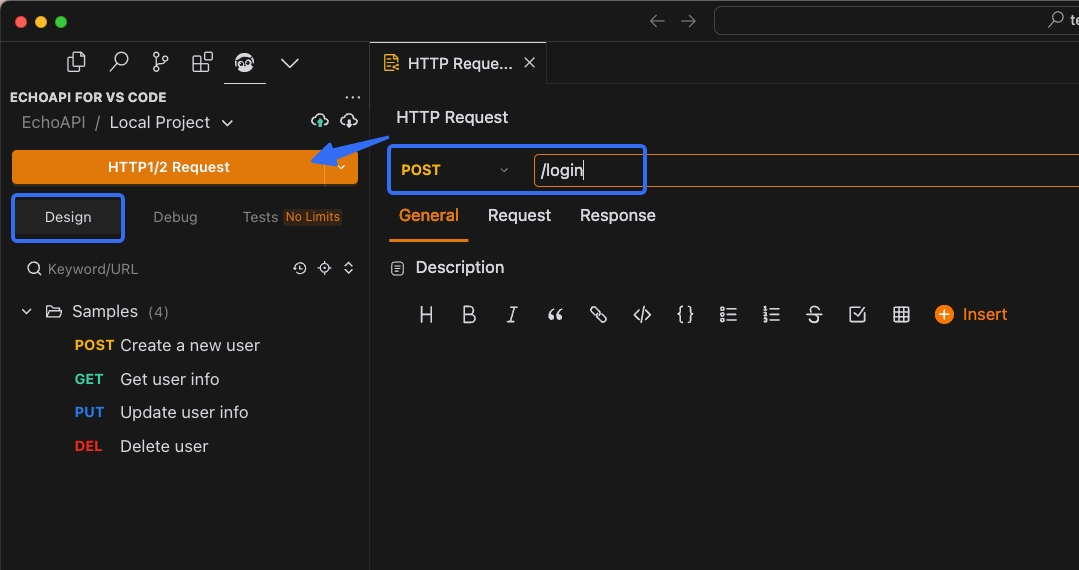
1. Creating the API
- Navigate to the Design Module to Create the API: Set up the URL for the new API. For this example, we'll configure the endpoint as
/login.
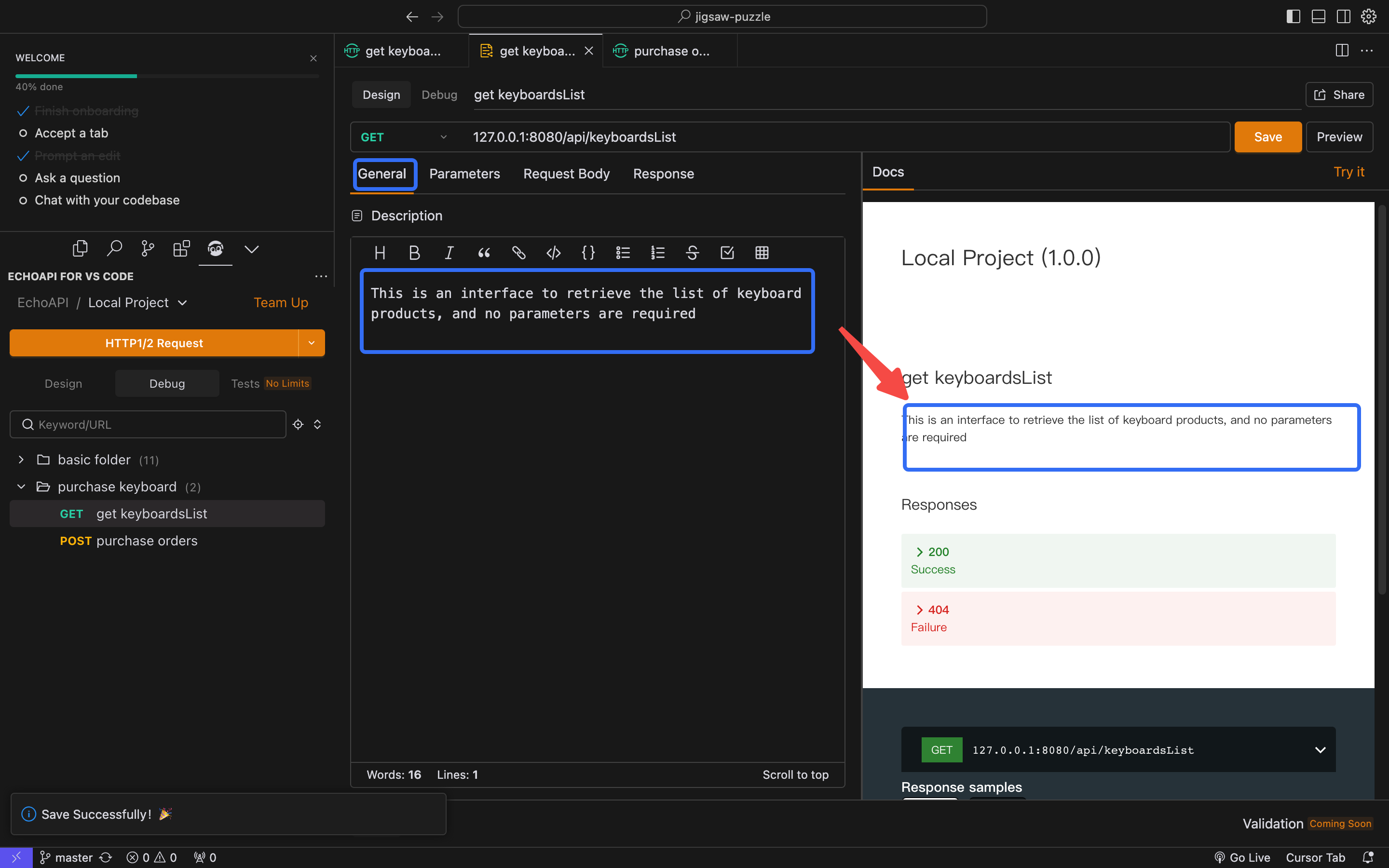
2. Adding a Description in the General Section
- Interface Description: "Login endpoint for user authentication. This API accepts a user ID and password, returning an authentication token."
3. Setting Request Parameters
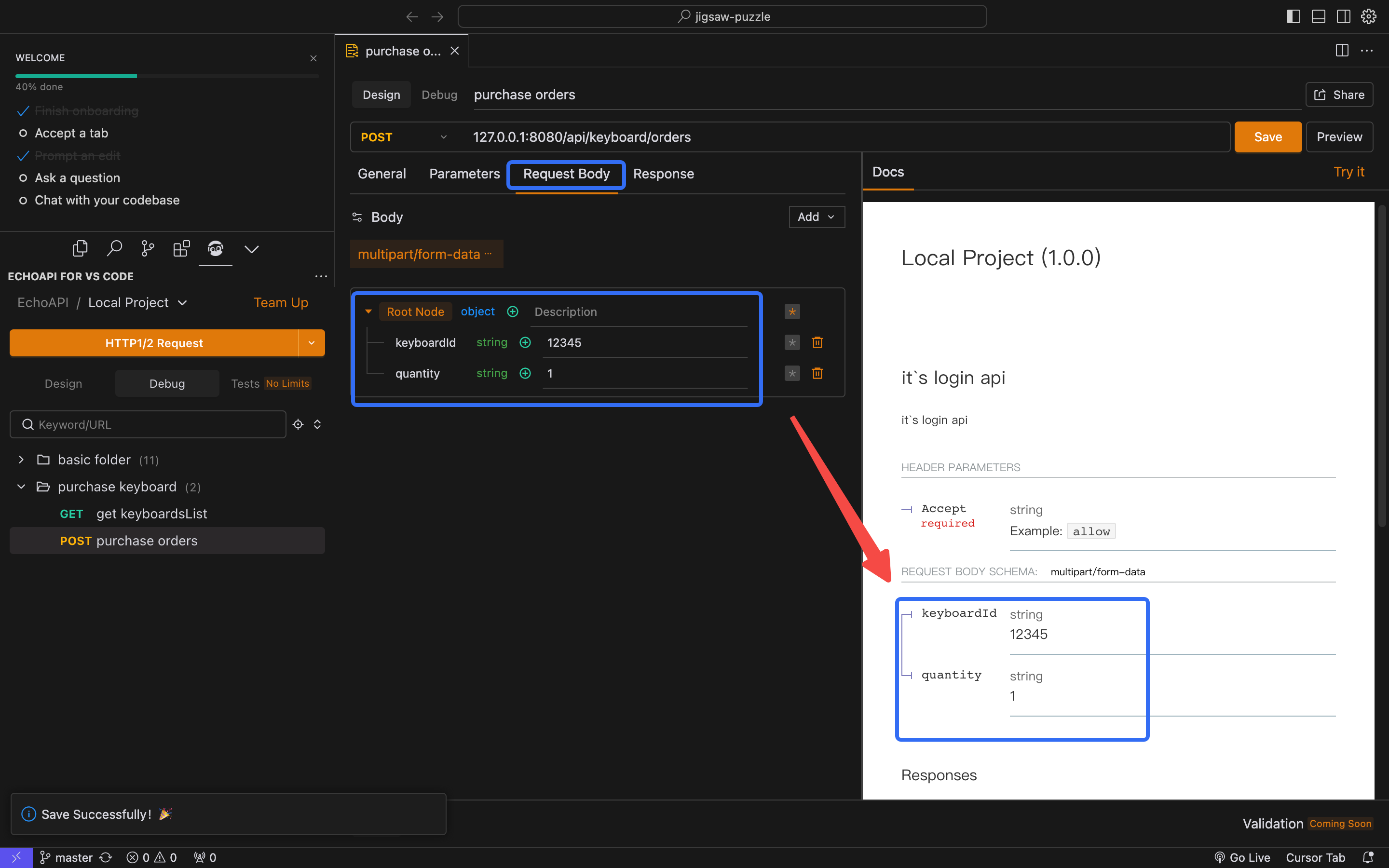
- Request Parameters:
- Method:
POST - Header:
Content-Type: multipart/form-data - Body:
{
  "keyboardId": "12345",
  "quantity": "1"
}
- Method:
4. Specifying Expected Responses
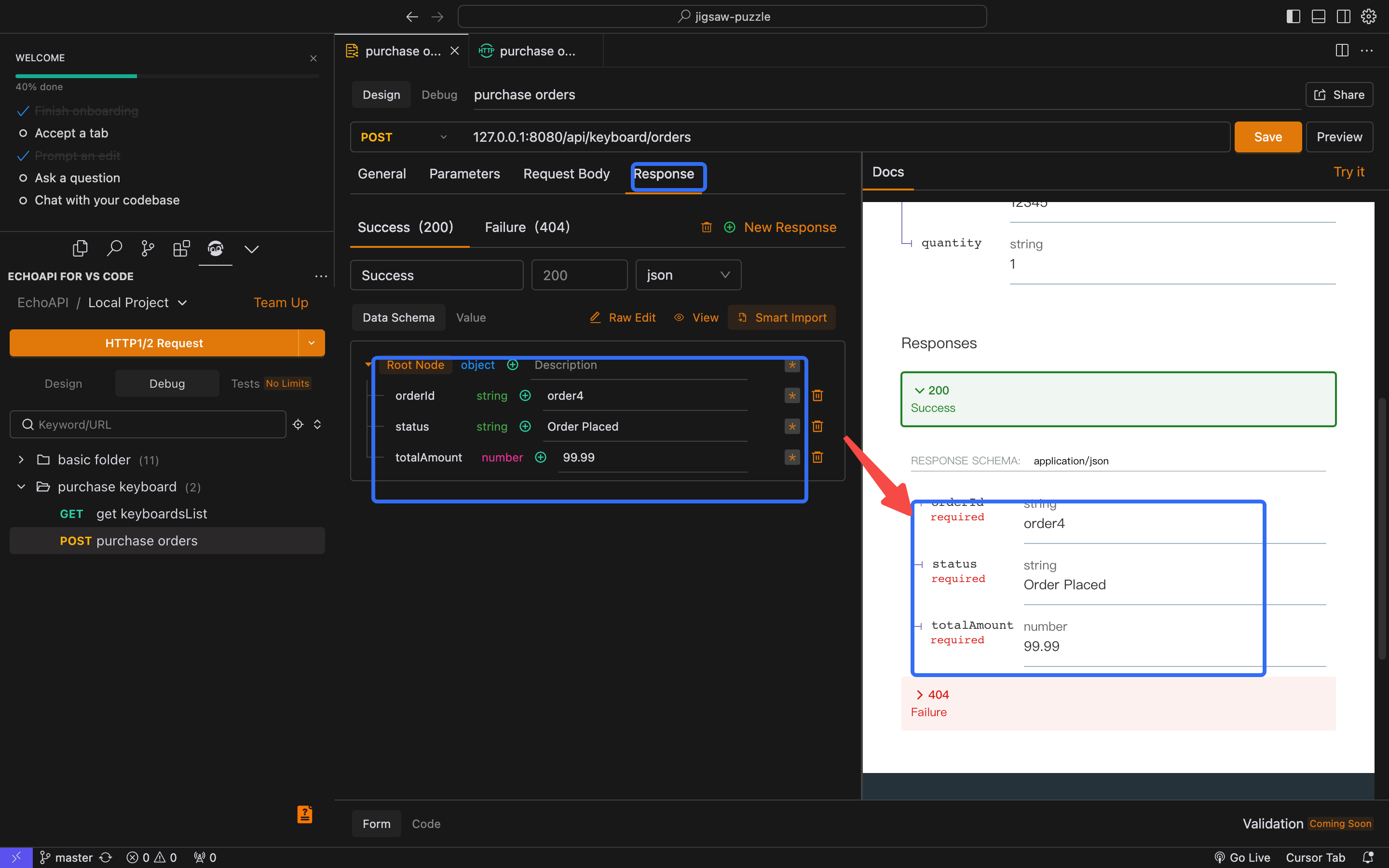
- Expected Response:
- Status Code:
200 OK - Response Body:
{
  "orderId": "order4",
  "status": "Order Placed",
  "totalAmount": 99.99
}
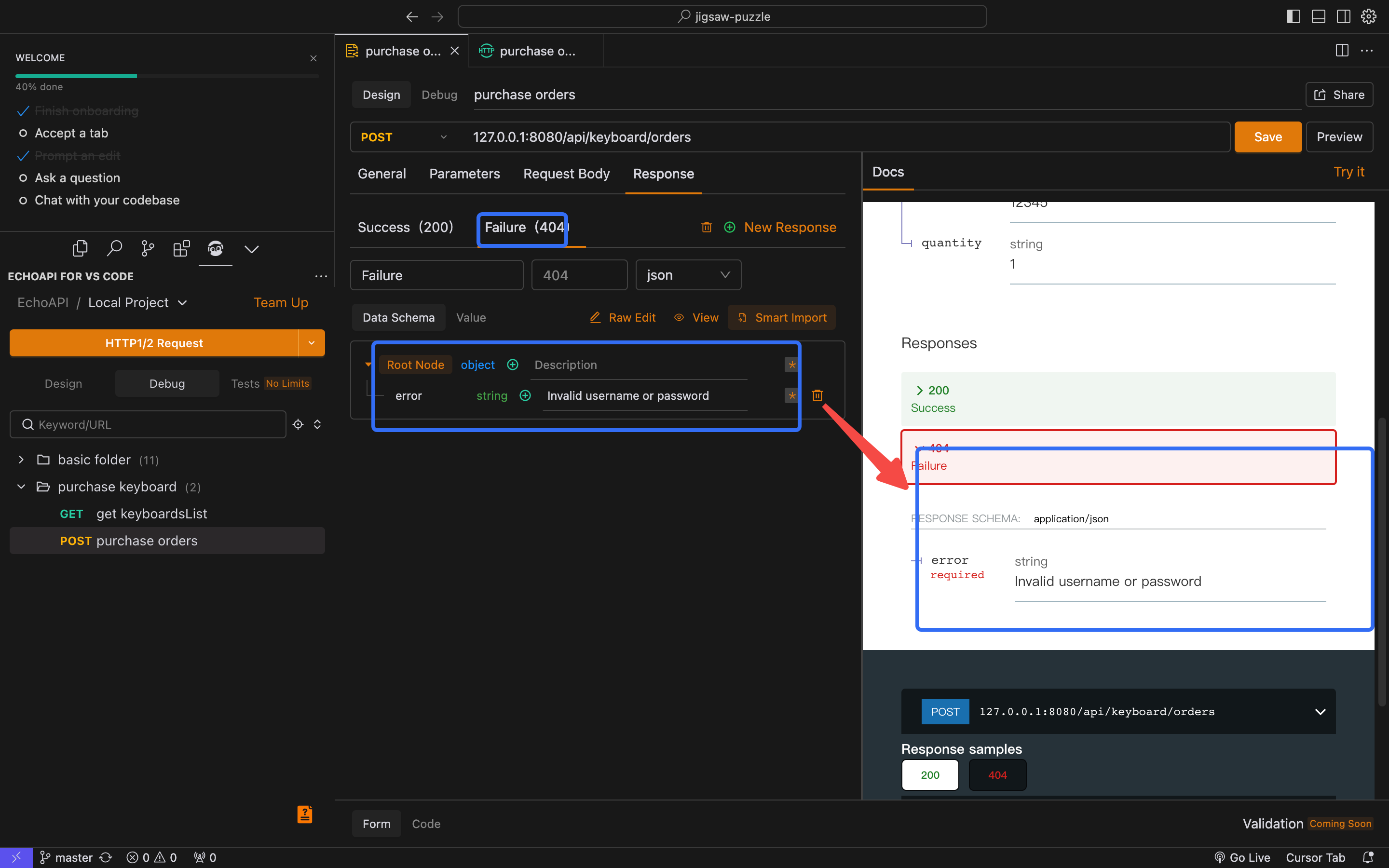
- Status Code:
- Example of an Error Message:
{
  "error": "Invalid username or password"
}
5. Saving and Pushing for Debugging
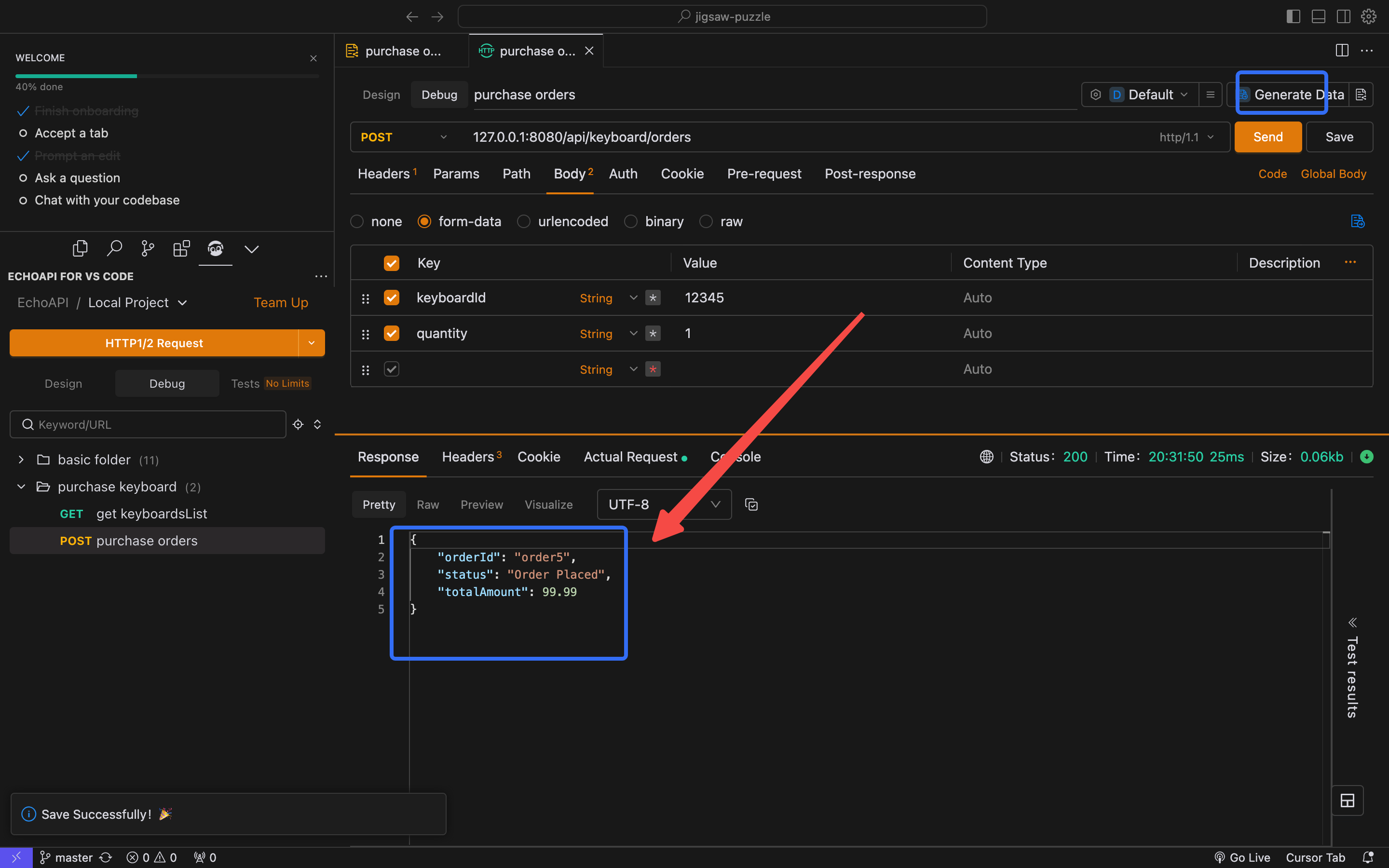
- Save and Push: After completing the design, save it and push it to debug mode. This will initiate testing for the designed API.
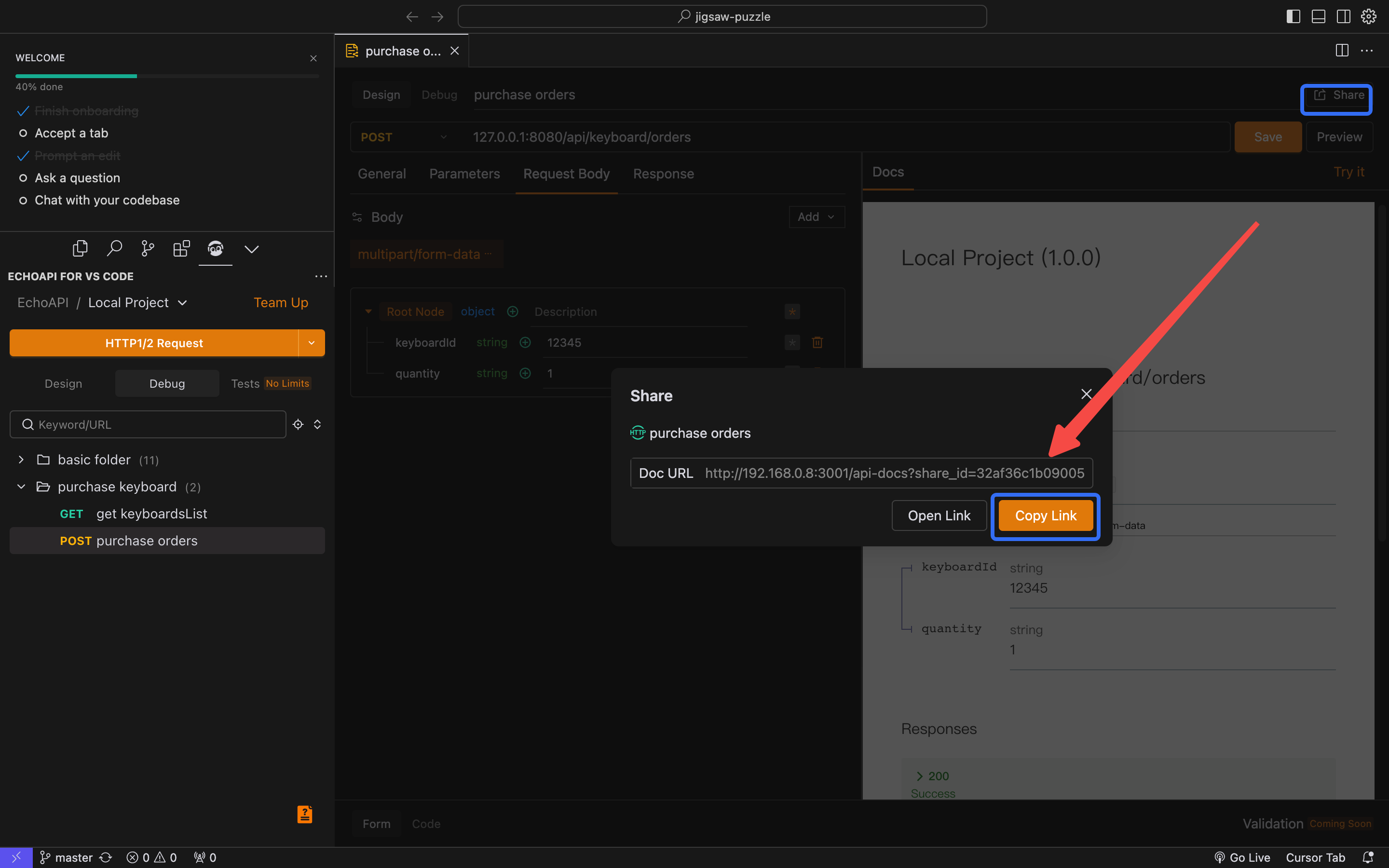
6. Generating and Sharing the Interface Documentation
- Generate Documentation URL: Create the API documentation and copy the URL to share with team members and stakeholders for review.
Conclusion
EchoAPI for Cursor is a simple yet powerful tool for API design. By using this tool, developers can efficiently progress from design to debugging and documentation generation. It is an invaluable resource for ensuring efficiency and transparency in API design, facilitating a smoother overall development process. This capability positions EchoAPI for Cursor as an essential tool in the developer's toolkit.
