Ever wanted to create an online course? I'm doing it and here's my tech stack
What's up my fellow Indie Hackers!
In the spirit of building in public - I wanted to share everything I’m using to create and launch my new course on UX/UI design.
If you’ve been thinking about creating your own online course... This post is for you.
1. A tripod and a light
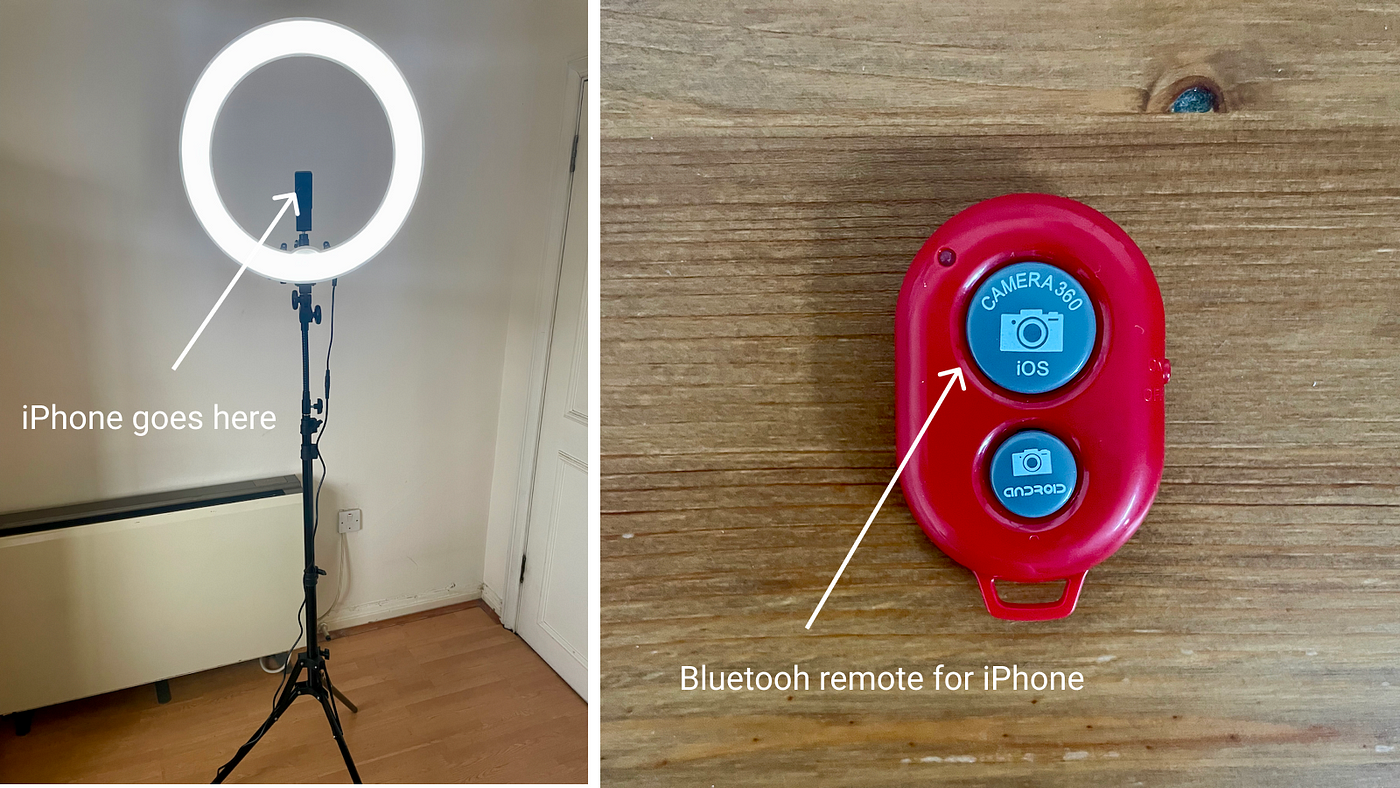
Part of my course will involve videos where I stand and talk to the camera. To do this I needed something to hold my camera. I also needed some good, consistent light.
My solution is a tripod that holds my iPhone and also features a ring light.
I’m a tall dude. I can set the tripod up as tall as I want it. I can also get consistent light using the ring light. Which is super bright by the way. Both are important as I’ll be shooting the course over a number of days and I need a consistent shot.
Another cool thing is the tripod ships with a little Bluetooth remote. This remote allows you to trigger the camera without having to touch your phone. Very handy when you’re doing multiple takes!
My tripod and ring light cost me £95 which I grabbed on Amazon. It's called 'Neewer Camera Photo Video Lighting Kit'.
2. A lavalier mic
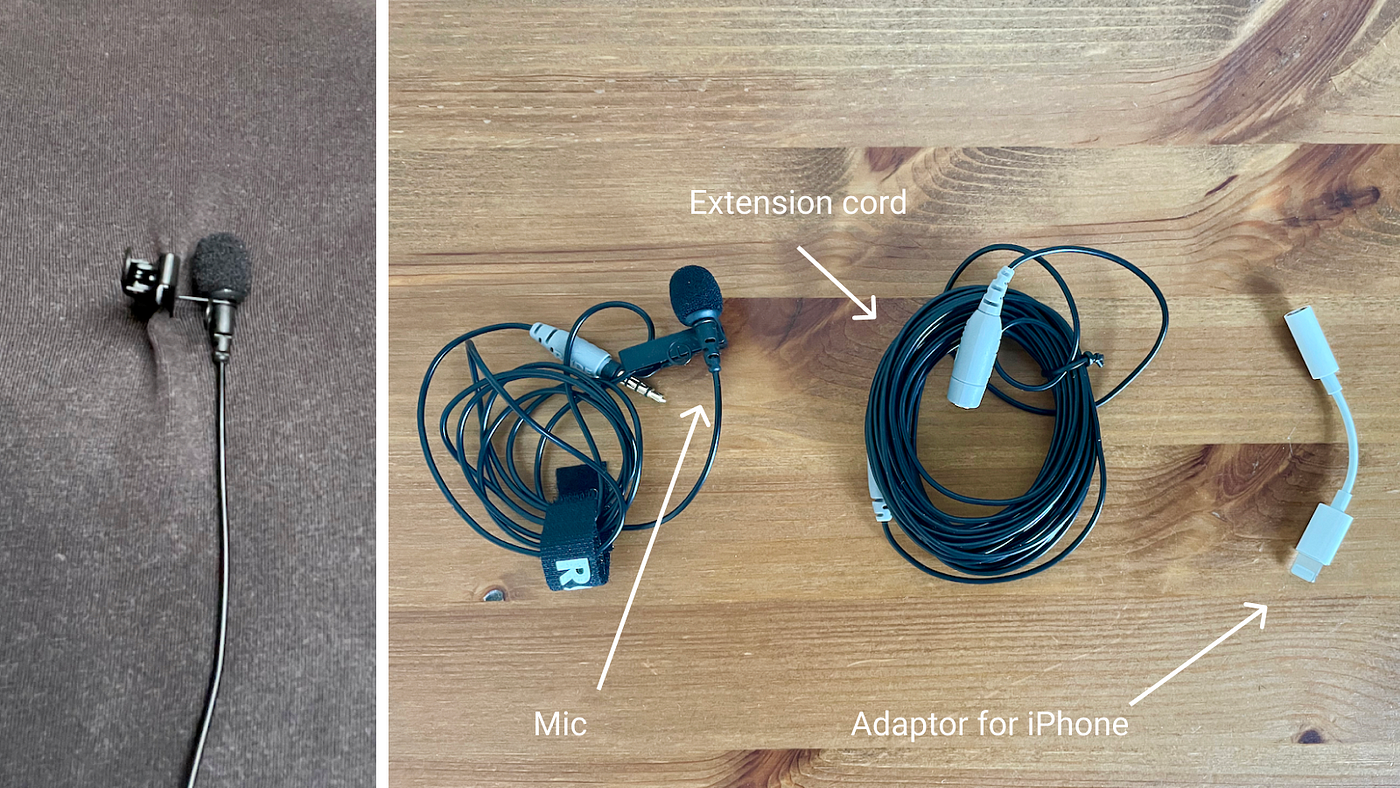
As I’m shooting my videos standing up. I needed a mic that could move with me. I did some research and found a pretty awesome, Australian made Rode lavalier mic. One end of It clips onto my shirt. The other end of it plugs into my iPhone.
One thing I did need to buy was an extra cord.
I also needed to buy an adapter that plugs the mic into my iPhone.
I could have just used the iPhone mic, but I wanted the sound to be better quality. I also wanted to avoid as much background noise as possible living in London.
The mic, extra cord and adapter cost me £70 in total which I bought on Amazon. It's called 'RØDE SmartLavPlus Microphone'.
3. An iPhone
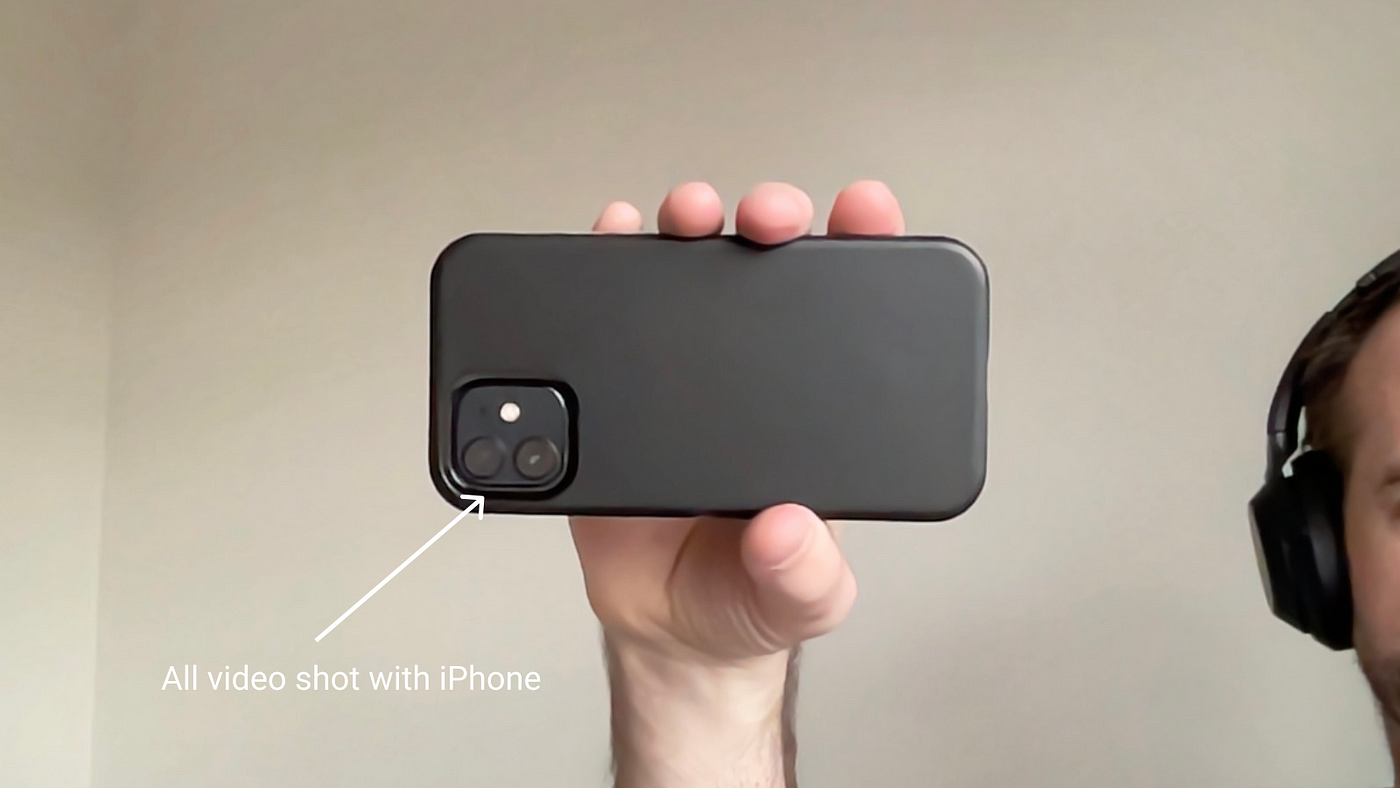
I’ll be shooting all of my videos on my iPhone 12. Which I already own. I’m using the standard Apple video app which works great. The picture is awesome.
I have a 128GB iPhone which I’m hoping will be able to handle all of the videos.
4. A desktop mic
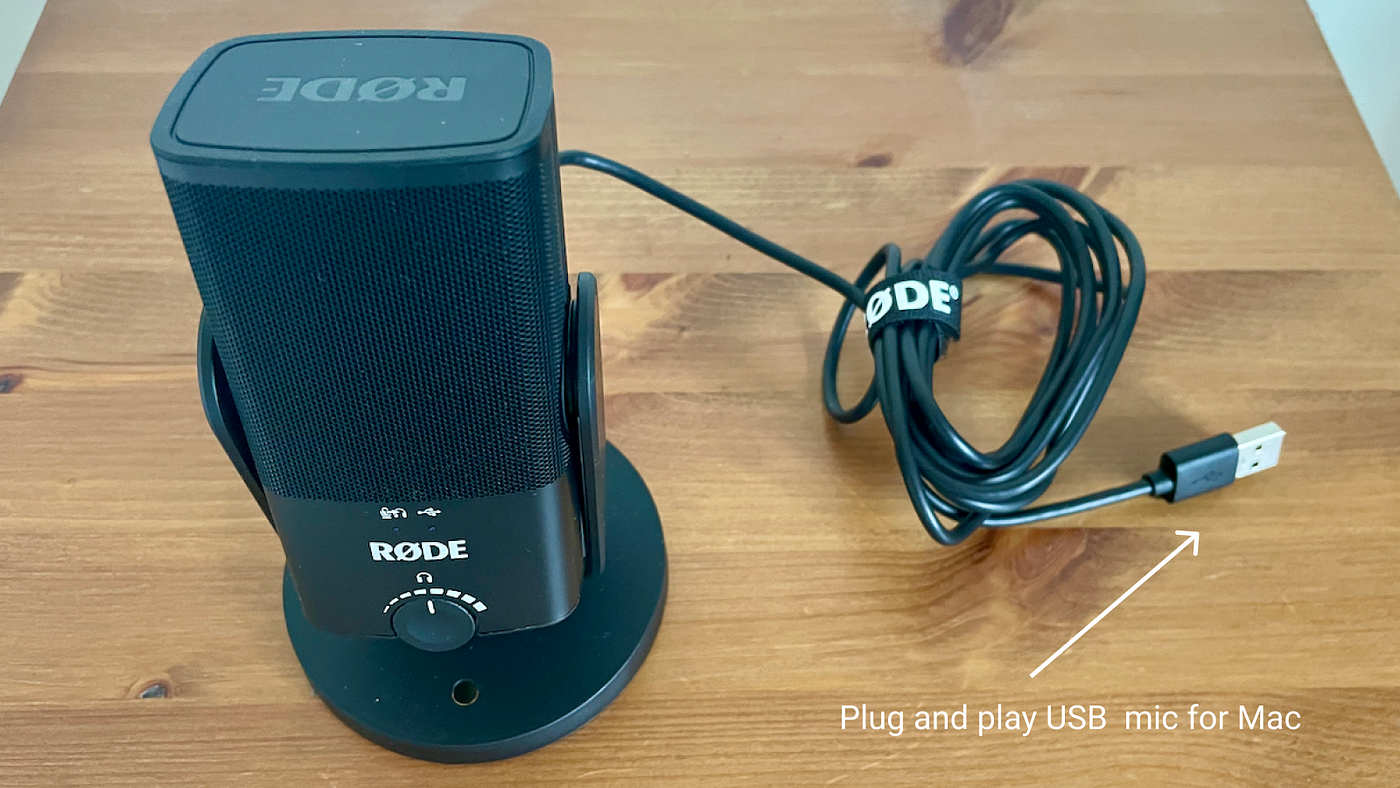
For my course, I’ll be recording screen capture videos at my desk. To do this I wanted a good mic. I needed one that plugs into the mac and also reduces background noise.
Initially, I had an old school mic that I was going to use. I found out that you can’t plug a normal mic into the 3.5mm jack on your Mac. It just doesn’t work.
So I headed over to Amazon and grabbed a really sweet USB C desk mic. It’s another Australian mic made by Rode. It was not cheap. And yes I could have just used the standard Mac mic which is great. But again, I wanted that little bit of extra quality for my students.
The mic cost me £90 and I bought it on Amazon, it's called 'RØDE NT-USB'.
5. A Macbook pro
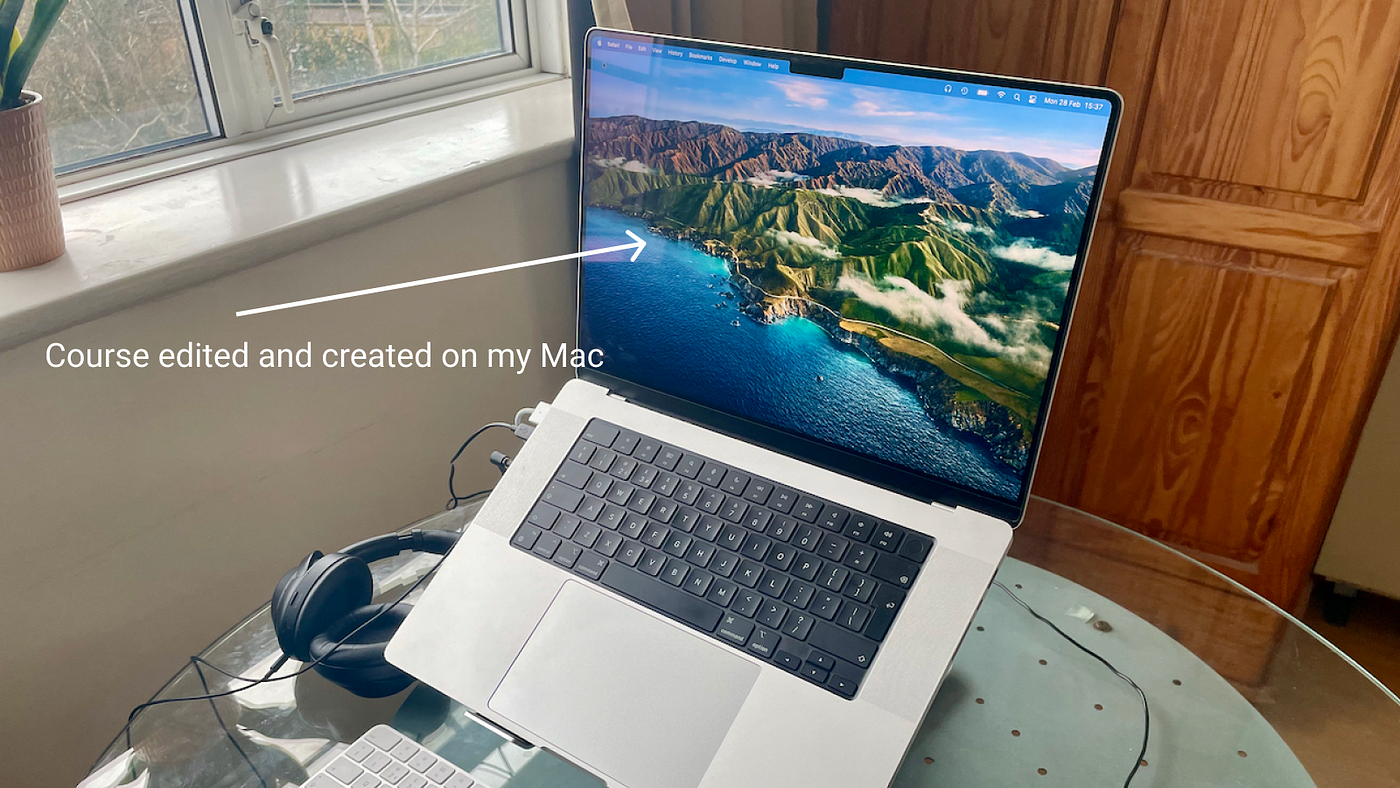
I am using my Macbook Pro to edit the video and put the course together. I’m lucky enough to have a fairly new model. So I’ll be putting it to the test.
6. iMovie
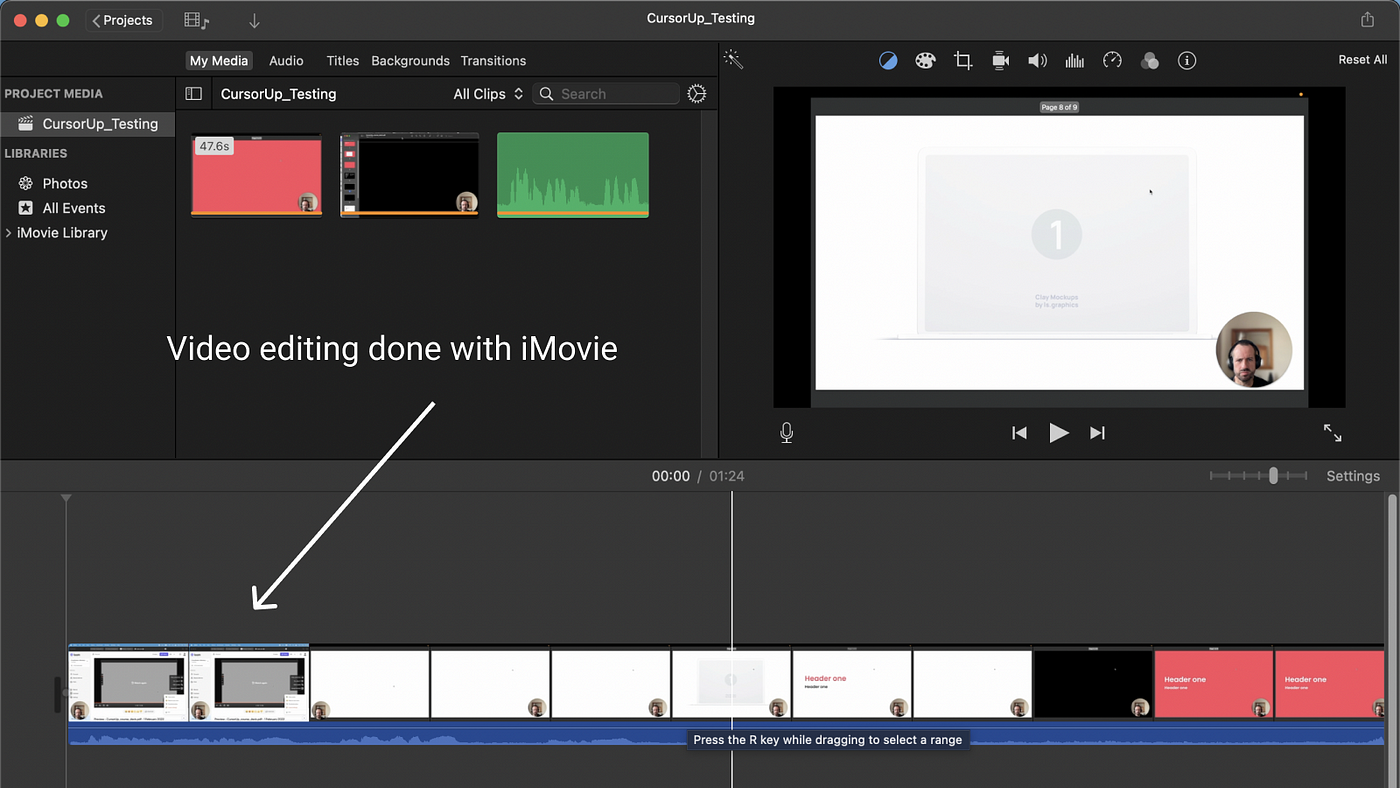
Editing my video. I’m using the standard iMovie app that ships with my Macbook. It’s simple enough and seems pretty powerful. I’m just doing basic editing. It also plays well with my iPhone as the photos and videos I shoot can be imported easily.
7. Keynote
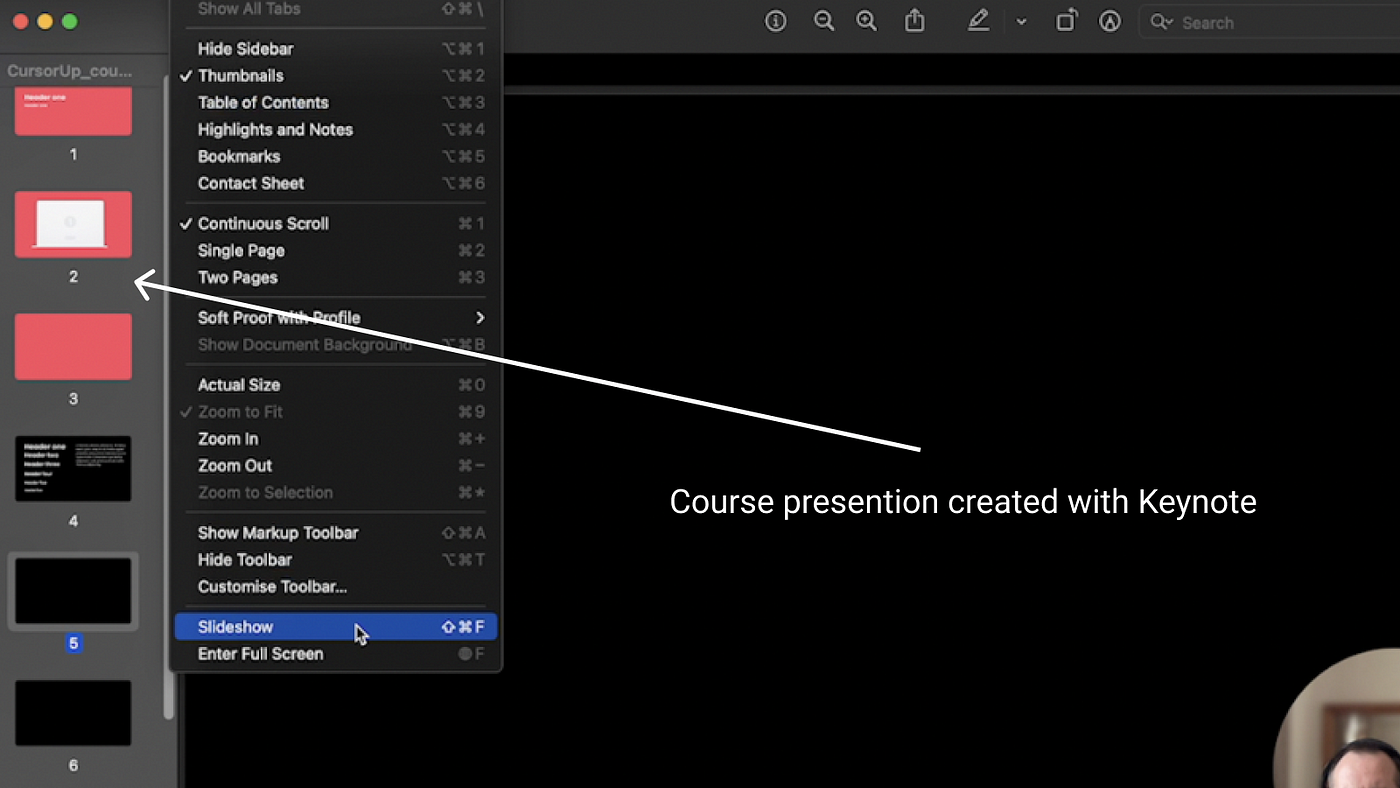
Part of my course will use presentation slides. I’ll be talking over the slides when doing screen capturing. To create the slides I’m using Keynote on the Mac. Keynote also allows me to do some basic animations.
I may also use Figma to create the slides. Figma can create PDF files that can be used as slides.
8. Loom
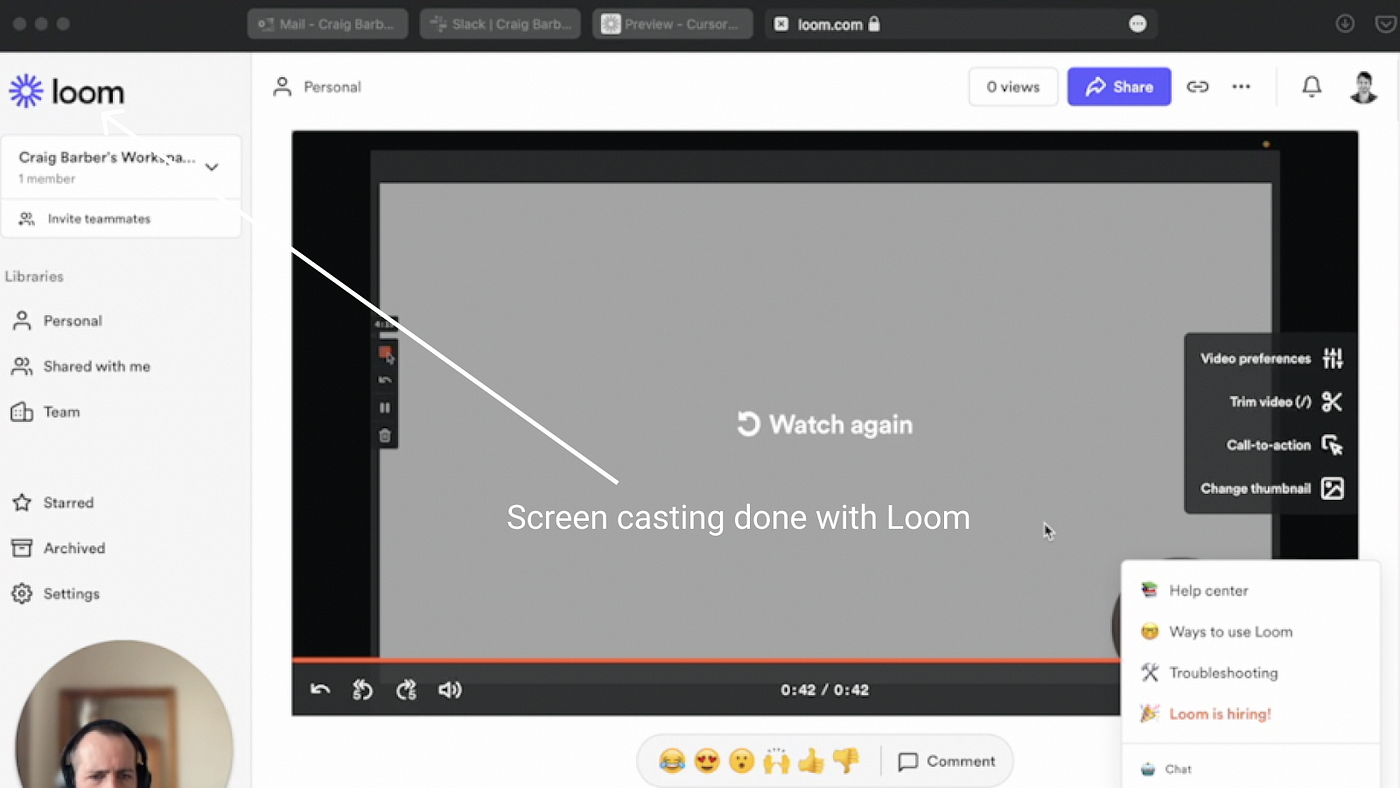
I’ll be doing a lot of video screen capture for my course. To do this I’m using Loom. Loom is great. It also has a desktop version of the app so you don’t need to use a browser.
One thing I did notice is the video quality on the free version is a little low. So I’m using the paid version which means I can shoot in high resolution.
9. Teachable
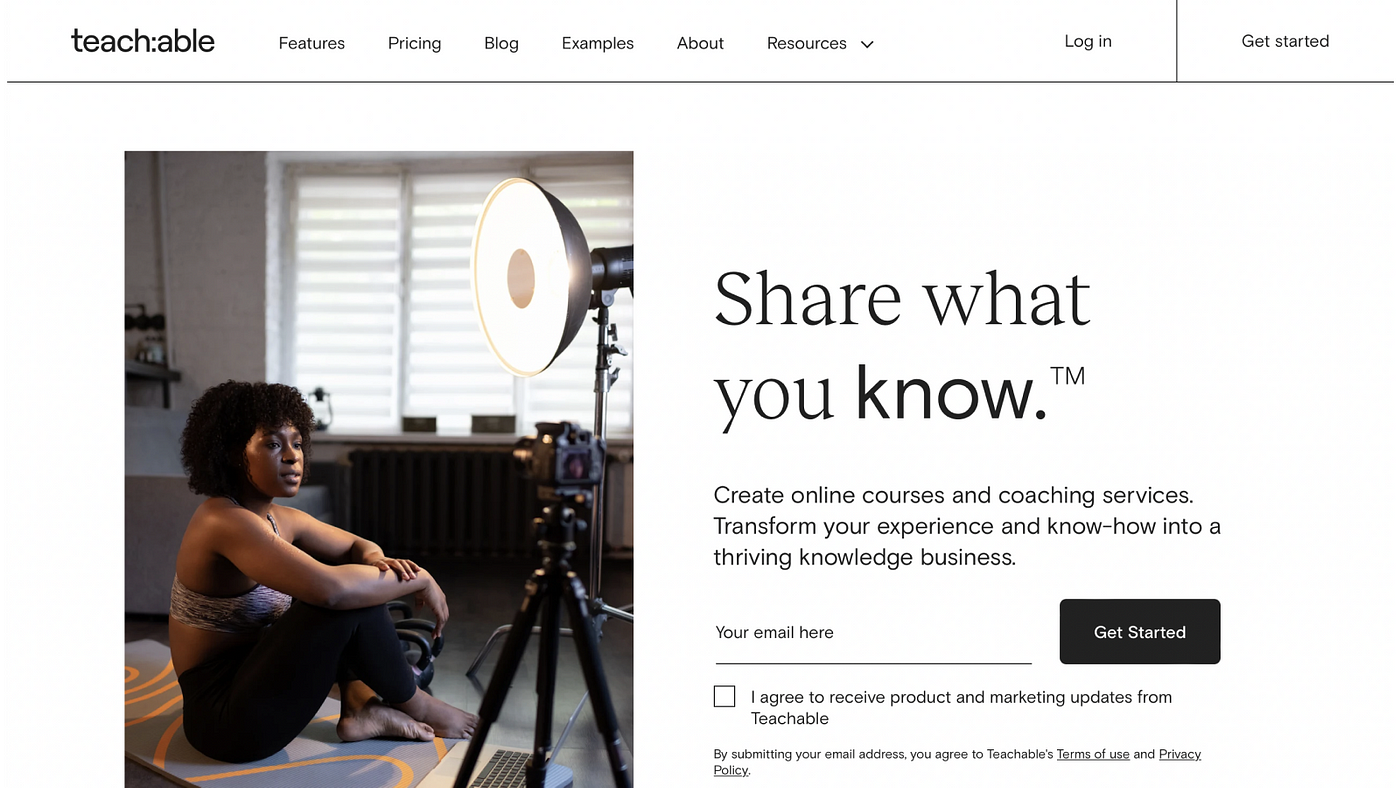
To compile and sell my course I’m using Teachable. I did a bunch of research and I found Teachable is the best solution for my needs.
One of the main reasons is I have a lot more control over my course. I can price it whatever I want. I can also control all of the marketing and landing pages.
Teachable also allows me to have my course as a stand-alone course. With the other platforms, you are placed amongst your competition.
One thing I would say Teachable is missing is ratings. I’ll be looking at a 3rd party rating solution so my students can rate my course.
I went for the medium yearly subscription which cost me £225 ( I bought it for a black Friday special )
Summing up
That’s the complete hardware and software stack I’m using to create my course! One of the biggest challenges was getting the right hardware - especially the mics.
I ended up buying a bunch of cables and mics that just didn’t work! Thankfully Amazon has a great return policy.
Excluding my iPhone and Mac, my total spend was £480.
The most expensive thing was the Teachable yearly subscription. I don’t mind this as it’s a pretty strong motivator to create my course and start selling.
I hope you found my post useful.
Be sure to follow me on Twitter where I’ll be sharing more learnings on course creation, design and business.

Great setup! I was going to suggest OBS as a recording alternative to Loom, but Loom does seem to have some helpful features in the Pro plan with a circle frame, mouse highlighting, etc.
Hey @Patrick_Sonan let me know what OBS is? And I'll check it out. Cheers : )
Simply amazing! Thank you for ideas