Figma Designs into Web & Mobile Apps
For front-end developers, streamlining the process from design to deployment is crucial. If you use Figma for your UI designs, DronaHQ can take your designs and convert them into functional web and mobile apps seamlessly. Here’s how you can leverage DronaHQ to enhance your workflow.
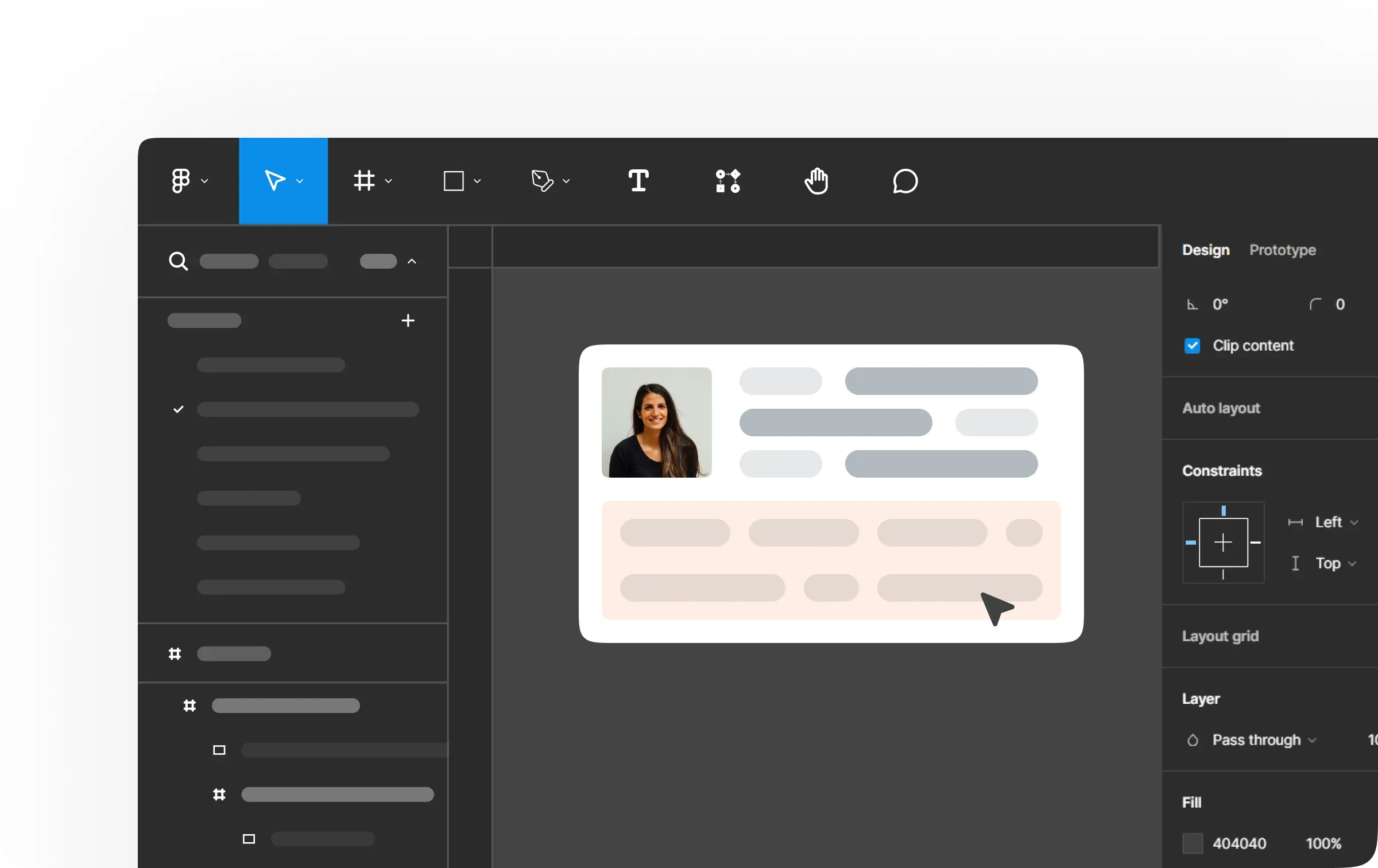
Step 1: Designing in Figma
Figma is ideal for creating detailed UI designs, including cards, buttons, calendars, and more. It offers an intuitive interface for creating these elements without worrying about the underlying code. Once your design is complete, you’re ready to move to the next step.
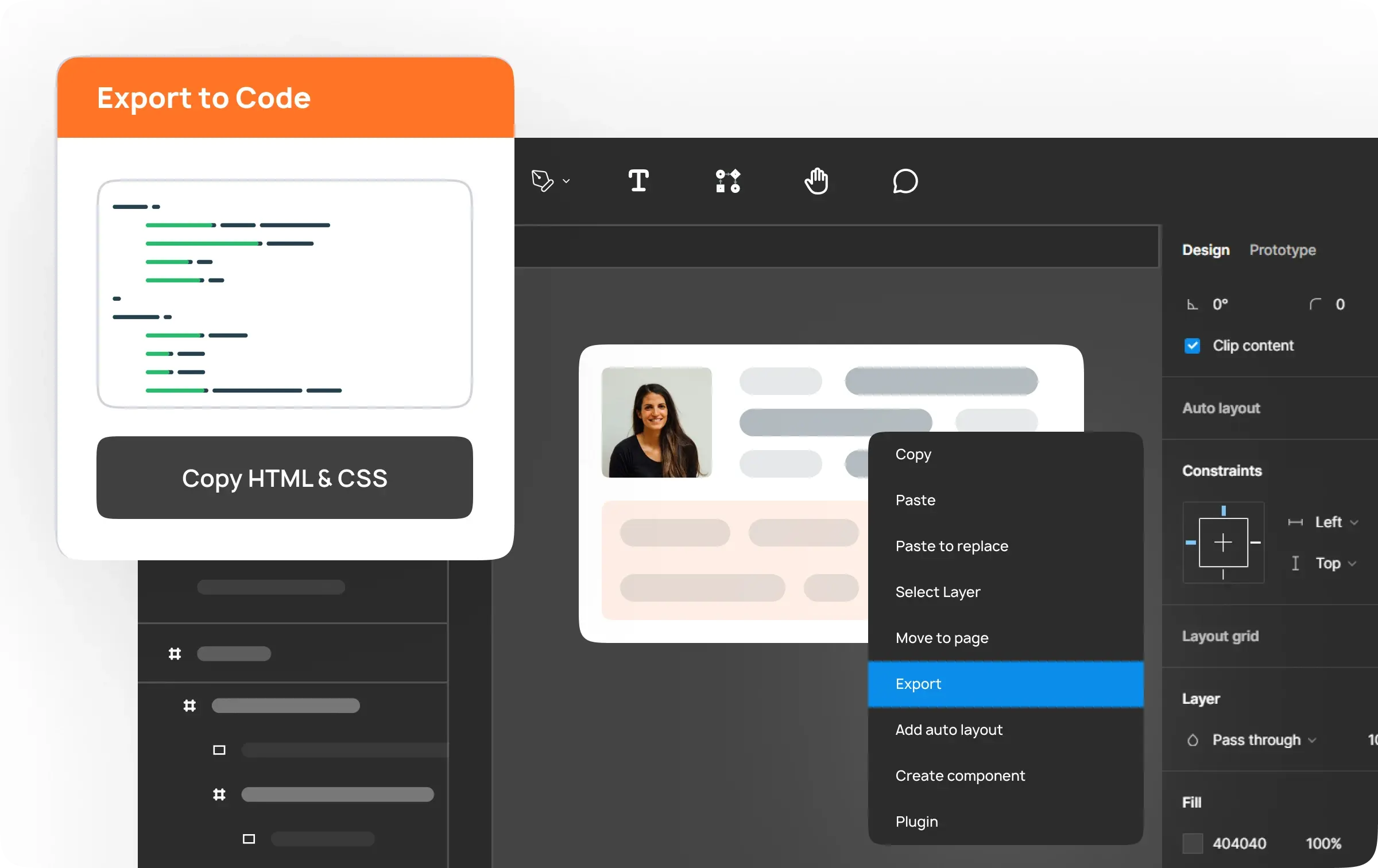
Step 2: Exporting with Anima
Traditionally, converting designs into functional web apps required manual coding, which can be tedious and error-prone. Anima simplifies this process. By installing the Anima plugin in Figma, you can export your designs directly into clean HTML and CSS code with a few clicks. This eliminates the need for manual coding, saving you time and reducing the risk of errors.
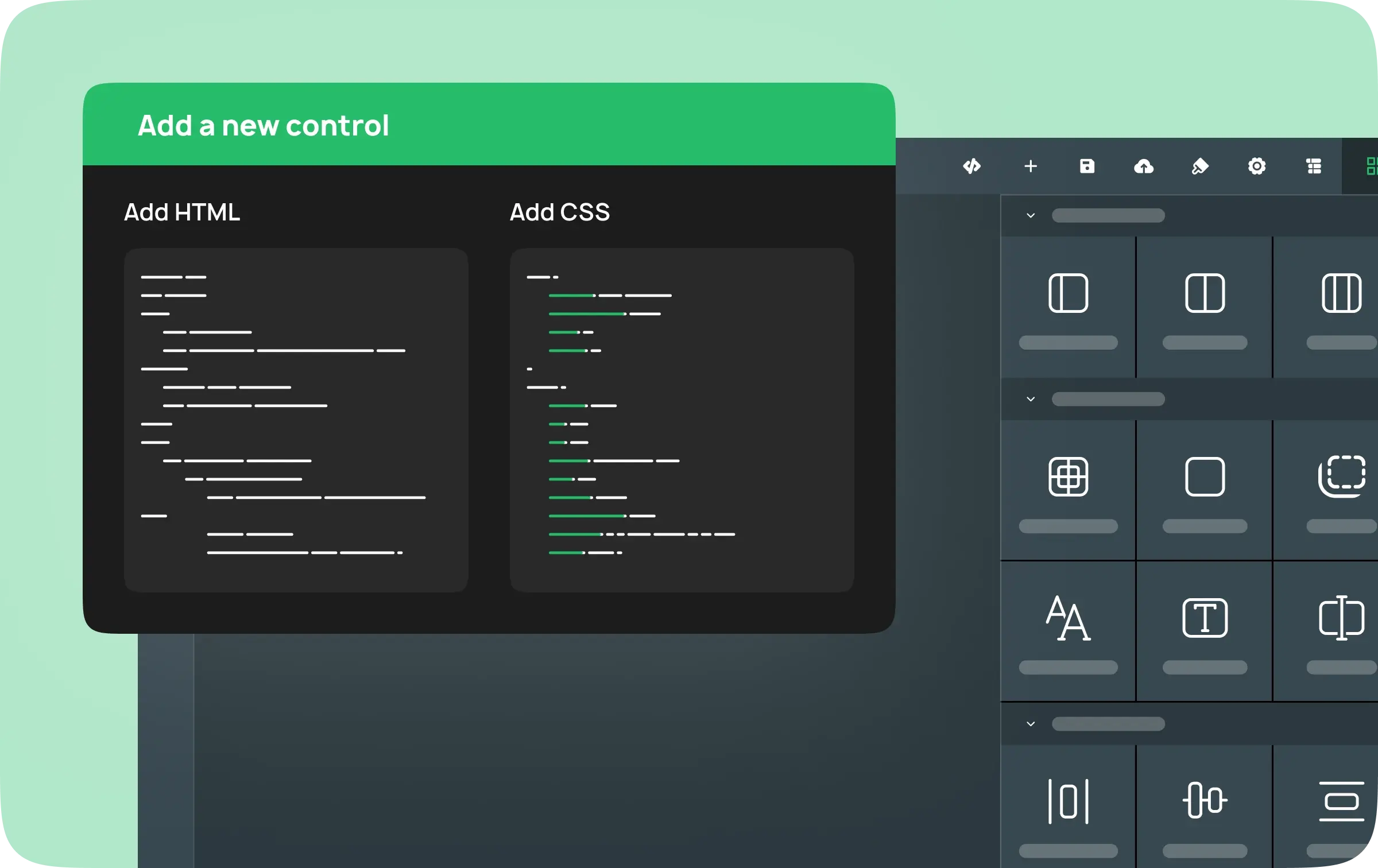
Step 3: Customizing in DronaHQ
With your HTML and CSS code ready, you can now use DronaHQ’s Control Designer. This feature allows you to create and customize non-input controls without writing code. Copy and paste the HTML code from Anima into the Control Designer. Make any necessary adjustments to ensure your design functions as intended. Once everything is set, save and publish your component.
Now what is DronaHQ?
DronaHQ is a low-code app development platform to build comprehensive internal tools, admin panels, dashboards, customer portals, AI-enabled apps, public forms, or any custom business apps. With a user-friendly drag-and-drop interface, ready UI controls and a set of ready connectors teams can build both web and mobile (iOS & Android) apps.
You can sign up here
Key Features of DronaHQ
Cross-Device Compatibility: DronaHQ ensures that your designs work seamlessly across both web and mobile devices. This allows you to create once and deploy anywhere without compatibility issues.
Extensive UI Control Marketplace: DronaHQ offers a marketplace with over 100 pre-built UI controls. This library can significantly speed up your development process, providing a variety of controls that are ready to integrate into your projects.
Data Integration: With DronaHQ, binding data to your UI controls is straightforward. You can use ready connectors and APIs to integrate data into your designs, ensuring your applications are dynamic and functional.
In summary, DronaHQ is a practical tool for front-end developers looking to streamline their workflow from Figma designs to functional web and mobile apps. By combining Figma’s design capabilities with DronaHQ’s development tools, you can eliminate the tedious steps of manual coding and focus on building effective, responsive applications. Try DronaHQ today to see how it can enhance your front-end development process.
