Goodbye Postman and Thunder Client: Exploring EchoAPI for VS Code
Navigating the request interface in Postman has become increasingly cumbersome. When testing APIs, you have to go through the following steps in Postman: Workspace => Open New Tab => Select TEXT -> Raw -> JSON. This workflow can be rather tedious.
That's why, while developing code for API integration, I've switched to using "Thunder Client in VS Code" since discovering it. Alternatively, I would run Make (formerly Integromat) modules and use Chrome Developer Tools plugins to view request details and copy the request body or URL.
EchoAPI for VS Code
EchoAPI came to my attention through a Reddit post. To my surprise, it also offers a VS Code plugin: EchoAPI for VS Code! The feature that caught my eye was its “100% compatible with Postman script syntax.” I was intrigued but skeptical. Could it really be that simple? Upon downloading and testing it, I was pleasantly surprised to find a whole new world. Almost all my Postman pre-scripts and tests worked seamlessly with EchoAPI.
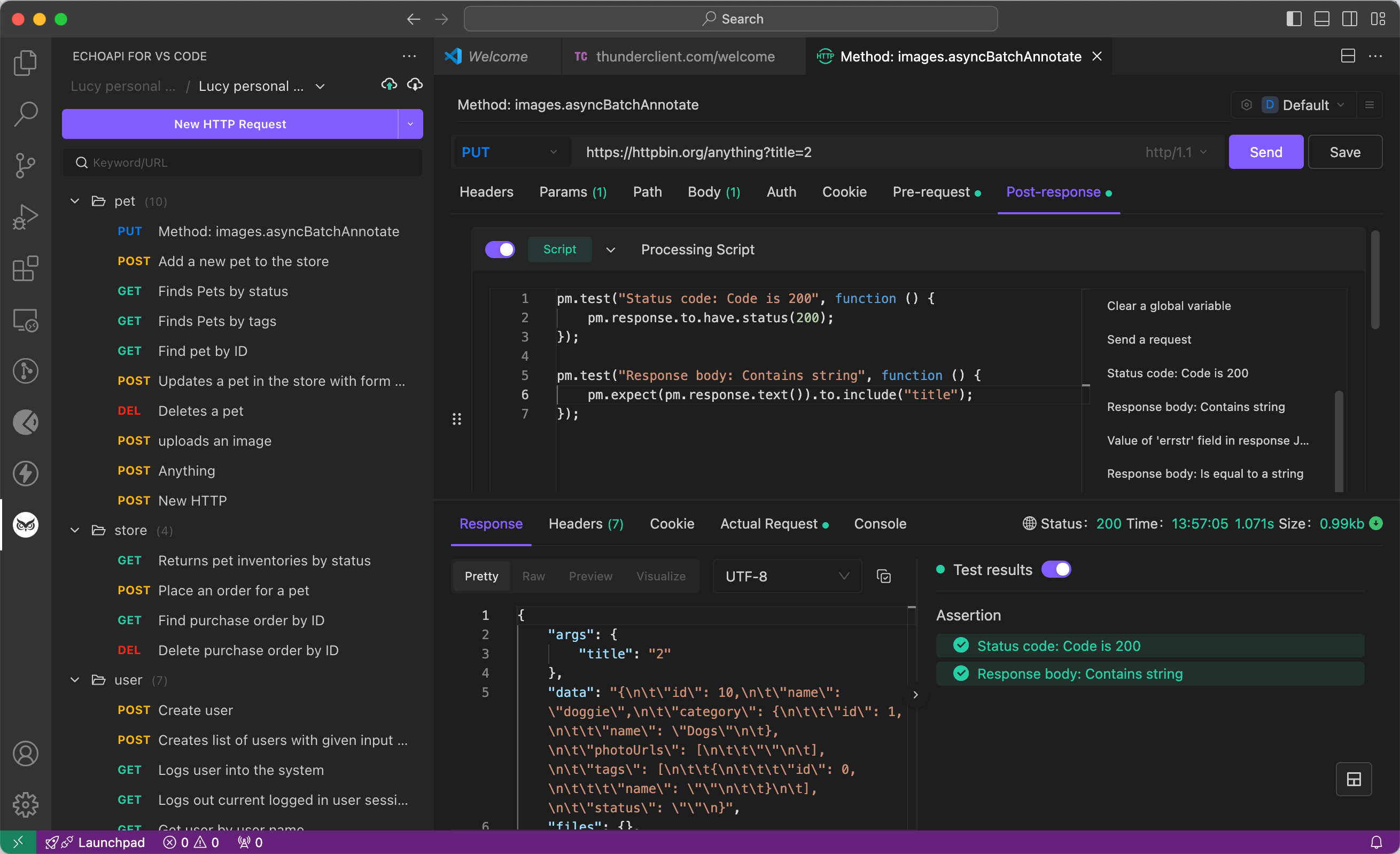
EchoAPI for VS Code of features
- No login required: Just install and go.
- Supports Scratch Pad: Perfect for quick, temporary notes and testing.
- Ultra-lightweight: Doesn't hog your system resources.
- 100% Postman script syntax compatibility: Smooth transition guaranteed.
Comparison Analysis with Postman
| Feature | EchoAPI for VSCode | Postman for VSCode |
|-----------------------|--------------------|--------------------|
| Price | Free | Paid |
| Offline Usage | Yes | No, requires login |
| Ease of Use | Simple | Complex |
| Lightweight | Yes | Yes |
| Environment Management| Yes | Yes |
Price
-
EchoAPI for VSCode: It’s completely free, perfect for individuals and small teams.
-
Postman for VSCode: Needs a Postman account, and some features might require a subscription.
Offline Usage
-
EchoAPI for VSCode: Works fully offline, so you don’t have to log in to use it.
-
Postman for VSCode: Requires you to log in, so no offline usage.
Ease of Use
-
EchoAPI for VSCode: Very user-friendly, great for beginners and pros alike.
-
Postman for VSCode: More complex, which can mean a steeper learning curve.
Lightweight
Both extensions are lightweight and won’t slow down your VSCode, making them great for keeping your IDE responsive.
Environment Management
Both tools allow easy management of variables across different environments, crucial for API testing.
EchoAPI Extensions and Tools
Apart from its desktop application, EchoAPI provides several extensions to fit various development environments:
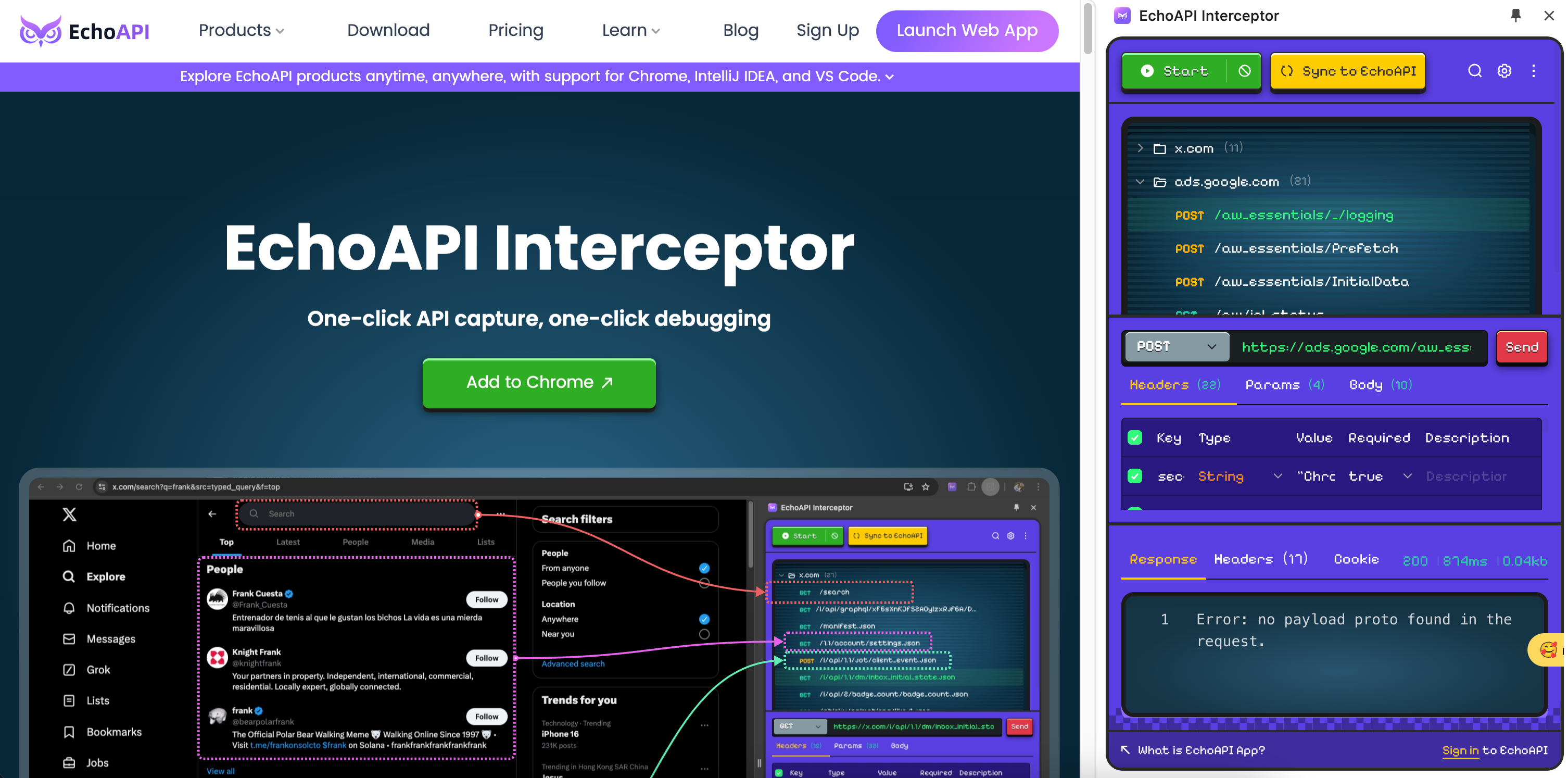
- EchoAPI for VS Code: An ultra-lightweight API debugging tool for VS Code.
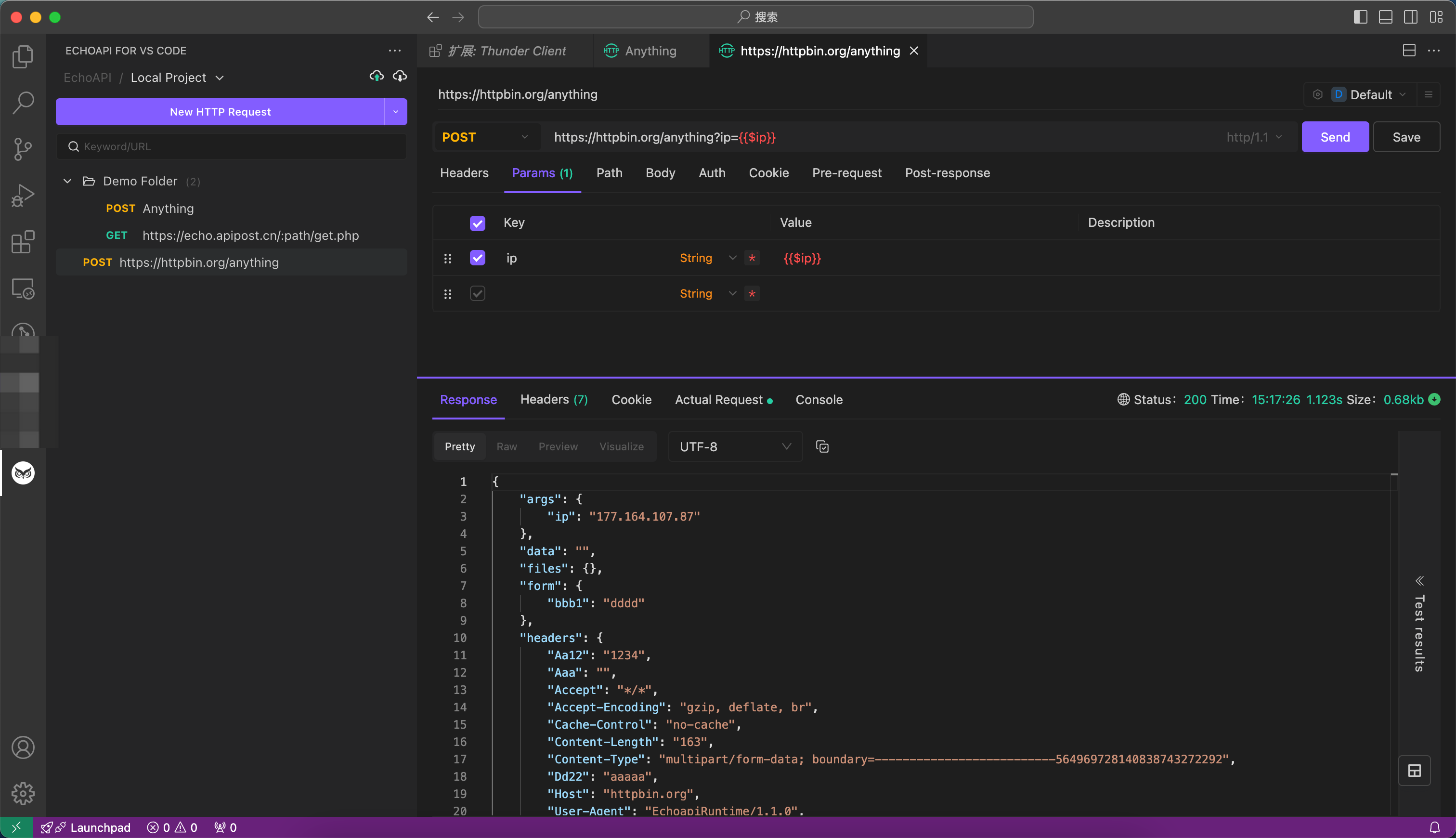
- EchoAPI for IntelliJ IDEA: Offers one-click API documentation and debugging.
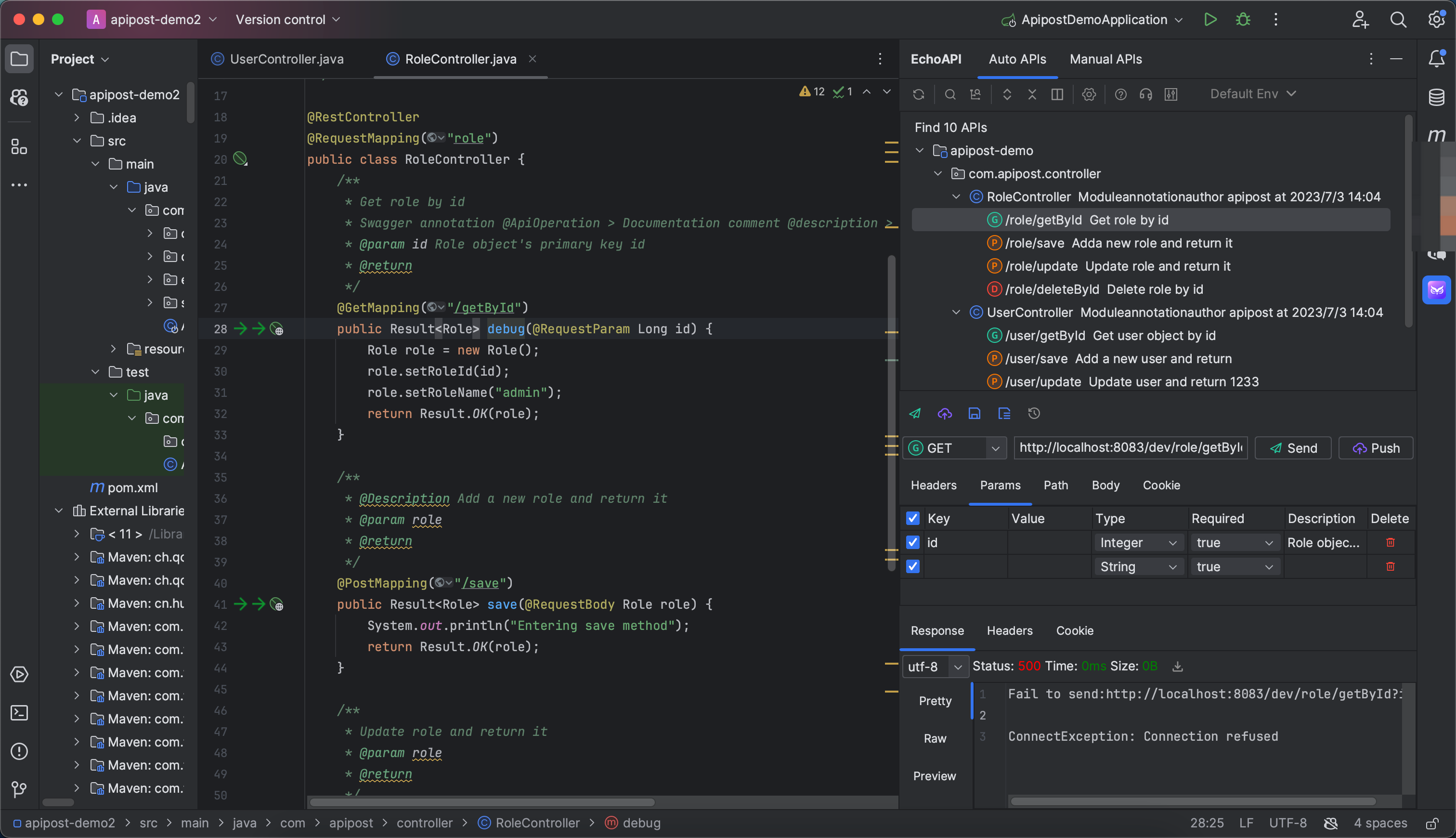
- EchoAPI-Interceptor: Enables one-click API capture and debugging.
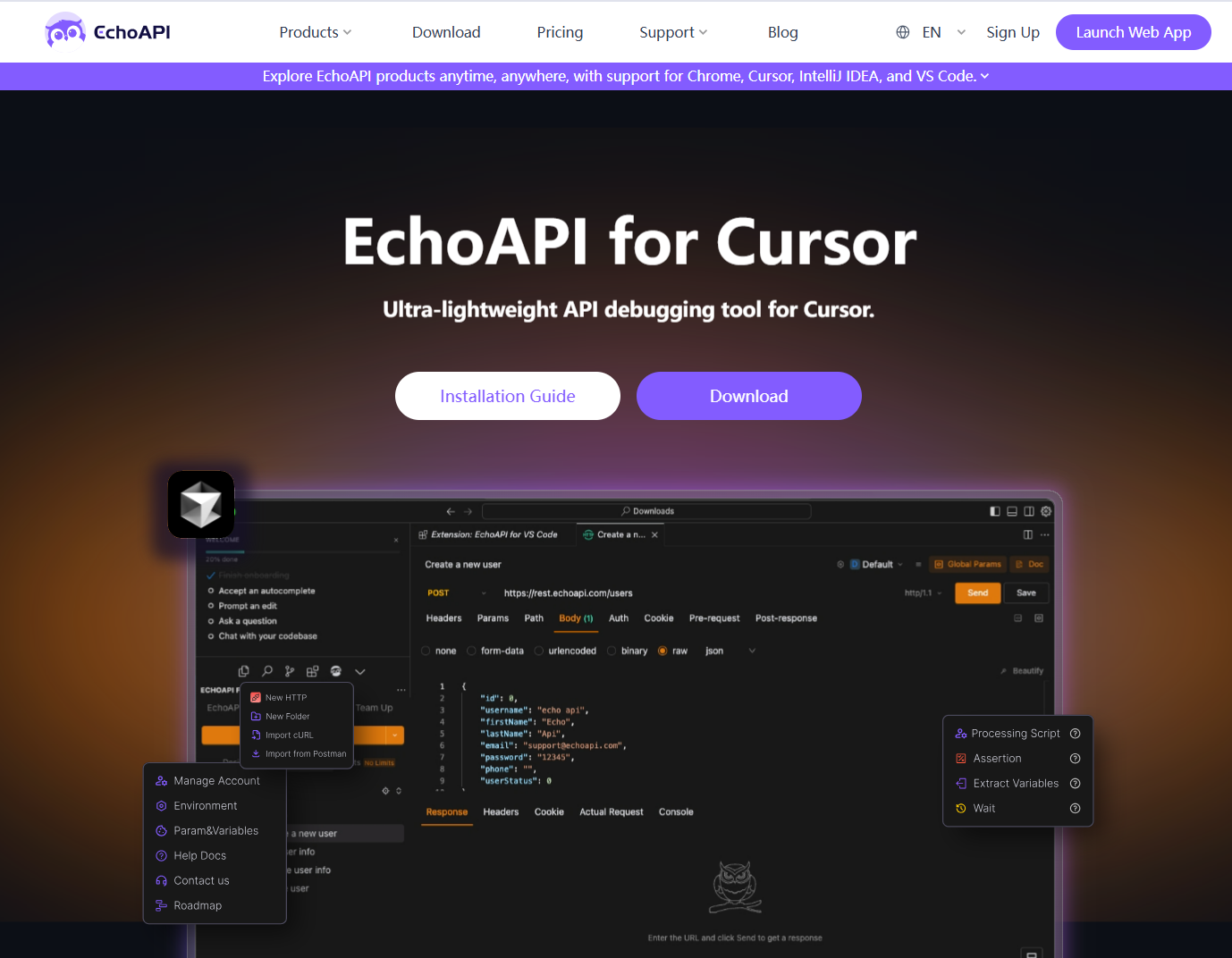
- EchoAPI for Cunsor:It is a plugin that enables the direct development of REST APIs within Cursor.
- EchoAPI CLI: A Command Line Interface tool for EchoAPI and test case execution.
Conclusion
EchoAPI for VSCode shines as a great alternative to Postman, especially if you want a free tool that works offline. It integrates well with VSCode and offers straightforward interactions, making it ideal for developers who want to keep everything in one place. While Postman has some advanced features, EchoAPI covers the basics exceptionally well, plus it doesn't require login—making it hassle-free.

Great breakdown of EchoAPI and how it compares with Postman and Thunder Client! EchoAPI’s 100% Postman script compatibility and lightweight VS Code integration really make API testing smoother. For folks exploring alternatives, another tool I’ve been using is Postmate Client — it’s a VS Code API client with collections, environment support, and local‑first data storage, which makes it a solid Postman alternative inside VS Code as well. It’s been especially useful for keeping testing workflows fast and private without leaving the editor. Any thoughts from others here on different VS Code API tools?