How I Built a Free Math Calculator That Actually Teaches Students (Not Just Gives Answers)
Most online calculators are broken — not technically, but educationally.
You type in a problem, hit equals, and get an answer. Done. But if you're a student who didn't understand the process the first time, you're still lost. The answer didn't teach you anything.
That frustration is exactly why I built Calculadora de Alicia.
The Problem I Kept Seeing
I noticed a recurring pattern among students: they would use a calculator to check their homework, get the right answer, but still fail the exam. Why? Because they never understood how the problem was solved — only what the answer was.
Traditional calculators optimize for speed. They're built for people who already know math. But for students who are still learning — whether it's basic arithmetic, long division, fractions, or algebra — speed without understanding is useless.
There was a clear gap in the market: a tool that bridges the space between getting an answer and understanding a concept.
What Calculadora de Alicia Actually Does
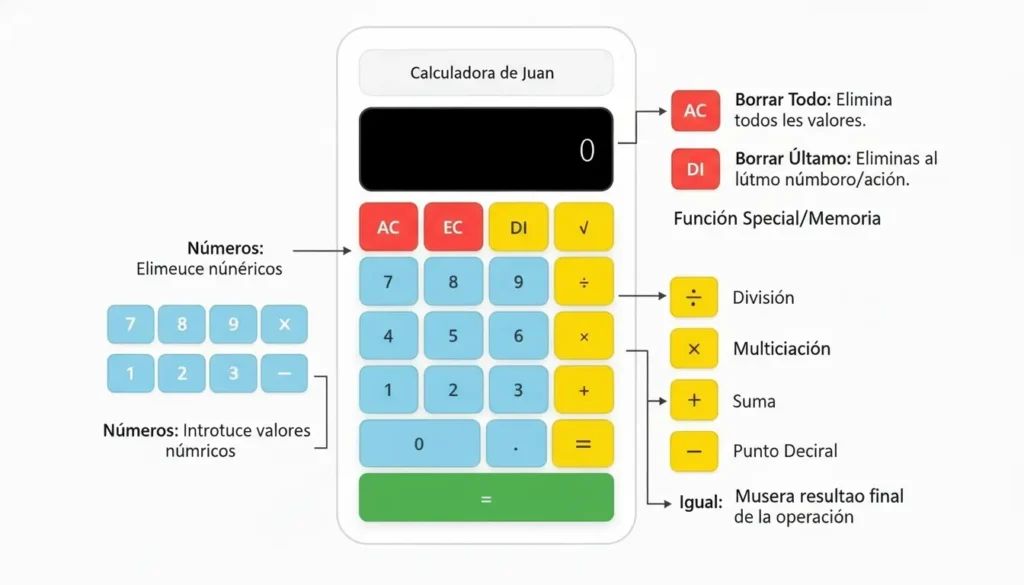
Rather than showing a single result, Calculadora de Alicia breaks down every calculation into visual, interactive step-by-step solutions. Each operation is explained in a logical sequence, so the student can follow along, pause, and actually internalize the method.
Here's what makes it different from every other free calculator out there:
Step-by-step visual breakdown — not just the final answer, but the entire solving process
Adjustable step speed — students can slow down or speed up each step based on their comfort level
Zero friction to access — no account, no download, no paywall. Open browser, start solving
Supports multiple operations — addition, subtraction, multiplication, division, fractions, square roots, decimals, and algebra
Mobile-friendly — works seamlessly on phones, which is how most students actually study
The Build Philosophy: Simple, Free, Forever
I made a deliberate decision early on: this tool would always be free. Not freemium. Not "free with limited features." Just free.
The reason is simple — students shouldn't have to pay to understand math. Educational tools that hide core functionality behind a subscription wall defeat the purpose. Accessibility was a non-negotiable principle from day one.
The tech stack is intentionally lightweight: WordPress as the CMS with custom JavaScript powering the interactive calculator engine. No heavy frameworks, no unnecessary dependencies. Just a fast, clean experience that loads quickly even on slower connections.
Early Lessons From Building an Educational Tool
Building Calculadora de Alicia taught me a few things I wish I'd known earlier:
1. The user is not always who you think. I built this for students, but quickly realized teachers and parents were using it just as much. They were using it to explain concepts to their kids — not just to solve problems. That insight shifted how I thought about the UX.
2. Simplicity is harder than complexity. Making something that feels effortless takes more work than making something feature-heavy. Every button, every animation, every step sequence was iterated on to make sure it didn't confuse — it clarified.
3. Free products still need distribution. Building a genuinely useful free tool doesn't automatically bring traffic. SEO, directories, communities like this one — distribution is a full-time job on its own.
Where It Stands Today
Calculadora de Alicia is live at lacalculadora-dealicia.com and growing organically through search traffic. The core audience is Spanish-speaking students, but the visual nature of the tool makes it useful regardless of language.
The roadmap includes expanding the algebra solver, adding more operation types, and eventually supporting equation graphing — all while staying completely free.

