How I Built Photocollagemaker io to Make Collages Fun and Effortless
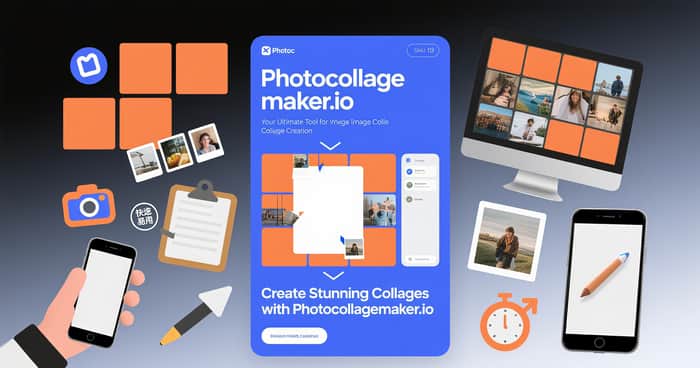
As someone who has always loved visual storytelling, I often found myself frustrated by the lack of simple tools for creating photo collages. Most apps either felt bloated, required subscriptions, or just weren’t flexible enough for the kinds of projects I wanted to make. That’s why I decided to build Photocollagemaker.io — a simple, intuitive tool to help anyone create beautiful collages in minutes.
The Problem I Wanted to Solve
I noticed a few recurring pain points when using existing collage tools:
- Too many features, not enough focus: Most tools try to do everything, making the core collage-making experience slow and complicated.
- Subscription fatigue: Many apps lock essential features behind recurring payments.
- Limited customization: Predefined templates often make all collages look similar.
I wanted a solution that was fast, flexible, and free to try, while still offering advanced features for users who want more control.
Building Photocollagemaker.io
I started with a few guiding principles:
- Simplicity first: The UI had to be clean and intuitive, so that anyone could start creating immediately.
- Drag-and-drop flexibility: Users can arrange photos freely or choose from templates.
- Fast performance: Collages should render quickly, even with dozens of images.
- Export without hassle: Users can download high-quality images with a single click.
From wireframes to the first prototype, the development process was iterative. I gathered feedback from friends and early users, and every suggestion shaped the interface and workflow.
Key Features
- Multiple templates: Choose from a variety of pre-designed layouts or create your own.
- Customizable grids: Adjust spacing, border color, and background.
- Drag-and-drop editor: Easily rearrange photos, resize, or rotate.
- High-quality exports: Save collages in different resolutions for web or print.
What’s exciting is that while the tool is simple to use, it’s powerful enough to handle complex projects. Whether it’s a memory board, social media post, or portfolio showcase, Photocollagemaker.io makes the process effortless.
Lessons Learned
Launching this tool has been a learning experience:
- Feedback is gold: Listening to early users helped me prioritize features that truly mattered.
- Simplicity beats complexity: A focused tool often provides more value than a feature-rich but confusing one.
- Community matters: Indie creators thrive on sharing tips and templates, which inspired me to add collaborative features in future updates.
What’s Next
I’m planning to expand Photocollagemaker.io with more templates, AI-powered photo suggestions, and collaborative editing. The goal is to make collage creation even more seamless while keeping the tool accessible to everyone.
If you’ve struggled with existing collage tools or just love creating visuals, give Photocollagemaker.io a try. I’d love to hear your feedback and see what you create!
Join the discussion: I’m curious to know — what’s the most frustrating part of making collages for you? How do you currently create visual stories online? Reply and let’s share ideas.
