How I cleaned up space on my mac as a developer

Freeing up space on my machine with the mac-cleanup command-line tool
I’ve been plagued by “Your Mac is running low on disk space” warnings for the past couple of weeks while building/launching/frantically fixing bugs 🐛 for How to Convert - a universal file converter that runs locally.
After not being able to update my computer because I had too many files, I have decided that enough is enough. Today, it is time I get my act together and take back control of my life. No longer will I be a file hoarder!
After searching for a tool online, I stumbled across a project called mac-cleanup at https://github.com/mac-cleanup/mac-cleanup-sh. From reading the readme, it appears to clear common office files that build up: Adobe, Google chrome and Dropbox. However, what I liked most was its ability to clean up Docker, npm, yarn and other developer related files.
This fixes one of my main storage problems. As a developer, I start multiple projects (many that I never finish), and over time my computer get’s clogged up with many files that I no longer need or use.
Follow along and you too shall learn how to cleanup your mac’s free space with this handy command-line tool. If you’re not a developer, don’t worry, I’ll explain everything.
Installation
The readme of the project shows that mac-cleanup can be installed in a number of ways: using homebrew, curl or wget. First, open your terminal (If you don’t know what that is, click the search button on the top right of your mac, and type “terminal.app”).
If you don’t have homebrew, install by typing (following instructions at https://brew.sh/):
/bin/bash -c "$(curl -fsSL https://raw.githubusercontent.com/Homebrew/install/HEAD/install.sh)"
Once you have homebrew, installation on the terminal is as simple as typing:
brew tap fwartner/tap
followed by:
brew install fwartner/tap/mac-cleanup
What this does is first add fwartner’s tap to homebrew (tap is homebrew’s fun name for adding a source to install apps from). Then, it installs the mac-cleanup utility.
Usage
After consulting the extremely helpful help page (a subtle joke, as this app is so minimal, it contains basically nothing..) with:
mac-cleanup -h
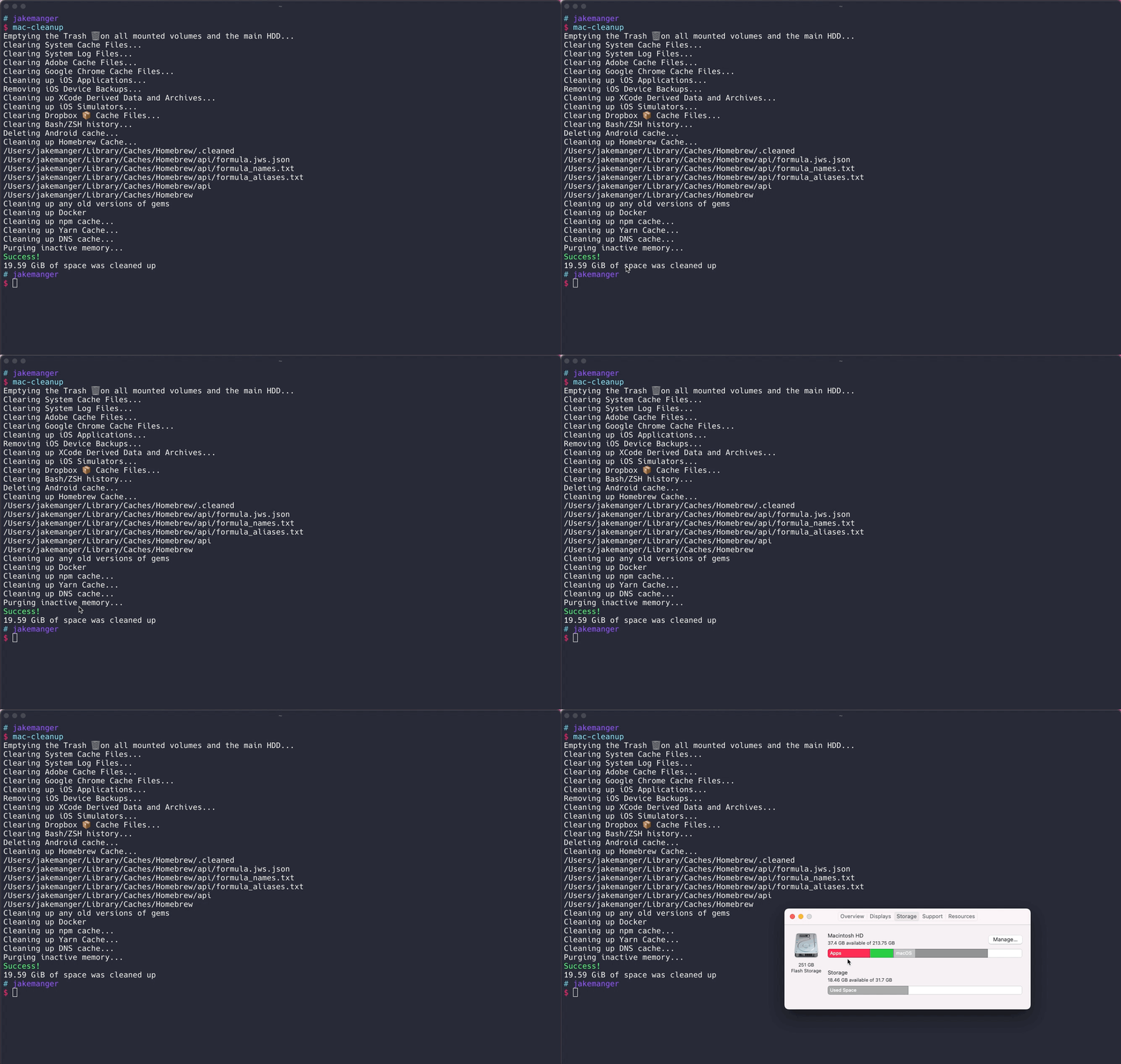
I can see that all you really need to do is type mac-cleanup and press enter like so!
mac-cleanup

After running I cleaned up 20GB of space! Just enough for my update.
Similar apps
Digging a bit further, I’ve also found there is a fresh-in-development mac-cleanup being built in python. This appears to have new configuration options and progress bars, which seem nice. Give that project a view if you feel like it, here.
Let me know how much storage you saved in the comments! Also, if you found any other storage saving developer tricks, please share them. Thanks for reading! 🥳 💻
