How I turned a 3-hour CSV data entry nightmare into a 10-second QuickBooks import.
Picture this: It’s midnight on a Friday. You’re staring at a massive, messy CSV spreadsheet from a client’s bank. It’s got thousands of transactions, missing columns, and broken descriptions. You try to upload it into QuickBooks, but QB just glares back at you with a familiar error code: .CSV import failed.
Because QuickBooks Online loves its native, structured .QBO Web Connect files, uploading a raw spreadsheet, can feel like trying to shove a square peg into a round hole.
So, what do you do? You start manually keying them in. One line at a time. Your eyes blur, your coffee goes cold, and you lose three hours of your life to mindless data entry.
That is exactly why I built FinConvertly.
I was tired of watching bookkeepers and business owners waste entire weekends fighting with spreadsheet formatting. I wanted to create a tool that felt like a magic "bridge."
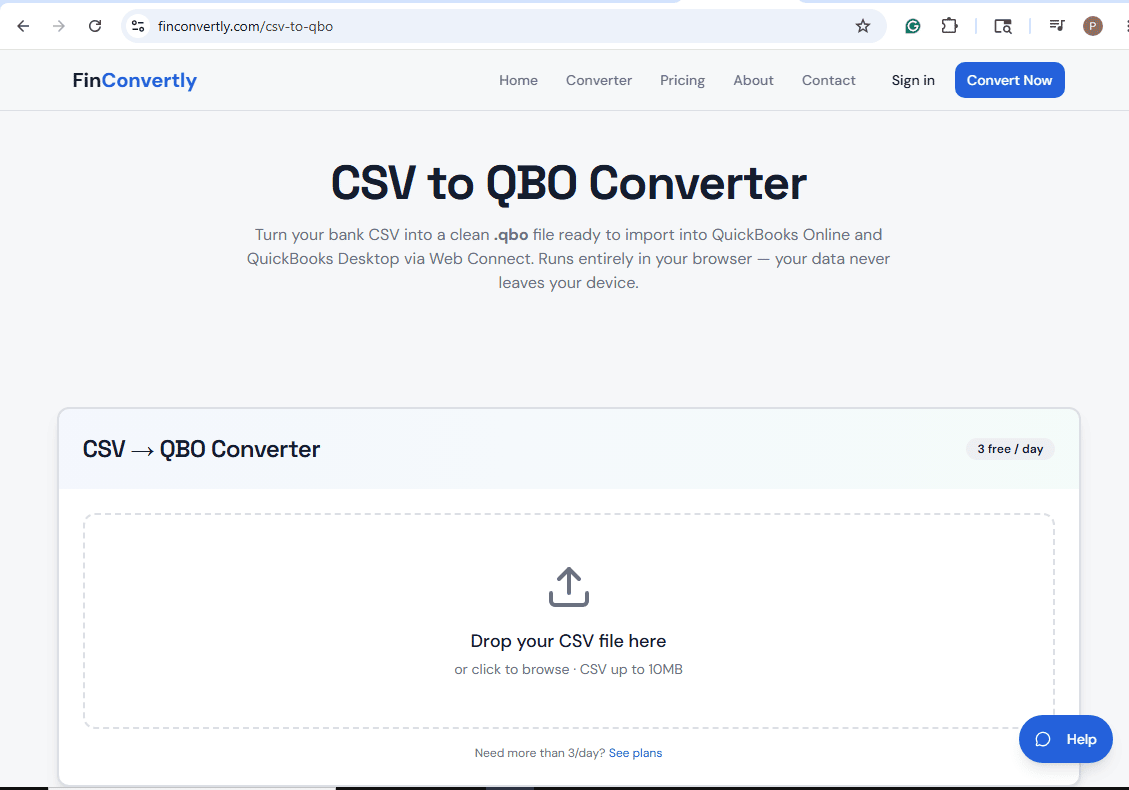
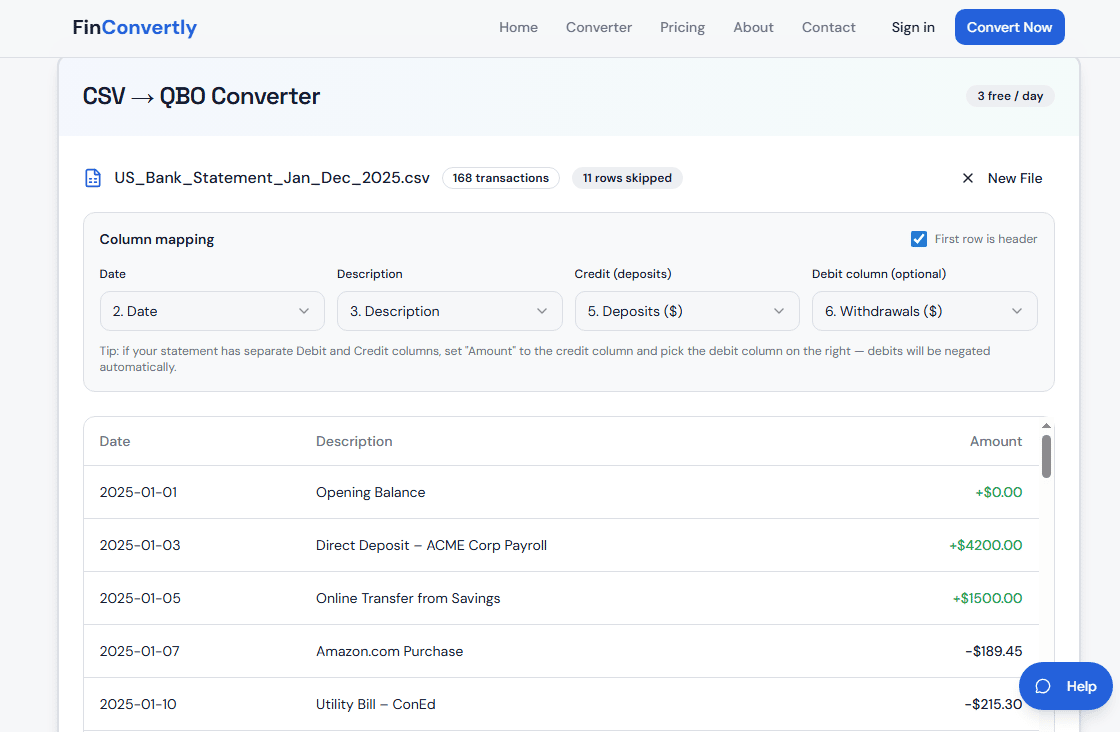
With FinConvertly, you take that chaotic CSV, drag and drop it into the dashboard, and the system instantly maps the columns—matching dates, payees, and amounts flawlessly. In less than ten seconds, it spits out a perfectly formatted .QBO file. You upload it to QuickBooks, and boom—your bank feeds are populated, completely matched, and ready for reconciliation. No manual typing, no syntax errors, and no pulling your hair out.
It turns a three-hour migraine into a three-click victory.

