How Small Teams Can Create Better Marketing Assets Without a Designer
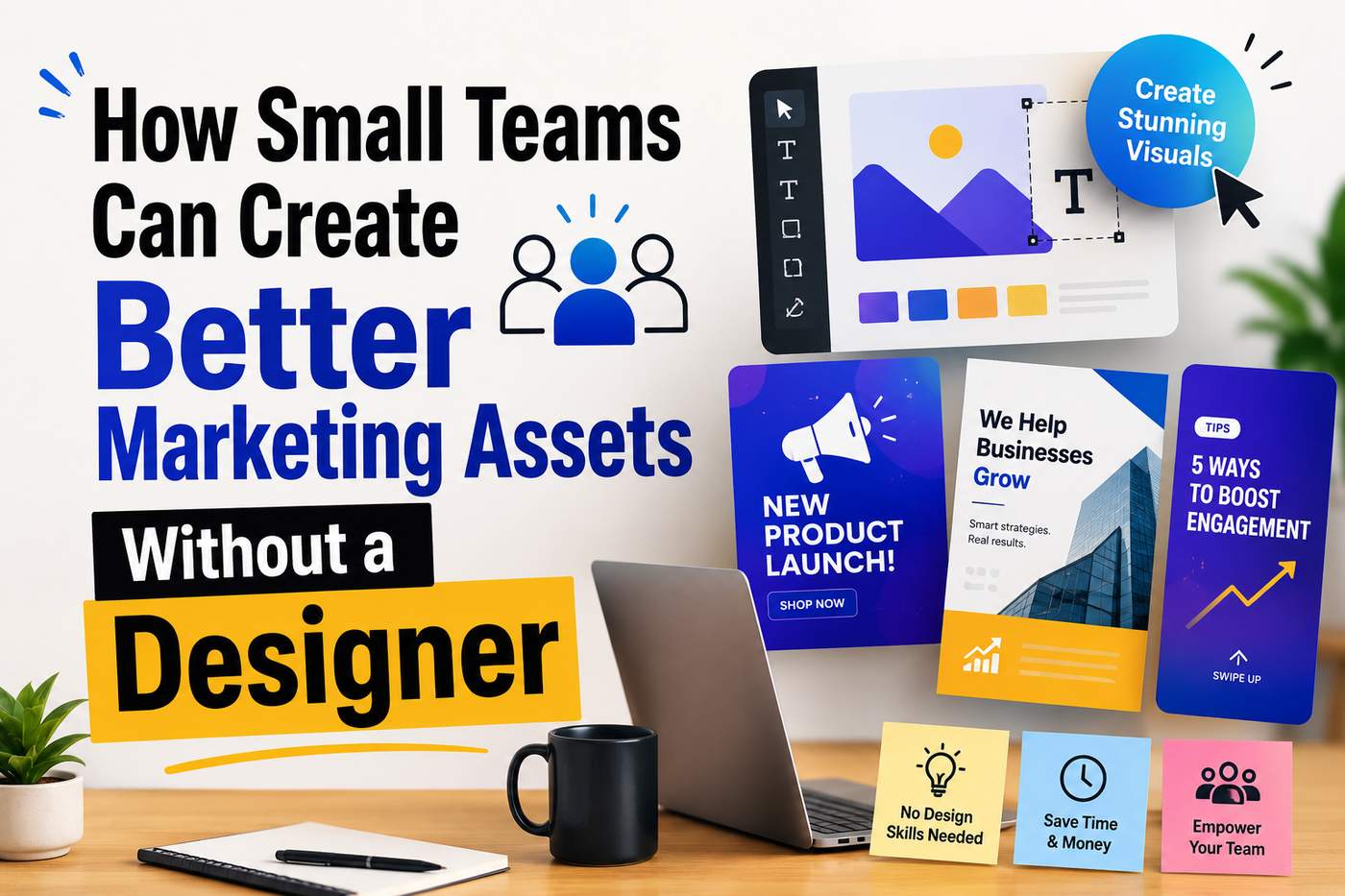
For solo founders and small teams, building a product often means working with limited time, people, and budget. Hiring a dedicated designer may not be realistic.
That doesn't mean visual content has to take a back seat.
From product launches and social media posts to email campaigns and short-form videos, small teams still need a steady stream of marketing assets. AI-powered creative tools such as YouCam Online Editor can help teams handle some of the production work more efficiently.
Step 1: Improve Your Source Images With AI
Not every image you have will be marketing-ready. Maybe an old screenshot is slightly blurry. Perhaps a product photo has lower resolution than you need. Or you have an older image that you want to reuse in a new campaign.
This is where AI Photo Enhance can be useful. Tools such as YouCam Online Editor can help improve image quality by enhancing details and addressing issues such as blur and low resolution.
The benefit for a small team is simple: you don't have to recreate an asset just because the original file isn't perfect. You can start with what you already have and improve it.
That can be particularly useful when you're working with older product photography, user-generated content, screenshots, or images collected from different sources.
Step 2: Turn Static Images Into Video
Once you have a good image, the next opportunity is to add motion. Video is increasingly important across marketing channels, but creating video traditionally requires considerably more time than creating a static graphic.
This is where AI Image-to-Video can change the workflow. Instead of opening a video editor and building a timeline from scratch, you can start with an existing image and use AI to generate a short video from it.
For example, a product image could become a short promotional clip. A product screenshot could become part of a feature announcement. A lifestyle image could become a social media video.
YouCam Online Editor's AI Image-to-Video Generator is one example of this workflow. It allows users to start with a static image and turn it into a dynamic video without requiring traditional video editing skills.
For a small marketing team, the important part isn't simply that AI can generate video. It's that the team can start with an asset it already has.
Step 3: Build Assets Around One Core Visual
Once you've improved an image and created a video from it, don't stop there. Think about how the same visual can support the rest of your campaign.
For example: Original product image → AI-enhanced image → AI-generated video → Social media post → Email campaign → Website or blog visual
The copy and format can change for each channel, while the core visual identity remains consistent. This is much more efficient than designing every asset independently.
Step 4: Create a Simple Repeatable Workflow
The real advantage of AI comes when you turn it into a repeatable process. A small team could create a simple workflow such as:
1. Collect: Keep your best product images, screenshots, and campaign visuals in one place.
2. Enhance: Use AI Photo Enhance when an existing image needs better quality or resolution.
3. Transform: Use AI Image-to-Video to create short-form video variations from selected images.
4. Adapt: Resize or adjust the assets for different marketing channels.
5. Publish: Use the resulting assets across social media, email, websites, ads, and product updates.
The goal isn't to automate the entire creative process. It's to automate the repetitive parts.
The New Small-Team Advantage
By combining image enhancement, image-to-video generation, templates, and human creative direction, a team without a dedicated designer can still build a steady stream of useful marketing assets.
The future isn't necessarily about replacing designers. For small teams, it may simply be about making sure that not every marketing asset requires one.

