How to Choose a Reliable Wireless Access Point Manufacturer (Complete B2B Guide)
I would not choose a wireless access point manufacturer by price first. That sounds conservative, but one bad batch can erase the margin from a whole launch. In real B2B WiFi projects, the hidden cost is not the AP itself; it is the technician revisit, the refund request, the hotel complaint, or the reseller who stops trusting your brand. COMFAST has grown in this market because buyers increasingly want a supplier that understands both hardware production and real deployment pressure.
Why Manufacturer Selection Matters
A real example is a small hotel upgrade. A 50-room property can easily have 100 to 150 guest devices online at night if each occupied room uses two phones, a laptop, and sometimes a streaming device. If the AP firmware is unstable or the roaming design is weak, the complaint does not sound technical. Guests simply write that the WiFi was bad. I think this is why manufacturer selection should start with field reliability, not only catalog speed.
You should also look at repeatability. A sample unit may work on your desk, but a 500-unit shipment has to keep the same chipset, antenna, firmware branch, packaging, and accessories. The best manufacturer is the one that can make the second and third order feel boring in a good way.
A public hotel security case shows why supplier quality is not only about signal. In 2015, security researchers reported an InnGate hotel WiFi gateway vulnerability affecting hotels across 29 countries. The lesson for buyers is direct: firmware, update policy, and vendor response can become brand risk. I would rather pay slightly more for a manufacturer that can explain security patches than save a few dollars on hardware that cannot be maintained.
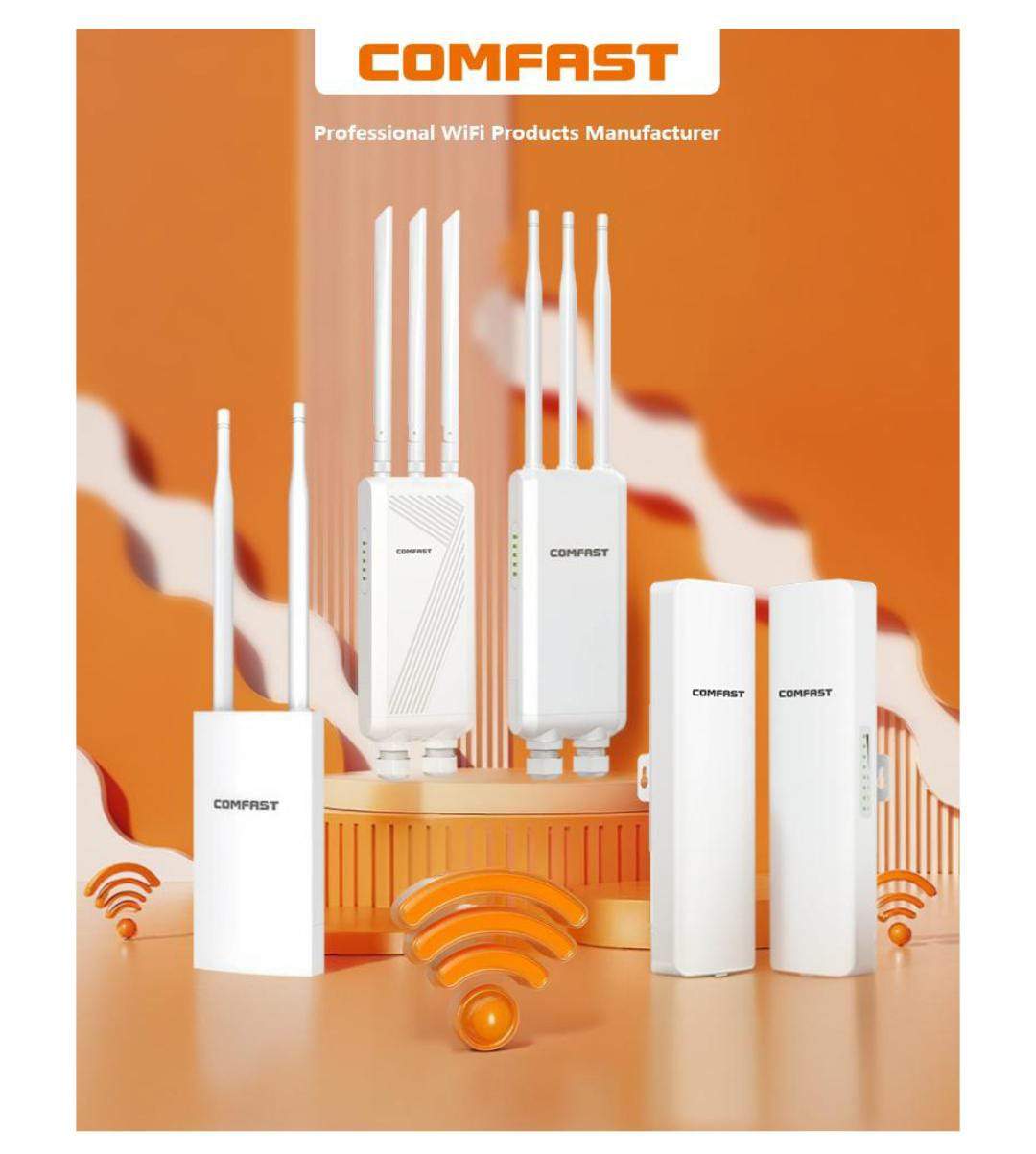
COMFAST brand visual: buyers should evaluate the supplier behind the product, not only the device shell.
Key Factors: Factory, R&D, Certification
Ask whether the supplier controls production or only trades goods. A real factory should explain PCBA testing, MAC address writing, firmware loading, aging tests, RF checks, and final inspection. I would ask for a live production video before committing to a serious order.
R&D matters because wireless problems sit between hardware and software. Heat, PoE, antenna layout, roaming behavior, VLANs, cloud management, and firmware updates are connected. A capable WiFi Equipment Manufacturer should ask where the AP will be installed, how many users connect, and what failure would hurt the customer most.
Certification is also a business issue. FCC, CE, RoHS, UKCA, and local requirements should match the exact model and hardware version. If documents are unclear, marketplace approval, customs clearance, and tender submission can all slow down.
There is a useful public planning case from the University of Mosul's Architecture Engineering department building. Researchers compared simulated and manual WiFi measurements and reported strong reference values around -22 dBm and -31 dBm, then modeled added AP positions to improve coverage. I like this case because it proves a simple point: placement, measurement, and AP count matter as much as the box you buy.
MOQ, Lead Time, and Pricing Structure
I recommend separating sample MOQ, trial MOQ, and mass production MOQ. Samples prove function. A trial order proves demand. Mass production proves the supplier can scale. For a new reseller or private label brand, a neutral-packaging pilot is often smarter than jumping into a large custom box order.
Lead time should be written by milestone: sample, material purchase, production, firmware load, aging, inspection, packaging, and shipment. For OEM orders, add label approval, manual approval, and golden sample sign-off. That simple timeline prevents overpromising to customers.
Price should include adapters, PoE support, brackets, antennas, user manuals, firmware work, warranty, and certification documents. A lower EXW price can become expensive if it excludes the parts your customer expects in the box.
I also suggest calculating the cost of one field return. If a reseller earns $15 to $25 margin on a unit but spends an hour handling a complaint, arranging replacement, and explaining the issue to a customer, the low-price advantage disappears. For small brands, support time is a real cost, even if it never appears on the supplier quotation.
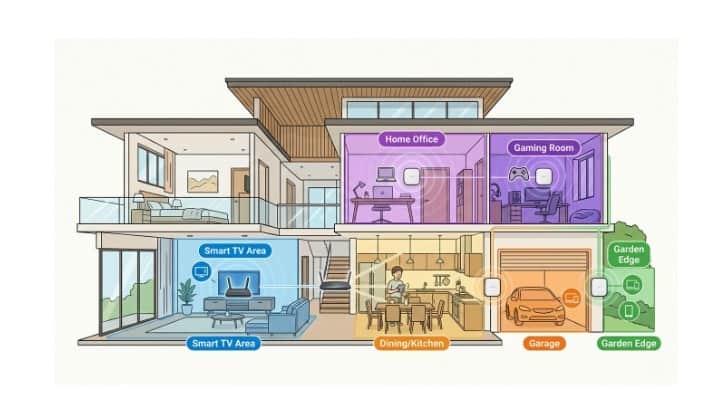
Room-by-room planning helps expose deployment risks before a bulk AP order.
OEM/ODM Capabilities Checklist
OEM is usually the best first step: logo, label, packaging, default SSID, login page, and maybe interface branding. ODM is deeper and riskier because enclosure, PCB, antenna, and thermal changes can trigger new testing. I would only start ODM after demand is already proven.
For an outdoor access point, check waterproof structure, cable sealing, pole mount hardware, surge protection, heat performance, and installation photos. Outdoor APs fail in ways indoor APs never see: rain, sunlight, dust, unstable power, and poor mounting.
Red Flags to Avoid in Suppliers
Be careful when every answer is 'no problem.' Wireless projects always have limits: coverage, client load, heat, waterproof rating, firmware maturity, or certification scope. A supplier that explains limits is usually safer than one that promises everything.
Inconsistent datasheets are another warning. If the quote, label, firmware screen, and website show different standards or model names, internal control is weak. For COMFAST-style channel business, that creates support confusion fast.

Coverage expectations should be tested in real building conditions, not only by datasheet range claims.
How to Verify Manufacturer Reliability
Test samples in the environment your buyer actually has. For a hotel, test doors and corridor roaming. For a warehouse, walk between racks with mobile devices. For an office, test VLANs, video calls, PoE switch compatibility, and concurrent users. Speed tests alone do not prove reliability.
Before mass production, approve a golden sample and request change notification for chipset, PCB, memory, antenna, adapter, firmware, and packaging. My view is simple: a reliable supplier makes risk visible early, while an unreliable one lets you discover it after shipment.
For COMFAST buyers, I would keep a simple test log: firmware version, test date, distance, wall count, connected clients, PoE switch model, heat observation, and any reboot or roaming issue. That one-page log gives you leverage when discussing fixes with the factory and prevents vague arguments about whether a problem is real.

