How to Clean Up Audio Recordings by Removing Background Noise for Free
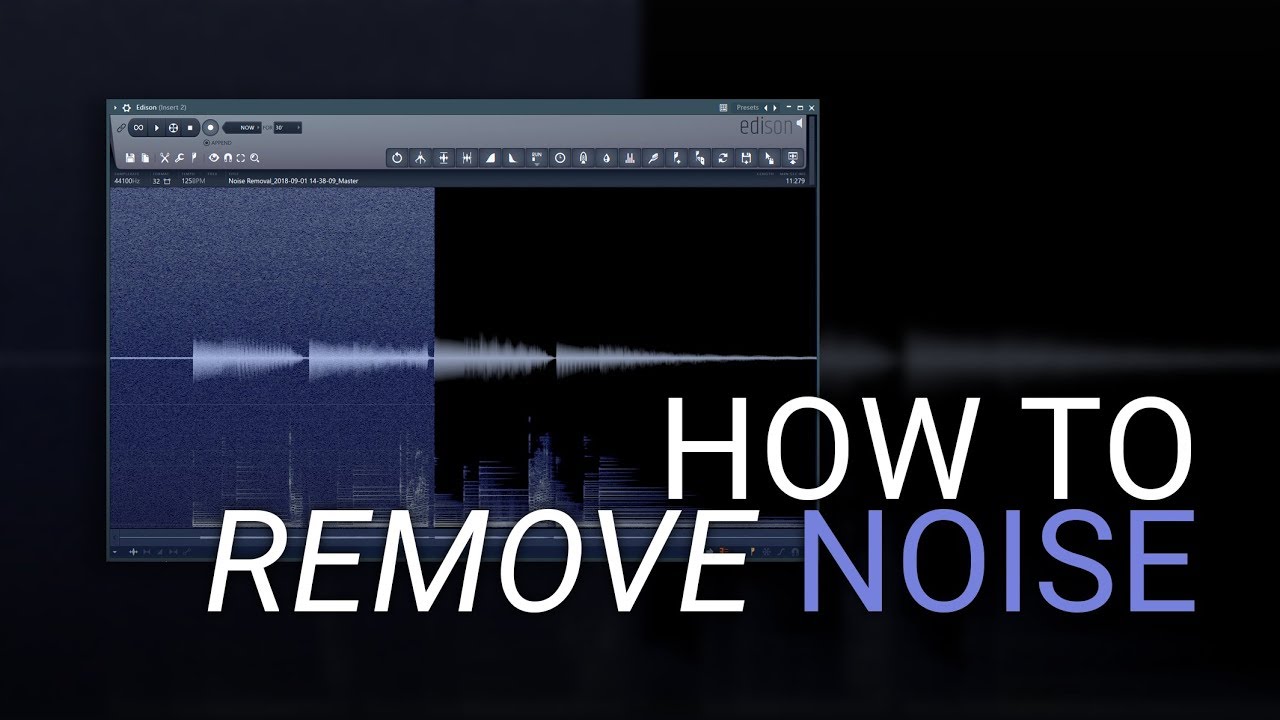
Audio recordings often don’t sound as clean as expected. Even when the voice is clear, unwanted background noise like fan hum, street sounds, echo, or keyboard typing can make the recording difficult to listen to. The good news is that you can now clean up audio recordings by removing background noise for free using AI-powered tools like Devoice AI Background Noise Remover.
Instead of using complex software or paying for expensive editing tools, Devoice AI offers a fast and automated way to improve audio quality directly online.
Why Audio Recordings Lose Clarity and Gain Noise
Most recordings are made outside professional studios. This means microphones capture not only the voice but also surrounding sounds.
Common background noise includes:
● Air conditioner or fan noise
● Traffic and outdoor sounds
● Room echo or reverb
● Keyboard typing or mouse clicks
● Nearby conversations or movement
These sounds mix with speech and reduce clarity, even if the voice is recorded properly.
What Devoice AI Background Noise Remover Does
Background Noise Remover is designed to automatically clean audio by separating human voice from unwanted noise using artificial intelligence.
Instead of manually editing sound waves, the system analyzes the audio and identifies which parts contain speech and which parts contain noise.
Once detected, it removes or reduces background sounds while preserving the original voice quality.
The result is a cleaner, clearer recording that sounds more professional.
How to Clean Up Audio Recordings for Free Using Devoice AI
You don’t need technical skills or software installation. The entire process works online in a few simple steps.
Step 1: Upload Your Audio File
Go to the Devoice AI platform and upload your audio recording (MP3, WAV, or other supported formats).
Step 2: AI Analysis Begins Automatically
The system scans your audio and detects voice patterns and background noise without any manual setup.
Step 3: Background Noise Removal
The AI separates speech from noise and reduces unwanted sounds while maintaining natural voice quality.
Step 4: Download Clean Audio
Once processing is complete, download your improved audio file instantly for free.
How Devoice AI Works Behind the Scenes
The Background Noise Remover in Devoice AI uses machine learning models trained on large datasets of clean and noisy audio.
It performs three key actions:
1. Speech Detection – Identifies human voice patterns
2. Noise Separation – Detects unwanted environmental sounds
3. Audio Reconstruction – Rebuilds clean audio with improved clarity
This allows the system to clean recordings without damaging voice tone or emotion.
Why AI Noise Removal Is Better Than Manual Editing
Traditional audio editing tools require users to manually adjust filters, frequencies, and settings. This process can be slow and confusing.
Devoice AI simplifies everything by automating the entire process. It does not require technical knowledge and works instantly.
Instead of guessing which frequency to remove, the AI understands audio context and separates sound intelligently.
Maintaining Natural Voice Quality
One of the most important features of Devoice AI is that it does not distort the voice while removing noise.
The system focuses on:
● Preserving natural tone and emotion
● Avoiding robotic or artificial sound
● Keeping speech smooth and clear
● Balancing voice and background intelligently
This ensures the final audio still sounds human and natural.
Free and Fast Audio Cleanup
Unlike many traditional tools that require payment or subscriptions, Devoice AI provides a simple way to clean audio recordings for free.
The processing is fast, and most files are cleaned in seconds to a few minutes depending on size.
This makes it useful for students, creators, professionals, and anyone who needs quick audio improvement.
Final Thoughts
If you want to clean up audio recordings by removing background noise for free, the Devoice AI Background Noise Remover is a simple and effective solution. It automatically separates voice from noise, improves clarity, and delivers clean audio without requiring editing skills.

