How to Run API Performance Testing with Postman: A Beginner's Guide
We know that there are dedicated performance testing engineers for API performance testing, but often, developers can quickly assess the quality of the APIs they develop during the development process and immediately optimize any APIs that do not perform well. The following introduces how to perform API performance testing in Postman.
Steps for API Performance Testing with Postman
1.Select "Collections"
In the sidebar, select "Collections" and then choose the collection or folder you want to use for performance testing.
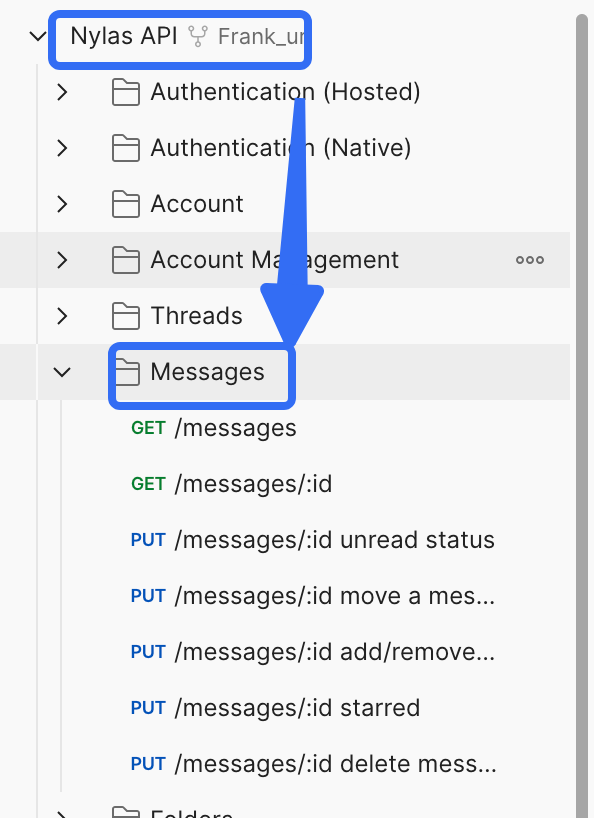
You can also run performance tests using collections or folders linked to an API. Learn more about how to add collections to an API.
2.Select the "Run"
On the "Overview" tab, select the "Runner" icon and then click "Run."
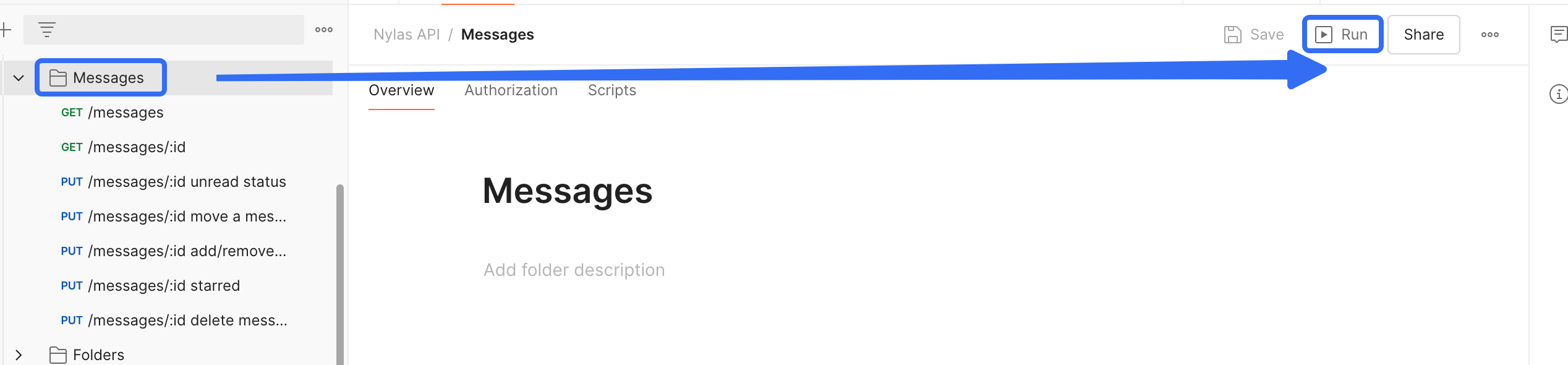
tip:From the collection overview, select "Run."
You can also select the "Runner" icon from the bottom of Postman and drag a collection from the "Collections" or "History" in the sidebar to run.
3.Select the "Performance" tab
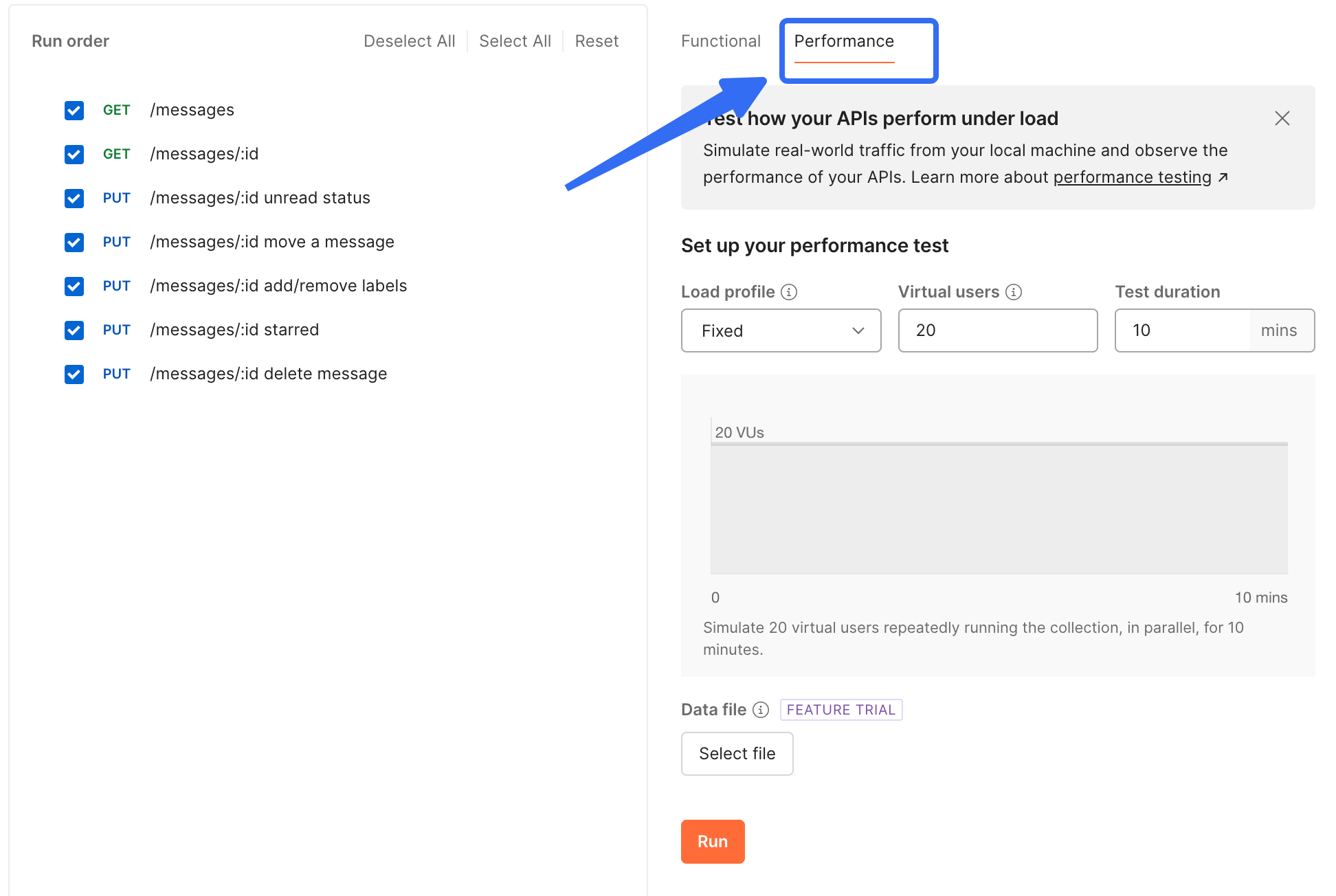
4.Change the Order of Requests
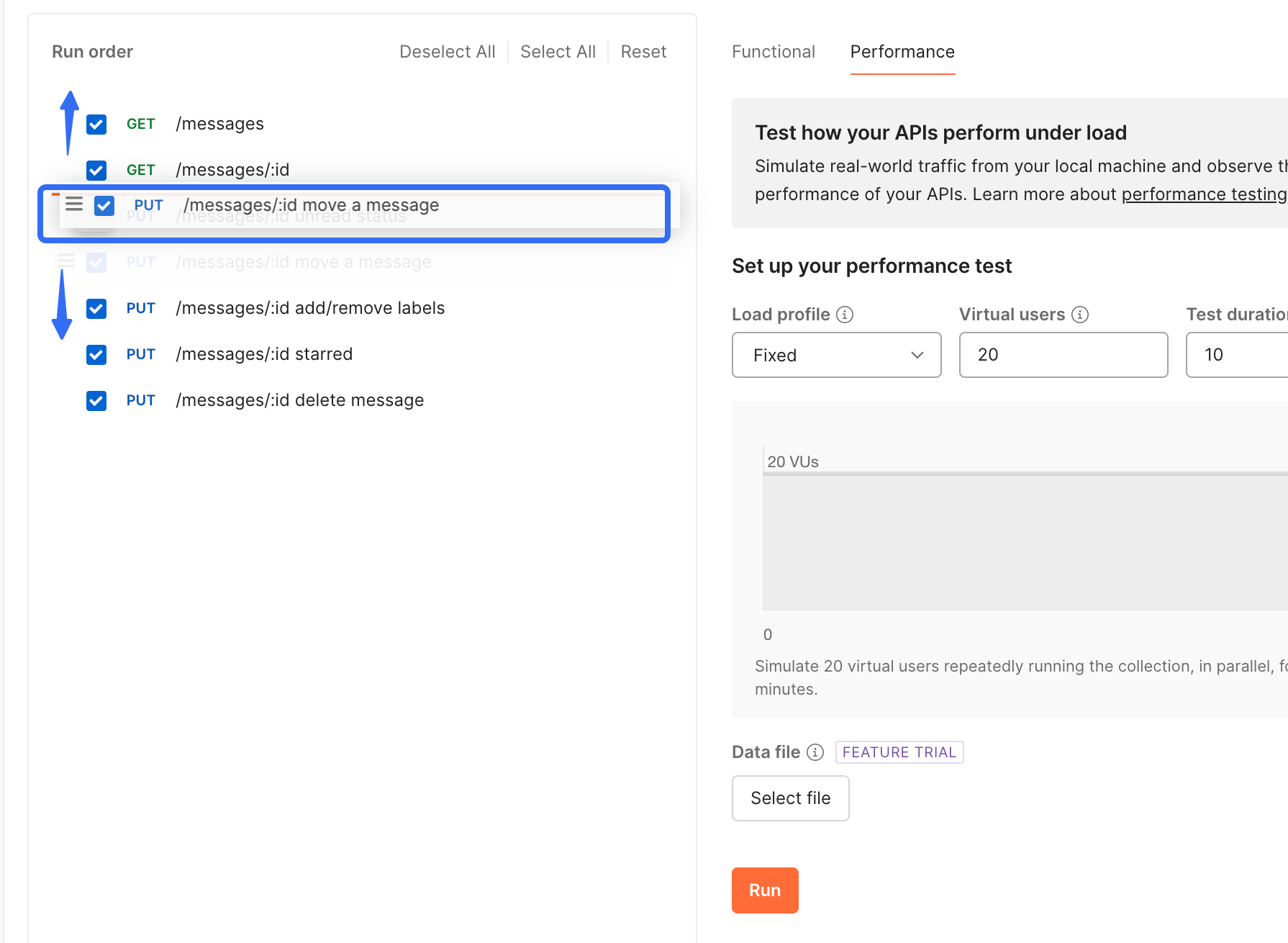
(Optional) Change the execution order of the requests by dragging them to a new position. To skip a request, uncheck the box next to its name.
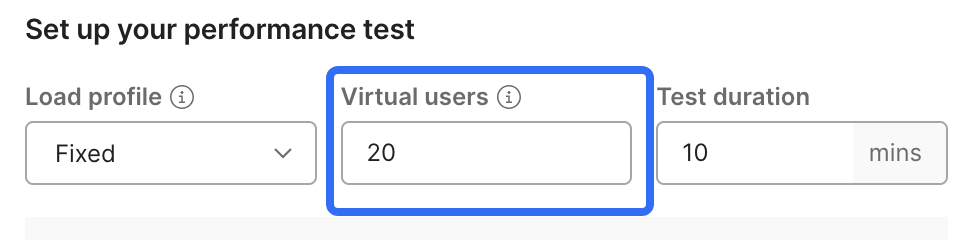
5.Enter the Number of Virtual Users
During the test run, each virtual user will repeatedly execute the selected requests in the specified order. A higher number of virtual users will exert more load on your API.
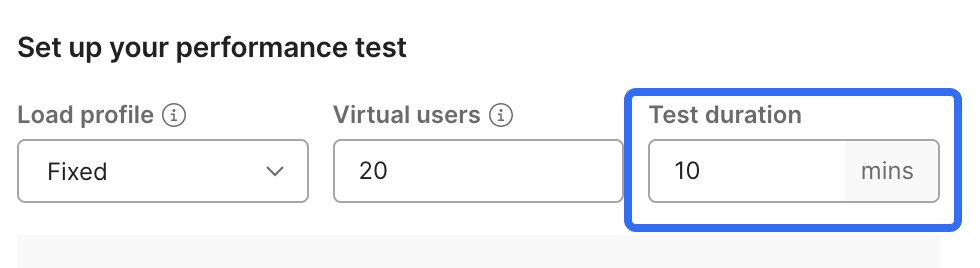
6.Enter the Test Duration in Minutes
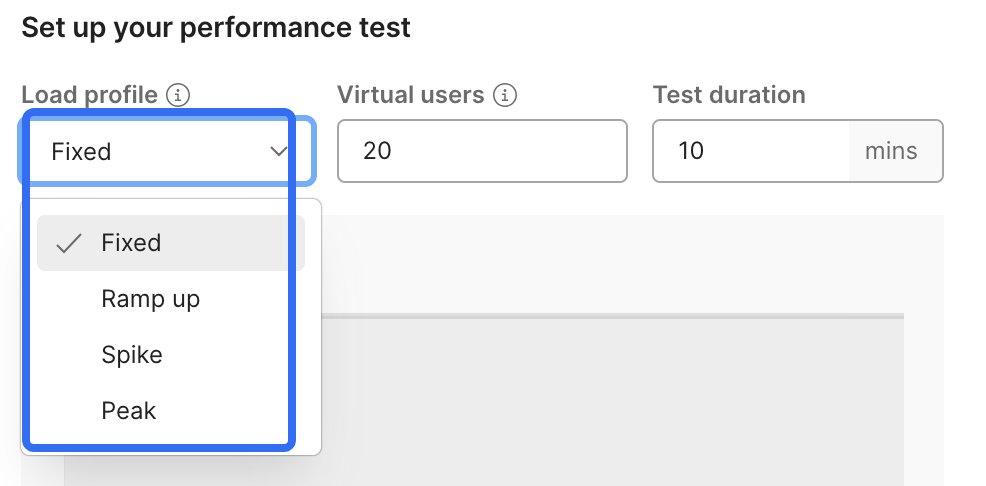
7.Select a Load Configuration
- Fixed - Use the maximum number of virtual users throughout the test.
- Ramp up - Enter the initial load and adjust the slider to set the duration of the ramp-up phase. During the ramp-up phase, the number of virtual users increases from the initial load to the maximum load.
- Spike - Enter the base load and adjust the slider to set the spike duration. During the spike phase, the number of virtual users increases from the base load to the maximum load, then drops back to the base load.
- Peak - Enter the base load and adjust the slider to set the peak duration. During the peak phase, the number of virtual users increases from the base load to the maximum load, stays for a while, and then drops back to the base load.
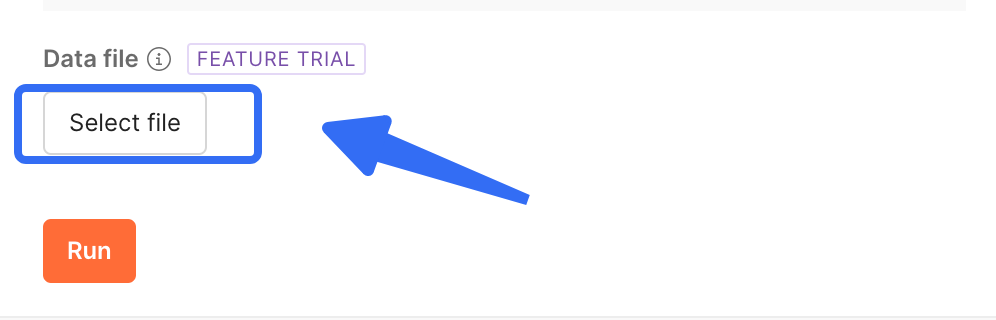
8.Select Data File
(Optional) Choose a data file with custom values for each virtual user. The file must be in CSV or JSON format.
9.Run
When ready to start the performance test, click "Run".
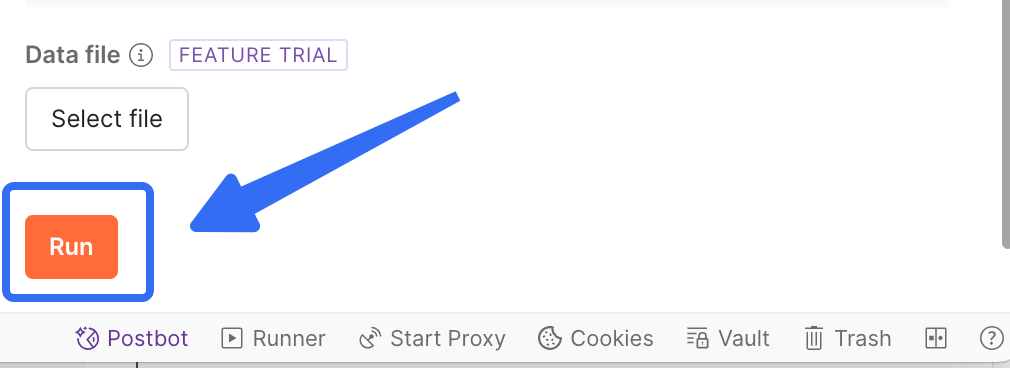
- You can view real-time performance metrics during the test run.
- After the test is completed, you can view detailed information about any errors that occurred during the performance test.
If you find that Postman's steps are numerous and the execution speed is slow, why not try EchoAPI?

EchoAPI Product Features
- Lightweight(Easy to operate)
- Fast execution speed
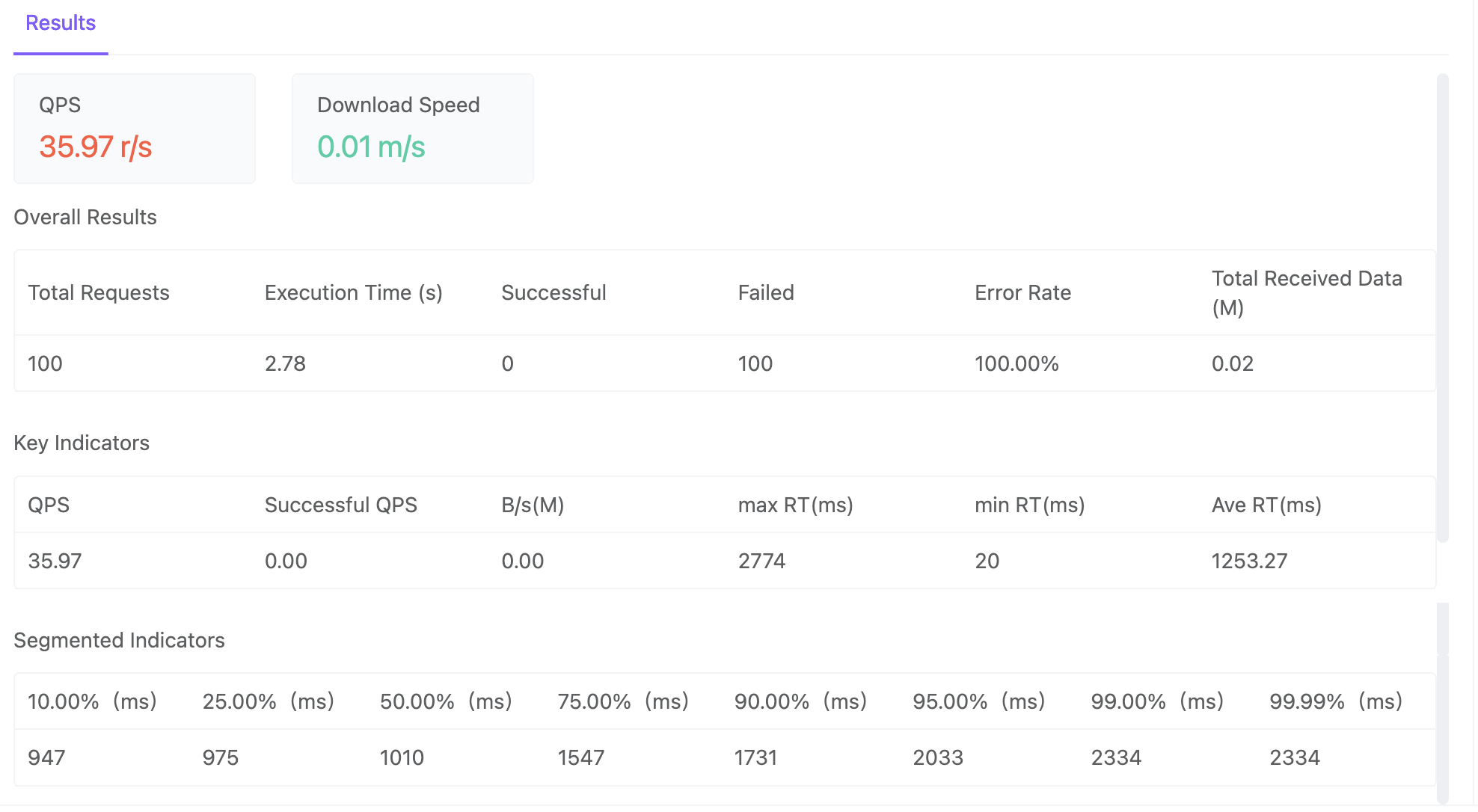
- Detailed Report
- Also supports API design,API debugging and API documentation.
1.Lightweigh(Easy to operate)
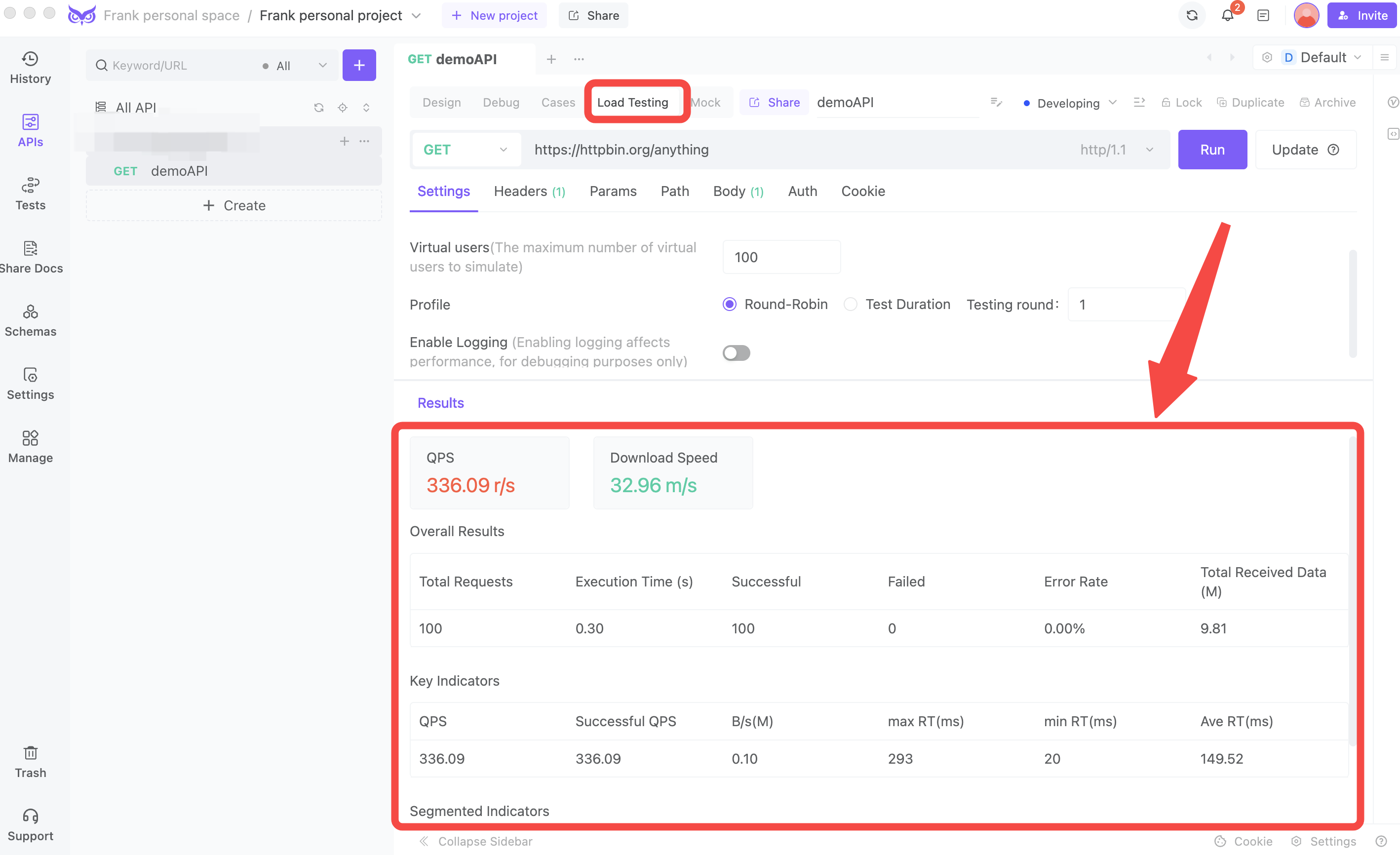
Its operation is so simple:
- open a request, switch to "【Loading Testing】,"
- fill in the Virtual users, and you can directly start 【Run】.
2.Fast execution speed
tip:It has a built-in stress tester, making execution very fast!
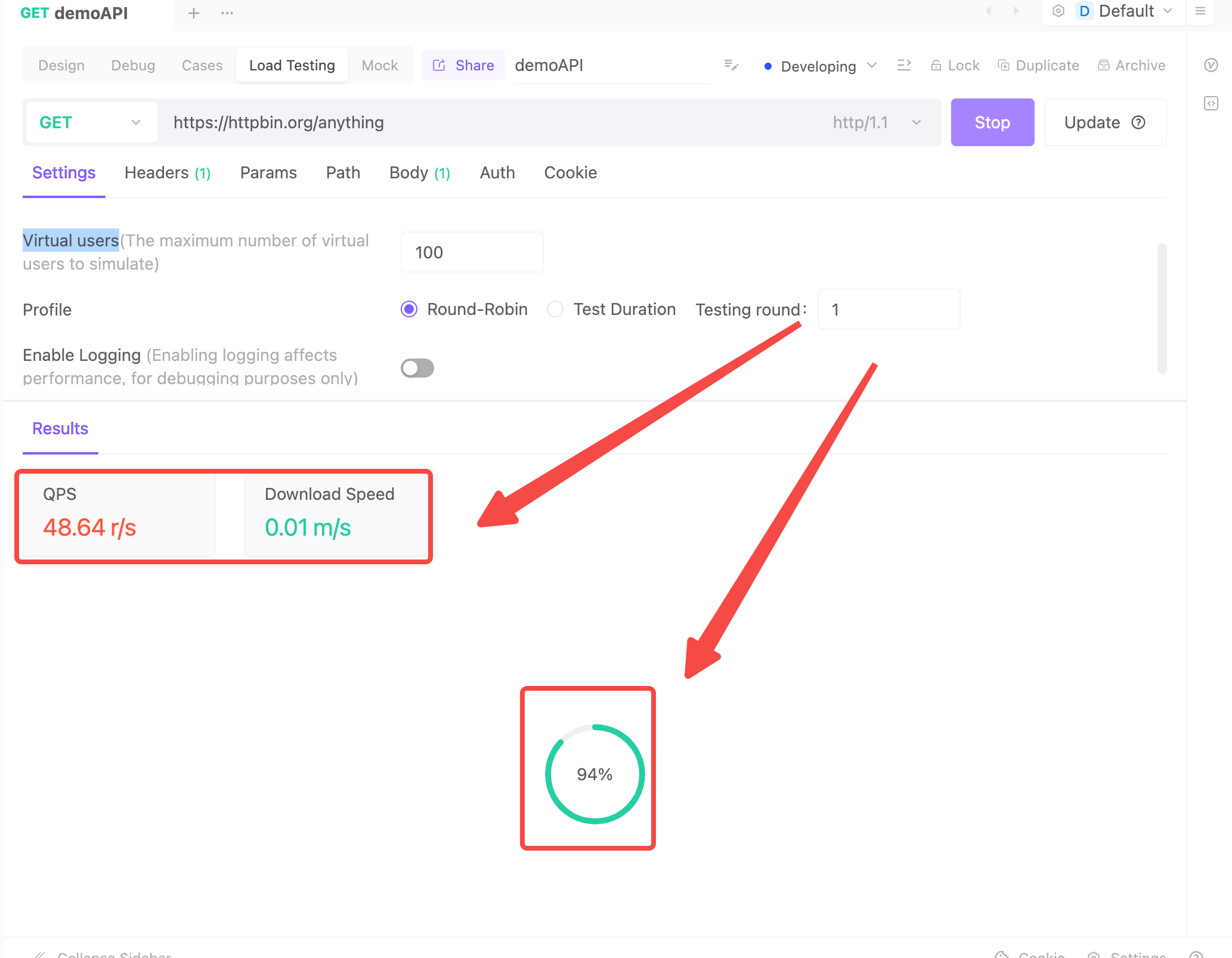
3.Detailed Report