I built a macOS app that turns your gamepad into an AI coding controller - and shipped most of it using the app itself
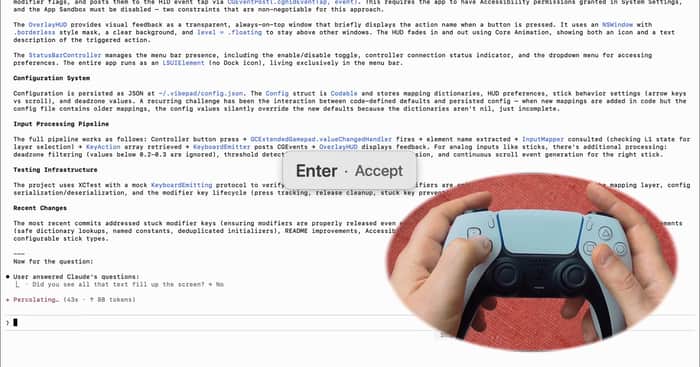
I've been running Claude Code for more then half a year already and at some point noticed my hands barely need the keyboard anymore. it's all enter, escape, arrows, scroll, voice-to-text.
built a thing for this. VibePad - macOS menu bar app, maps a gamepad to Claude Code shortcuts. ✕ = accept, O = interrupt, L2 = voice-to-text, d-pad = navigate history, right stick = scroll. L1 modifier layer doubles the button count for stuff like copy/paste/tab switching.
whole thing is free and the config is a JSON file if you want to remap anything: https://vibepad.now | github.com/ignatovv/VibePad

Nice, the idea behind VibePad is really interesting. Do you mostly stick with Claude Code while building, or switch between different AI tools?
This is delightfully practical. The modifier‑layer mapping is a nice touch. Any latency issues with voice‑to‑text + command confirmation? Curious if you’ve tested it with other agent UIs (Cursor/Continue) or is it tuned for Claude Code only.