I got tired of stock photos that look like stock photos. So I built <Inktag/>
Hey IH 👋
I'm Gautam, solo dev on inktag.io. Just opened a 100-seat private beta and figured this community would be the place to share.
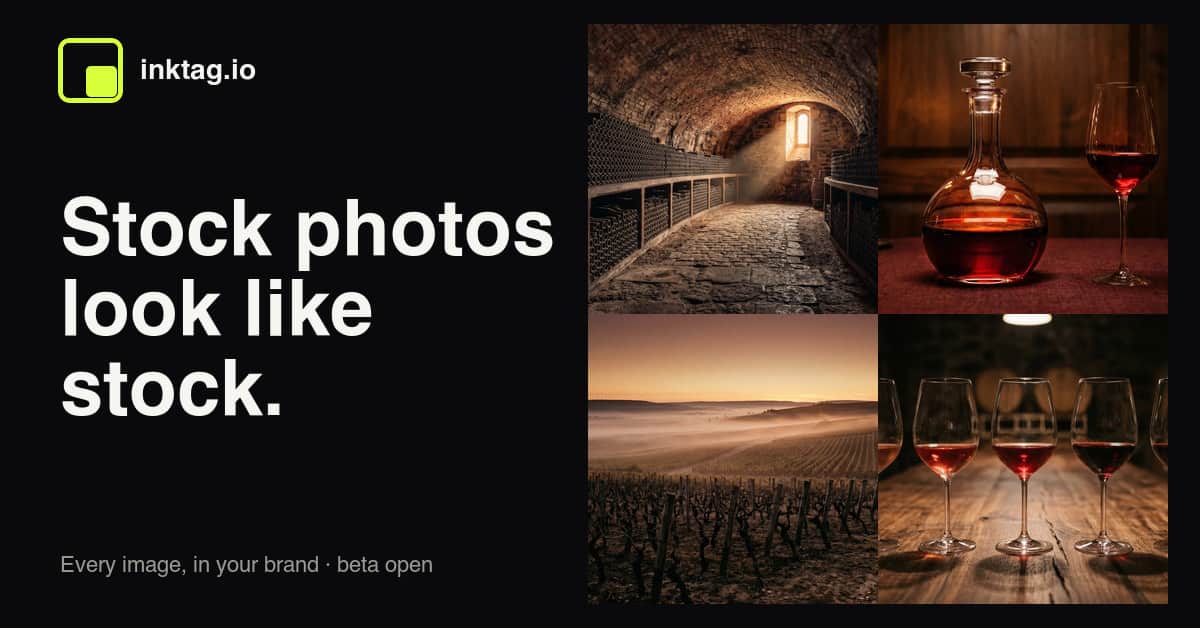
The pitch (one sentence)
Set your brand once — palette, style, "never include" rules — then drop <Inktag prompt="..."/> anywhere you'd drop an <img/>. Every image inherits your brand. No more stock photos. No more Photoshop step.
import { Inktag } from "@inktag/react"
export default function Post() {
return <Inktag prompt="a wine cellar at golden hour" />
}
That's it. Same JSX surface as <img>. Your brand.config (locked palette + style) does the rest.
Why I built this
I run a couple of content sites and I burn ~3 hours/week hunting for hero images. Stock looks like stock. Midjourney drifts every generation — a "wine cellar" in my brand colors today looks nothing like the "wine cellar" I generated last Tuesday. I wanted consistency at the API level, not "prompt harder."
So the trick isn't "another image generator." It's locking the variables that should never change (palette, style, aspect, never-include) at the config layer, so the model only varies what should vary: the subject.
What's actually shipping in beta
- React/Next.js SDK (`npm i @inktag/react`)
- Dashboard to set + lock your brand
- Cached delivery (<2s for repeat prompts, webp)
- HTTP API for non-React stacks
The ask
I'm picking 100 seats by use case quality, not first-come. If you have a content site with a real visual identity (blog, newsletter, docs site) and you're tired of the stock/AI/Photoshop trap — apply at inktag.io. No card. I read every "what will you generate" answer.
Happy to answer anything in comments — pricing direction, model routing, how I'm thinking about brand drift, why I didn't just build a Figma plugin, etc.
— Gautam


drop-in img replacement is the part that'd get me to try this. most AI image tools make you leave the component tree entirely - this stays in JSX. do you cache renders when the same prompt fires twice?
Yup just writing the caching logic as we speak. That will be the most important thing for this library. That's the most tricky part as well haha
nice. normalize brand params before hashing - minor color variations can bypass the whole cache. learned that one the hard way.
Interesting positioning — the “same JSX surface as
<img/>” immediately made the idea click for me. The bigger insight around consistency/brand drift feels more compelling than “AI image generation.”One thing I’m curious about: how are you thinking about the moment when users need something very specific or campaign-driven that intentionally breaks brand consistency?
Feels like there’s a tension between “locked brand identity” and creative flexibility. Is the main ICP content-heavy sites/newsletters where consistency matters more than originality, or do you see agencies/marketing teams adopting this too?
I would say my main ICP is the former - "content-heavy sites/newsletters where consistency matters".
The latter is a losing game because the moat is with the players having the best model.
Still very early, let's see what my users turn out to be.
The 100-seat private beta with hand-selected use cases is the part of this I'm watching most closely.
Most launches optimize for top-of-funnel volume — get as many free signups as possible, then panic about conversion later. You're doing the opposite. By gating on "what will you generate," you're filtering for people who already know their visual identity and have a real workflow gap. The feedback you get from those 100 will be worth more than 10,000 random signups.
The pricing question I'd want answered: per-image generation cost on Gemini isn't zero, and your caching layer (<2s for repeat prompts) only helps after the first hit. How are you thinking about the unit economics when a content site generates 50 unique hero images a month vs. 500? Is the pricing per-image, per-seat, or tied to brand-config count?
Also curious whether the "brand.config" concept extends beyond images eventually. The same locked-variable pattern could work for video thumbnails, social card generators, even product mockups. The infrastructure framing is the real moat here.
Applied with one of my own sites. Rooting for this.
Thank you for your kind words. I am not able to find you in my waitlist, just wanna make sure nothing is broken on my end.
Thanks for double-checking! I might have used a different email address, or perhaps the submission didn't go through properly. I'll try signing up again right away to make sure I'm on the list. Looking forward to using Inktag!
Hey sorry it looks like it was my fault. Something was broken in the form. Can you either try again https://inktag.io/ or send me an email to hi@inktag.io?
Thanks for the heads up — will try again at findalert.app or shoot you an email. Happens to the best of us!
Beta is live, check out at inktag.io
Love this approach a lot. Treating it like “brand infrastructure” instead of yet another image tool really clicks, especially the locked palette/style + JSX drop‑in. As someone who’s spent way too long fighting stock photos and prompt drift for blogs, this feels like the right abstraction layer.
This is a really interesting approach especially locking brand rules (palette, style, exclusions) at the config level instead of relying on prompt consistency.
The JSX-style integration also feels very natural for React workflows, which could make adoption easier for dev teams building content-heavy sites.
Curious how you’re handling edge cases where prompts conflict with brand rules, and whether users can override style constraints when needed.
Overall, this feels closer to “design system for generated images” than just another AI image tool
This is actually a smart angle. Most AI image tools focus on generating “better images,” but the real pain for content sites is consistency across dozens or hundreds of posts. Locking palette/style at the config layer instead of relying on prompt engineering makes a lot of sense.
The
<Inktag prompt="..." />approach is also clean from a developer perspective — feels more like infrastructure than another design tool. I can see this being useful for blogs, SaaS docs, newsletters, and niche media sites that want recognizable visuals without constantly touching Photoshop or Figma.Curious how you’re handling long-term brand drift though. If the underlying model changes over time, do older prompts still regenerate with nearly identical style consistency, or are you versioning generations/models per project?
Great question James. I am working on a vision model that checks the result after generation to catch the drift. The vision model ensures that the image a brand gets is similar to the one it got few months ago. Now the question is what if the vision model itself drifts. That is a much tricky problem and I have few ideas but it will definitely take some time to get it perfect and once I am at that point, hopefully I can have some help from other folks who are interested to work on this. Let's see. Hoping for the best!
Looks interesting to me!
Can this help product based D2C entrepreneurs for their authenticity based content?
Love the approach of locking brand variables at the config layer instead of fighting prompts every time. The
<Inktag prompt="..."/>DX is super clean — same mental model as<img>but no more stock-photo fatigue.Curious how you’re handling model routing under the hood. Are you dynamically selecting the best model per prompt, or does the user pin one? Also, how do you prevent subtle brand drift over months when models get updated — do you version the brand config somehow?
Applied with our newsletter’s visual identity. This could genuinely save us a couple of hours every week. Congrats on the beta, Gautam!
Hey thanks for the kind words.
Mostly using the gemini models for image generation since they have given me the best results in producing assets.
But I also planning to do multiple image generations and then select the one that gives the best results/
Btw, I did not receive your submission. Just wanna make sure my form is not broken, can you please reach out to me at hi@inktag[dot]io?
Locking the variables that shouldn't change at the config layer instead of the prompt layer is the right architectural call. Everyone else is trying to solve brand consistency by writing better prompts, which is basically hoping for the best. The JSX surface being identical to img is also a smart DX choice zero mental overhead to drop it in. Applying for the beta.
Hello Adin,
I did not receive your submission. Just wanna make sure my form is not broken, can you please reach out to me at hi@inktag[dot]io or apply again please?
Glad you liked it :)
It solves my pain point and I hope it helps other people as well. I want to build it in public and essentially just learn about my users and their use case. I do not care about making money out of it. It's more like building a community and having a good time.
Really interesting product. Turning something like this into a product-led business is not easy, especially with hardware + distribution involved. Curious how you’re handling user acquisition and whether the demand is mostly dev / maker community or broader consumers. Either way, cool to see it being built in public 👏
Thanks for your kind words.
Just to be clear, inktag will not deal with hardware.
The only challenge is distribution. I want to be different than other AI image generators and for that I have opened a beta list to cater to my users. I want to personally work with them to address their pain point. As long as they are happy, my product is a success for me.
From my understanding, the demand will be mostly dev since this is a react library. If their is demand, I do not mind adding features for broader community as well.
I like this...consistency over time is such a struggle with AI images.
Thank you! Glad you liked this. Definitely a pain point for a lot of people.