I launched GUI today. One line gives your AI a visual canvas.
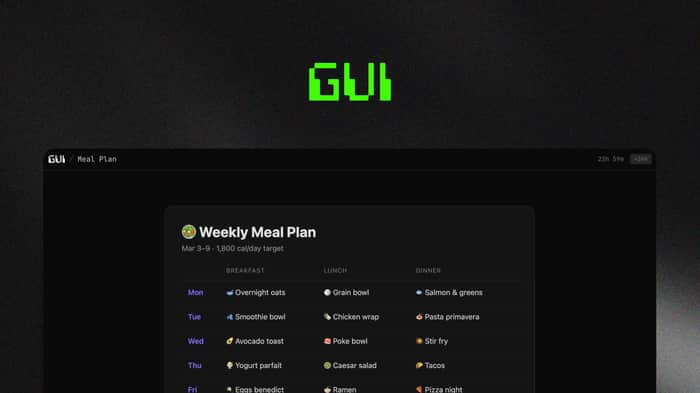
I kept running into the same problem. I'd ask Claude to build me a dashboard or a chart and it would spit out a code block. Then I'd have to copy it, save it as a file, open it in a browser. If I wanted to share it with someone I'd have to host it somewhere. All that friction for something the AI already built.
I figured there should be a way for the AI to just give me a link. So I built gui.new. It's a simple API that takes HTML and returns a shareable URL. The AI does the POST behind the scenes, you just get a clickable link.
To use it you paste one line into any AI chat:
"Read https://gui.new/docs/llms.txt - use gui.new to render any visual output as a shareable link. Apply this anytime you'd normally show a table, chart, dashboard, or UI mockup."
Paste that into ChatGPT or Claude, then ask it to build you something. You'll get a link back instead of a code block.
Built it solo. Next.js, Supabase, Vercel. Launched this morning, sitting at 3k+ views on the X thread.
Free, no signup: https://gui.new
Still early. Would love to hear what you'd want it to do.

Nice framing: a link instead of a code block. You're solving the output rendering friction.
The input side has similar friction. Getting a clean, structured prompt into Claude/ChatGPT is usually a copy-paste exercise from wherever you wrote it. I built flompt (github.com/Nyrok/flompt) for the input equivalent, a visual canvas that structures prompts into typed blocks (role, objective, constraints, output format) and compiles to XML you paste into any AI. Complementary tools in a way.