I’m building a tiny suite of offline AI tools for iPhone
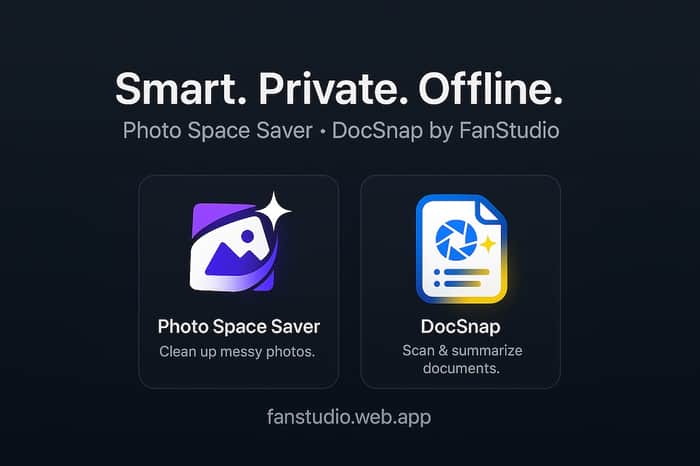
Hey Indie Hackers 👋
I’m David, an indie iOS dev building a tiny suite of offline AI tools under the name FanStudio – everything runs on your device, no account, no tracking.
Landing page: https://fanstudioapps.com
Over the last few months I’ve shipped two little utilities that came out of my own annoyances with iPhone storage and messy paperwork:
- Photo Space Saver — for the “iPhone Storage Almost Full” people
My Photos library kept filling up: bursts of almost-identical shots, slightly blurry takes, random screenshots, and big videos I forgot about. Going through them in the Photos app felt endless, and I didn’t love giving a cloud service full access to my camera roll.
So I built Photo Space Saver:
- Scans your library on-device and groups similar / blurry photos
- Surfaces screenshots, screen recordings, and large videos that eat storage
- Offers Smart Select suggestions that respect favorites, edits, faces, and recent shots
- Sends deletions through Recently Deleted so you can undo mistakes
- 100% offline – no uploads, no server component
The idea: open it once in a while, free a few GB, and get rid of that “Storage Almost Full” banner.
(App Store: search for “Photo Space Saver” – or I’ll drop the link in the comments.)
- DocSnap — scan, OCR, and summarize docs offline
The other pain: paperwork scattered everywhere. Receipts in email, contracts in chats, tickets as screenshots, medical notes as PDFs… and I never remember the important parts when I actually need them.
I wanted something that could:
- Capture or import a document once
- Turn it into searchable text
- Give me a short summary so I remember amounts, dates, key clauses without re-reading everything
- Do all of that without sending my documents to a random AI server
That became DocSnap: - Scan paper or import PDFs / images
- Run OCR entirely on-device
- Generate short summaries and bullet points you can skim
- Auto-suggest categories like Finance, Legal, Medical, Travel, etc.
- Export PDFs or text into Files / Notes / your task manager
It’s not trying to be a giant document management system – just a small habit: whenever you see an important document, you scan/import it, tag it, and move on.
(App Store: search for “DocSnap & Summarize” – link also in comments.)
Why offline?
A lot of AI tools assume you’re happy uploading everything.
Personally I’m not, especially for:
- personal photos and videos
- financial / legal documents
- anything that includes other people’s info
So my rule for these apps is: if it can’t run on-device, I don’t ship it.
No accounts, no analytics SDKs, small binaries, and one-time unlocks instead of subscriptions.
What I’d love your feedback on
- If you were using these, how would you prefer to pay: one-time per app, a bundle, or something else?
- For people with crowded photo libraries or document chaos: what’s missing for this to be genuinely useful?
- Any other “offline AI” utilities you wish existed on iPhone?
Happy to share technical details (Core ML, on-device summarization), numbers, or mistakes I’ve already made if that’s interesting.
Thanks for reading, and if you try either app I’d really appreciate honest feedback – especially around onboarding and trust 🙏

Offline-first AI on iPhone is a genuinely underserved niche — most tools assume connectivity and ignore the latency + privacy tradeoffs of on-device inference.
One thing that'll matter a lot for on-device: prompt efficiency. Smaller models are more sensitive to prompt structure than large cloud ones — an unstructured 200-token prompt that works fine on Claude Sonnet might produce garbage on a 1B param on-device model. Explicit semantic blocks (role, objective, constraints, output_format) give the model less ambiguity to resolve, which matters a lot when you have fewer parameters to absorb slop.
I built flompt for exactly this — a visual prompt builder that decomposes prompts into 12 semantic blocks and compiles to Claude-optimized XML. Could also work well for structuring your on-device prompts.
A ⭐ on github.com/Nyrok/flompt would mean a lot — solo open-source founder here 🙏