I realized my calendar was useful for planning, but distracting when it was time to focus
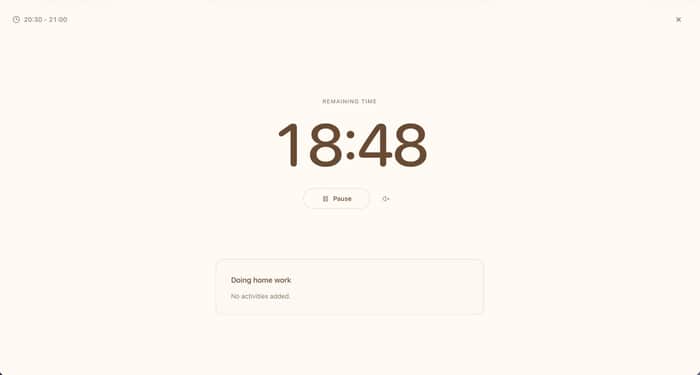
So I connected each calendar event to a simple focus view that only shows the task and its timer.
I like keeping my calendar open while I work.
It helps me see what I've planned for the day, but I noticed a small problem: once the calendar fills up with events, it also gives me a lot of other things to look at.
When it's time to actually work, I don't really need to see the rest of the day.
I just need to know:
What am I doing right now, and how much time am I giving it?
So I added a focus flow to BreakToGoal.
Now I can click the time on a calendar event and switch into a simple focus view with just the task and countdown.
The workflow is basically:
Calendar event → Focus view → Work on one task
I also stopped treating every focus session as a fixed 25-minute Pomodoro.
Sometimes I want 20 minutes for something small, 45 minutes for writing, or an hour for coding. So the timer follows the task rather than the other way around.
I also made the standalone fullscreen countdown timer free and usable without an account:
https://breaktogoal.com/full-screen-countdown-timer
I'm still experimenting with this workflow.
Do you prefer keeping your calendar visible while you work, or switching to a separate focus view once you start a task?

