I Relaunched QibanHub: Building a Practical AI Platform People Actually Use
Hi Indie Hackers 👋
I’m an indie developer, and this is the story of why and how I relaunched QibanHub — an AI platform focused on real-life creativity, not flashy demos.
This relaunch wasn’t about adding more AI buzzwords.
It was about rebuilding the product around actual user problems, simplifying everything, and preparing it for global users.
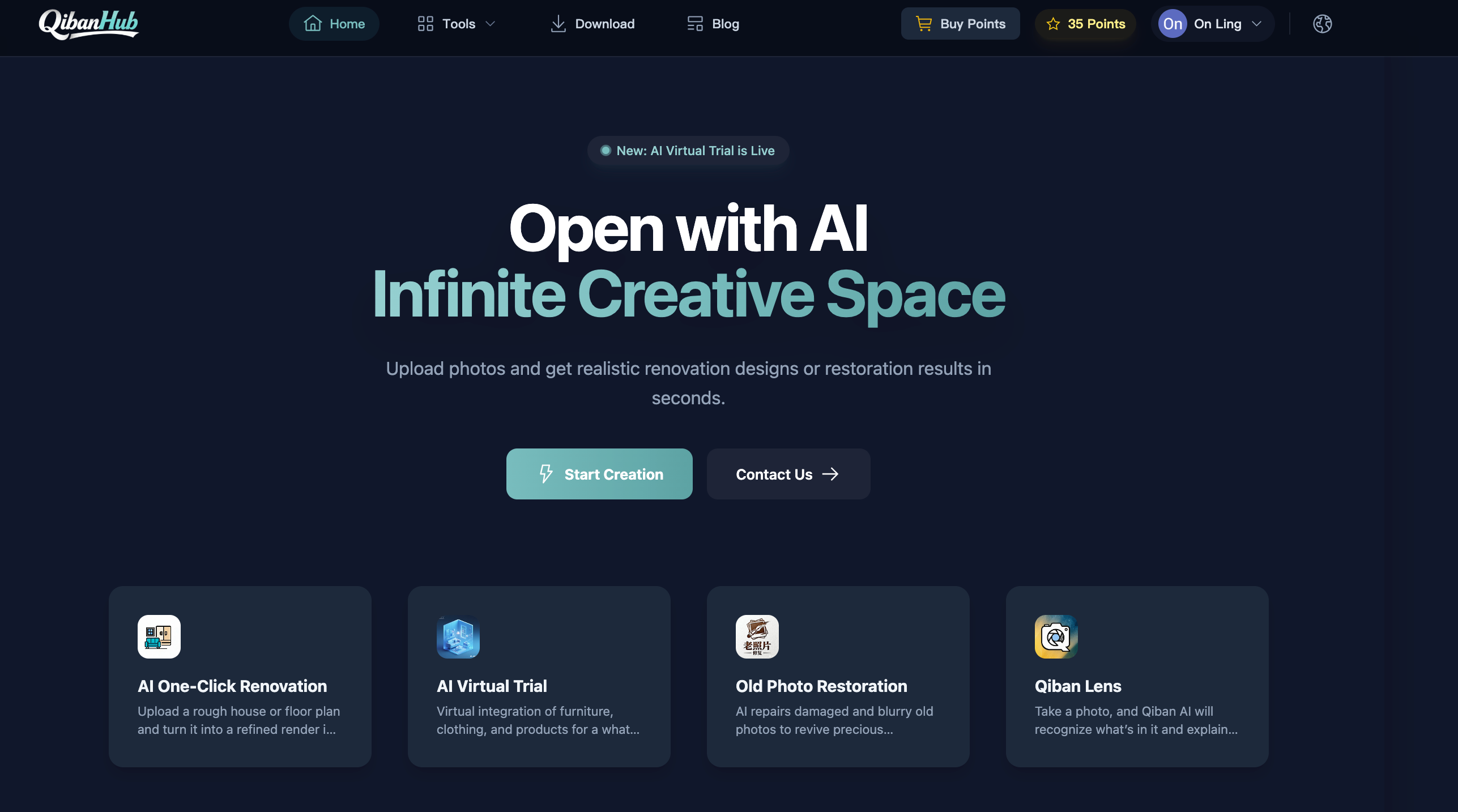
👉 Product website: QibanHub
🚧 Build: Why I Decided to Relaunch QibanHub
QibanHub started as an experiment:
Can AI help ordinary people solve everyday creative problems — without learning prompts, tools, or workflows?
Over time, the product grew:
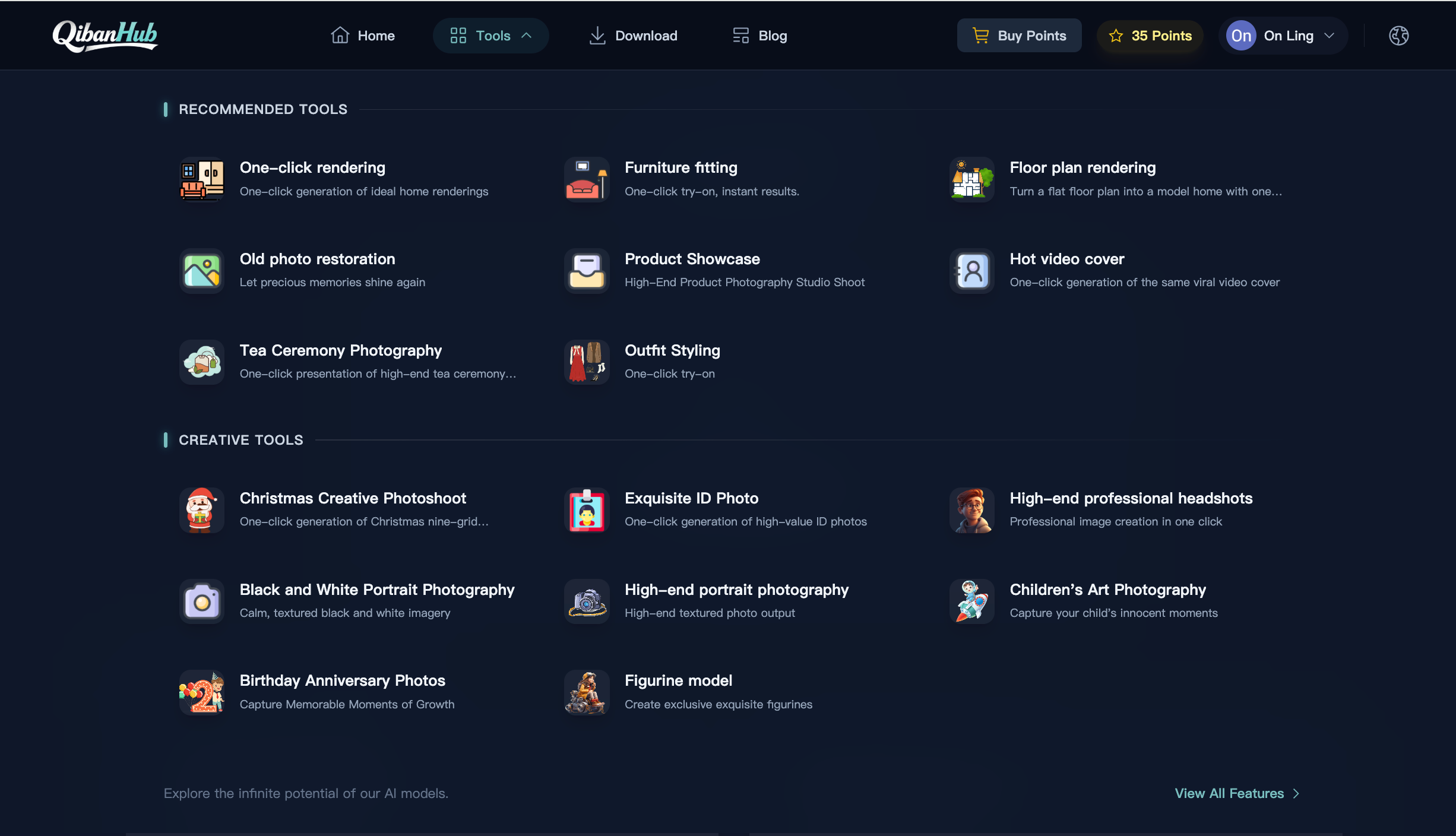
- AI interior design previews
- Old photo restoration
- Practical AI image recognition tools
But the platform had problems:
- The structure became messy
- UX wasn’t friendly to non-technical users
- International users struggled with language, SEO, and access
So instead of patching things, I decided to rebuild and relaunch.
❓ Problem: AI Is Powerful, but Too Complicated for Most People
Most AI products fall into one of these traps:
- Impressive demos, no daily use
- Too many settings and learning curves
- Built for AI enthusiasts, not families or normal users
From real usage, I noticed something important:
People don’t want “AI tools.”
They want results.
Examples:
- “Can I preview my home renovation before spending money?”
- “Can I restore this old family photo without ruining it?”
- “Can AI explain what’s in this photo — simply?”
That insight reshaped everything.
🧠 Decisions: What I Changed in the Relaunch
1. I Focused on a Few Real Use Cases
Instead of adding more features, I doubled down on practical scenarios.
🏠 AI Renovation Design
Upload one room photo → instantly preview multiple interior styles.
- Helps reduce renovation mistakes
- Saves communication costs
- Works especially well for overseas users
📸 Old Photo Restoration
Designed for:
- Blurry, scratched, faded family photos
- Preserving authentic faces and textures
- Avoiding over-processed, fake-looking results
This feature gets the most emotional feedback so far.
2. I Rebuilt Qiban AI as the Core Product
Qiban AI (QibanAI) became the center of the platform.
Design principles:
- No learning curve
- One-click results
- Simple language, no AI jargon
The goal is clear:
Make creativity simple.
Turn imagination into reality — fast.
3. I Launched a True Global Version
Internationalization wasn’t just translation.
What I changed:
- Chinese & English support (more coming)
- SEO-friendly structure for Google
- Product naming aligned with overseas habits
- Cleaner UX for non-local users
Now QibanHub works the same way — anywhere.
🌍 Results: What Changed After the Relaunch
After relaunching:
- Users understand the product faster
- Less explanation needed
- Better engagement with photo restoration & renovation tools
- International traffic is finally usable
Most importantly:
People use the product — not just try it once.
🔮 Vision: What I’m Building Toward
I’m not chasing flashy AI demos.
I believe:
- AI should be usable
- AI should be trustworthy
- AI should quietly improve everyday life
QibanHub is built for:
- Real families
- Real homes
- Real memories
And I’ll keep iterating — slowly, carefully, and publicly.
🚀 Try QibanHub
👉 Product website: QibanHub
If you’re interested in:
- Practical AI tools
- Creative features without complexity
- A long-term, globally-oriented indie product
You’re welcome to try QibanHub and share feedback.
Thanks for reading — happy to answer questions or learn from your experiences 🙌
