I'm building a super simple tool for creating social media graphics.
Hi everyone,
I'm building a super simple tool for creating social media graphics. Banners, carousels, OpenGraph images — everything in one place.
Why did I decide to build it? Here is my story:
As a designer, I can say it's really annoying when my teammates or friends ask me to create a banner design for their profiles. I should always switch the focus from my main tasks to this “help.”
Mostly that’s not about the “wow” design — just to place a simple title and subtitle on the beautiful background.
That’s why I decided to start building Creator — a tool for creating graphics that are automatically resizing for different platforms' needs. So, with Creator you don’t need to ask your friends designers to make it for you - everyone can make it by themselves in less than 5 mins!
You can say: we have Canva! But let’s open Canva. Wow, so many templates and categories!.. But people don’t want to keep scrolling for millions of hours trying to find the best design for their needs. To be honest, the design doesn’t matter. The content matters. It's too hard to focus on content when you have a lot of useless customize options. And that's the problem in all these SM graphics tools that I'm trying to solve.
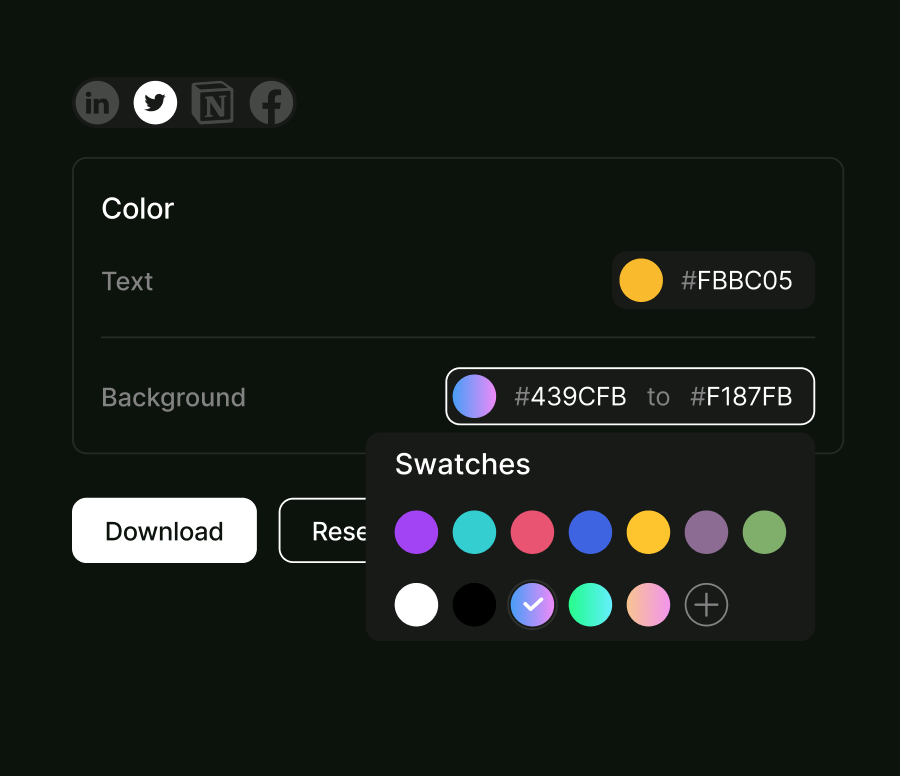
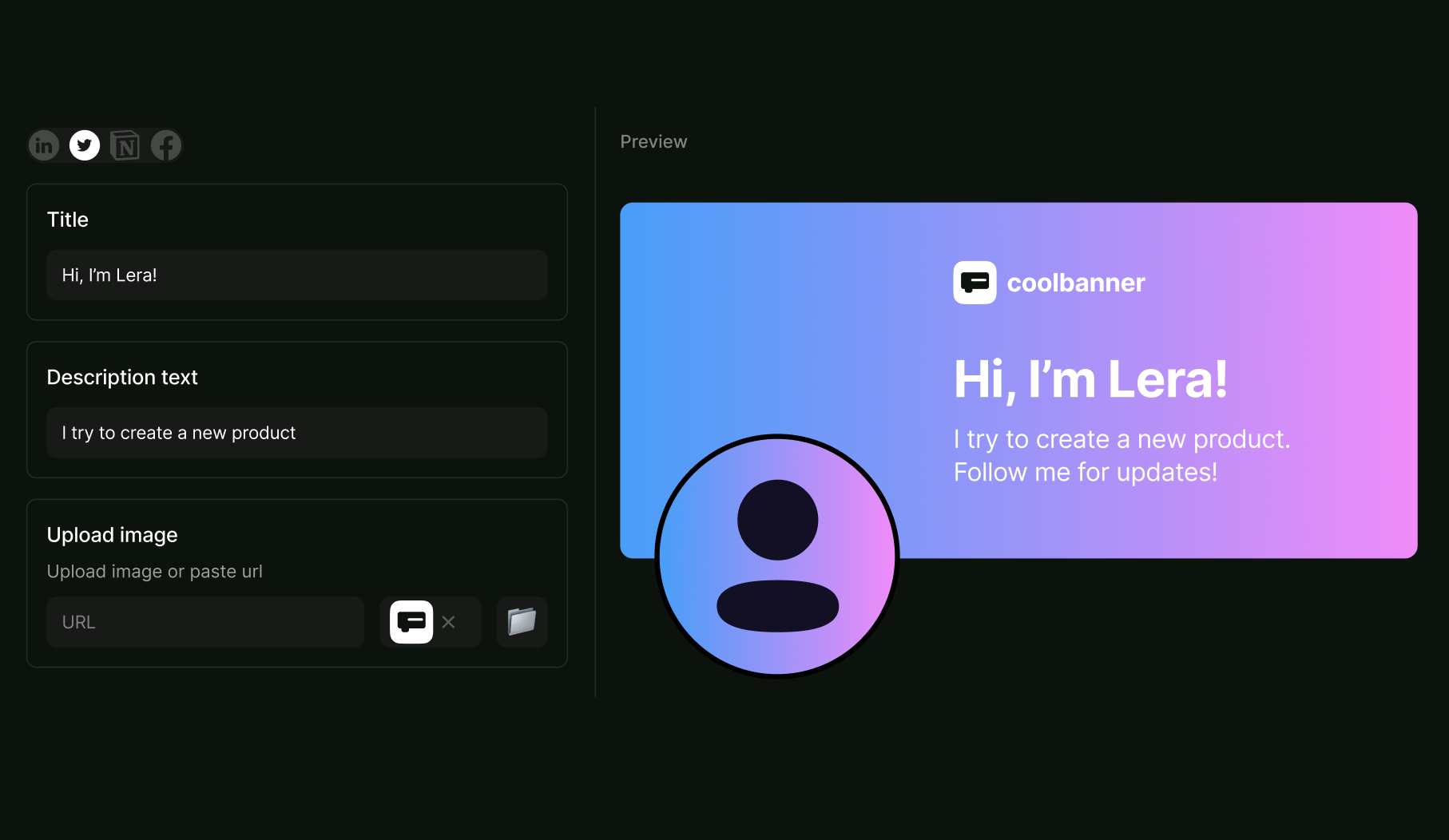
So ideally, with this tool, we can easily add content that has the main value — it can be a simple post for LinkedIn or a carousel for Instagram. Don’t worry about colors — I prepared perfect swatches with colors and cool trendy gradients, but of course, you can add your branding color if you want! Some examples 👇
But as it's still in progress - I wonder if you have ideas/wishes on what can be useful for you as early-stage founders to reduce time spent on customizing your profile.
Join the early access: https://creator.mmntm.live/

I'm in, lemme make stuff!
Sizes for the usual posts will be available, or it's just banners for now?
Sure!
There will be both banners and post makers with standard (square + portrait) sizes :)
This is a wonderful tool. Would definitely try it out and leave a feedback
Thanks for your support! 🔥
Going, Lera! It sounds great, I promise to delivery you some feedback :P
Thank you! 💫
Very interesting tool! I don't have an immediate use case right now for this but I Interested to see how this develops. Anything that makes designing easy and fast is a win for me (I consider myself terrible at designing).
Thank you!
The main idea is to show people, that they all can be creative without any design skills. People shouldn't be designers to create great content!
So I hope this tool will be useful for you, and I can't wait to launch it now! :)
This looks awesome, nice work! One suggestion - I often struggle / am impatient creating images for my Link previews for SEO (og:image meta tags). Something like what you're building could be useful for that as well, if you know the best resolution for that kind of image. I end up putting some random images of my websites, although I am sure that creating a proper banner would probably trigger more clicks.
Thank you!
Regarding OG images: it will be easy to create thanks to the limited functionality. At the moment, I'm building these auto-layout options:
And of course a small selection of colors and gradients for the background.
Thus, for OG, we will only use the most important value content :)
Sounds good, good luck on your product and cheers!
Hi, I am using several of these tools already, and would not use yet another one. Especially, when most of my clients are already using Canva on their own anyway and it has a collaboration feature to sign off changes.
But that is not the reason I am answering this. I noticed your URL. Using an unreadable string of letters is a surefire way to get people confused and not find it anymore later. Especially, when there is no reason for Google to rank your site (say as a direct match).
So the best advice I can give is to use 1-3 KEYWORDS and benefit from the direct match results that will prefer your link over anyone else's. We tested this with many clients and even the unpublished pages get around 200 to 500 hits per week. Just because this is exactly what people are searching for on Google.
How to find this name and URL? Make sure to do keyword research on the most popular terms your business is about. Especially combining the most obvious suspects is a great idea. If you combine that with "-" you are more likely to find a .com domain that is still free.
Like this: email-copy-cleaner.com (is actually one of our side projects that follows this rule)
Example 1: There is one cool viral link tool that is using a misspelling on purpose of just one powerful keyword. The problem is, this misspelling is subtle and not obvious at first. AND they do NOT rank on Google. So when searching for this website again later, I was not even able to find it when I needed it.
Example 2: Lately I started to save URLs of potential projects as I encounter the idea and see that the "direct-match-keyword .com domain" is available. I have done this about 5 times now. And every time I do this I instantly see around 200-500 organic hits. (My web hosting is sending me weekly analytics on their own showing up organic vs. bot traffic)
Even for older websites that do not follow this theme, I do not see any more traffic than say 20 hits. So this actually works. And is easy to remember instead of any acronym or fantasy name.
Hope that helps :)
Hi, thank you very much for your honest review!
The URL looks like this because it's built with our own no-code builder (https://page.mmntm.build/) and I agree it's hard to read. Already thinking about buying a simpler domain!
P.S. I will be glad if you share a link to this cool tool for creating viral links :)
Sure, https://rekonise.com/ see the problem with the spelling?
Hi, very interesting and informative blog. thanks for sharing https://takesurvey.onl/zaxbyslistens/
This comment was deleted 4 years ago
This comment was deleted 4 years ago
Thanks for your support!
Hope it will be helpful. Motivation to launch 💪