Introducing Vinaa
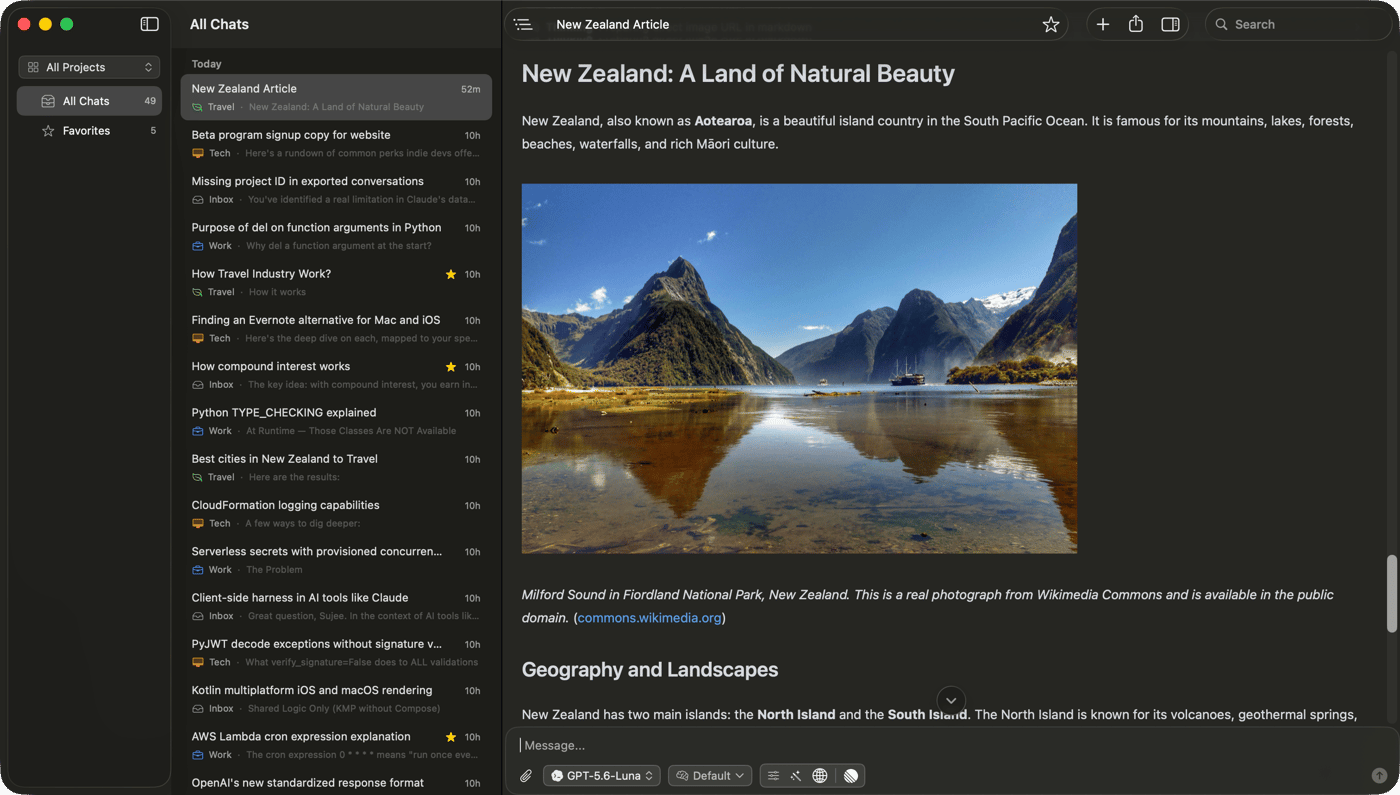
I use AI every day for writing, learning, planning, and solving problems. But my conversations were spread across different apps and browser tabs. It was difficult to keep everything organized and find an old conversation when I needed it.
That is why I started working on Vinaa.
Vinaa is a native AI chat app for Mac. It brings different AI models into one place, so you do not have to switch between multiple apps. You can connect models from OpenAI, Anthropic, and Google using your own API keys. You can also use local models through Ollama and LM Studio.
You can organize chats into projects and folders, attach files, open multiple conversations, and switch between models. Everything is designed to feel simple and familiar on a Mac.
Privacy was also important to me. Your conversations are stored locally on your Mac, your API keys are kept in macOS Keychain, and requests go directly to the AI provider you choose.
The name Vinaa comes from the Tamil word for “questions.” I chose it because every useful AI conversation begins with a question.
Vinaa is still in beta, and I am continuing to improve it. This is only the beginning, and I am excited to share it with you.


The native Mac experience looks quite polished from the screenshot. Curious which part of the workflow beta users are finding most useful so far.