Home
Starting Up
Case Studies DB
Products
Ideas DB
Vibe Coding Tools
Subscribe to IH+
Starting Up
Case Studies
Ideas DB
Products DB
Join
11
Likes
24
Comments
Just launched 2 weeks ago, looking for feedback.
by
cloudlayerio
https://cloudlayer.io

First impressions: There are a lot of words in the first section of the landing page. It was difficult to stay focused reading through it all.
After read through: What's the intended use case of the tool? I understand that it converts web pages into PDFs or images. Who are the customers who want to do this? Genuinely curious!
Yes, same for me. I understood the offering immediately but I have no clue how this can be useful for me. As far as I remember I never wanted to convert a website into a PDF.
So is it for automated testing of your website? Or scraping your competitors? Or..?
I can think of an application. We run a standalone server with headless Chrome in OrgPad to produce updated screenshots of our documents so they can be used for previewing and sharing on social networks. For instance like this:
https://orgpad.com/o/DYQSgMgtJNjaREEpLWA4PC?token=D8R9f32dtPs4HI4oXuLdfh
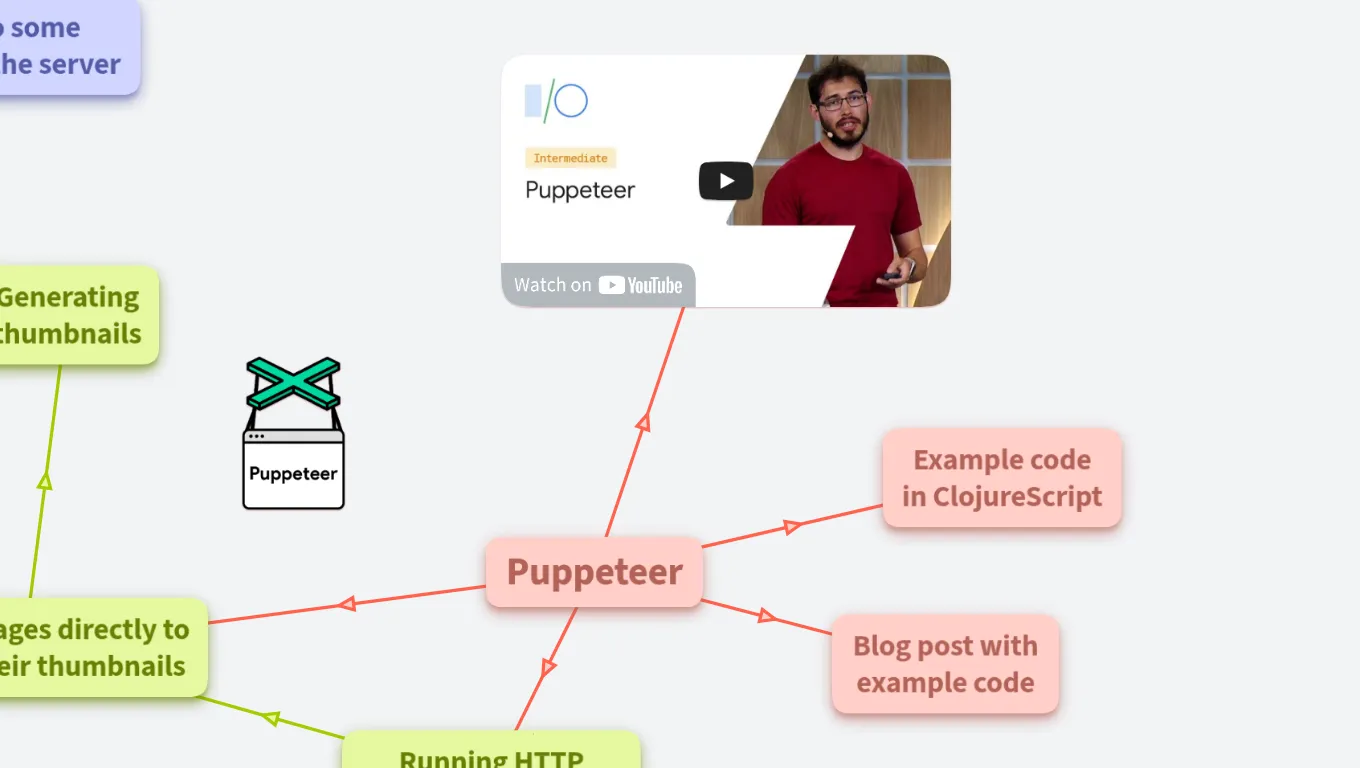
And we will be using this again to produce PDFs which users can print out.
But for us, it is much easier to setup our own infrastructure for $5 per month than integrating with your service. But this is us who have technical skill to build this in less than a week.
The landing page should give some usecases and I would recommend to simplify pricing and use price calculator only for someone who needs to use it more frequently. Asking something like $5 per month or per certain ammount of screenshots/bandwidth would be simpler.
So if I input an url, I can generate rich documents?
What does rich mean in that "context"?
Who are your target customers?
What documents do you need to generate from HTML or urls?
Rich would mean it can be a complex HTML page with CSS, and Javascript, etc. Something that libraries like wkhtmltopdf would struggle to render properly.
There is a lot of information that initially hits me when I land. Perhaps you could add some of that below the fold.
A few impressions:
Hope that's helpful!
Ok, I've understood what's your product offer is and I want to try it, but I didn't find something like a quick demo and all I found is API documentation, but I don't want to code and even think about it to just see an example, what your service do in practice and how good is it. So, you need to make a textbox, where user can enter any URL and get quick result. It will be cool!
I understand it is basically wkhtmltopdf as a service. But I wonder how I'd know the compute time in advance for the costcalculation. Are there any general rules? For example a pure table invoice takes 1 second and and real estate page with a lot of galeries takes 10 seconds?
I would also wonder if it's possible to generate pdfs from pdfs or images. For example: I want to feed in possible nasty stuff from customers and use the service as a firewall for my employees, which will open the files on windows computers.
Well the whole reason I created this service is because wkhtmltopdf is absolutely terrible at creating PDFs that match the expected output of your HTML. It handles very basic stuff but can't handle anything even remotely complicated like CSS or Javascript. So I am actually rendering everything using a headless version of Chrome and I was able to do it in a way where I can handle millions of requests using it.
It would be good then to create an example comparison with the competition, a picture from wkhtmltopdf and an image using your tool showing how it is much better, and show it in the landing page, somewhere below the initial HERO but not below the pricing. If there are other competitors, you may want to have a tabbed element where you can see how it compares with wkhtmltopdf and the others.
You certainly would benefit from making this aspect a lot more prominent on the landing page.
At the top of the page, instead of the verbose "cloudlayer.io is a powerful Software as a Service (SaaS) document generation system. Using our API, you can generate rich documents such as PDFs or images from HTML or a URL."
You can state something like:
"The best API to generate PDFs, <specific formats not "rich documents" or a vague "images", so PNG, JPG or whatever appropriate> from HTML or a URL."
Another thing: in the documentation, it might be helpful to have snippets of how one would use your tool with some main languages like JS, Python etc. People will want to just copy paste snippets and they may not know how to work with web APIs. Make it easy for them.
EDIT: maybe it could also help to have a "try it out" somewhere on the landing page where someone can input a url and you return the desired file. I suspect chances it will be abused are low, can add a captcha if it becomes a problem.
HF & GL !
You should accept a one-time payment as well as a subscription. The one time payment can be higher but I can imagine that a lot of people would maybe willing to use this service sometimes but not really wanting to be a subscriber.
Congrats, as others have pointed out, reduce the text on the header.
First impression:
Whats wrong with the logo? I am aware of the issues with cloud quality...
Nice! It is looking good.
I think the pricing is too low. Charging less than $5 / month is not going to be worth it. Won't your payment processor take a huge chunk of that?
Including compute time in the pricing will only cause confusion. How would a customer know how long an html document would take to compute? Also, over time the compute time should go down as you make improvements to the code and you will want to keep that savings for yourself. Your customers will not care that you are processing their documents 1 second faster but you will be happy saving money on compute resources.
Focus on making it easy to use. Integrate with tools where people would have html and need an image. Maybe integrate with code editors to generate previews for any html document? Maybe integrate with google drive to convert html files to pdf/images in Drive. Integrate with Zapier? Try to reach out to customers to validate these ideas.
For a customer, integrating their toolset with your API is way more expensive than the service itself. If you meet your customers where they are, it will save them money, and will make it easier to try out your service.
Looks like a great start. Hope this helps.
Yes the pricing is the main feedback I am getting that is too complicated. I initially set it up like this so it could be the cheapest possible solution, but what I am finding out that, it's not necessarily always about the price. I have plans to bundle up the offerings into pre-paid packages, to simply if it all based on the feedback I think that will help.
Please fix that low resolution background image. https://cloudlayer.io/assets/img/backgrounds/clouds-bottom.png
yes I am either going to get rid of it, or generate a new one as an svg.
Congratulations on the launch! My assumption is that you're looking to take advantage of a usage-based pricing model, which makes a lot of sense. The calculator you provide is useful, but a simpler pricing model would be more approachable. An example of this is CoderPad (coderpad.io/pricing). They leverage a mixed model, which blends tiered and usage-based pricing via overuse charges ($10 / interview). Best of luck!
Thank you, I've been looking for a good example of this...
I think it's cool!
Wasn't aware that there was more information and I could/should scroll down. Maybe the clouds made it feel like the end of document.
Yeah based on the resolution of the clouds, and that confusion I am going to drop the clouds I think...Even though they do look kind of cool...
This comment was deleted 6 years ago