Mistakes by Users When Using One Page Checkout for e-Stores
One Page Checkout is a fantastic way to improve the checkout procedure in your online store. The checkout page is the most important page on any website. These consumers make last-minute purchases.
Approximately 60% of online customers will leave your online business if the checkout process is overly time-consuming and challenging. Online buyers run away from the drawn-out checkout process if they have the money and are ready for the purchase.
Because of this, almost all e-commerce websites are set up with a one-page checkout to streamline the process and reduce cart abandonment.
But if you've previously set up one-page checkout as default and your checkout process doesn't seem to be working, don't freak out.
This article will go over every mistake and deficiency on your checkout page so you can concentrate on fixing them.
One-Page Checkout
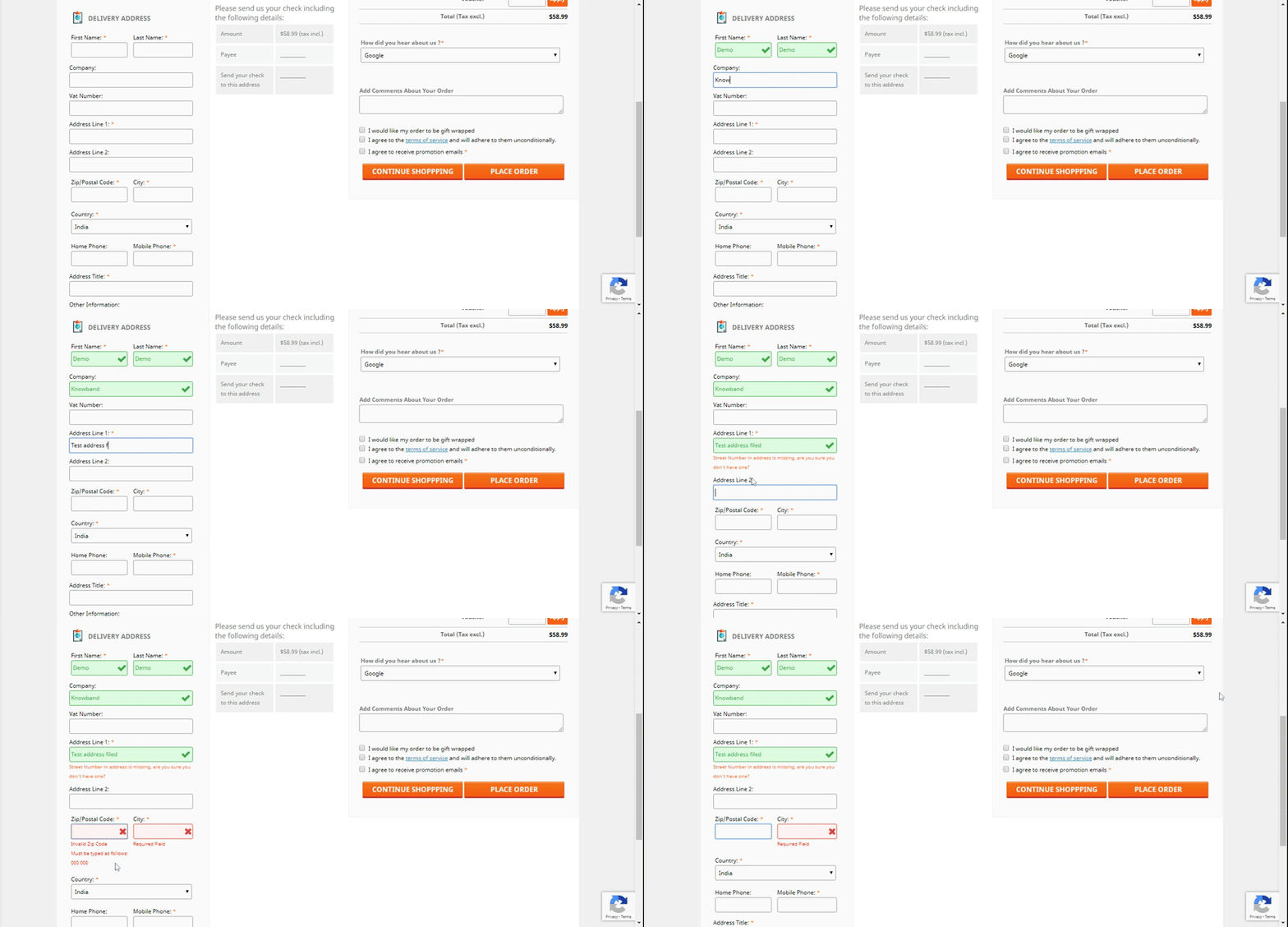
One-page checkout, also known as one-step checkout, is the practice of completing just one form on one page to complete the checkout process. It gathers all pertinent order information on a single page, including shipping and billing addresses, order total, product details, payment options, and delivery options.
Unlike multi-step checkout, which is a checkout that usually has several steps(usually 3 to 5 steps). Making the checkout process as quick and simple as much possible for the customer is the aim of one-page checkout. As a result, store owners can increase sales.
Mistake Made by User When Using One Page Checkout
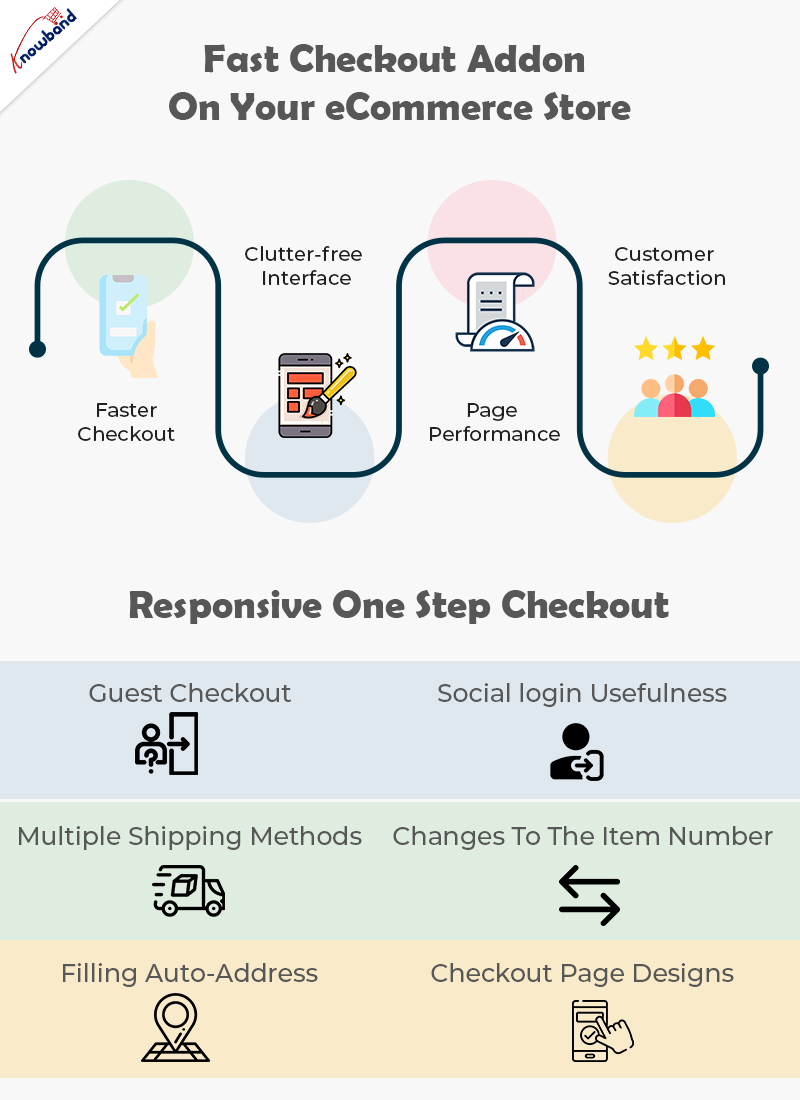
Although one-page checkout is now the best option, many store owners still make mistakes during the one-step checkout process and lose clients. The mistakes made are:
Promotion:
Finding and choosing items requires a lot of effort. If you include marketing messages or banners at the very end along with other attractive products, you run the risk of encouraging your potential customer to return to explore and decide. They might not return to the checkout page anytime soon.
Surveys and communications:
The "How Did You Hear About Us" question and other marketing communications shouldn't be there on the checkout page. Don't annoy your customers with questions that have nothing to do with their purchases.
Creating an account:
A few store owners insist that buyers create an account before completing the transaction. Since creating an account includes many steps and data entry from the customer, this is a major blunder. Due to the extra work and distractions, the rate of cart abandonment will increase.
Once the transaction is complete, approach new customers and request that they create an account.
No auto-filling:
You should limit manual filling as much as possible for your clients. For instance, after entering the postal code, the location should be automatically determined.
Another thing to note is how frequently the shipping and billing addresses coincide. The checkout page should be in a way so that the shipping address form fills out automatically following the billing address field. Additionally, we can offer the customer a special button to complete the task.
Unexpected cost overruns:
Imagine that a customer finds a product they want and are ready to buy, only to discover that the delivery service is more expensive. It will be the worst experience ever.
If your delivery service is not free, you should make that clear during the search process. Don't keep any additional costs a secret. For instance, inform potential customers during the search stage if the shipping service is more expensive around the holidays.
Lack of payment options:
It is disappointing when a customer wants to buy something but is unable to do so because there is no way to pay. Your online shop must accept all popular payment options.
Conclusion
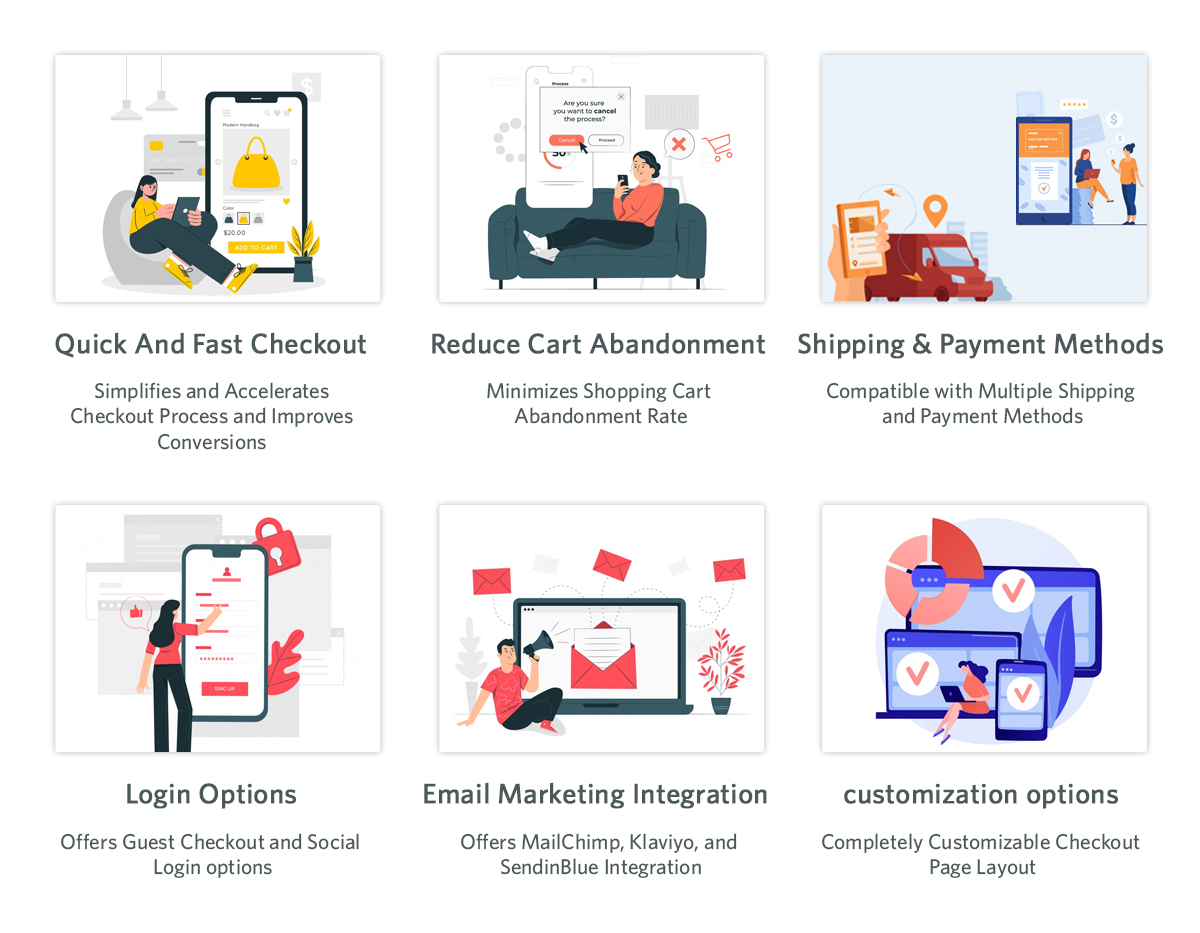
In this article, we examined every mistake to avoid throughout the checkout process. The best solution for one-page checkout is the One Step Checkout plugin from Knowband.
We hope this blog will be helpful to you and wish you success.
Knowband is one of the leading providers of extensions and web development services in eCommerce. We guarantee to produce high-quality products and services to successfully improve your business. Our developers have years of professional experience. We will help you with the custom changes and with our modules if you need our assistance. Kindly contact us at support@knowband.com for any help related to your online business.
Also read: Configure the Prestashop One Page Checkout precisely with these options
