My alarm app works on Android. iOS keeps killing it before the alarm fires. Anyone else stuck on this?
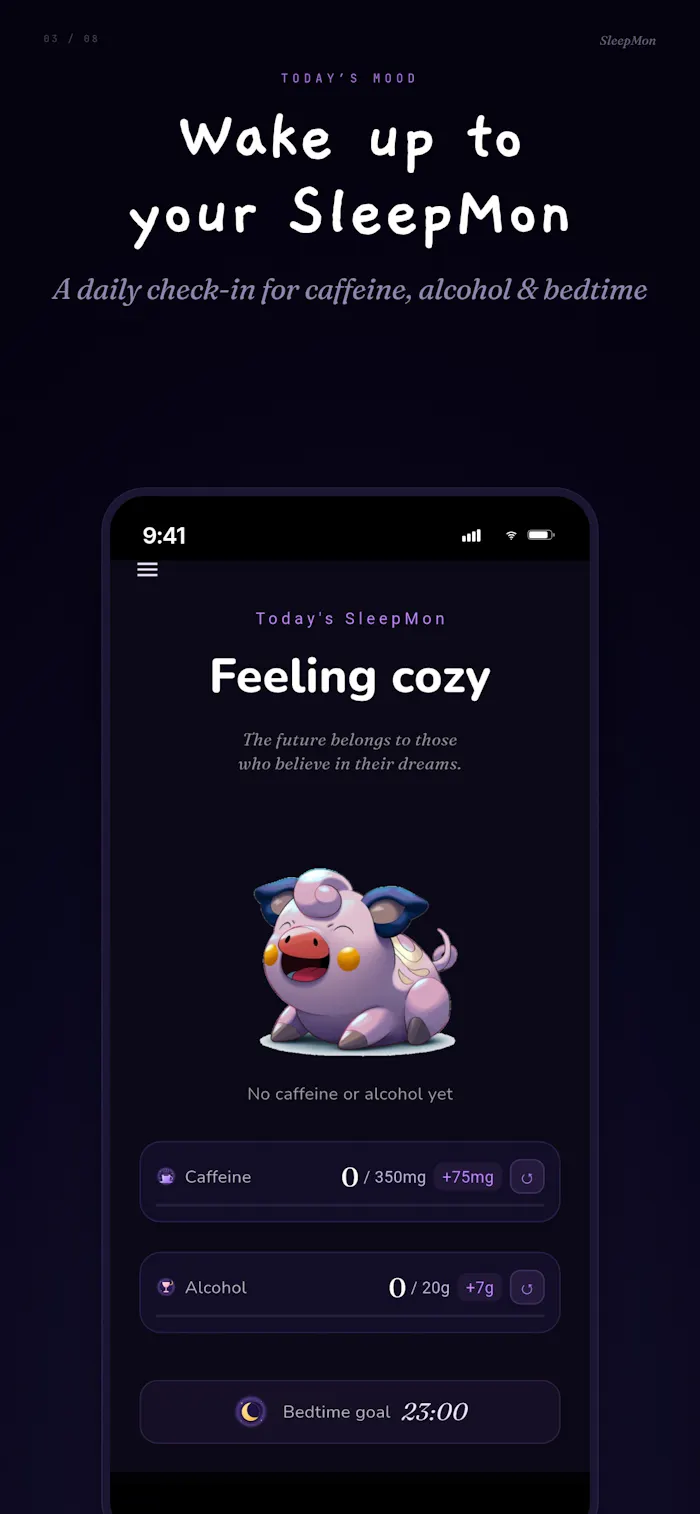
I am a Korean solo developer in Seoul. I have been building a phone-lock-and-wake app called SleepMon for the past several months. The Android version is in the Play Store and working — wakes people up, plays audio through silent mode, takes over the lock screen. It does what an alarm should do.
The iOS version is breaking me.
The core mechanic of this product is the wake. If the user can sleep through it, the product failed. There is no other feature important enough to compensate. On Android the platform gives you what you need: a foreground service that survives, alarm-category audio that plays even under Do Not Disturb, screen-wake flags, persistent wake locks. I can build the thing.
On iOS I cannot get the runtime to live long enough.
The system reclaims background time aggressively. AVAudioSession with .playback keeps me alive as long as audio is actively playing — but for a wake-up app there are long stretches of silence between the user setting the alarm and the alarm firing. The session dies in those stretches. Local notifications with sound files top out at 30 seconds and cannot wake the screen on their own. Critical Alerts entitlement exists, but the Apple docs frame it around health and public safety. Sleep Cycle and Alarmy clearly have it. I am not sure how an indie wake app, on its own, makes that case.
I have tried the patterns the forums suggest.
A continuous silent audio loop through the night to keep the session warm, then swap to the real alarm at fire time. Works mechanically. Drains battery. App Review reaction has been inconsistent. Background mode audio with periodic short audio cycles. Better battery, but the system still kills me on idle stretches. Local notifications with 30-second sounds. Plays. Does not wake the screen. If the phone is muted, the user sleeps through it.
Briefly considered VoIP push and HealthKit-driven background processing. VoIP is reserved for actual calling apps. HealthKit felt like an integration I was bending into the wrong shape.
Every pattern I try has a failure mode that breaks the core promise. The Android version of the same app sets a foreground service and the problem is solved in one method. iOS feels like it was not designed for the kind of app I am trying to build.
So I am asking the room.
Has anyone here shipped a wake or alarm app on iOS that actually works the way Android lets it work? Not "notification that hopes the user is awake," but "device that takes over the lock screen and produces sound the user cannot easily snooze through." If you have, what is the entitlement story you got past Apple Review with, and what does your battery profile look like over an 8-hour night?
I am open to thinking I am wrong about the whole approach. Maybe the right move on iOS is to scope the product down — accept that on this platform the app is companion-grade, and the Android version is the one that does the job. I am not ready to make that call yet, but I have been closer to it every week.
If you are building anything in the "the app must intervene, not just suggest" category — focus blockers that bite, screen-time apps that bypass-cost the user, phone-lock products — I would love to compare notes. The wake-the-user problem is one corner of the same wall.

This sounds less like an alarm bug and more like a platform promise problem.
On Android, SleepMon can promise “this will wake you up.” On iOS, if Apple limits the core intervention mechanic, the risk is that the same product name is selling two different levels of reliability across platforms.
I’d pressure-test one strategic split: Android as the serious wake/phone-lock product, iOS as the companion or accountability layer unless the Critical Alerts path is realistically winnable.
That may sound like a downgrade, but it could actually make the positioning cleaner. The worst outcome is promising “cannot sleep through it” on iOS when the OS does not let you fully control that promise.
The bigger category you mentioned is interesting too: apps that must intervene, not just notify. That framing feels stronger than “alarm app” because it includes focus blockers, phone-lock products, and behavior-control tools.
Spot on. 'Platform promise problem' hit hard. I'm splitting the iOS/Android positioning today!
That’s the right move.
The key now is making the split clear without making iOS feel like a weaker product. Android can own the serious intervention promise, while iOS probably needs a different trust frame around accountability, backup, or companion behavior.
If useful, drop your email and I’ll send over a tighter version of how I’d frame the Android vs iOS promise without making the product feel inconsistent.