Need help to review my landing page for an explainer video creation tool👨🚀
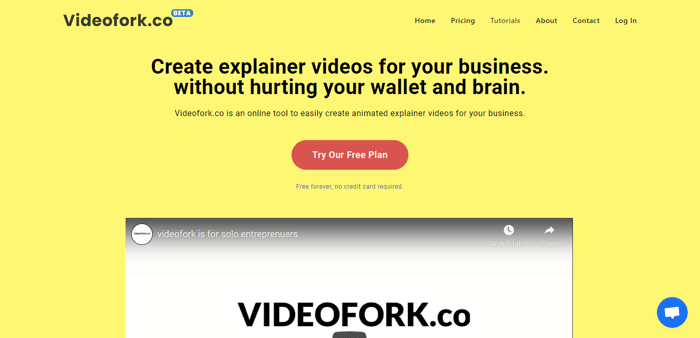
Hey guys!
I am Jaga. I have been working on videofork.co for the past few months. It is a browser based animation tool.
https://videofork.co/
A tool focused on helping early startups and solo entrepreneurs create storytime style animated explainer videos for their startup/marketing campaigns at low cost.
I thought to help people who have low funding and less technical knowledge, can still create explainer videos for their business.
I'm a solo entrepreneur myself. I can use as much help I can get. I spent months working on this tool, I'm hoping to reach few potential users, Hopefully adding value to their business.
Can you please provide me your review on my website and share your thoughts?
Thank you,
Jaga

Hey Jaga! Welcome back with your service! I like your video a lot, so I tried it out. Couple of things I noticed:
Hilee!! Thank you for trying out videofork.co. About the first comment...Are you talking about a page where you will be redirected once your email has veen verified?
I'll try to add support for Edge today. There are a little bit of design tweaks for edge. I'm working on it.
Edit:
Both the issues has been fixed now.
That was fast! Here comes more feedback:
Thank you so much for your feedback!!!!
"Remember me" checkbox has been fixed.
Images can be resized when you hover and drag the corners of it. If the corners are not visible please drag the image around the canvas.
Preview is working, Please make sure you check the checkbox of respective image's layer pill item on the right panel to preview and position the image.
Edit: user must be informed of that, I just added an alert message if user is clicking preview without checking the box.
You're most welcome Jaga!