Replacing Zapier's Filter function with Airtable Automations
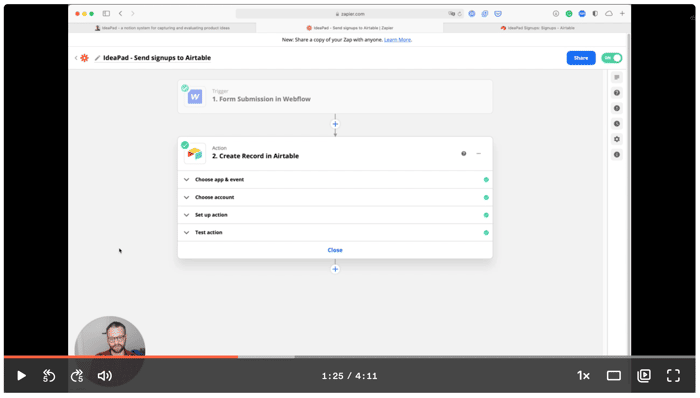
Zapier is awesome. One feature I really like is the IF function. It allows you to take data from one step and apply IF conditions to it, before moving on to the next step.
But, it requires creating multi-step zaps. And those are only for premium users.
I'm trying to stay as low cost with my projects as possible, so I was looking for a way to create an IF condition without having to pay for a premium account.
The answer: Airtable Automations
Here's how it works:
- Send data from your source to Airtable using Zapier.
- Apply Airtable's Automation using its IF condition.
- Send data that matches your condition to a new table.
- Pull the results back to Zapier and send them to your final destination.
