SaaS: Making your landing page convert
TLDR; I built a product feedback tool that analyzed dozens of SaaS landing pages and identified the most common pitfalls creators make in nailing it.
Skip to the bottom for the landing page cheat sheet 👇
Context
The idea for the tool emerged last summer when I transitioned to full-time product design freelancing. I quickly found that the biggest downfall of flying solo was not having a team to go back and forth with to review designs before delivering them to clients.
I'd reach out to friends, mentors, and anyone who would quickly take a look, but that could only last so long. Forums, groups, and platforms like The-Dots are great, but that also meant spamming work to strangers and sharing NDA work (not ideal).
Eventually, I thought it would be a good idea to ask AI - and it was. I ended up getting quality feedback that helped with many aspects of product design, even feature suggestions that genuinely benefited the products I was working on. It’s been a massive process upgrade; it was like a fresh pair of eyes I needed that ended up helping my workflow and thus landing me more referrals.
This problem wasn't unique to me, and there are loads of designers, makers, product managers, developers, startup founders, and marketers who struggle to get a second opinion before they publish!
Along with some development help, we packaged everything up and launched a tool to solve this - DesignRoasts.
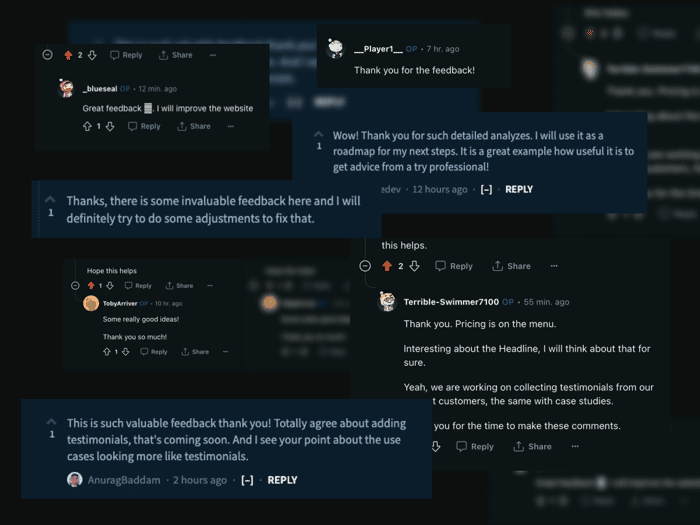
Since then, I've been crawling through Reddit and IndieHackers, looking for makers asking for product feedback, which I then fed into DesignRoasts. This helped improve our product and provided some valuable insights for those who had theirs reviewed.
In the process, I uncovered some SaaS landing page patterns that kept popping up.
I've compiled the feedback into a practical cheat sheet that can be used to ensure your SaaS is not making the same mistakes:
👇👇👇
Crafting a Clear Value Proposition
[ ] Headline should outline the core benefit to the user.
[ ] Headline should describe what the product does, unlocks, or solves.
[ ] Include a concise sub-headline with additional details.
[ ] Each title should be benefit orientated not feature orientated
[ ] Breakdown features into benefits and display as bullet point lists.
[ ] Distill dense copy into digestible bullet points or brief, compelling statements.
[ ] Place a prominent call to action above the fold for immediate visibility.
Tip: Create curiosity to keep users scrolling | Use the JTBD framework to craft copy | Your headline should make sense when you add “Now you can...” in front of it | Write benefit-oriented copy
User Engagement
[ ] Include real visuals of your product (gifs, images).
[ ] Display a demo video of your product
[ ] Provide a simple version of your tool for users to demo on the web.
[ ] Simplify language for accessibility to average users.
[ ] Use CTAs that clearly state what the user will do, e.g., “Write your first piece”.
[ ] Ensure images relate to the service offered; use infographics if no images are available.
[ ] Scrutinize the copy for tone and clarity to ensure it resonates with the user.
[ ] Streamline content to focus on key messages, reducing cognitive load.
[ ] Use graphics or flowcharts to visually represent complex ideas.
[ ] Offer a free trial, discount, or a valuable free resource (lead magnet).
[ ] Add a section outlining the problem-solution process in simple steps.
[ ] Optimize images and scripts for quick page loading.
[ ] Request minimal information in form fields.
Social Proof
[ ] Include customer testimonials and case studies.
[ ] Show a before and after outlining the results from your product
[ ] Display popular brand logos associated with you
[ ] Display current user count, e.g., “Join a community of over 1000+.”
[ ] Highlight certifications, awards, or security badges.
[ ] Increase conversion by offering relatable proof of effectiveness.
[ ] A section reassuring security measures will increase trust and alleviate apprehensions.
[ ] Write short non-technical explanations of how your product works, this can build trust.
[ ] Use statistics to demonstrate the impact of your tool.
Information Hierarchy
[ ] Apply sufficient whitespace for readability and section differentiation.
[ ] Use contrast between site sections for intuitive navigation.
[ ] Show clear distinctions between pricing plans.
[ ] Add a brief description of what each plan includes and excludes.
[ ] Ensure FAQs are relevant to the audience's typical inquiries.
[ ] In a multi-step process, break copy into numbered steps for scannable format.
[ ] Use consistent typography, size and colors to connect the section into a coherent whole
[ ] Check for color contrast to ensure legibility.
[ ] Design the page flow to guide users towards the conversion goal.
[ ] You vs your top competitor can be a compelling section that demonstrates USP
☝️☝️☝️
Hope this helps!
Check out DesignRoasts.com to get instant feedback tailored to your product
