Spreadsheets Are Quietly Breaking Expense Workflows In Small Teams
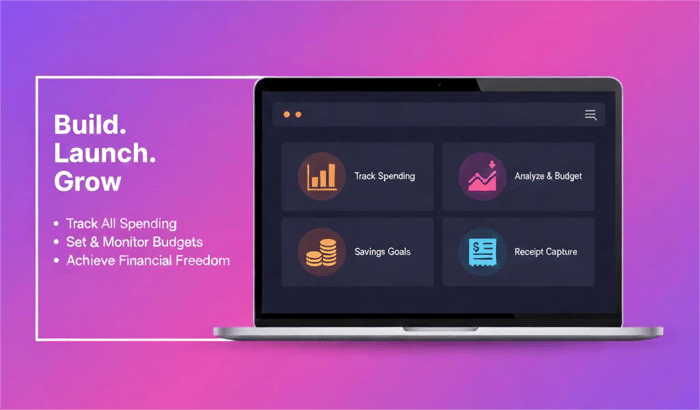
Spreadsheets are quietly breaking expense workflows in small teams
I work at Fuzen, and after talking to dozens of small teams, our team noticed that:
Spreadsheets are fine for logging numbers.
They’re terrible for approvals, ownership, and visibility.
Most teams still run expenses like this:
-
Expense sent in WhatsApp
-
Approval given in chat
-
Entry added to Excel later
This creates three problems:
-
No clear approval status
-
No record of who approved what
-
No single source of truth
That’s not a tooling problem.
It’s a workflow problem.
How most teams actually run expenses
This is the pattern we kept seeing:
-
Expense shared in WhatsApp
-
Someone replies “approved”
-
Later, someone updates an Excel sheet
-
Weeks later, no one remembers what happened
At first, this feels “good enough.”
But as soon as more than one person is involved, cracks show up.
Where spreadsheets fail (and it’s not about formulas)
Spreadsheets fail at the things that matter most for expenses:
-
Approvals – no clear pending vs approved state
-
Ownership – who approved this, and when?
-
Visibility – what’s stuck, what’s done, what’s missing
-
History – finding old expenses becomes painful
You don’t need advanced finance features.
You need clarity.
And spreadsheets don’t give you that.
This is a workflow problem, not a tooling problem
Most teams think:
“We need a better sheet.”
What they actually need is:
-
One place where expenses live
-
A clear “pending → approved” flow
-
A shared view everyone trusts
Once approvals move to chat and tracking moves to Excel, the system is already broken.
What we built to test this idea
At Fuzen, we built an expense management template with a very simple rule:
If you can’t see the status of an expense in one glance, the system has failed.
The focus was not on features.
It was on workflow:
-
Submit expense
-
Review
-
Approve
-
See the status instantly
That’s it.
Why we added AI customization
One thing we learned quickly:
No two teams want the exact same setup.
- Some want categories.
- Some want filters.
- Some want simple analytics.
Instead of asking teams to:
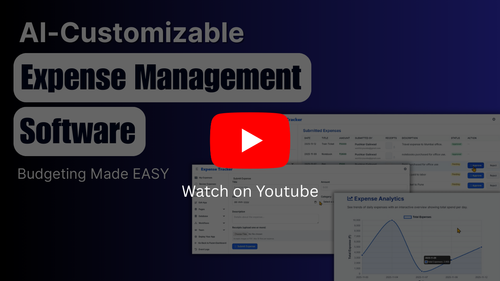
Edit complex settings, or hire a developer; we let AI handle small changes through plain text prompts.
This keeps the system flexible without making it heavy.
Here's a recorded walkthrough of how this works, mainly for context:
My honest take
If your team is:
-
Approving expenses in chat
-
Tracking them in Excel
-
And “fixing” issues with reminders
You don’t have an expense system.
You have a memory problem.
And memory does not scale.
What internal process are you still running on spreadsheets, even though you know it’s causing problems?

This is spot-on. The "memory problem" framing is perfect - when your workflow relies on people remembering conversations, approvals, and context scattered across WhatsApp, Excel, and someone's brain, you're not building a system. You're building technical debt disguised as efficiency.
The insight about workflow vs tooling is key. Most teams grab another spreadsheet or add another column thinking "we just need better organization." But the real problem is that spreadsheets weren't designed for approval workflows - they're designed for calculations. You're forcing a data storage tool to do collaboration work.
What I love about your approach: "If you can't see the status in one glance, the system has failed." That's the clarity principle. Too many products optimize for features instead of immediate understanding.
This actually connects to a broader pattern I see constantly - teams build amazing products, but then lose users during the "wait, how does this work?" phase. Users land on the site, think "sounds useful," but bounce when they have to read docs or watch a video to understand the value.
That's why we built Demogod (demogod.me) - AI voice agents that guide users through interactive product demos in real-time. Same philosophy as your expense workflow: instant clarity beats delayed understanding. No memory problem, no "I'll figure this out later" drop-off.
Your Fuzen template + instant user onboarding = teams actually adopt the tool instead of falling back to broken spreadsheets. Great work on solving the real problem!