The Privacy Paradox: Using AI to Find Your Face Online Without Getting Creepy
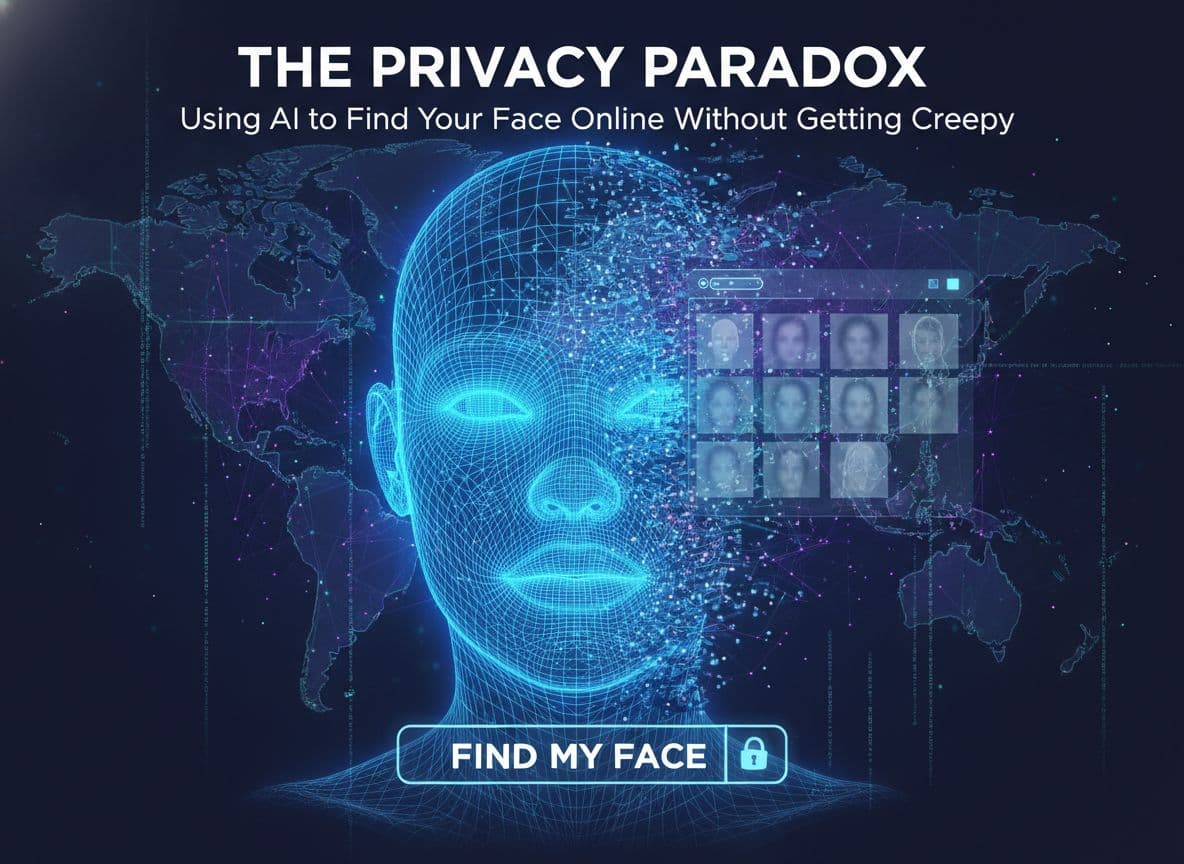
Ever worried where your photo ends up, yet need AI to spot misuse? That is the privacy paradox. This guide offers a calm, ethical path to protect your image with face recognition privacy in mind while using an AI identity search to stay informed and in control.
The Privacy Paradox: Stay Safe While You Search for Your Own Image
You want to know where your face appears, but you do not want to become part of a surveillance loop. People check for impersonation on dating apps, brand misuse in fake ads, or safety risks when private photos leak. The risks are real, from scraping and tracking to doxxing and harassment.
Consent, legality, and intent matter. Use tools that explain what they collect, why, and for how long. Keep your searches narrow, document what you do, and avoid sharing results without context. You can be curious and careful at the same time.
What face recognition privacy means today
Most tools pull from public photos, search indexes, and open sites. Consent, transparency, and retention limits are key. Models may learn from public images, so choose services that explain how they train and let you opt out or delete data to find your face online with respect.
Common mistakes that cross the line
Searching other people without consent.
Uploading private or sensitive photos.
Saving faceprints or raw uploads long term.
Sharing results without context or permission.
Using shady sites that hide data practices.
How to Use AI to Find Your Face Online Without Getting Creepy
Start small and stay lawful. Use a private browser session and a separate account. Test with a low-res image you own rights to, avoid photos with minors, and strip metadata. Read privacy policies, especially retention and deletion rules. Keep a simple log of dates, sites, and actions. If you find misuse, file takedowns and request removal. Set calendar alerts to repeat your check monthly. Keep your AI identity search practical, consent-led, and documented.
Step 1: Choose trusted tools and set boundaries
Check for clear consent policies and audit trails.
Look for opt-out, delete, and export options.
Review data storage limits and retention windows.
Create a separate account. Turn off contact syncing.
Step 2: Run targeted searches and avoid dark patterns
Use recent public photos that you own rights to.
Crop out bystanders. Blur minors.
Strip EXIF data before uploading.
Skip sites that demand full galleries or store uploads by default.
Step 3: Review results, document proof, and act
Screenshot matches with timestamps.
Log URLs, hosts, and contact emails.
File DMCA or privacy requests when needed.
Ask platforms to remove misuse.
Schedule a monthly recheck.
Faceseek for Empowerment: Control, Transparency, and Real-World Use
Tools that prioritize user control are worth your time. Look for export, delete, and opt-out controls, plus clear limits on retention and sharing. When used with consent and clear rules, privacy-aware face search can help people, brands, and creators respond to impersonation and image theft. For a practical overview of responsible searching, see this guide to Secure Face Search Using AI Embeddings.
Creators and brands: partner the right way
Want safer search and better rights clarity? Partner with programs that ask permission, credit creators, and share benefits. Get your brand featured on Faceseek to support ethical discovery and fair use across campaigns.
Quick checklist for ethical AI image searches
Get informed consent, even from friends.
Limit uploads and share only what you must.
Read policies. Avoid tools that hide terms.
Record what you did and why.
Delete data you no longer need.
Conclusion
You can protect your image without getting creepy. Respect consent, use trusted tools, and act on misuse with calm steps. Start with one careful search today, document your work, and keep your privacy front and center. For context on mainstream tools, compare approaches like the PimEyes face search engine or see how consumer apps pitch features in the Face Recognition app on Google Play.


This guide changed how I view AI search. It’s not about spying — it’s about protecting your image and reputation. Really appreciate the ethical balance here.
What I liked most is the calm, professional tone — it doesn’t scare you, but it does make you think. Using AI responsibly feels possible after reading this.
Clear, simple, and respectful. I followed the step-by-step plan and actually found some old photos from years ago on a public blog. The documentation tips were a huge help for filing a removal request.
I used to be nervous about face recognition tools, but after following this guide, I feel informed and in control. It’s empowering to know I can check for misuse without crossing lines.
I used to be nervous about face recognition tools, but after following this guide, I feel informed and in control. It’s empowering to know I can check for misuse without crossing lines.
Most AI tools feel invasive, but this one focuses on consent and control. I loved how it explained exactly what data is used and how to delete it. That level of honesty builds trust.
This helped me find an impersonation account using my profile photo — and I managed to get it taken down the same day. The ethical part of the guide really stood out.
Finally, a guide that treats privacy and AI with respect. I used it to check where my photos appear online, and it felt safe and transparent the whole time. Every step was clear and non-invasive.
It's better than pimeyes, I tried ittt
good product