The Quickest Way to Cool Down Your Laptop (Day 136)
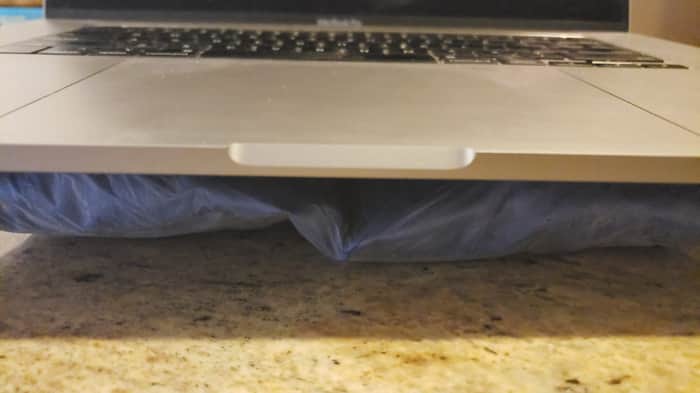
My Macbook was so HOT🔥it's impossible to rest my wrists on it to type!!!
I suddenly remembered that there are many icepacks that I kept in my freezer for muscle relief after workouts! In less than a minute, my laptop has a chilled surface to rest on!!! I have never seen my battery temperature ever dropped below 30 degree Celsius until today!!! (I run this Battery Medic app that tracks the temperature and capacity of my batter, cos Macbook battery has been problematic over the years, which is a total different story...)
I have 3 or 4 icepacks in the fridge and now I can use them in turns. Super chilled now!!!

One thing you can try is to check if there's dust inside, a lot of times a lot of dust collects inside and the fans aren't as effective any more.
Also if there's a process called kernel_task with high CPU that doesn't mean that it's actually causing high load as it's a sign that the OS is throttling for thermal reasons.
That may not be an advisable thing to do as getting too cold can create moisture inside your laptop and cause parts to fail. https://superuser.com/questions/807533/will-applying-an-ice-pack-to-a-laptop-cause-any-issues
I usually rely on a cooling pad, sit close to the air conditioning in the room and use an external keyboard and mouse so that I can keep using the laptop even when it may be hot to touch. Cleaning air vents and fans inside the laptop using a dust blower may also help.