The Simple Productivity Stack Solo Founders Need for Documents and Daily Operations
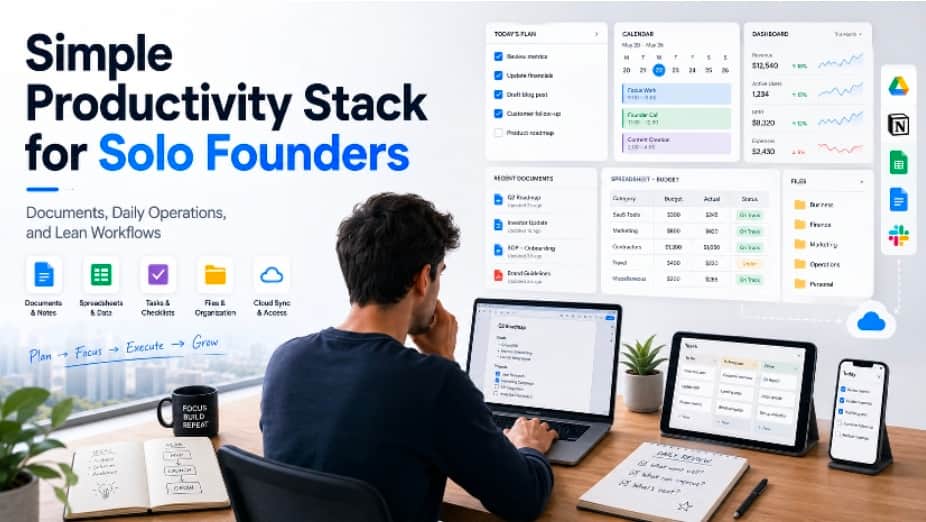
Solo founders often spend more time managing daily operations than they expect. Building a product is only one part of the job. A founder also has to write proposals, prepare investor notes, create onboarding materials, update spreadsheets, manage invoices, document customer feedback, track product decisions, and communicate with contractors or early users. Without a simple productivity stack, these small tasks can become scattered across too many tools.
The goal is not to use the most advanced software for every task. In many cases, the better choice is a lightweight stack that is easy to maintain, reliable across devices, and simple enough to use every day. For solo founders, productivity depends less on having many tools and more on having a clear system for documents, files, communication, and recurring work.
Why Solo Founders Need a Lean Productivity Stack
Early-stage founders usually work with limited time, limited budget, and limited support. They may not have an operations manager, a finance team, a full-time designer, or an assistant to organize files. This means every workflow must be easy to repeat.
A complex tool stack can look impressive, but it often creates hidden costs. Each new app needs setup time, account management, file migration, permissions, and updates. If a founder uses one tool for notes, another for documents, another for spreadsheets, another for PDFs, and several messaging apps for different collaborators, daily work becomes harder to control.
A lean stack should help a founder answer basic operational questions quickly:
Where are important documents stored?
Which file is the latest version?
Where are customer notes and product decisions recorded?
How are invoices, reports, and spreadsheets organized?
Which tools are used for internal work versus external sharing?
Can the same workflow work on desktop and mobile devices?
When these questions are easy to answer, solo founders can spend less time searching for information and more time building the business.
Start With a Reliable Document Workspace
Documents are at the center of many founder workflows. Even software-first startups still need written materials: pitch decks, product briefs, landing page copy, partnership proposals, hiring notes, operating checklists, meeting summaries, and customer support templates. A founder needs a workspace where these files can be created, edited, exported, and stored consistently.
When choosing document tools, compatibility matters. Founders may need to share files with clients, contractors, investors, or partners who use different platforms. If formatting breaks every time a file is opened on another device, the workflow becomes unreliable. A practical document setup should support common file formats, PDF export, spreadsheets, presentations, and basic collaboration habits.
For founders who maintain their own setup checklist, download references such as wps下载 may appear when comparing office tools or preparing a clean installation workflow. The important point is to verify the source before installation and make sure the tool fits the founder’s actual daily needs.
Keep Notes and Decisions in One Place
Solo founders make dozens of decisions every week. Some are small, such as changing a pricing page headline. Others are important, such as choosing a launch strategy, changing the target audience, or delaying a feature. If these decisions are only stored in chats or memory, it becomes difficult to understand why the business moved in a certain direction.
A simple decision log can solve this problem. It does not need to be complicated. A founder can create one document or folder for product decisions, marketing experiments, customer feedback, and operating notes. Each entry should include the date, the decision, the reason, and any follow-up action.
This habit is useful even for a one-person company. It helps founders avoid repeating old debates, makes future hiring easier, and provides context when reviewing progress months later.
Use Spreadsheets for Operational Visibility
Many founders rely on dashboards, analytics tools, and SaaS platforms, but spreadsheets remain one of the most flexible tools for early operations. They can track revenue, expenses, content calendars, feature requests, customer interviews, outreach lists, bug reports, and launch metrics.
The key is to avoid turning spreadsheets into messy storage dumps. Each spreadsheet should have a clear purpose and simple structure. For example, a customer feedback sheet may include columns for user segment, problem, requested feature, priority, source, and follow-up status. A content calendar may include topic, target audience, draft status, publish date, and distribution channel.
Spreadsheets become powerful when they support decisions rather than simply collect data. A founder should be able to open a sheet and understand what action needs to happen next.
Make File Naming and Folder Structure Boring
Good file organization does not need to be creative. In fact, boring is better. Solo founders should use simple folder structures and consistent file names so documents are easy to locate later. A common mistake is saving files with names like “final,” “new final,” “updated final,” or “version 2 final.” This creates confusion when files are shared or reused.
A clearer naming pattern may include the project name, document type, date, and version. For example, a founder could use names like “Investor-Update-July-2026-v1” or “Customer-Onboarding-Checklist-2026-07.” The exact format matters less than consistency.
Folders should also reflect real workflows. A founder might separate files into areas such as product, finance, marketing, legal, customer support, and operations. Within each area, drafts and final versions should be easy to distinguish.
Choose Tools That Work Across Devices
Solo founders rarely work from one location all the time. They may review notes on a phone, edit a document on a laptop, join a call from a tablet, or send a file while traveling. For this reason, tools should work reliably across devices.
When evaluating productivity software such as wps office, founders should think about more than basic editing features. They should consider whether the tool supports mobile access, cloud storage, PDF export, file compatibility, and quick document review. A tool that works well only on one device may become inconvenient as the business becomes more distributed.
Cross-device reliability is especially important when working with freelancers, agencies, or remote collaborators. A founder should be able to prepare a document, share it, receive edits, and finalize the file without losing formatting or context.
Separate Communication From Documentation
Messaging apps are useful for fast communication, but they are poor long-term storage systems. Important decisions, customer insights, and project requirements should not live only in chat threads. Messages move quickly, search can be inconsistent, and context gets buried.
A healthier workflow is to use communication tools for discussion and document tools for records. After an important conversation, the founder should summarize the outcome in a note, document, or project tracker. This creates a stable source of truth.
This habit becomes more important as the founder starts working with contractors, early employees, or advisors. Clear documentation reduces misunderstandings and helps new collaborators understand how the business operates.
Review the Stack Every Few Months
A productivity stack should evolve with the business. A founder may start with a simple document editor and spreadsheet, then later add project management, accounting, customer support, or analytics tools. The danger is adding tools without removing old ones.
Every few months, founders should review which tools are still useful. They can ask whether each tool saves time, creates clarity, supports revenue, or reduces risk. If a tool is rarely used or duplicates another system, it may be better to remove it.
This review keeps the stack lean and prevents operational clutter from slowing down the business.
Conclusion
A solo founder’s productivity stack does not need to be complicated. It needs to be reliable, organized, and easy to repeat. The foundation should include a dependable document workspace, simple file management, useful spreadsheets, clear decision records, and tools that work across devices.
By keeping the stack lean, verifying software sources, separating communication from documentation, and reviewing tools regularly, founders can reduce operational friction. The best productivity system is the one that helps the founder move faster without creating unnecessary complexity.

