The Website Looked Legit—Until I Checked Its Trust Signals
I almost entered my credit card details on a fake site last month.
The design looked professional. The content was well-written. But something felt off.
I ran a quick trust check and found:
• No SSL certificate (on a site asking for payments)
• Missing security headers
• A domain registered just 3 weeks ago
• No email authentication set up
That was enough to walk away.
Since then, I've made it a habit to check a few key trust signals before sharing any sensitive info, signing up for a service, or partnering with a site:
• SSL validity and encryption strength
• SPF and DKIM email records
• Security headers (HSTS, X-Frame-Options, etc.)
• Domain reputation and blacklist status
• Overall technical trust score
Most of these are easy to overlook, but they reveal a lot about whether a site is legit or just looks the part.
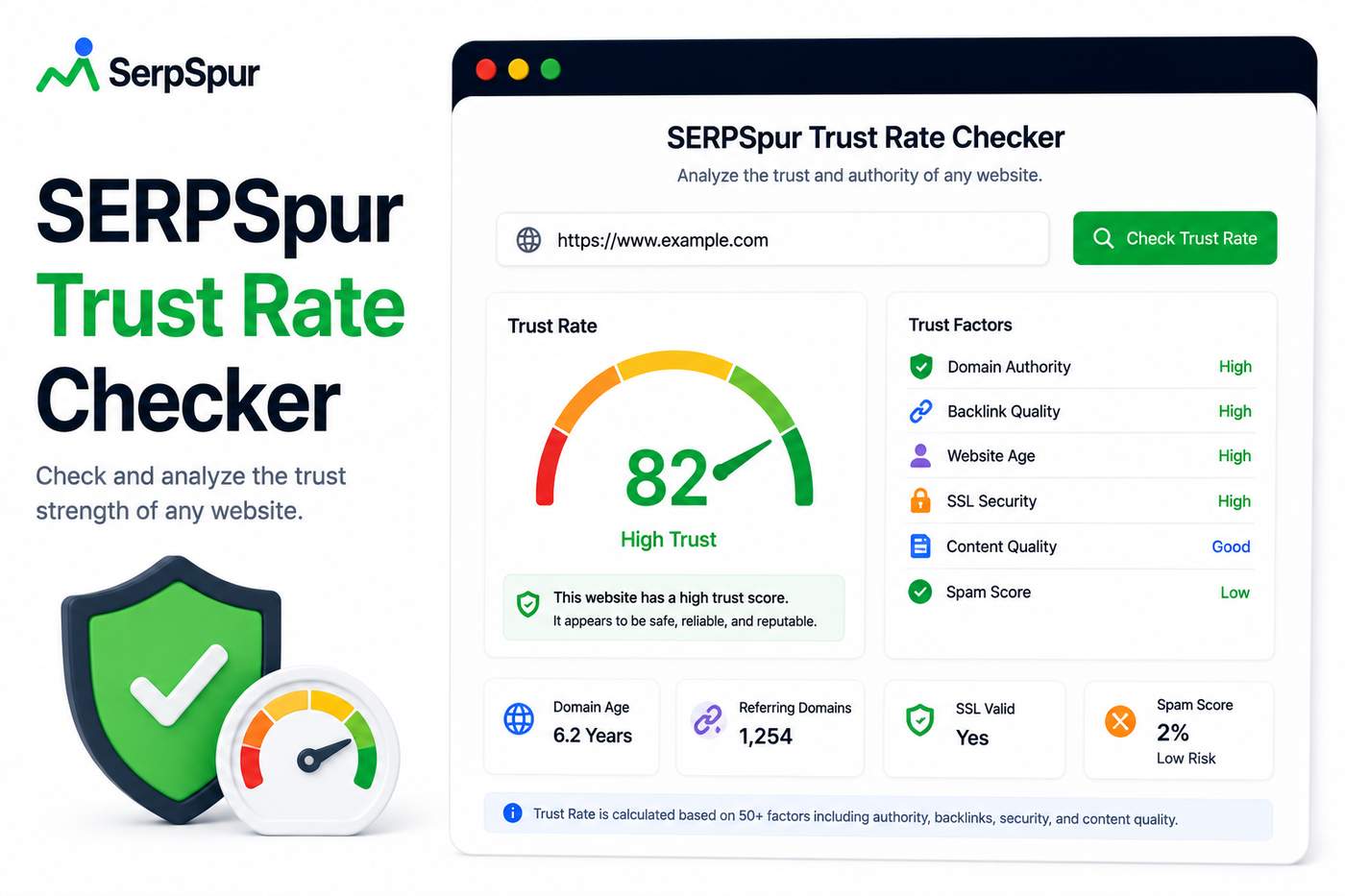
I built a tool that automates this check—the Trust Rate Checker. It scans all these signals and gives you a simple score.
https://serpspur.com/tool/serpspur-trust-rate-checker/
Curious—do you have any horror stories from trusting a site that looked legitimate? What's your personal checklist for verifying a website's trustworthiness?


Good catch on the email authentication — most people don't check SPF/DKIM before handing over data. I once got burned by a fake SaaS that had a valid SSL but was registered last week; now I always cross-reference the domain age and look for real user reviews outside the site itself.
I had a similar close call with a fake job portal. The design was flawless, but the URL was one character off from the real company's domain. Now I manually type URLs instead of clicking links, and I always check for those security headers you mentioned.
Close call! I've had a similar experience—almost signed up for a 'free trial' that required a credit card, but the SSL was self-signed. Now I always check the domain age first; anything under 6 months is a red flag for me.