TryVeo3.ai Veo 3 Fast Review: Fast, Affordable AI Video Creation with Audio
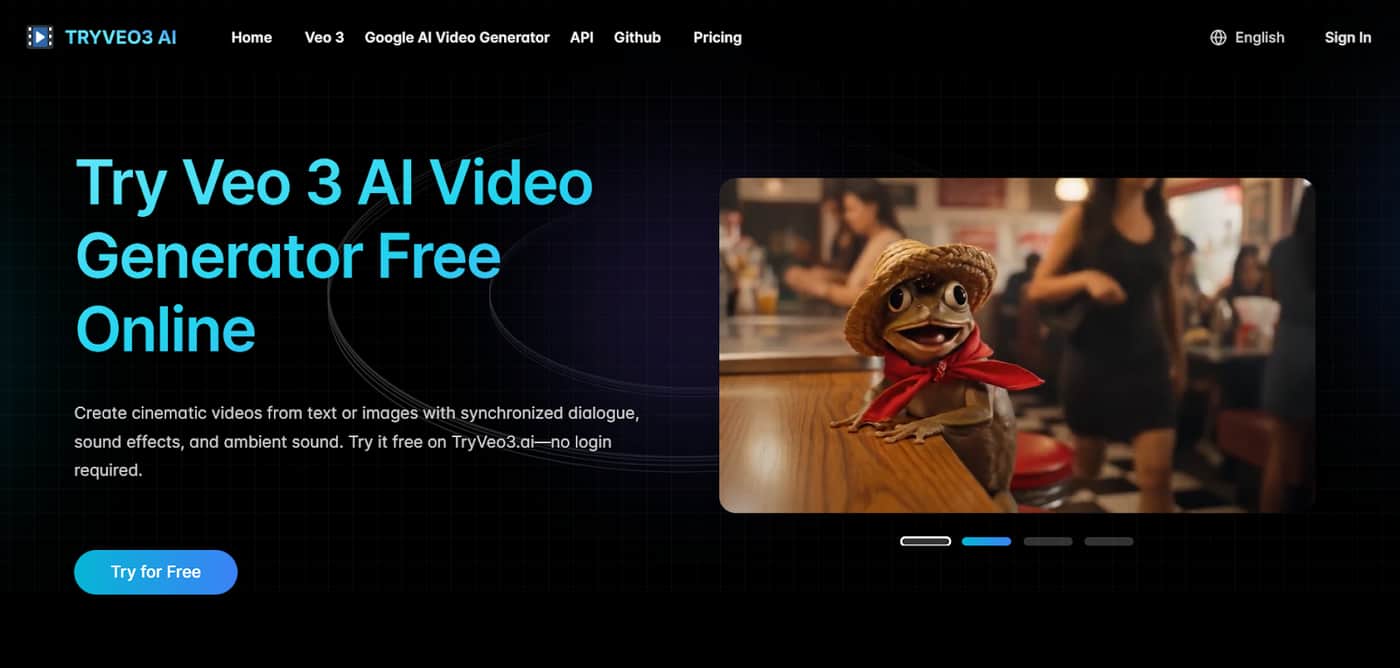
Veo 3 Fast is a high-speed version of Google’s Veo 3 AI video model, designed to generate short, cinematic videos in minutes using only a text or image prompt. Unlike traditional video tools, Veo 3 Fast delivers native audio, smooth motion, and realistic expressions—all with minimal rendering time. It’s ideal for creators who want fast, flexible content generation without compromising on visual storytelling.
In this guide, you’ll learn how Veo 3 Fast compares to the standard Veo 3 Quality model, explore its key features, and discover how to use Veo 3 Fast model for free through TryVeo3.ai—no credit card required. Whether you're building content for social media, prototyping visual ideas, or experimenting with AI video, Veo 3 Fast offers a powerful, accessible starting point.
Veo 3 Fast vs Veo 3 Quality — What’s the Difference?
Veo 3 Fast model is designed for speed. It can generate an 8-second video in about a minute, while Veo 3 Quality typically takes over twice as long for the same output. This makes Veo 3 Fast ideal for quick iterations, concept testing, and short-form content creation. If you're working under tight deadlines or need to produce multiple versions rapidly, the Fast mode offers a significant time advantage.
The difference in cost is just as important. In Google Folw, Veo 3 Fast requires only 20 credits per video, compared to 100 credits for Veo 3 Quality. That means you can create five times as many videos with the same budget. For creators producing content at scale—especially for social media—Veo 3 Fast provides a much more affordable way to experiment, iterate, and publish.
Visually, Veo 3 Quality delivers more refined detail, higher resolution (up to 4K), and better handling of complex prompts. But for most casual or online use cases, Veo 3 Fast still performs impressively well at 720p or 1080p, with synchronized audio and realistic motion. Unless your project demands cinematic perfection, Veo 3 Fast offers a near-equal experience at a fraction of the cost and time.
Key Features of Veo 3 Fast Model on TryVeo3.ai
TryVeo3.ai is a browser-based platform that offers direct access to Veo 3 Fast without the need for installations or credit card verification. Unlike official platforms that often require billing setup or region-specific access, TryVeo3.ai removes those barriers entirely—allowing users worldwide to explore AI video generation instantly. Whether you're a beginner testing ideas or a content creator needing quick results, it’s one of the most accessible ways to experience Veo 3 free online.
Veo 3 Fast Free Access
One of the biggest advantages of TryVeo3.ai is that it's free to access Veo 3 Fast model. Users can generate AI videos directly in their browser without registering an account or linking a payment method. This makes it especially useful for students, freelancers, or creators who want to experiment with AI video tools without committing to a paid plan.
Native Sound with Lip-Sync and Ambient Audio
A standout feature of Veo 3 Fast is its ability to generate native audio directly from your text prompt. This includes dialogue, environmental sounds, music, and even emotional tone, all rendered without the need for separate editing. Lip-sync is typically accurate, and voice integration is smooth, making it easy to create video content with voiceovers, narration, or realistic background ambiance.
Highly Cost-Efficient for High-Volume Use
Using just 20 credits per generation, Veo 3 Fast is five times cheaper than Veo 3 Quality, which consumes 100 credits per video. On platforms like TryVeo3.ai, this credit efficiency allows creators to generate significantly more content without upgrading to premium plans. Whether you're managing a tight budget or producing hundreds of short clips, Veo 3 Fast helps maximize your creative output while keeping costs under control.
Fast AI Video Generation in Under 90 Seconds
Veo 3 Fast is built for speed, consistently generating 8-second videos in just over a minute—roughly twice as fast as the standard Quality mode. On TryVeo3.ai, this means creators can produce video content rapidly without long rendering queues. This makes Veo 3 Fast an ideal solution for fast-paced workflows, daily social media content, or creative teams testing multiple prompt ideas in quick succession.
How to Use Veo 3 Fast Free on TryVeo3.ai
To start using Veo 3 Fast free, simply open your browser and go to TryVeo3.ai. The platform requires no registration, login, or software installation—making it one of the fastest ways to access Veo 3 Fast online. You can begin generating videos immediately, without entering any payment information.
Once on the site, enter a short text prompt that describes the scene or action you want to create. Veo 3 Fast supports rich storytelling, synchronized audio, and expressive character motion. After submitting your prompt, the system will generate an 8-second video in roughly a minute, ready for instant preview and download.
With no account limits or regional restrictions, TryVeo3.ai gives anyone access to Veo 3 free, making it ideal for social media creators, educators, and marketers who need fast, high-quality AI videos without technical overhead or cost.
Frequently Asked Questions About Veo 3 Fast
1. What is the main advantage of using Veo 3 Fast for rapid AI video generation?
The main advantage of using Veo 3 Fast for rapid AI video generation is its balance of speed, cost-efficiency, and output quality. It generates videos in just over a minute, requires fewer credits than other modes, and still delivers synchronized audio with realistic visuals.
2. How does Veo 3 Fast compare to Veo 3 Quality in terms of rendering speed?
When it comes to rendering speed comparison, Veo 3 Fast is approximately twice as fast as the Quality mode. It’s specifically designed for quick turnaround, making it suitable for creators under tight deadlines or producing content in bulk.
3. Is it possible to access Veo 3 Fast without a Google account?
Yes. On platforms like TryVeo3.ai, users can access Veo 3 Fast without a Google account. There is no credit card required, making it extremely convenient to try the technology with zero setup.
4.What is the resolution limit when using Veo 3 Fast video output?
Veo 3 Fast output provides 720p by default, with upscaling to 1080p available on platforms like Google Flow. This quality is more than sufficient for web publishing and mobile-first formats like TikTok or Instagram Reels.
5. How cost-effective is Veo 3 Fast for high-volume content creation?
Veo 3 Fast for high-volume content creation is extremely cost-effective, consuming only 20 credits per generation. Compared to Quality mode’s 100 credits, it allows five times more video outputs—ideal for creators producing large batches of content.
6.What platforms support Veo 3 Fast free AI video generation online?
TryVeo3.ai is one of the leading tools offering Veo 3 Fast for free AI video generation online. It works directly in the browser with no regional restrictions, and provides instant access with no billing verification.

