Vepaar : WhatsApp + HubSpot
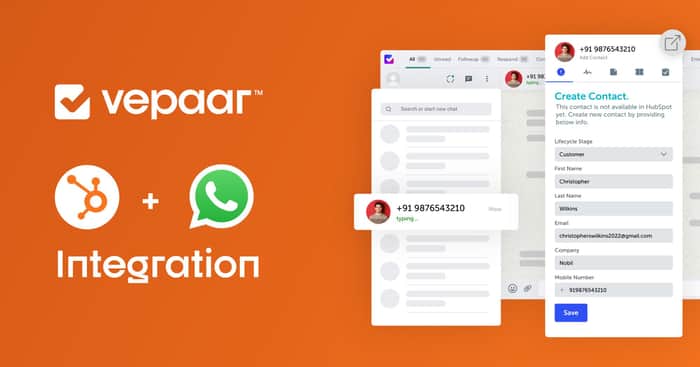
Integrate your HubSpot account with your WhatsApp easily via Vepaar. 🤩
Vepaar helps your teams win through WhatsApp + HubSpot integration. It enables you to save customer conversations, sync all contact details, and perform HubSpot tasks within WhatsApp.
You can integrate with the below 3 simple steps.
Step 1:
First of all, You need to create your account on HubSpot. Check out How to Create Account in HubSpot.
Step 2:
Now visit web.vepaar.com and go to the Integration tab.
Click on HubSpot and add click on Connect to HubSpot button.
Step 3:
Select your HubSpot Account and Connect your HubSpot Account with Vepaar.
Woohoo! You successfully integrated your Vepaar account to HubSpot now.
Now, you will get the extra tab on your Vepaar Extension for HubSpot.
You will be able to do 4 operations from that HubSpot Tab.
- Create Contact
- Manage Notes
- Manage Deals
- Manage Tasks
Conclusion
Finally, you have learned how to use HubSpot Integration on Vepaar.
You can reach us any time at support@vepaar.com for any queries related to HubSpot Integration.
