Why Mind Maps Feel Good but Task Trees Actually Ship
I didn’t set out to build “a task management tool”.
I set out to stop quietly panicking every time I opened my backlog.
My setup used to look like this:
Mind maps for ideas
A task app for execution
A notes app for “thinking”
A random doc for “strategy”
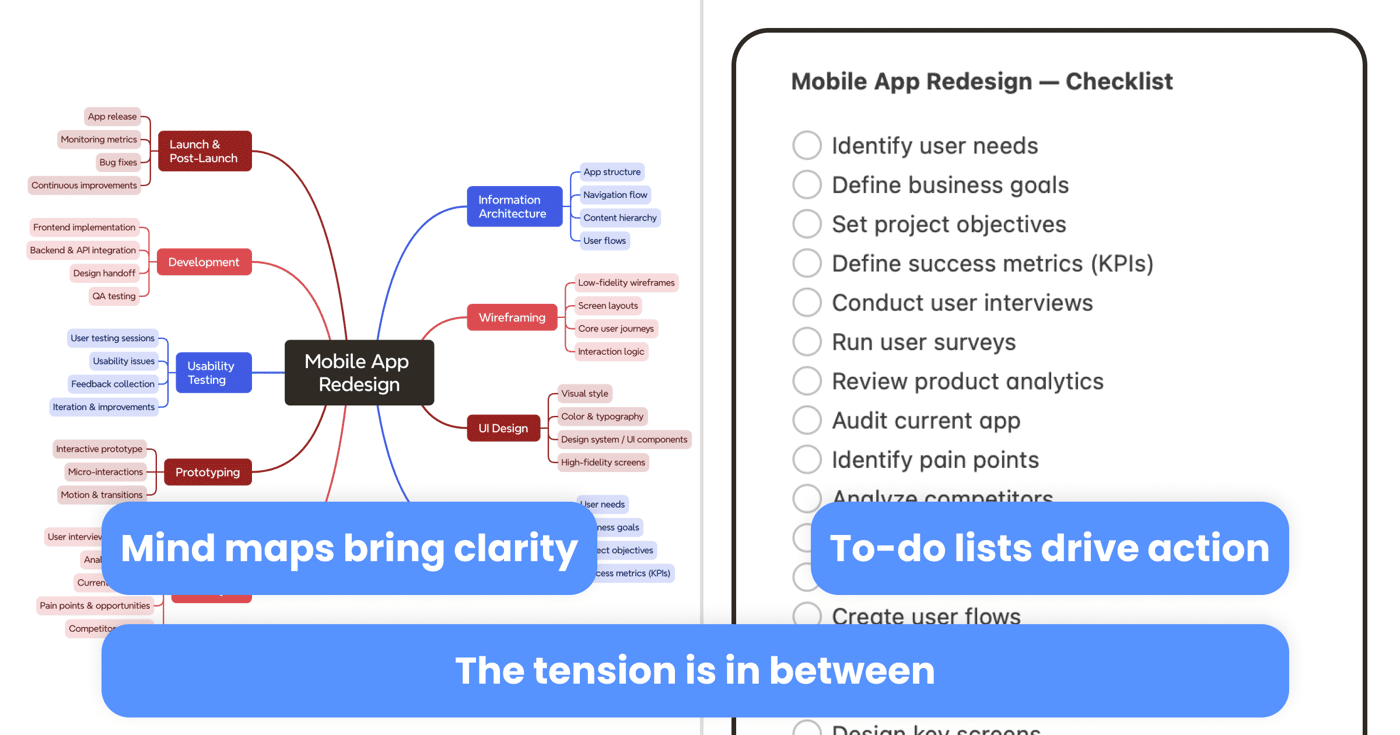
Everything existed. Somehow connected. I’d brainstorm an amazing mind map on Sunday, feel like a genius… and then, on Monday morning, open a flat to-do list that had nothing to do with it.
It wasn’t a productivity problem. It was a structure problem.
The Moment I Realised My Brain Wanted a Tree
One night I was trying to plan a launch. I had:
A mind map called Launch v2
A doc called Launch Plan
A task list called Launch TODO
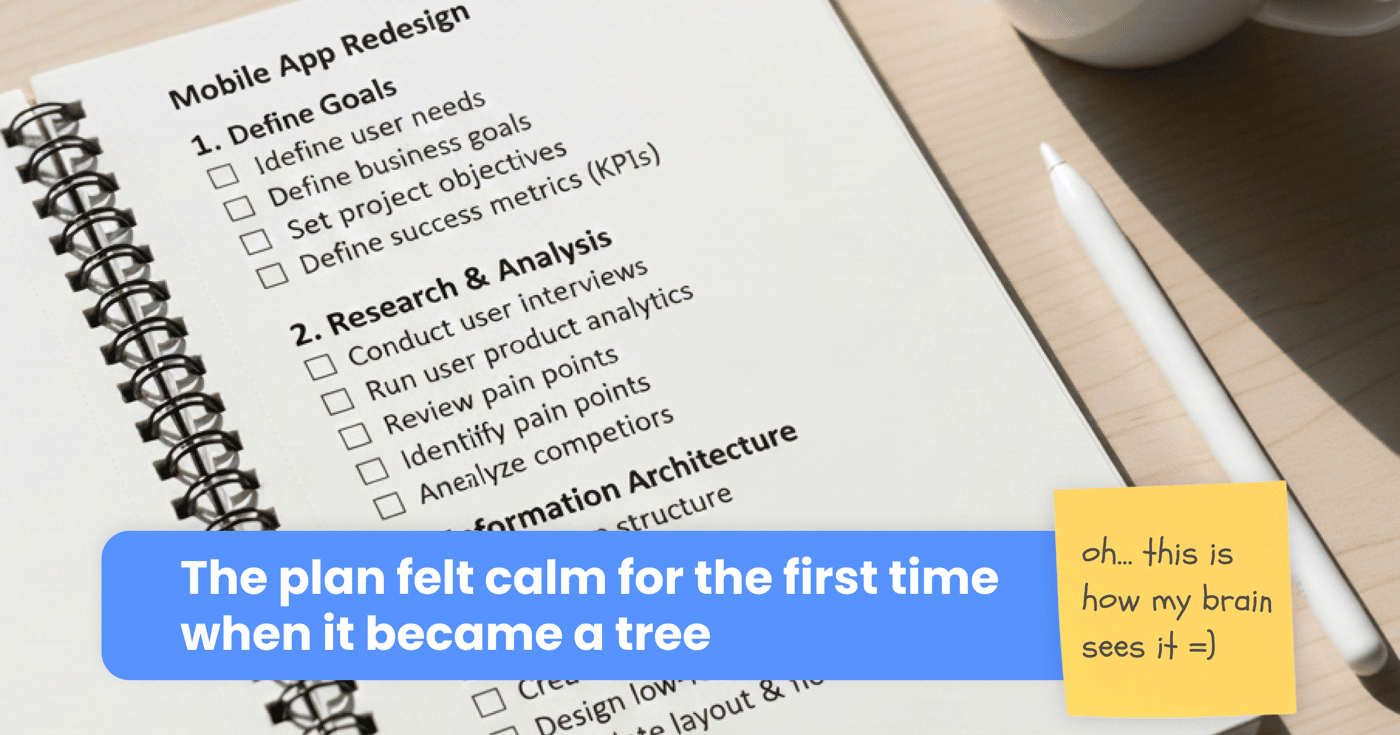
Same project, three different brains. At some point I caught myself drawing a tree on paper:
Launch v2
Pre-launch
Launch week
Post-launch
Then under each branch, I wrote tasks. And for the first time, I didn’t feel overwhelmed. It wasn’t magic. It was just:
“Oh. This is how my brain already sees it.”
It hit me:
my mind maps felt right, my task lists felt useful,
but I never had a single place where the tree in my head matched the tasks on my screen.
Why Mind Maps Alone Weren’t Enough
Mind maps are perfect for exploring:
“What could we build?”
“What are all the channels?”
“What’s everything in my head about this problem?”
But whenever I tried to run a project from a mind map, it broke down:
No sense of “what’s next”
No owners
No status
Everything equally important and equally vague
So I’d export parts of it into a task manager… and lose the structure that made the mind map feel good in the first place.
Two tools. Two models. One brain trying to translate between them every day.
Task Trees: When the Map Grows a Spine
What finally clicked for me was this:
A mind map is great for What’s going on here?
A task tree is great for What do I do next?
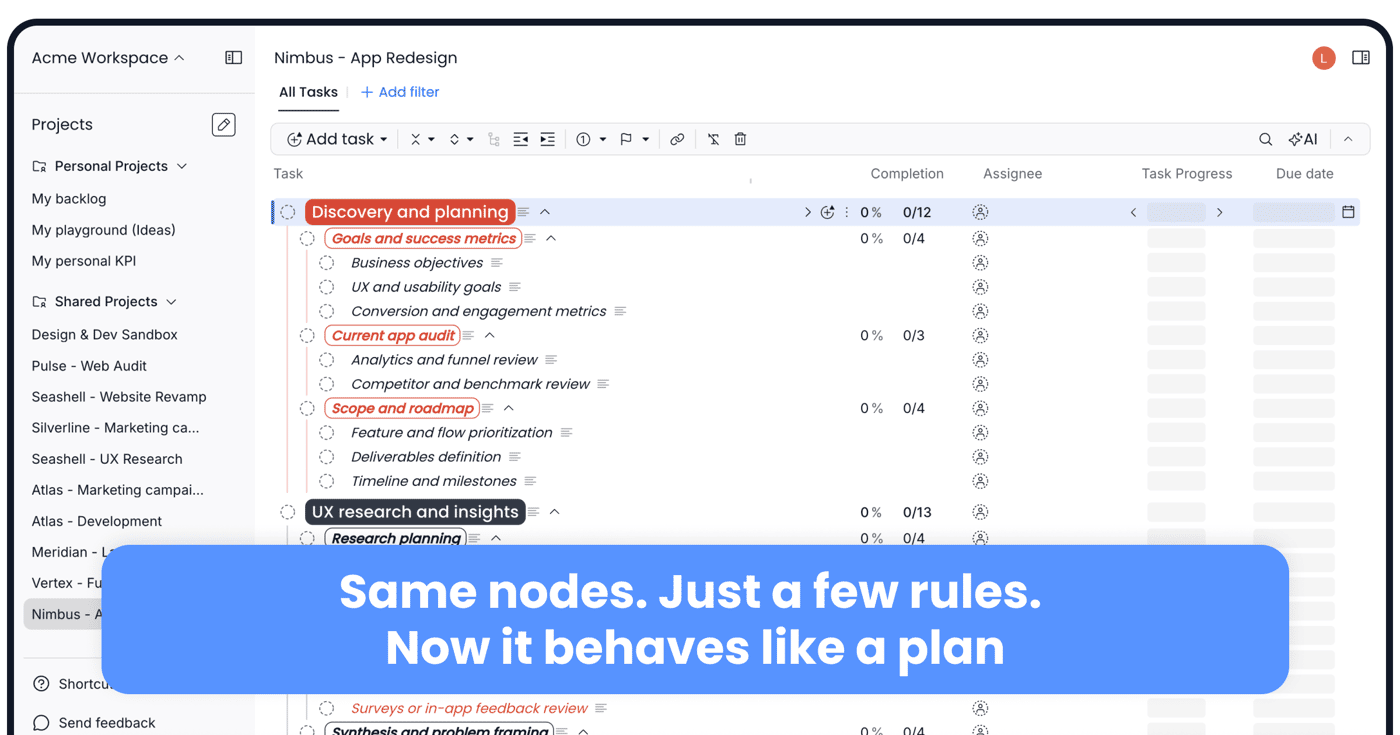
Same branches, same nodes — but with a few extra rules:
Each node can be a goal, project, task or subtask
You can go as deep as you want (unlimited task nesting)
You can attach notes, docs, links directly onto the relevant task in the tree
You can collapse everything you don’t care about right now
It still feels like thinking in a map. But it behaves like a plan.
That was the core idea behind Nean Project: start like a mind map, finish like a roadmap.
Building Nean Project as an Indie Hacker Tool (Not Enterprise Software)
I didn’t want another monster app with 200 features and an onboarding course. My constraints were simple:
Must work for a solo indie hacker at 1AM
Must also work when you add a freelancer or co-founder
Must reduce that “I’m drowning in half-started things” feeling
So in Nean Project you:
Create a real project: “Launch v1”, “How to implement this idea”
Break it into branches: product, marketing, ops, learning
Turn projects into actionable tasks / subtasks
Attach the thinking (notes, docs, links) directly to the tree
Collapse everything except “today’s tasks” and just execute

