Your Telegram Ads Were Declined? ❌ ❌❌ What should you do?
You can fix this situation.
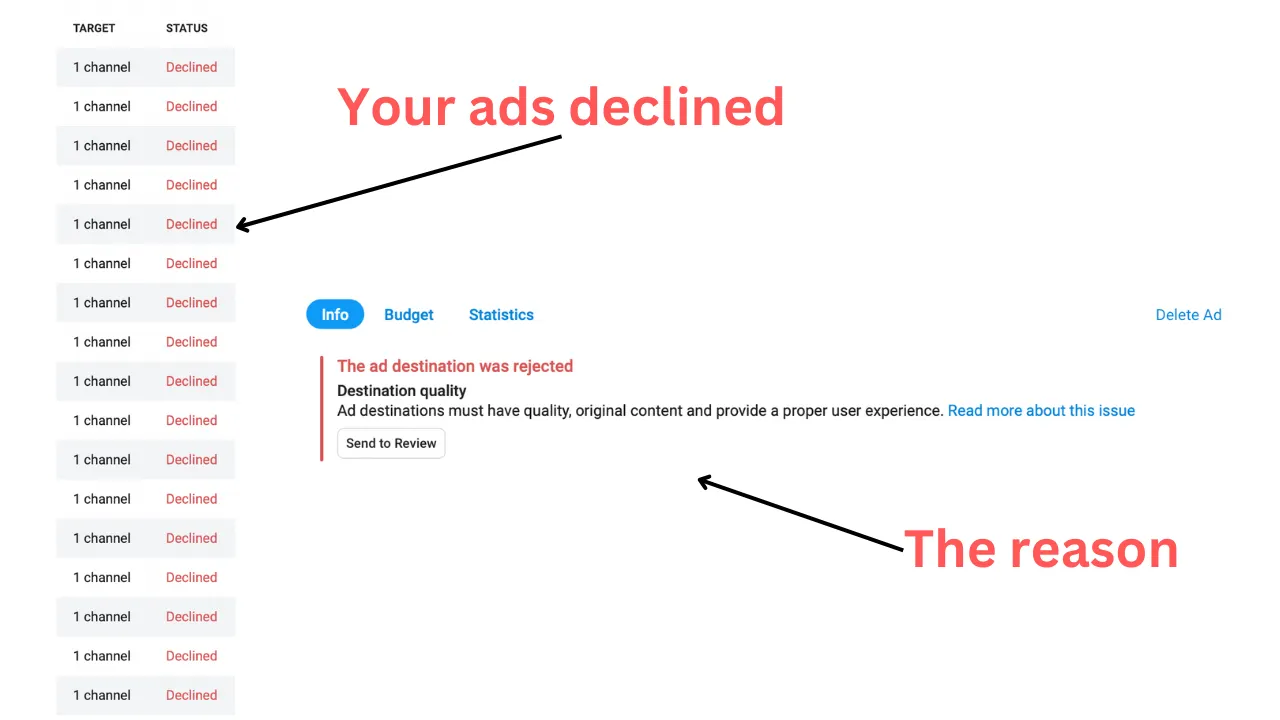
- Read the notification from moderators about why the ad destination was rejected. It’s usually inside the ad (see the photo above).
- Correct your ad — fix it according to the moderators’ feedback.
- Every time you make an ad, follow the Ad Policies and Guidelines so that your ads won’t be declined in the future.
Example:
One of the reasons why an ad can be declined:
Ad destinations must have quality, original content and provide a proper user experience.
To solve this problem:
— Change the “URL you want to promote” from a general channel link to a specific post in your Telegram channel (introduction post, the most useful post, or one that reflects the essence of your channel, etc.).
Example: I changed the link from t.me/t_tutorial to t.me/t_tutorial/92.
AND/OR
— Work on the description of your channel and the quality of your content to improve them.
I can analyze your ads and channel performance, identify issues, create a personalized plan with practical examples to fix them, help you achieve your goals, and answer all your questions — my services are here:
👉 https://tghero.pro/telegram/#Pricing
