Your Windows 10 PC Can’t Upgrade to Windows 11? Switch to Linux Instead
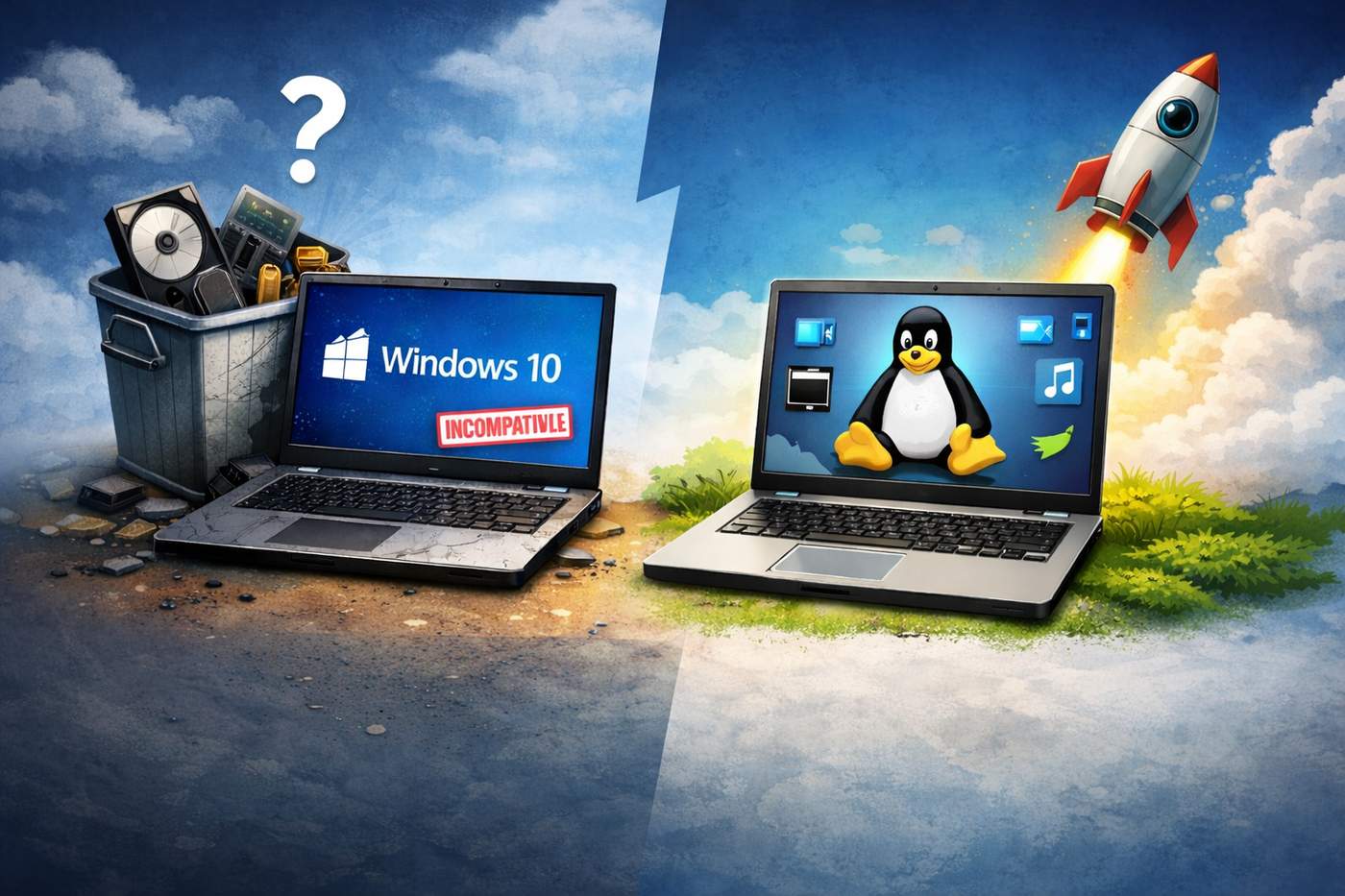
Microsoft officially announced that Windows 10 support will end in October 2025.
For millions of users, this creates a major problem: their PC is not compatible with Windows 11 due to hardware requirements like TPM 2.0, Secure Boot, or newer CPUs.
If you’re facing this situation, you have three options:
Buy a new PC
Stay on an unsupported operating system
Switch to Linux
This article focuses on option #3 — often overlooked, yet extremely powerful.
What Is Linux?
Linux is a free, open-source operating system used worldwide on servers, desktops, smartphones (Android), and embedded systems.
Unlike Windows:
Linux is not owned by a single company
It is developed by a global community
You are free to use, modify, and distribute it
Popular Linux distributions (called distros) include:
Ubuntu
Linux Mint
Fedora
Debian
Zorin OS (great Windows alternative)
Why Linux Is a Smart Alternative to Windows 11
1. No Hardware Restrictions
Linux runs perfectly on older PCs, even those rejected by Windows 11.
You don’t need:
TPM 2.0
Secure Boot
Latest-generation CPUs
Your existing hardware is usually enough.
2. Performance Boost on Old Machines
Linux uses far fewer system resources than Windows.
Benefits:
Faster boot times
Less RAM usage
Better performance on HDDs and older SSDs
Your “slow” PC can feel new again.
3. Security and Stability
Linux is:
Highly resistant to malware
Less targeted by viruses
Regularly updated by the community
Most Linux systems do not require antivirus software.
4. 100% Free and Legal
Linux distributions are:
Free to download
Free to use
Free forever
No license keys. No subscriptions.
How to Install Linux on a Windows 10 PC
Step 1: Choose a Linux Distribution
Recommended for beginners:
Linux Mint (most Windows-like)
Ubuntu (largest community)
Zorin OS (designed for Windows users)
Step 2: Create a Bootable USB
You’ll need:
A USB drive (8 GB minimum)
A tool like Rufus or Balena Etcher
Step 3: Install Linux
Boot from the USB
Choose “Install Linux”
You can:
Replace Windows
Or dual-boot (Windows + Linux)
Installation usually takes 15–30 minutes.
Advantages of Linux
✅ Works on unsupported Windows 11 PCs
✅ Free and open-source
✅ Faster on old hardware
✅ Strong privacy (no telemetry)
✅ Highly customizable
Disadvantages of Linux
❌ Some professional software not available (Adobe, MS Office native)
❌ Gaming support is improving but not perfect
❌ Requires a learning curve for beginners
That said, alternatives exist for almost everything.
Who Should Switch to Linux?
Linux is ideal if you:
Have an old but functional PC
Want to avoid buying new hardware
Care about privacy and control
Are a developer, indie hacker, or power user
Final Thoughts
If your PC can’t upgrade to Windows 11, Linux is not a downgrade — it’s an upgrade.
Instead of throwing away functional hardware, extend its life with Linux and regain control of your system.
👉 For productivity and document-related tools that work perfectly on Linux, check out:
https://pdfalltools.com

