
AI Photo Genie
AI-powered image generation app, free daily credits.
After seeing users constantly switch tabs between their browser and AI image tools, I built AI Photo Genie: a web app and Chrome extension that puts FLUX, GPT-Image-2, Z-Image, Seedream, and Nano Banana AI models directly in the toolbar.
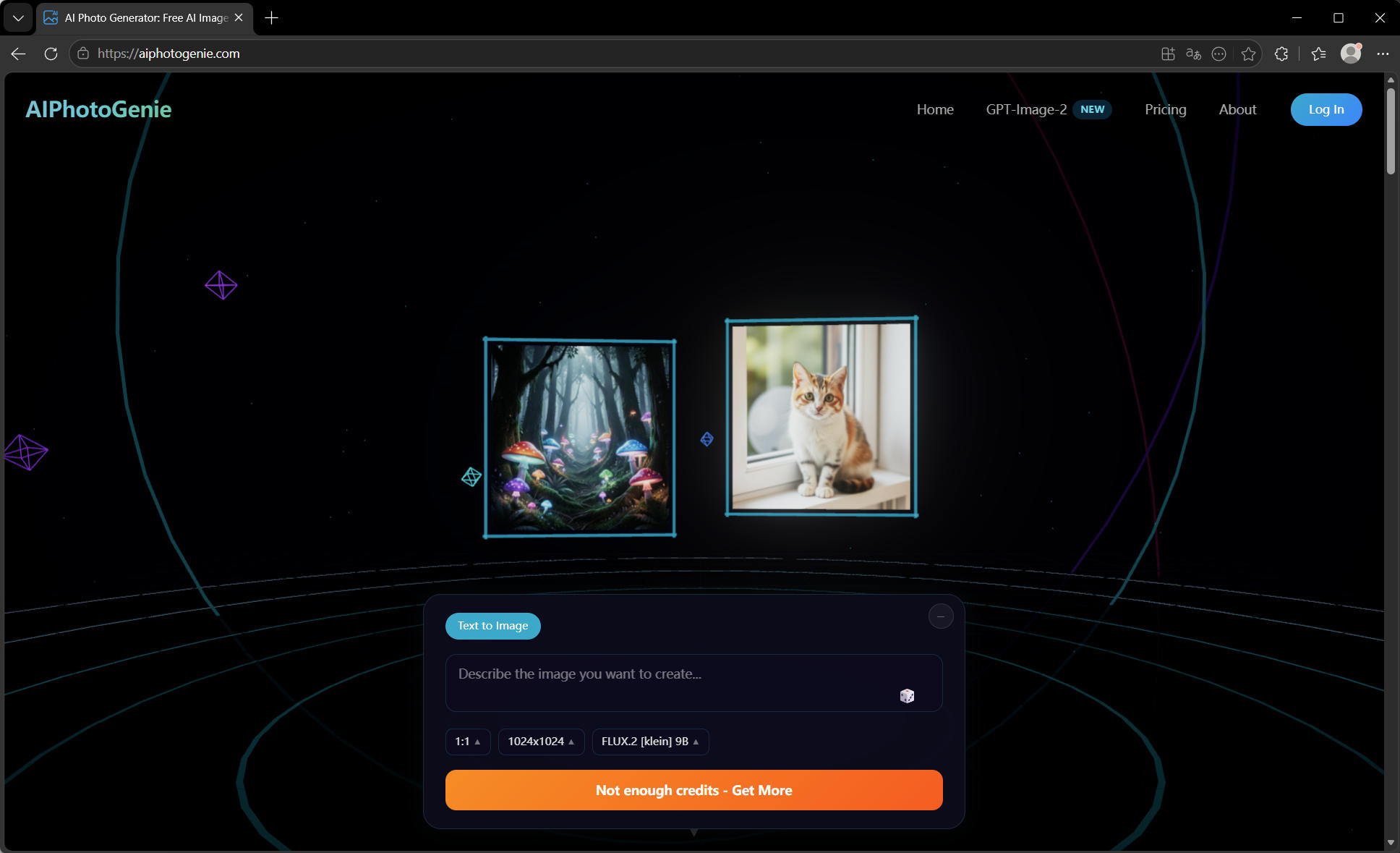
Why I Built It
Every time someone needed an AI image, they'd stop what they were doing, open a new tab, navigate to an AI tool, generate the image, download it, then go back to their work. The entire loop took 2-3 minutes for something that should take 15 seconds.
I wanted the full generation loop — prompt → image → edit — to happen without leaving the browser.
The Technical Challenge
Chrome extensions have strict sandbox restrictions. The main popup has a 10-second timeout limit, so long AI generation requests needed to be offloaded to a background service worker. The challenge: service workers can't directly update the popup UI.
Key architecture decisions:
- Background service worker handles API calls and model routing
- Message passing between popup and service worker for real-time status updates
- localStorage for credit tracking with optimistic UI updates
- One-click PhotoQuill integration via chrome.tabs API (no file download needed)
Hardest Technical Problems
1. Model Abstraction Layer
Each AI API (FLUX, GPT-Image-2, Z-Image, Seedream, Nano Banana) has a different request/response format, authentication pattern, and rate limit. I built a unified adapter layer that normalizes all of them into a single interface — so the UI never knows which API it's hitting.
2. Image Size Constraints
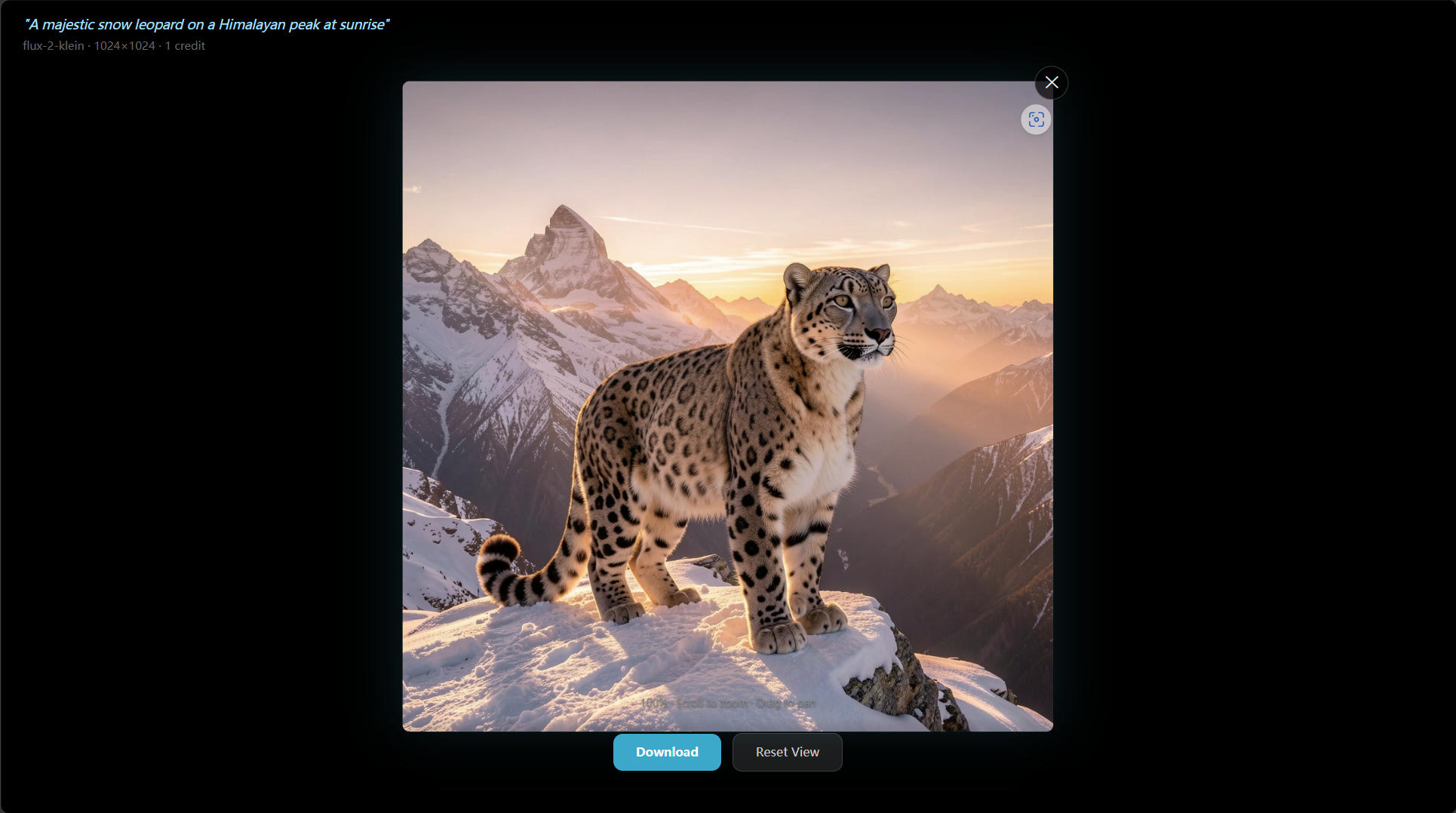
Different models support different aspect ratios and maximum resolutions. The UI needed to show valid options per-model in real time. Ended up with a model capability manifest that drives the size selector dynamically.
3. Free Credits Without Account Friction
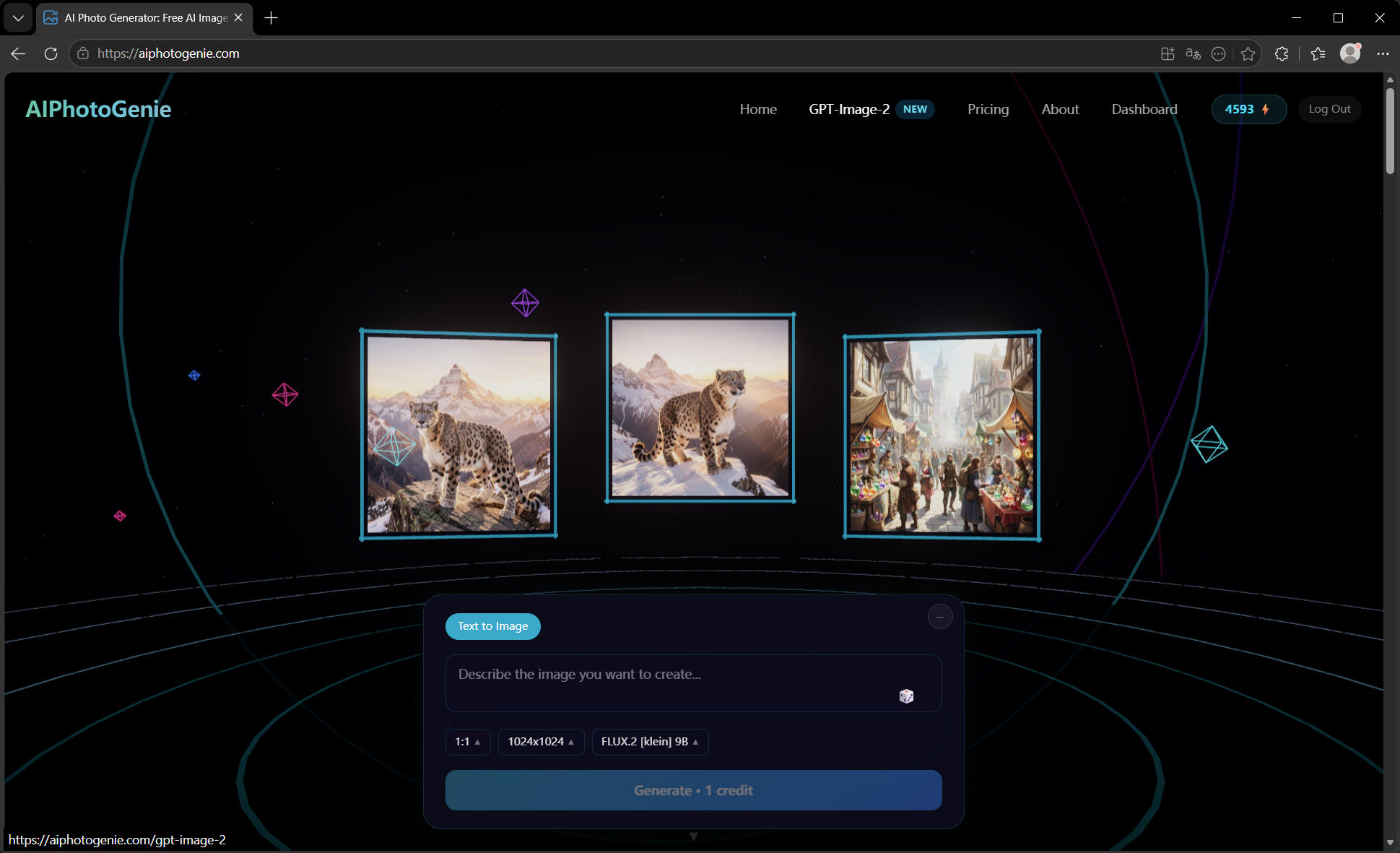
I wanted users to get started without signing up. Used a fingerprint-based daily credit system tied to the extension install — it eliminates the signup barrier that kills conversion for most tools.
What Worked
- Zero-friction start: generate in under 60 seconds with no account
- One-click PhotoQuill integration: users who edit their generated images convert to paid at 3x the rate of users who don't
- Free daily credits: dramatically better conversion than requiring signup first
What Didn't Work
- Trying to support Firefox first: Manifest V3 differences between Chrome and Firefox took 3 weeks to resolve. Launched Chrome-only first.
Current Status
- Live on Chrome Web Store
- Free daily credits for all users
- Paid plans from $8.90/month
- Integrates with PhotoQuill for full browser-based creative workflow
Tech Stack
- AI Models: FLUX, GPT-Image-2, Z-Image, Seedream, Nano Banana (unified adapter)
- Storage: chrome.storage.local + IndexedDB for image cache
Open Questions for the Community
1. How do you handle free credit abuse in browser extensions?
2. Any experience with multi-model AI routing at scale?
3. What's your approach to Chrome extension monetization?
Try it: https://aiphotogenie.com/?utm_source=indiehackers&utm_medium=directory&utm_campaign=backlink_2026
Happy to answer questions about Chrome extension architecture, AI API integration, or the freemium model.

1 Comment
CrazyTools — to answer your question on Chrome extension monetization: the biggest leak I see is almost always free credit abuse killing the conversion signal. You can't tell if your free tier is working or just being farmed.
At $1K/mo with free daily credits, the question is whether your paid conversions are coming from genuine users who hit the limit — or if free credit abusers are inflating your usage numbers and masking where real conversion is dropping off. That distinction changes your entire pricing strategy.
I run conversion audits for founders — find exactly this kind of hidden leak. Happy to dig in if you want clarity on what's actually driving revenue.
— Ghost Auditor 👻