AppTally
Track exact download count of any app in Google Play Store

Let's be real for a moment.
If you are developing mobile apps targeting Google Play Store, and tried out AppTally, you wouldn't find any real use for the tool.
You can find the exact download count of any android app, and that's about it.
But if you want to track how fast an app is growing or track if there has been any download spikes, then you need to track the download count data over a long period of time.
Today we fix this.
You can now sign up for free on AppTally Tool and start tracking your apps(or your competitor's apps😌). Here's how:
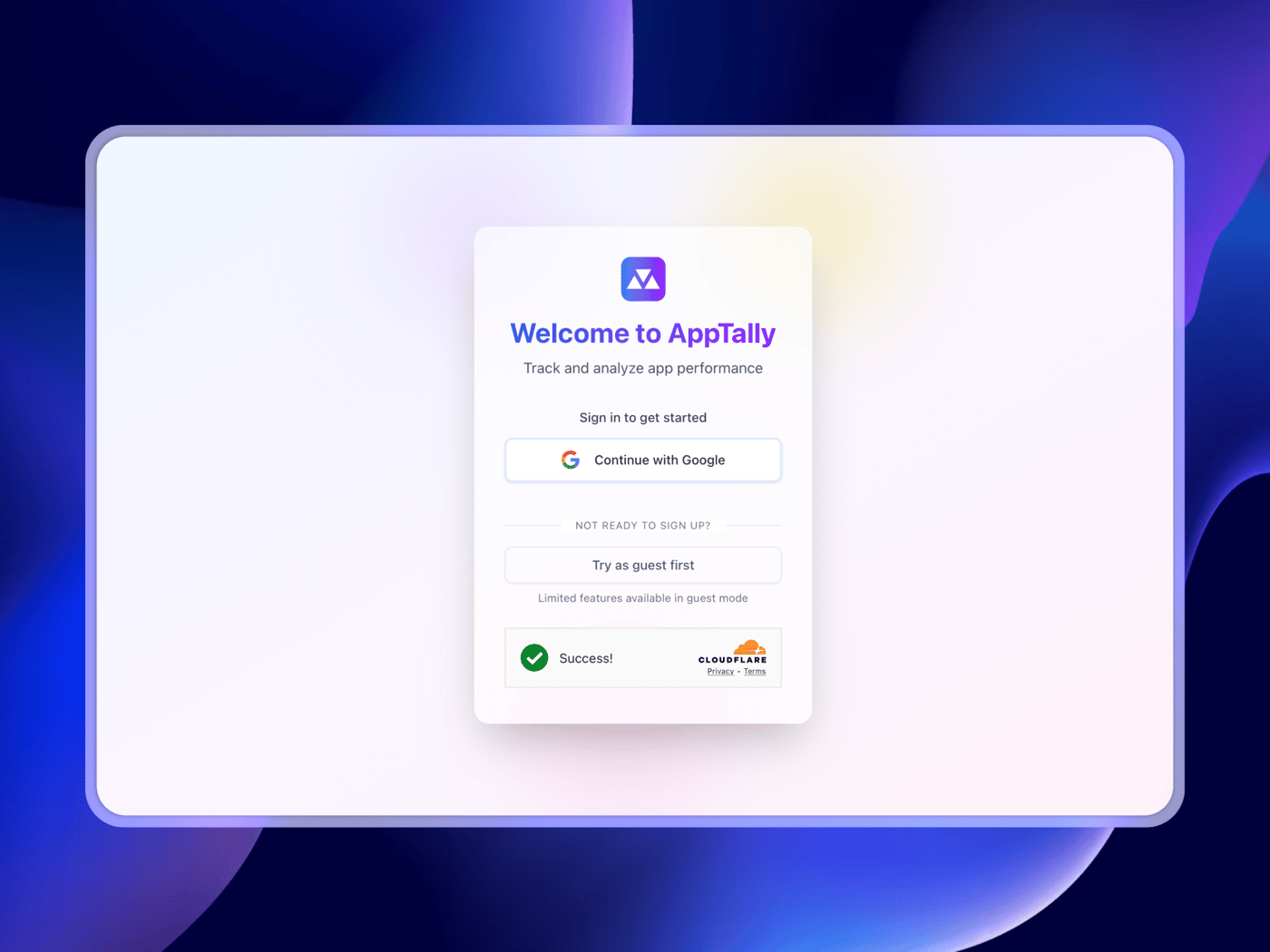
1. Sign in to AppTally
You can either sign in with Google(preferred), or can try out the platform by signing in as a guest.
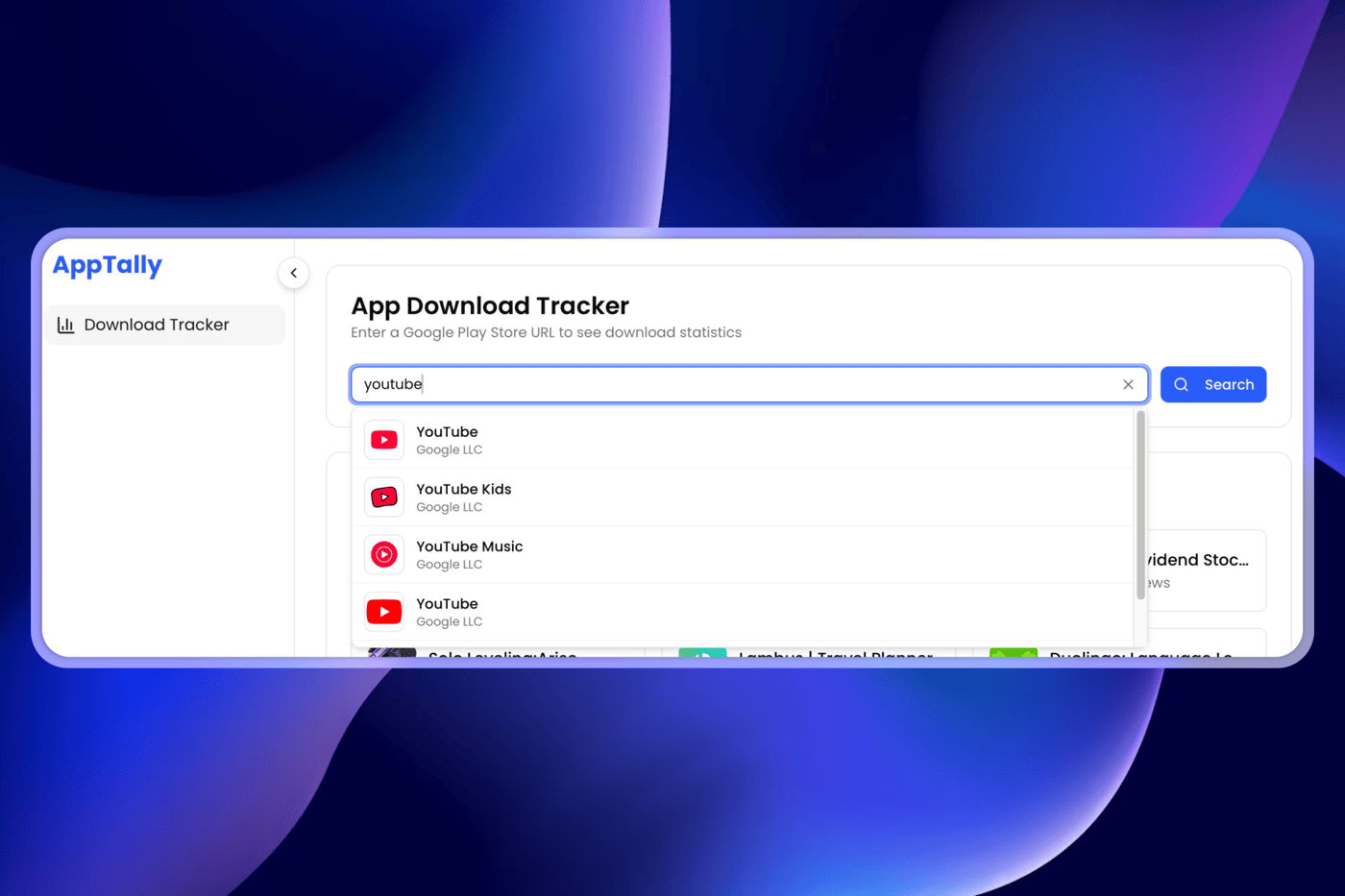
2. Enter the app name(or Play Store link)
You can type in your app name, or paste a Google Play Store link and click Search
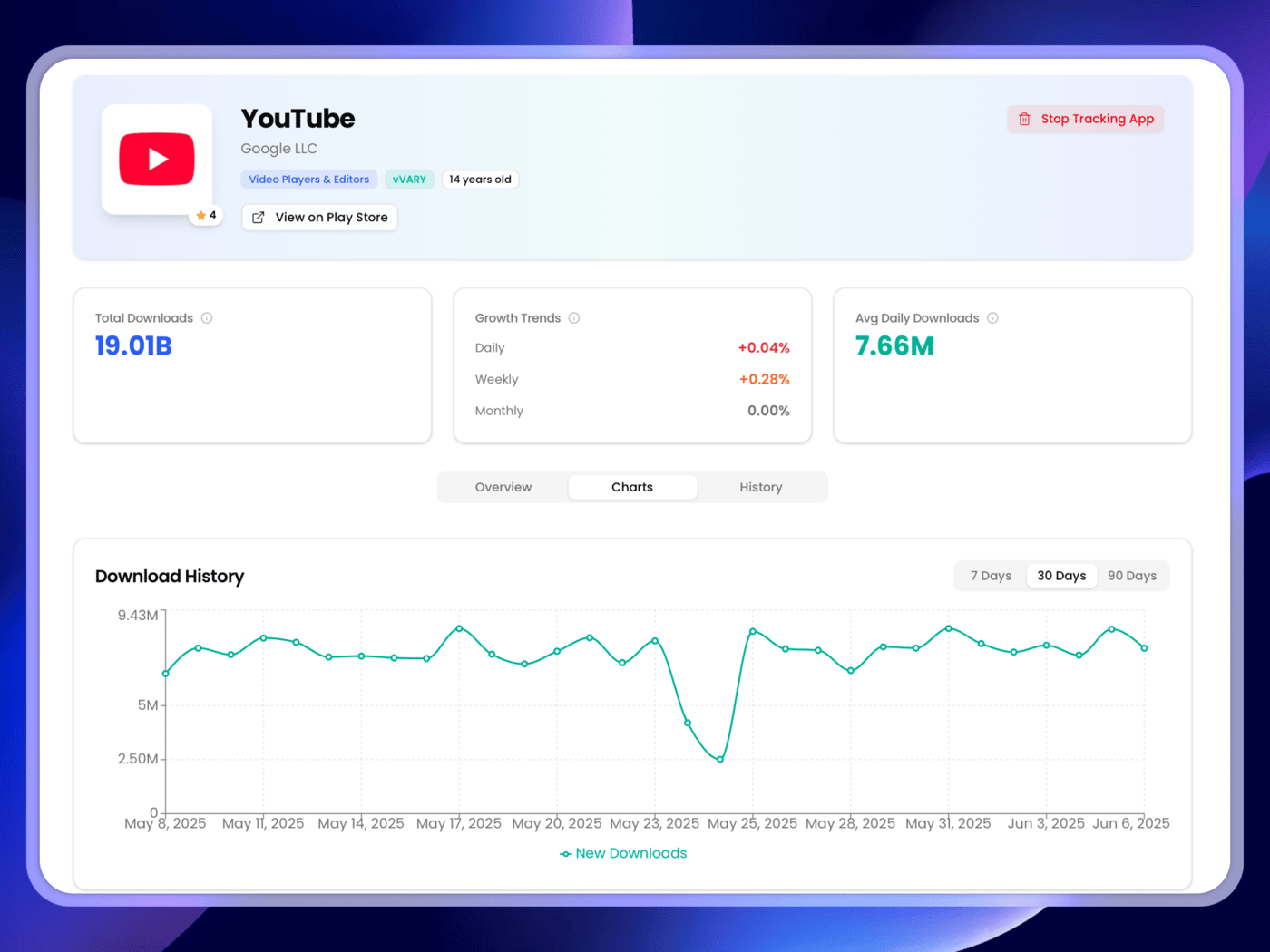
3. Start tracking download progress
You can see the basic app metadata, along with the current downloads, growth trends, average daily downloads(over past 2 weeks).
If it's a new app then you can start tracking, and the system will automatically fetch the download count every 24 hours.
What's next?
For now focus will be on improving loading speed and making the backend queries more efficient.
The next feature planned for AppTally is User Review Sentimental Analyser. Basically for an app, you can find the pain points the users are facing by fetching the play store reviews and doing an AI analysis.


Ported to Next.js
I originally started building AppTally in React.js.
But soon I realised the current version will be just the free tool along with the landing page, blogs etc.
So SEO is very important and a quick research in Reddit made me realise that if SEO is important then we have to choose Next.js. So ported the app over to Next.js by following the official guide.
Note: If you are primarily vibe coding(like me) avoid changing frameworks using AI, because most of the time it messes up everything. Just follow the official guide manually. Even if it takes some extra time, it will be must better than debugging the messed up version.
Blog using Sanity
Again went to Reddit to search for best way to implement blogs in Next.js and Sanity came up more often in discussions.
I depend on Reddit to get useful insights like this, because we can find unbiased real developer feedbacks on such tools.
I tried out a few templates and finally decided to stick with the official Clean Next.js x Sanity template.
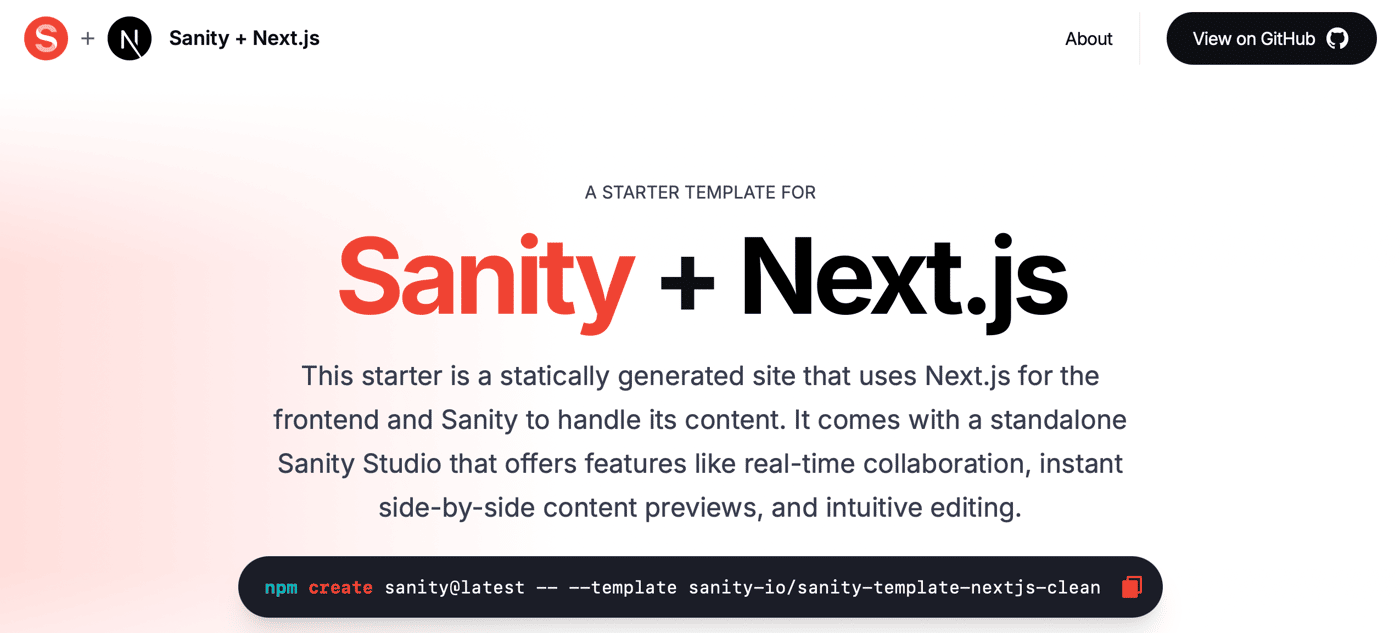
Even though I knew about the concepts of headless CMS, it took me some time to wrap my head around how Sanity works. Like how we have a Studio which we can edit according to our requirement and publish it to access it remotely.
I also edited the blog listing and blog detailed section to look more aligned with our current theme. Inspirations were taken from The Dan Koe Letters like the alignment and font.
My First Article
I wrote the blog in half an hour and you can find it here: How to See Exact Number of Play Store Downloads of any Android App?
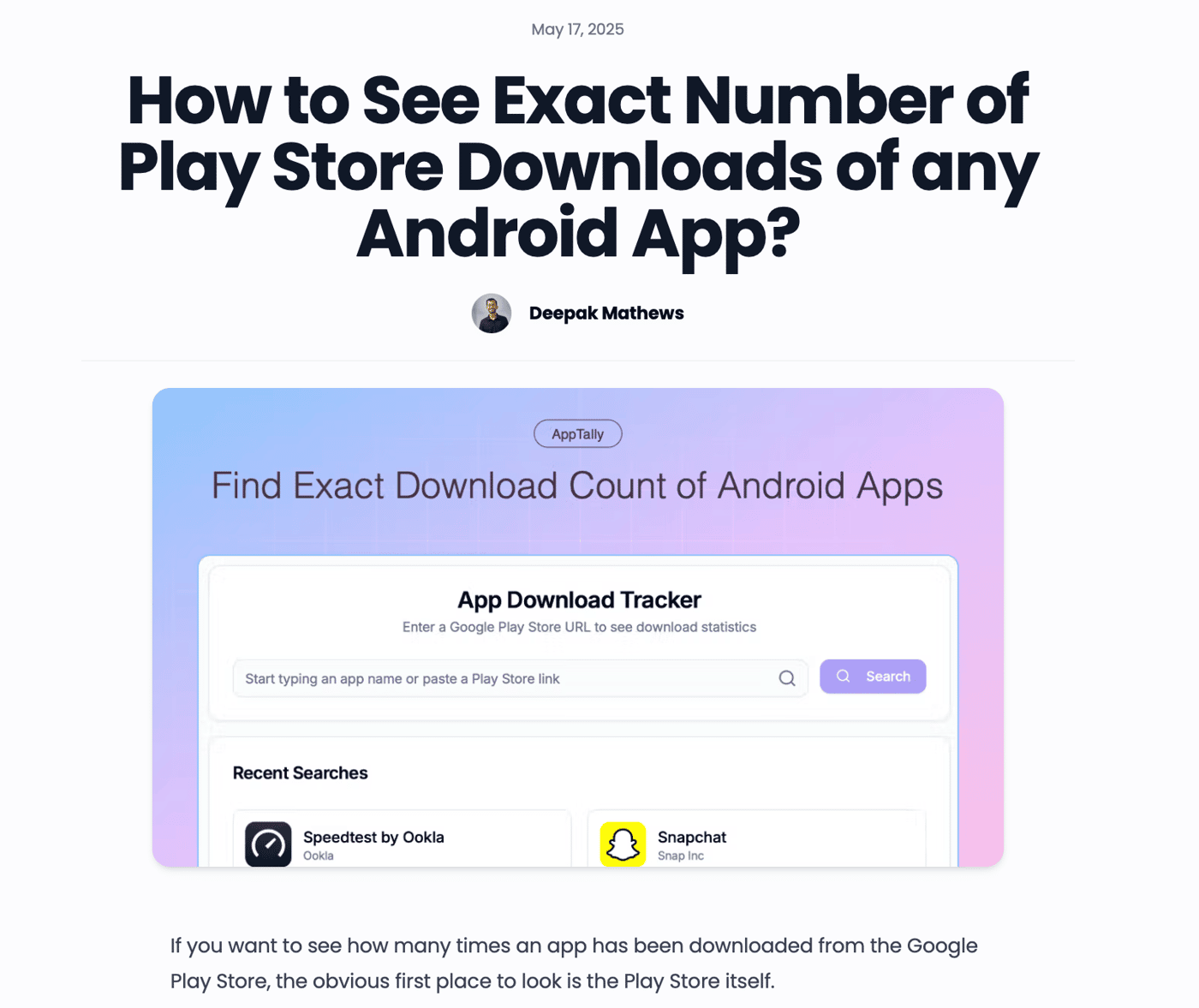
It is focused on my primary long tail keywords. I had done SEO keyword research using Keyword Surfer. Added the site to Google and Bing Webmaster along with the sitemaps for faster indexing.
I am not looking to write any articles soon, just wanted to get this article out. But I will write if something comes up and I can write it in under 30 mins.
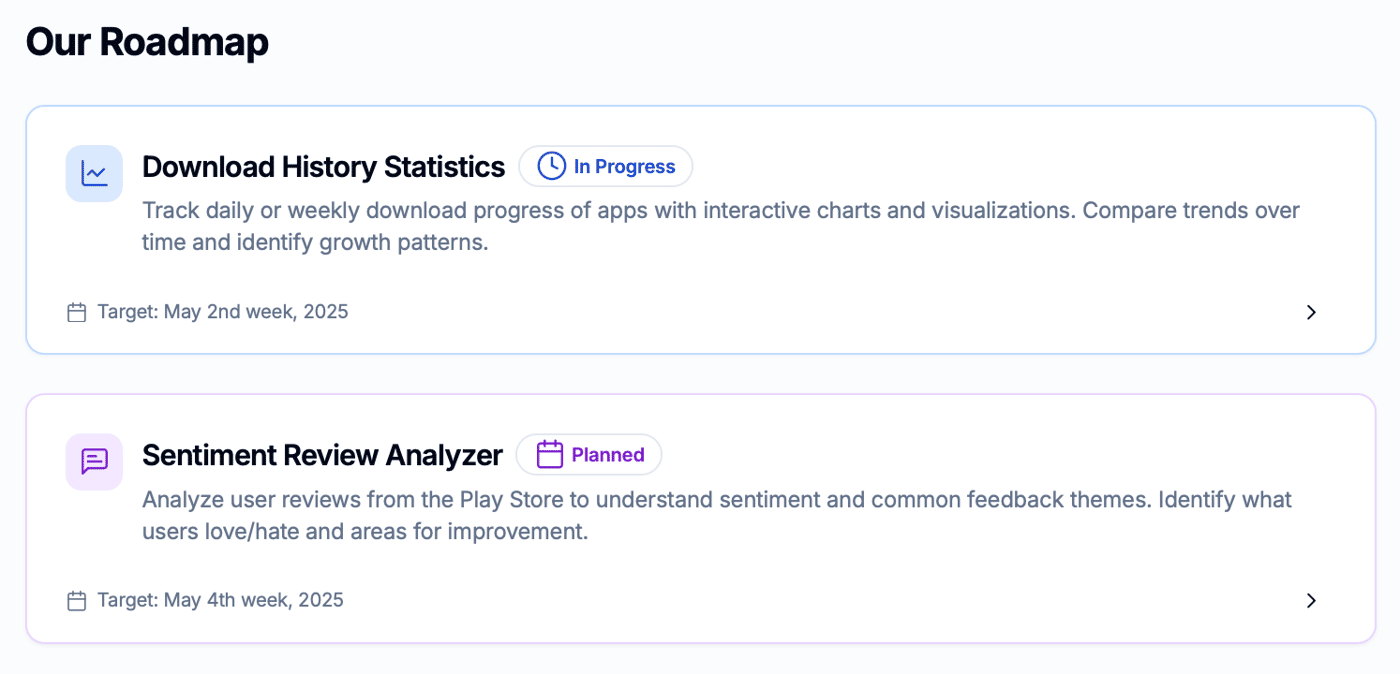
Now focus is back on shipping the main tool which shows download history. I am already late by 1 week according to my roadmap.
-
2
Same for me, it took me a while to get used to Sanity. The fact that you can publish the studio and yet the data lies on the content lake was a bit confusing to me at first...
-
1
Your blog is too timely. I chose Next.js for the first time and used AI templates. But in fact, I just made a free online tool, and the code was messy and almost spent a lot of time checking and modifying the code.


Ever wondered how many downloads an Android app really has?
Google Play Store milestones (10k+, 100k+, 1M+) are vague. If you want to track daily or weekly growth of your competitors, it's useless.
Introducing AppTally: Track the exact download count of android apps in Google Play Store
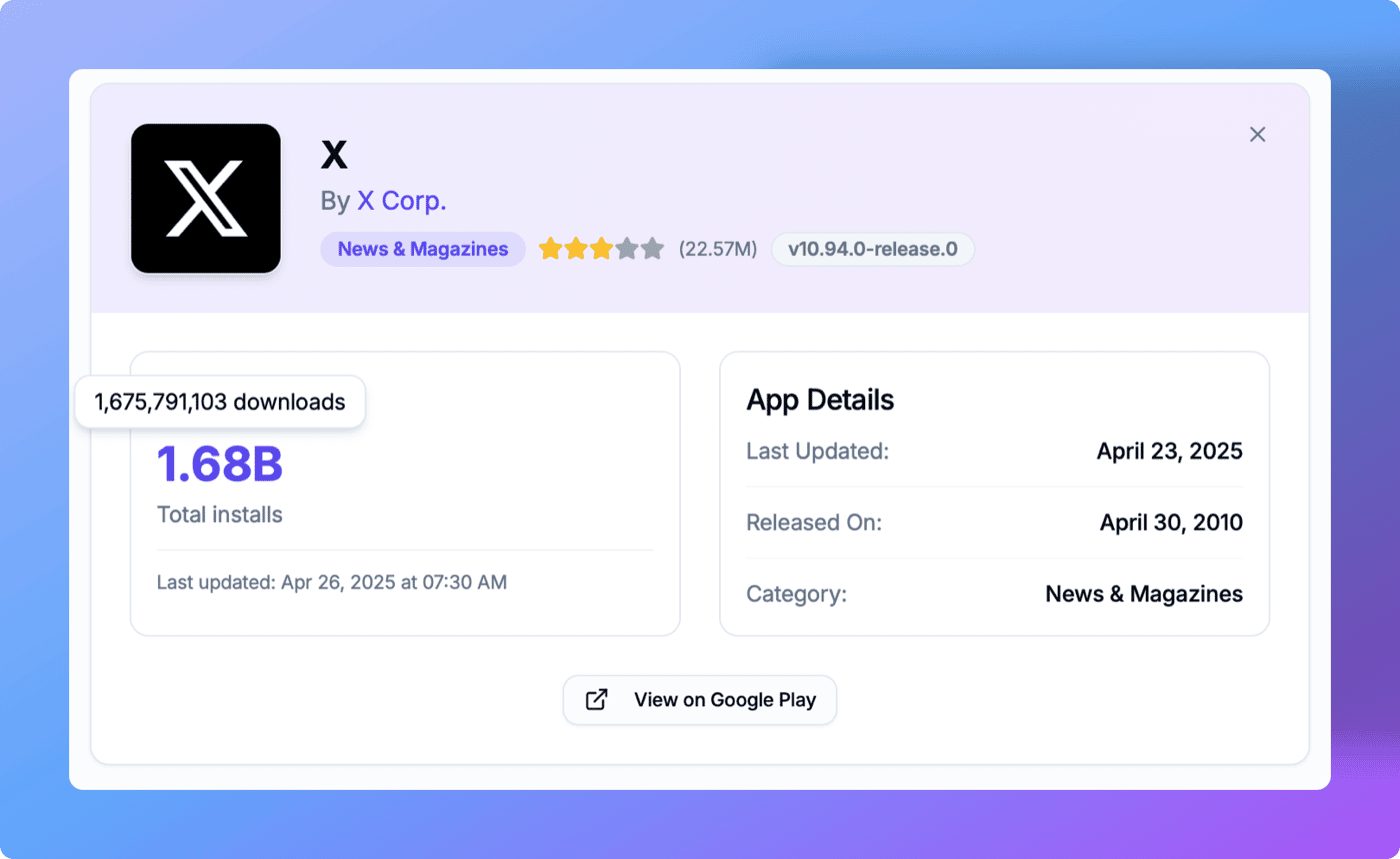
Right now AppTally is a free tool(no need to login or anything) and you can see the current download count.
But we are also storing this count and refreshing the data every 24 hours. By May 2nd week, we will be shipping an update which shows download history of added apps along with useful insights like growth percentage etc.
If you want to track your app or spy on competitors, head to Apptally.net and add the app.
Also checkout our roadmap to see upcoming features!
-
1
Love how clear and scrappy this is — great execution Deepak.
Curious: have you had to think about GDPR, SOC 2, or other compliance requirements as you're building and storing user data over time?
We’ve been speaking with other solo SaaS founders trying to simplify this (especially for privacy/security-heavy industries), and it's been a big time sink for many of them.
Happy to share a free tool we’re building to help streamline compliance stuff for small teams if that’s ever a headache for you too.

11 Comments
Nice concept there, UI also looks great
Thanks Mako!
Valuable! I've been using this for the past 2 days to track engagement in my applications
Thanks Amjad for the continued support!
Interesting concept, excited to see where the journey takes you!
Thank you Pixelcoder for the support!
Great insights! Many SMBs struggle with navigating complex compliance requirements like HIPAA, GDPR, SOC 2, and ISO 27001 without bulky, outdated tools. That’s why we built CompliAssistant — an AI-powered compliance assistant designed specifically for small and medium businesses to simplify and streamline their compliance processes with an easy-to-use interface and tailored guidance. If you or your network need help staying compliant without the hassle, feel free to check us out at compliassistant.com. Happy to connect and support your compliance journey!
Just knowing the total downloads doesn’t tell the full story, so having the download trends and spikes tracked over time can really help figure out how an app is doing. The daily updates and growth tracking make it easier to spot if something big happened, like a new update or marketing push.
Nice concept
Tracking growth trends over time is super valuable this definitely fills a gap.
Just checked it out, and it looks promising. Keep it up and keep building
Thanks for the support Ashish!
You're welcome🙂
I’m the CTO of a Software development agency, and we love helping founders like you bring powerful ideas to life.
If you ever need a tech partner to scale or brainstorm features, happy to chat. Keep up the awesome work 🚀