ComPost
AI voice recorder that structures notes, tasks, and meetings
The Voice Memo Graveyard
Let's be honest: standard voice recording apps are where good ideas go to die. As someone who has been in IT and web dev for years, my best ideas usually hit me when I'm away from my keyboard. I used to record 3-minute audio memos filled with "umms," long pauses, and background noise, promising myself I'd listen to them later.
Spoiler: I never did.
The Broken AI Workflow
When LLMs became mainstream, I thought my problem was solved. But my workflow actually looked like this:
> Record audio -> Export file -> Find a transcription tool -> Copy text -> Paste into Gemini/ChatGPT -> Ask it to extract action items -> Manually copy/paste those into Google Tasks.
It was a tedious, multi-step chore. I realized I didn't need a better voice recorder; I needed a "keyboard-free" assistant that bridged the gap between spoken thought and executed task.
Building a Keyboard-Free Workflow (Visual Walkthrough)
So, I built ComPost. I wanted to completely eliminate the friction. Here is how the UX actually solves the problem:
1. One-Tap Recording
When an idea hits, you don't want to navigate menus. You just open the app and start talking.

2. Intent-Based Prompts (The Secret Sauce)
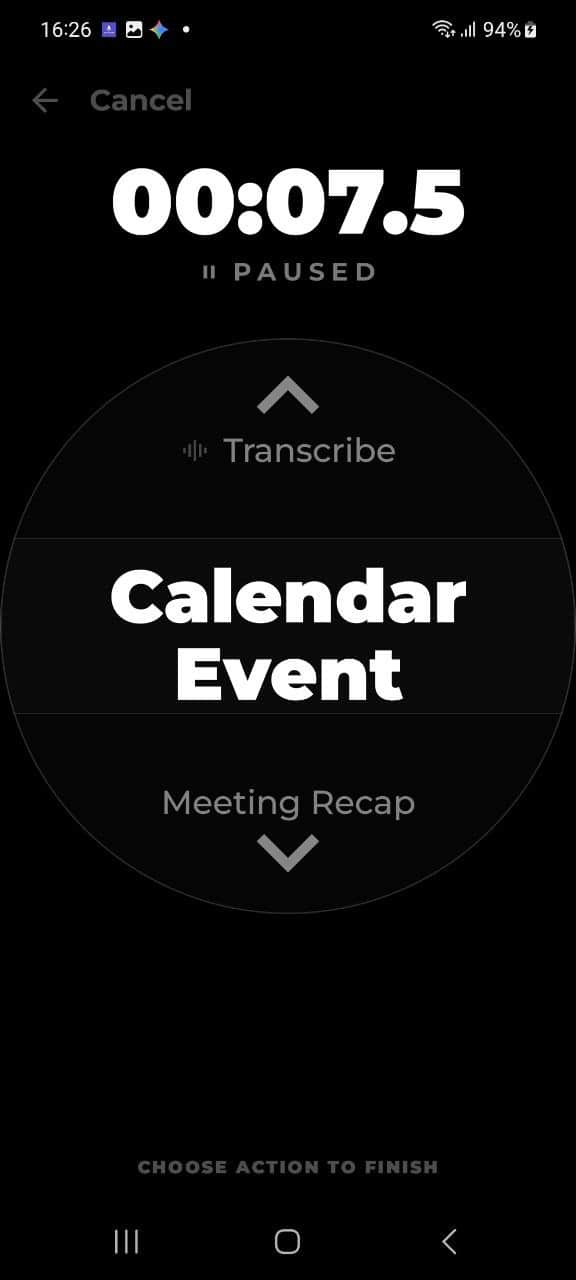
This is where standard recorders fail. Instead of getting a massive block of raw text, you swipe to tell ComPost what you are recording. Is it a new calendar event? A food diary entry? A sudden business idea?
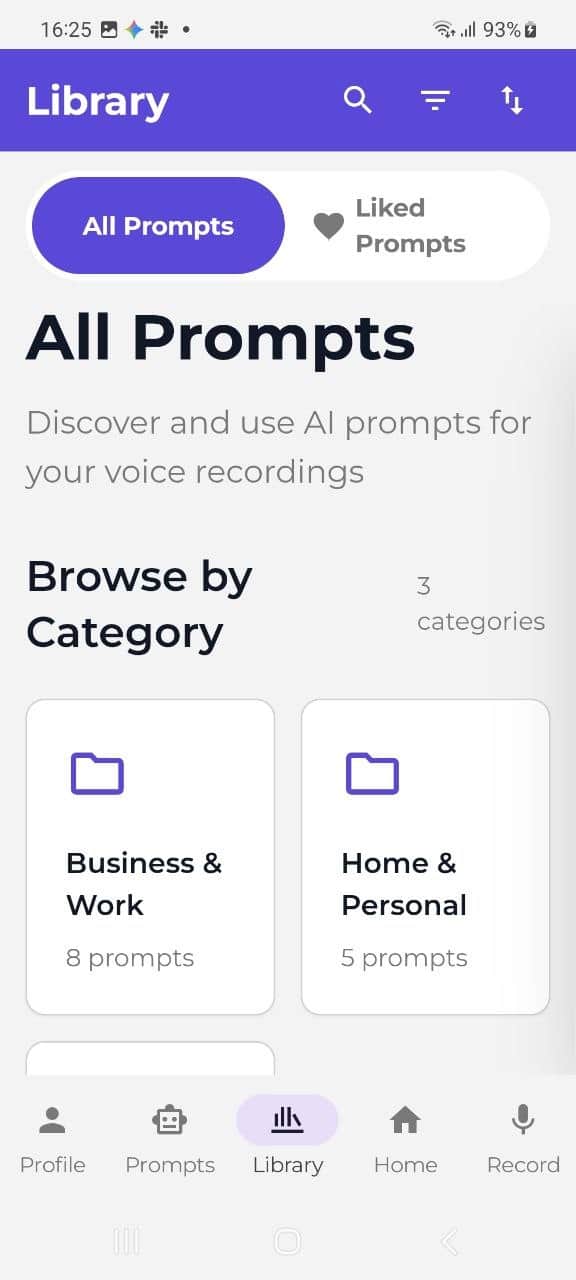
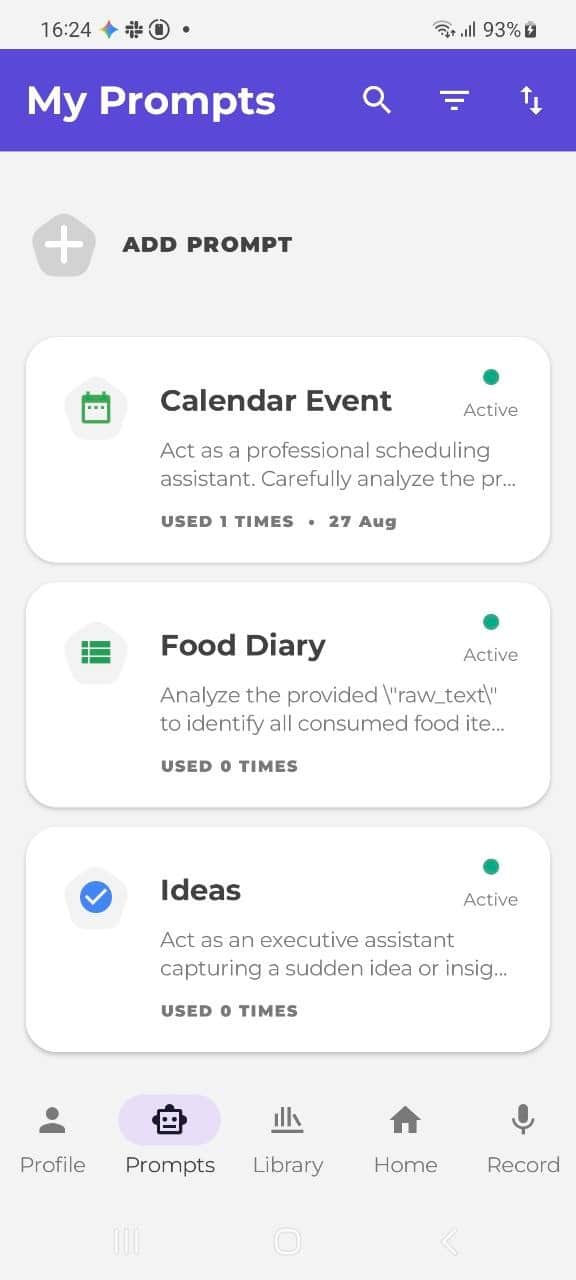
You can organize your entire life by setting up custom active prompts from the built-in library.
3. Instant AI Extraction & Sync
Once you stop talking, the AI processes the audio against your chosen prompt. If you chose "Calendar Event", it doesn't just transcribe — it automatically extracts the exact date, time, and title from your messy audio.
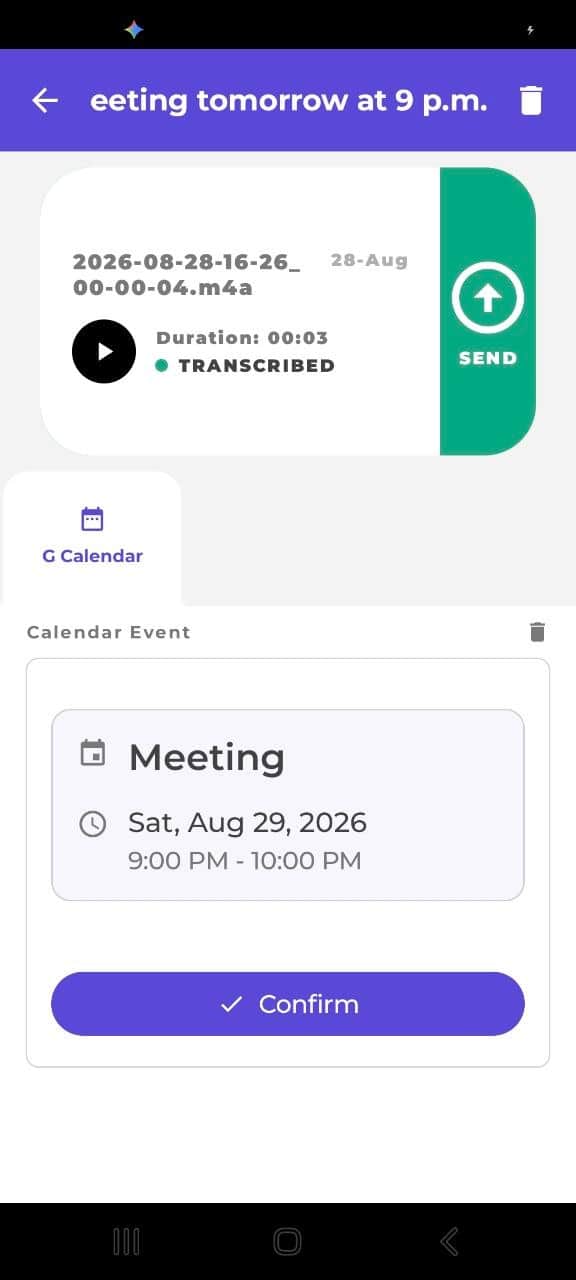
One tap on "Confirm", and it's instantly pushed to your Google Calendar or Google Tasks.
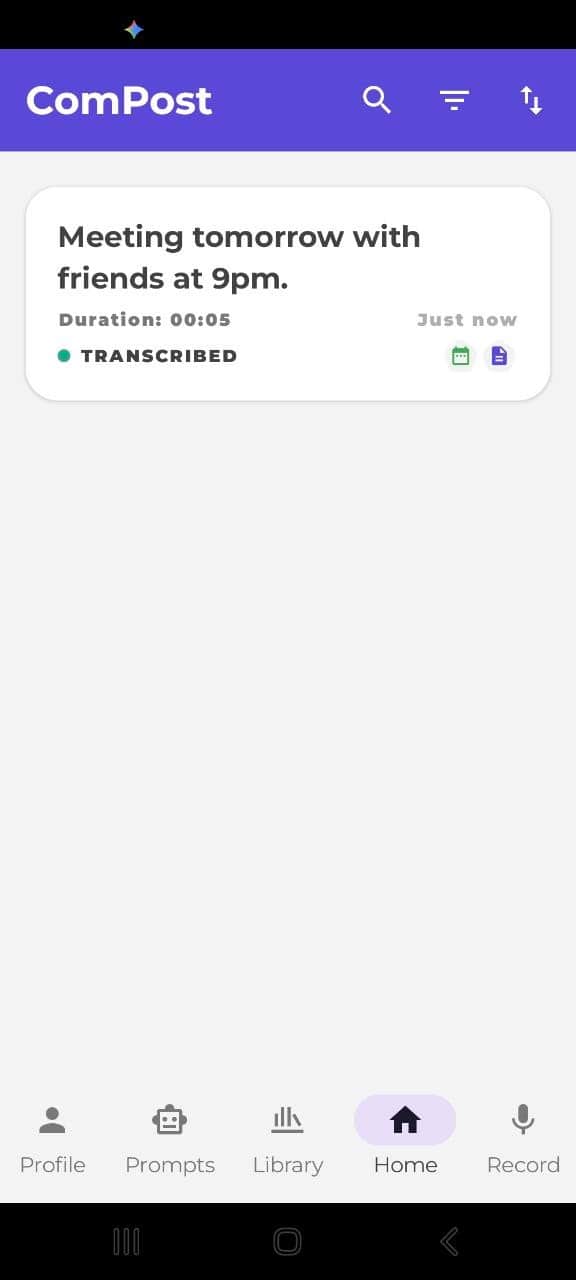
4. Everything Organized in One Place
All your processed, structured notes stay in a clean feed.
The Privacy Angle (Zero Retention)
One thing that always bothered me about AI tools is feeding them personal meeting notes. From day one, I built ComPost with a strict Zero Retention policy. Your data isn't used to train models.
---
I need your honest feedback!
This is my first major push putting ComPost out into the indie hacker community. I would love for you to tear apart my landing page or test the UX.
* Does the value proposition make sense immediately?
* Is there any friction in understanding how the Google integration works?
You can check it out here:
Would love to hear your thoughts!

5 Comments