Gloss
A local-first command glossary for your terminal.
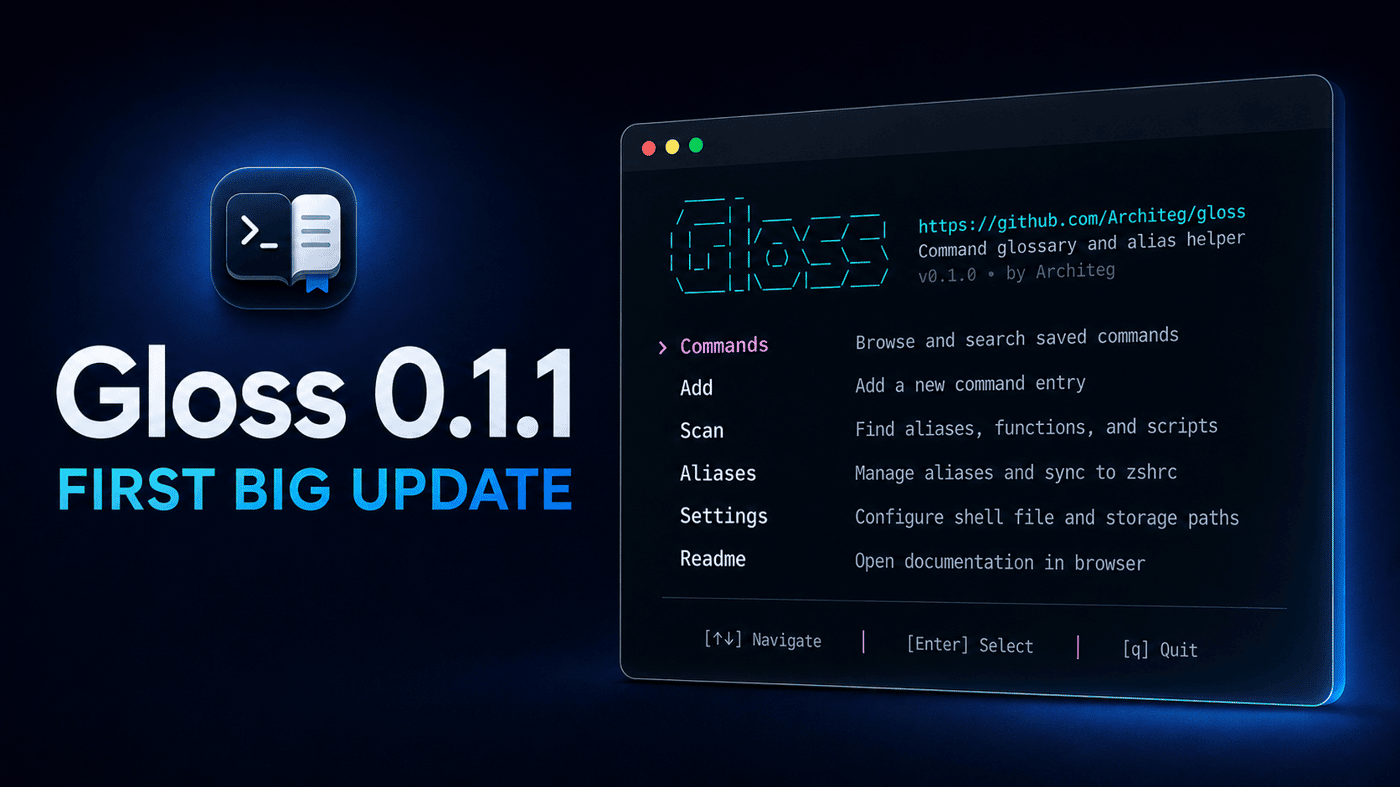
The version number is small, but Gloss has changed quite a bit. I focused on making it faster and less awkward once your command collection grows.
What’s new:
Select multiple commands and edit their tags in bulk
Copy commands directly from the TUI
Faster navigation and jumping between tag groups
A more responsive layout for different terminal sizes
Safer config scanning and transactional imports
Built-in update checks and verified updates
Plenty of smaller UI and reliability fixes
Gloss is still fully local-first: no account, cloud service, or telemetry. It remains a focused tool for saving, finding, and reusing shell commands without turning your shell config into a mess.
GitHub: https://github.com/Architeg/gloss
If you tried the first release, I’d be interested to hear whether 0.1.1 fits your workflow better.

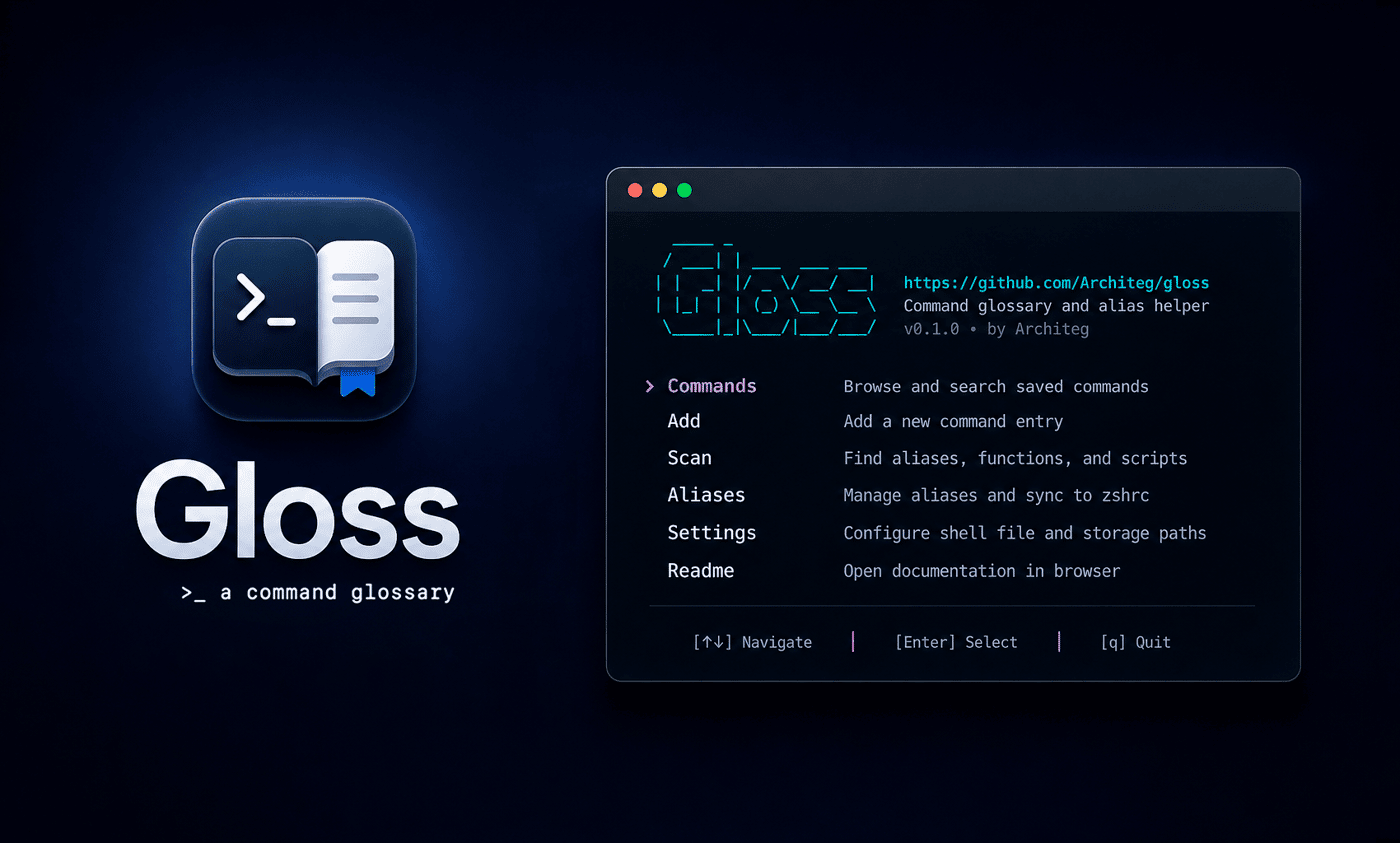
I kept re-searching the same shell commands and scattering aliases across notes, shell history, and shell config files, so I built Gloss.
Gloss is a small open-source CLI/TUI tool for saving reusable shell commands with descriptions and tags. It lets you browse/search them in a terminal UI, scan zsh/bash configs for aliases, functions, and scripts, and safely sync managed aliases into shell config files with backups.
It is written in Go, MIT-licensed, local-first, and supports macOS/Linux with zsh and bash.
GitHub:
https://github.com/Architeg/gloss
Landing page:
https://worksfine.dev/gloss/
I'm mainly looking for feedback from terminal-heavy users:
- Would this fit your workflow?
- Do you currently keep reusable commands in history, aliases, notes, or tools like navi/pet/cheat?
- Is the scan/import and alias sync idea useful, or too much for a small command glossary?
-
2
nice. save me having to go, open browser tab and search for a command i should remember or some of its flags but wanted to make sure on
-
1
Thanks for the comment! Exactly - that’s basically the whole itch I built it around.
It’s not that the command is impossible to find, it’s that opening a browser, searching again, checking flags, then realizing “oh right, I already looked this up three times” ...
Gloss is meant to keep those repeat commands close enough to the terminal that they stop becoming mini research sessions.
-

Comment