
Online Tools X
100s of Free, browser based, privacy-focused tools.

A Thoughtful FREE Digital Gift That Respects Privacy
The Experiences Included
Cinematic 3D Card Animator
3D Photo Cube
3D Universe & You
Try 3D photo animation tools - https://www.onlinetoolsx.com/free.html
A simpler approach is often more effective: a habit tracker that works instantly, stores data locally, and stays out of the way.
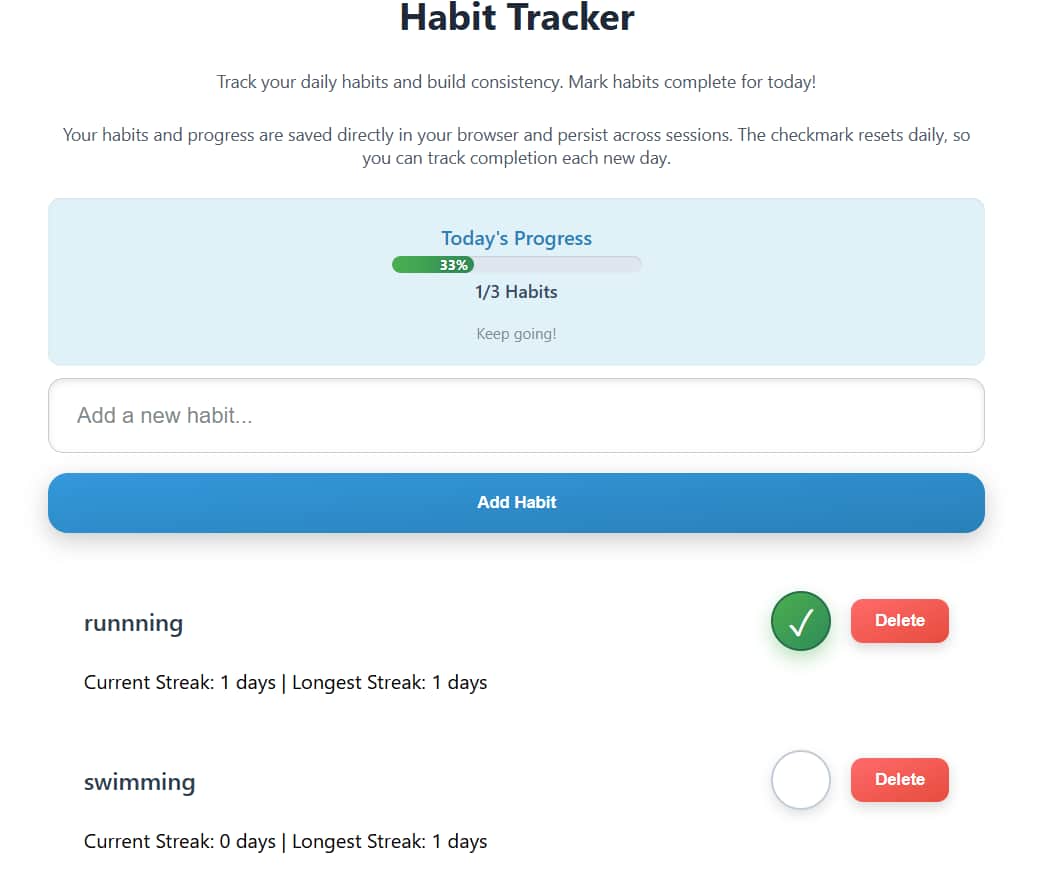
Read - https://dev.to/techno_kraft_in/habit-tracking-without-accounts-cloud-sync-or-data-collection-3h0a
Build Your Own AI Text Model and Export it as JSON.
Master the AI Lifecycle: Initialize, Train, and Deploy via JavaScript.
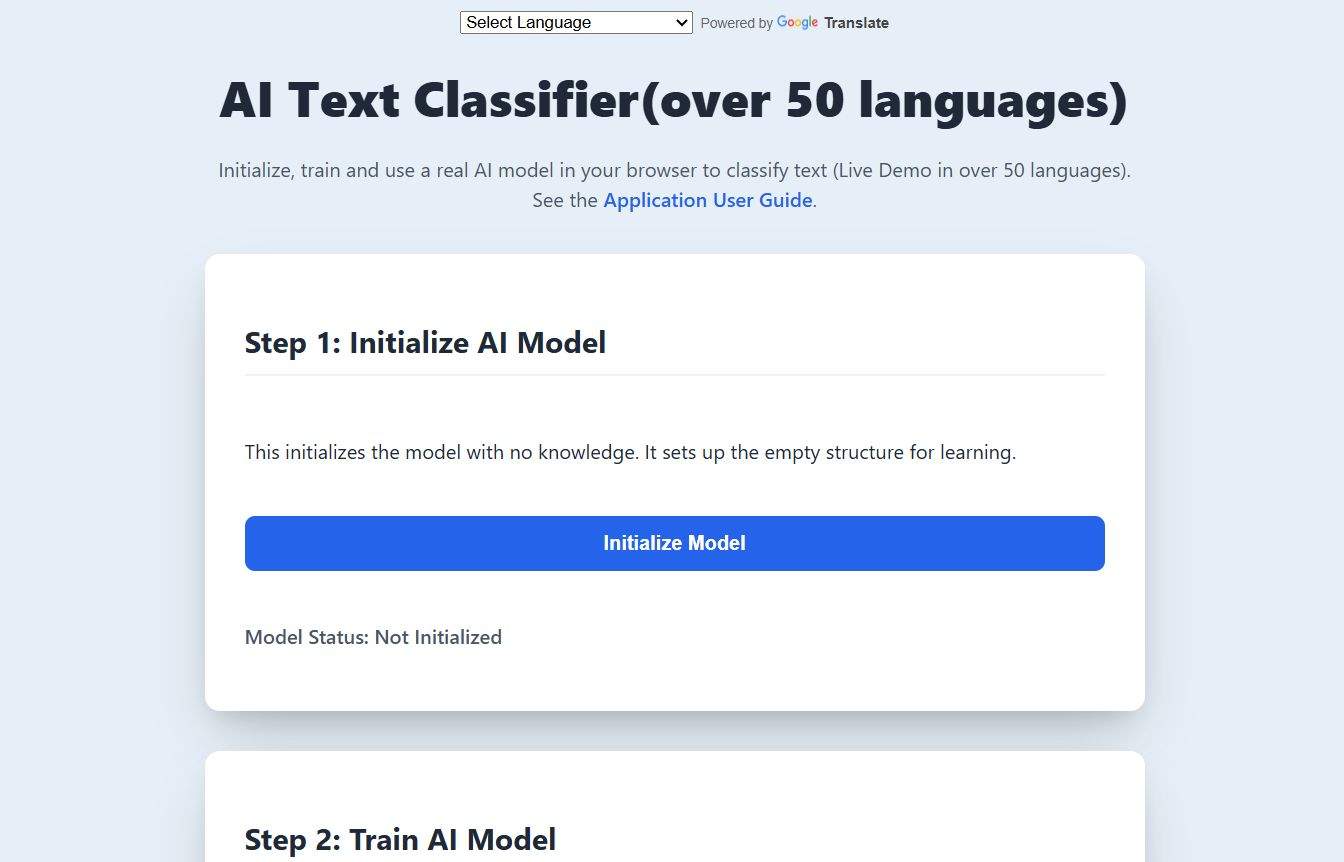
Try the Live AI Text Classifier - https://www.onlinetoolsx.com/ai-model-lifecycle-demo.html
Read More - https://dev.to/techno_kraft_in/build-a-privacy-first-ai-text-classifier-no-servers-no-apis-master-the-ai-lifecycle-initialize-a49
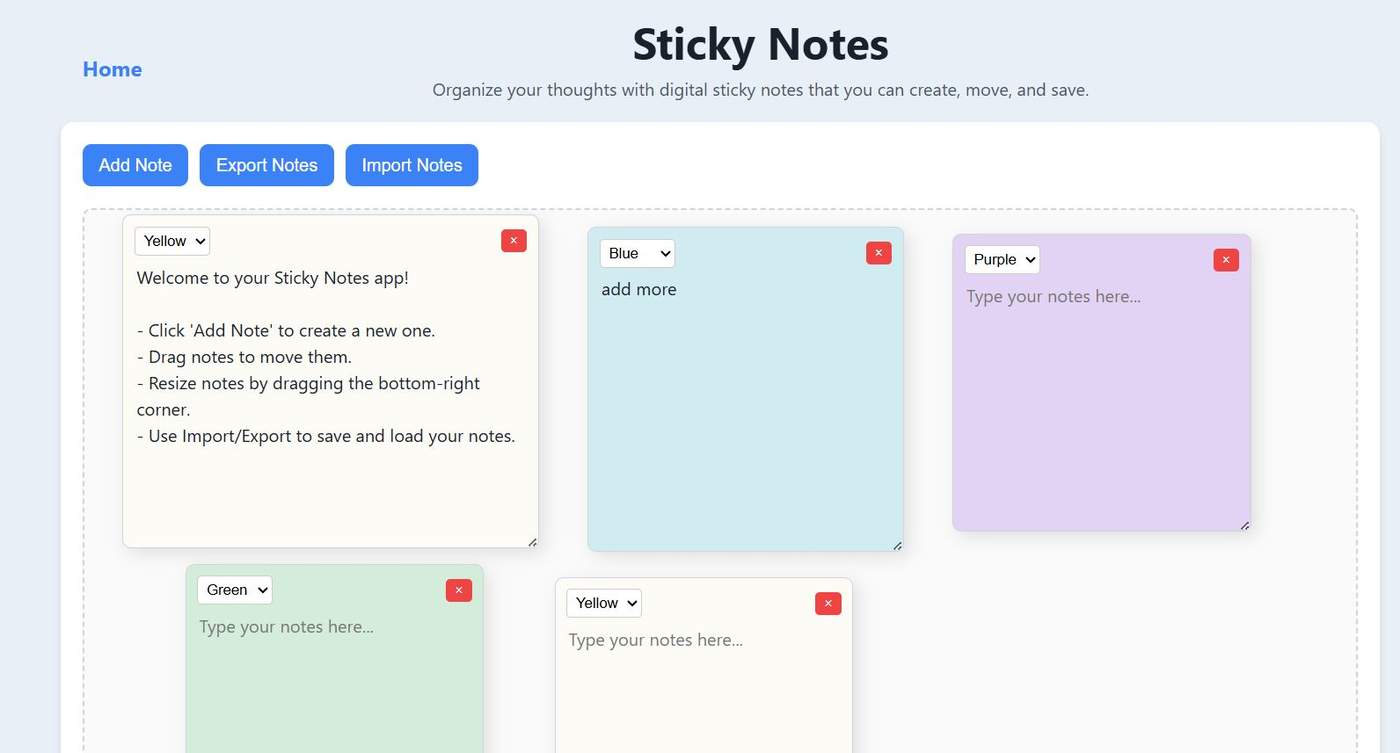
While most modern productivity tools demand an internet connection and an account, this professional-grade Sticky Notes browser tool offers a different path: a lightweight, single-file utility that stays entirely on the user's machine.
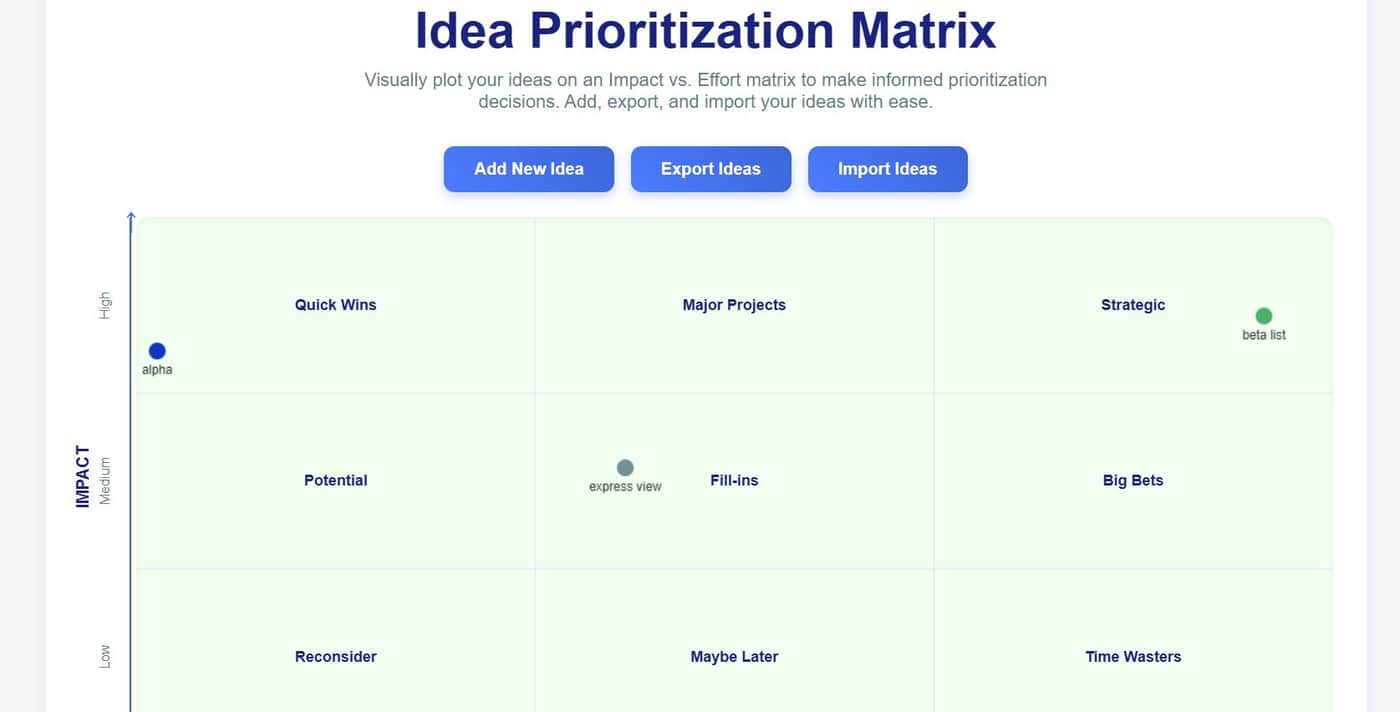
From Chaos to Clarity: Use This Private Impact vs. Effort Matrix for Smarter Planning.
#productivity #projectplanning #ideamatrix #privacy
Zero Friction: No Registration, No Installation.
Try - https://www.onlinetoolsx.com/idea-matrix.html


Whenever you use a "free" website to fix a PDF, edit an image, or format text, you are usually sending your personal files/data to a server owned by someone else. You have no way of knowing if they keep a copy, sell your info, or if their system will get hacked later.
For most of us, this feels like a risk we have to take just to get things done. But there is a much better way to work that keeps your files on your computer.
The Secret Danger of Online Apps
Most websites work like a delivery service: you send them your "package" (your file), they open it, fix it, and send it back. The problem is that once you send that package, you lose control over it.
Sneaky Tracking: Many sites watch what you do to show you ads later.
Safety Risks: If that website gets hacked, your private documents could end up in the wrong hands.
Forced Logins: Many sites make you sign up just to use a simple tool, which means they now have your email address too.
A Better Way: Tools That Stay on Your Device
onlinetoolsx.com work differently. Instead of you sending your files/data to them, we send the "tools" to your browser.
Think of it like a mechanic coming to your garage to fix your car, instead of you towing your car to a shop you don’t trust. Your "car" (your data) never leaves your sight.
1. Your Files/Data Never Leave Your Sight
When you use Online Tools X , all the work happens inside your own computer. Even though you are on a website, your files aren't being uploaded to the internet. If you turned off your Wi-Fi after the page loaded, the tool would still work! This is the best way to make sure your private info stays private.
2. No Accounts or Passwords
You don’t need to create an account or give away your email address. You can just go to the site, use what you need, and leave. There is no trail of who you are or what you worked on. It’s like using a public library instead of a club that tracks your every move.
3. It’s Faster and Easier
Because your computer is doing the work directly, you don’t have to wait for big files to "upload" or "download." The results happen almost instantly. Whether you are using a simple calculator or a complex file converter, it’s snappy and smooth.
The Simple Choice for Everyone
You don't have to be a tech expert to protect yourself. By using local-processing sites like onlinetoolsx.com , you get all the help you need without the "privacy tax."
It’s the smartest way to use the web: you get the job done quickly, and your personal business stays exactly where it belongs—with you.
My original article - https://www.linkedin.com/pulse/stop-giving-away-your-data-safer-way-use-web-online-tools-x-l9onc
Comment