Overlay Text
AI powered text overlay on photo
Hey Indie Hackers! 👋
I recently launched https://overlaytext.com a super simple tool to add beautiful overlay text to your images, no design skills needed.

Hey Indie Hackers! 👋
I recently launched https://overlaytext.com a super simple tool to add beautiful overlay text to your images, no design skills needed.
Why I built OverlayText
I have seen lot of text overlay tools but they only offer normal text overlay
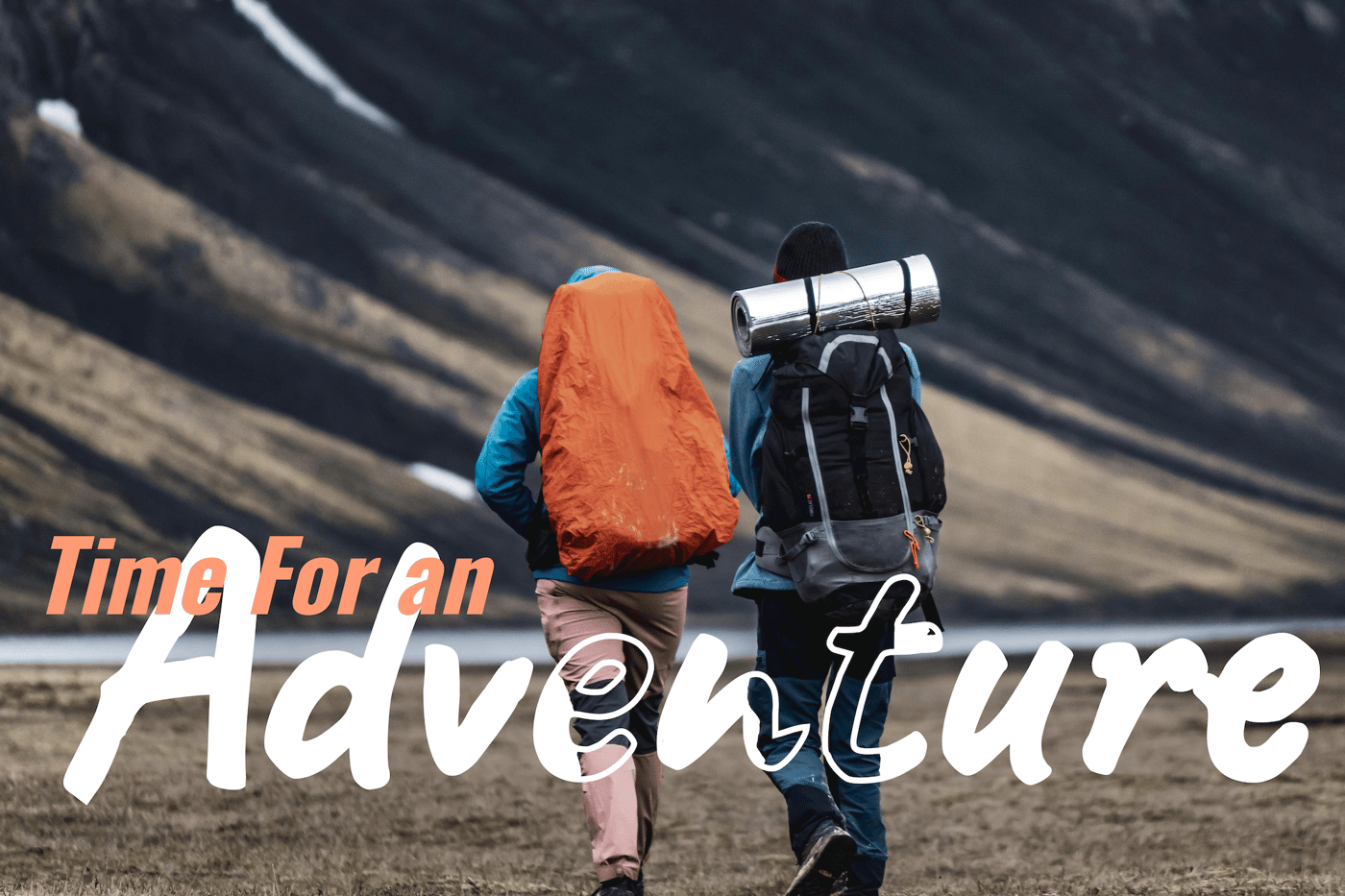
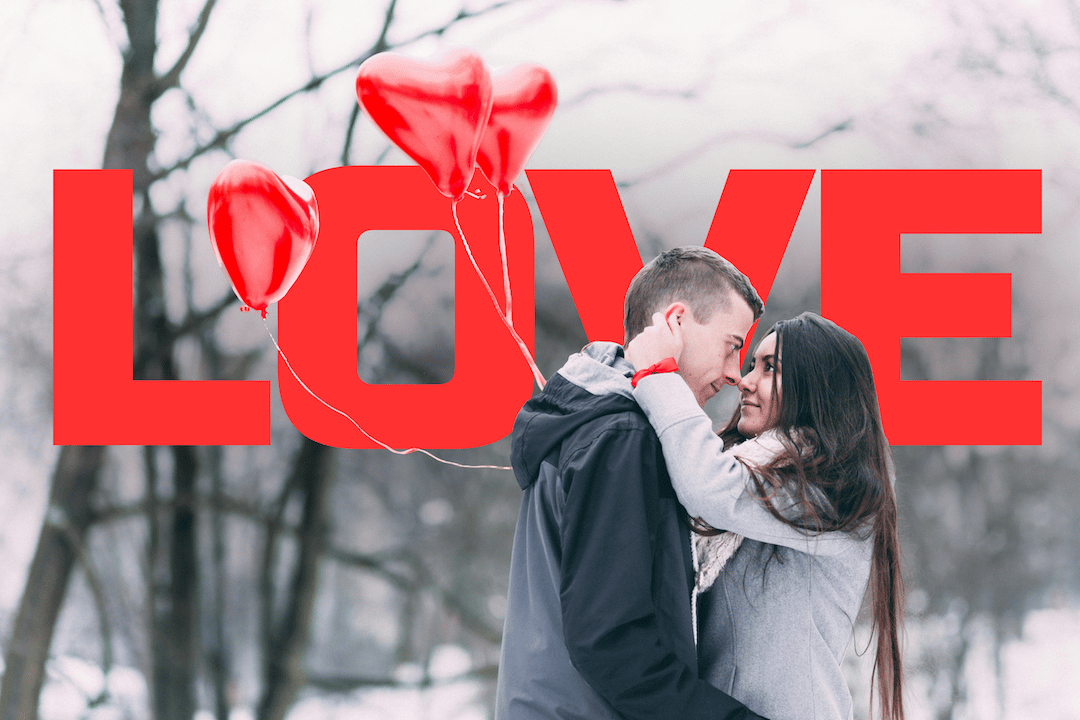
Some tools provide adding text behind objects or people in the photo. But these tools are not user friendly and seems like college projects.
Also I noticed there transparent cutout text effects (knockout text effects) getting popular. And there is no tool that lets you add this effect with a simple click.
All the other major tools like Photoshop, Canva etc have learning curve and don't offer text behind image and transparent cutout text effects.
Because of this I thought of building a text overlay utility tool. I wanted it to be very fast, minimal, and simple for users yet providing high value and great result.
So I built OverlayText, a lightweight tool that does one thing well.
What It Does
Upload an image
Use overlay mode: Normal, Behind or Knockout as per the need
Style it: Adjust font, size, color, shadow etc
Position it anywhere
Adjust background or subject effects and filter
Download instantly
No signup. No clutter. No learning curve. Works on desktop and mobile. Clean, intuitive controls and Great for tweet cards, blog promos, thumbnails, quotes.
Use Cases
Whether you’re a:
Solo maker crafting product updates
Content creator building social visuals
Writer designing featured blog images
Influencers who wants their photos stand out
Marketing team who are creating marketing contents
Try It Out
👉 https://overlaytext.com
Let me know what you think. Feedback, ideas, and feature requests welcome!
-
1
This looks really neat, Vikram! I’ve spent way too much time trying to get text to look good over images, and tools like Canva or Photoshop always feel like overkill for a single image.
I love that you included “behind” and “knockout” text modes — those are the effects I’ve wanted for ages but couldn’t figure out without a lot of fiddling. Making it fast, lightweight, and no signup is such a small detail, but it’s huge for actually getting work done without friction.
Curious — have you noticed which effect people tend to use most? I’m wondering if most makers stick with normal overlays or go straight for the knockout/behind styles.
-
1
The gap you're filling: tools that offer knockout text either have a learning curve or look like college projects. You built the simple middle, no signup, no clutter, one thing well. That's not a feature set, that's a constraint that becomes the value.


1 Comment
Super clean idea. Tools like this always seem “simple” on the surface, but the reality is most people don’t want to open Figma or Photoshop just to add text to an image — they want something fast, frictionless, and good‑looking by default.